FFmpeg 获取截图(vb.net,音视频处理基础需要使用的,类库——12)
相信网上的教程时非常的多,不管使用什么语言去编写,都少不了process类的调用。
我们在之前写计时器的时候,就使用了ProgressBar控件,其中是反应倒计时的进度,把所有的秒数算出来,才可以进行倒计时
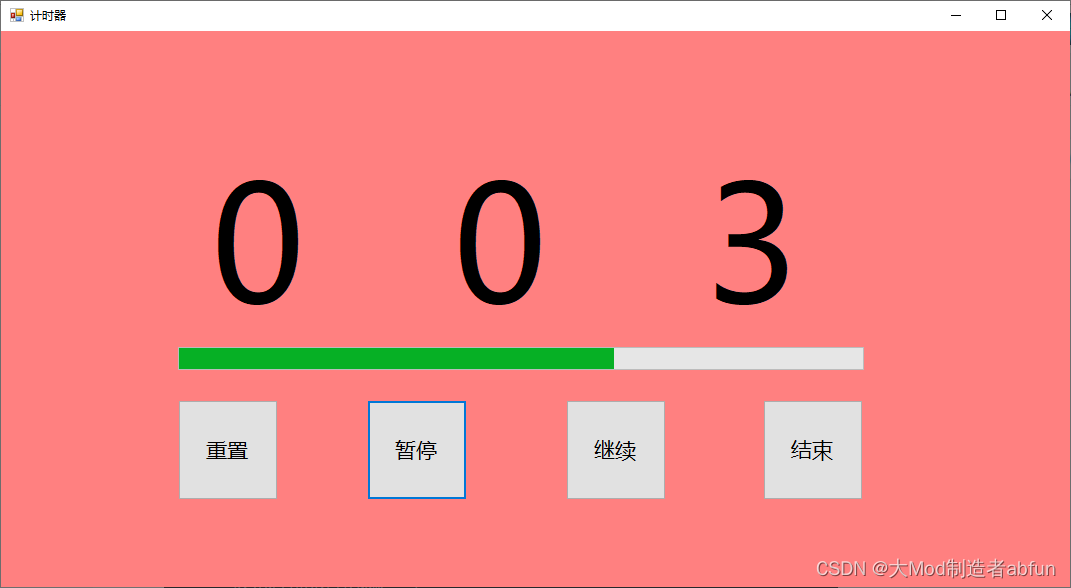
这是还在开发的计时器3.0
这里也是这样:
t = S + M * 60 + H * 3600
写之前请把基础代码写上(我几乎每一期都会写这一段!!)
Public Shared Function SharedP(s As String, Arguments As String, nowindow As Boolean)Dim p As New Processp.StartInfo.FileName = sp.StartInfo.Arguments = Argumentsp.StartInfo.UseShellExecute = Falsep.StartInfo.RedirectStandardError = Truep.StartInfo.CreateNoWindow = nowindowp.Start()p.StandardError.ReadToEnd()Return p.StandardError.ReadToEnd()p.WaitForExit()p.Kill()p.Close()p.Dispose()End Function
代码:
Public Function GetImage(input As String, H As Integer, M As Integer, S As Integer) As BitmapDim t As Integert = S + M * 60 + H * 3600SharedP(ffmpeg, "-i " & input & " -ss " & t & " -f image2 " & Application.StartupPath & "\a.png -y", True)Return New Bitmap(Application.StartupPath & "\a.png")End Function但是,这只局限于秒,我们是否可以精确到100毫秒?
来吧,写一个重载:
Public Overridable Function GetImage(input As String, H As Integer, M As Integer, S As Integer, MS As Integer) As BitmapSharedP(ffmpeg, "-i " & input & " -ss " & H & ":" & M & ":" & S & "." & MS & " -f image2 " & Application.StartupPath & "\a.png -y", True)Return New Bitmap(Application.StartupPath & "\a.png")End Function这不比那么多代码来得简单易懂?
本文来自互联网用户投稿,文章观点仅代表作者本人,不代表本站立场,不承担相关法律责任。如若转载,请注明出处。 如若内容造成侵权/违法违规/事实不符,请点击【内容举报】进行投诉反馈!