Nyudv2深度图像转HHA图像
我提取深度图像使用的是这个代码:
import numpy as np
import h5py
import os
from PIL import Imagef = h5py.File("nyu_depth_v2_labeled.mat")
depths = f["depths"]
depths = np.array(depths)path_converted = './nyu_depths/'
if not os.path.isdir(path_converted):os.makedirs(path_converted)max = depths.max()
print(depths.shape)
print(depths.max())
print(depths.min())depths = depths / max * 255
depths = depths.transpose((0, 2, 1))print(depths.max())
print(depths.min())for i in range(len(depths)):print(str(i) + '.png')depths_img = Image.fromarray(np.uint8(depths[i]))# depths_img = depths_img.transpose(Image.FLIP_LEFT_RIGHT)iconpath = path_converted + str(i) + '.png'depths_img.save(iconpath, 'PNG', optimize=True)
然后使用的是以下这个代码进行转换:
项目地址为:GitHub - charlesCXK/Depth2HHA-python: Use python3 to convert depth image into hha image
# --*-- coding:utf-8 --*--
import math
import cv2
import os
import mathfrom utils.rgbd_util import *
from utils.getCameraParam import *'''
must use 'COLOR_BGR2GRAY' here, or you will get a different gray-value with what MATLAB gets.
'''def getImage(root=r'C:\Users\Administrator\Desktop\image_process\getHHA\demo'):D = cv2.imread(os.path.join(root, '0.png'), cv2.COLOR_BGR2GRAY)/10000RD = cv2.imread(os.path.join(root, '0_raw.png'), cv2.COLOR_BGR2GRAY)/10000return D , RD'''
C: Camera matrix
D: Depth image, the unit of each element in it is "meter"
RD: Raw depth image, the unit of each element in it is "meter"
'''def getHHA(C, D, RD):missingMask = (RD == 0);pc, N, yDir, h, pcRot, NRot = processDepthImage(D * 100, missingMask, C);tmp = np.multiply(N, yDir)acosValue = np.minimum(1, np.maximum(-1, np.sum(tmp, axis=2)))angle = np.array([math.degrees(math.acos(x)) for x in acosValue.flatten()])angle = np.reshape(angle, h.shape)'''Must convert nan to 180 as the MATLAB program actually does. Or we will get a HHA image whose border region is differentwith that of MATLAB program's output.'''angle[np.isnan(angle)] = 180pc[:, :, 2] = np.maximum(pc[:, :, 2], 100)I = np.zeros(pc.shape)# opencv-python save the picture in BGR order.I[:, :, 2] = 31000 / pc[:, :, 2]I[:, :, 1] = hI[:, :, 0] = (angle + 128 - 90)# print(np.isnan(angle))'''np.uint8 seems to use 'floor', but in matlab, it seems to use 'round'.So I convert it to integer myself.'''I = np.rint(I)# np.uint8: 256->1, but in MATLAB, uint8: 256->255I[I > 255] = 255HHA = I.astype(np.uint8)return HHAif __name__ == "__main__":D, RD = getImage()camera_matrix = getCameraParam('color')print('max gray value: ', np.max(D))  # make sure that the image is in 'meter'hha = getHHA(camera_matrix, D, RD)hha_complete = getHHA(camera_matrix, D, D)cv2.imwrite('demo/hha.png', hha)cv2.imwrite('demo/hha_complete.png', hha_complete)''' multi-peocessing example ''''''from multiprocessing import Pooldef generate_hha(i):# generate hha for the i-th imagereturnprocessNum = 16pool = Pool(processNum)for i in range(img_num):print(i)pool.apply_async(generate_hha, args=(i,))pool.close()pool.join()'''
但是,要是直接运行这个代码,得出的结果和原demo是不一样的。具体体现在:1.我们用的提取代码将图像进行了反转。2.两个深度图像提取的尺度是不一样的
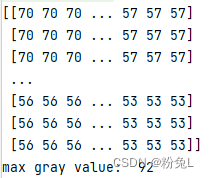
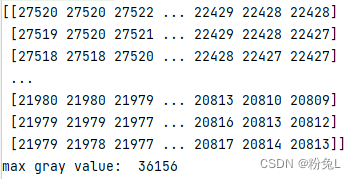
我输出了两个转为GREY之后的图像数值:
提取的图像:
给的demo图像:
按照原来数值进行提取会出现以下效果:
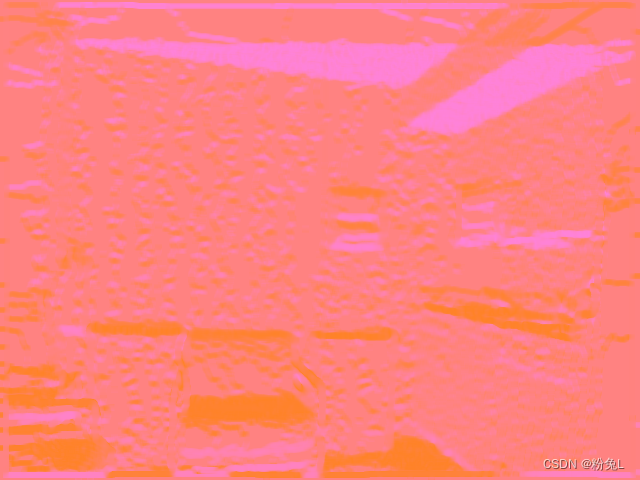
看了matlab源代码之后,推测是因为转HHA图像的作者为了避免转化成int类型时候的巡视,所以将原图像尺度扩大了10000倍,所以在使用时需要缩小10000倍。
而这个提取深度图像的代码缩放的尺寸为255*MAX,所以要除以对应的尺度才行。
我的处理方法是,下载官网的Toolbox处理工具,和Labeled dataset:
NYU Depth V2 « Nathan Silberman
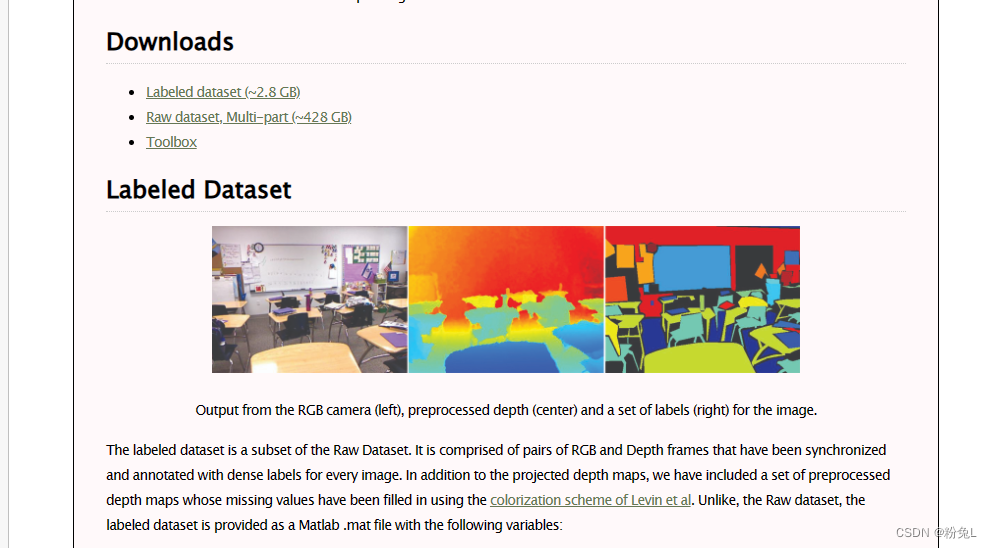
然后都在matlab中打开:
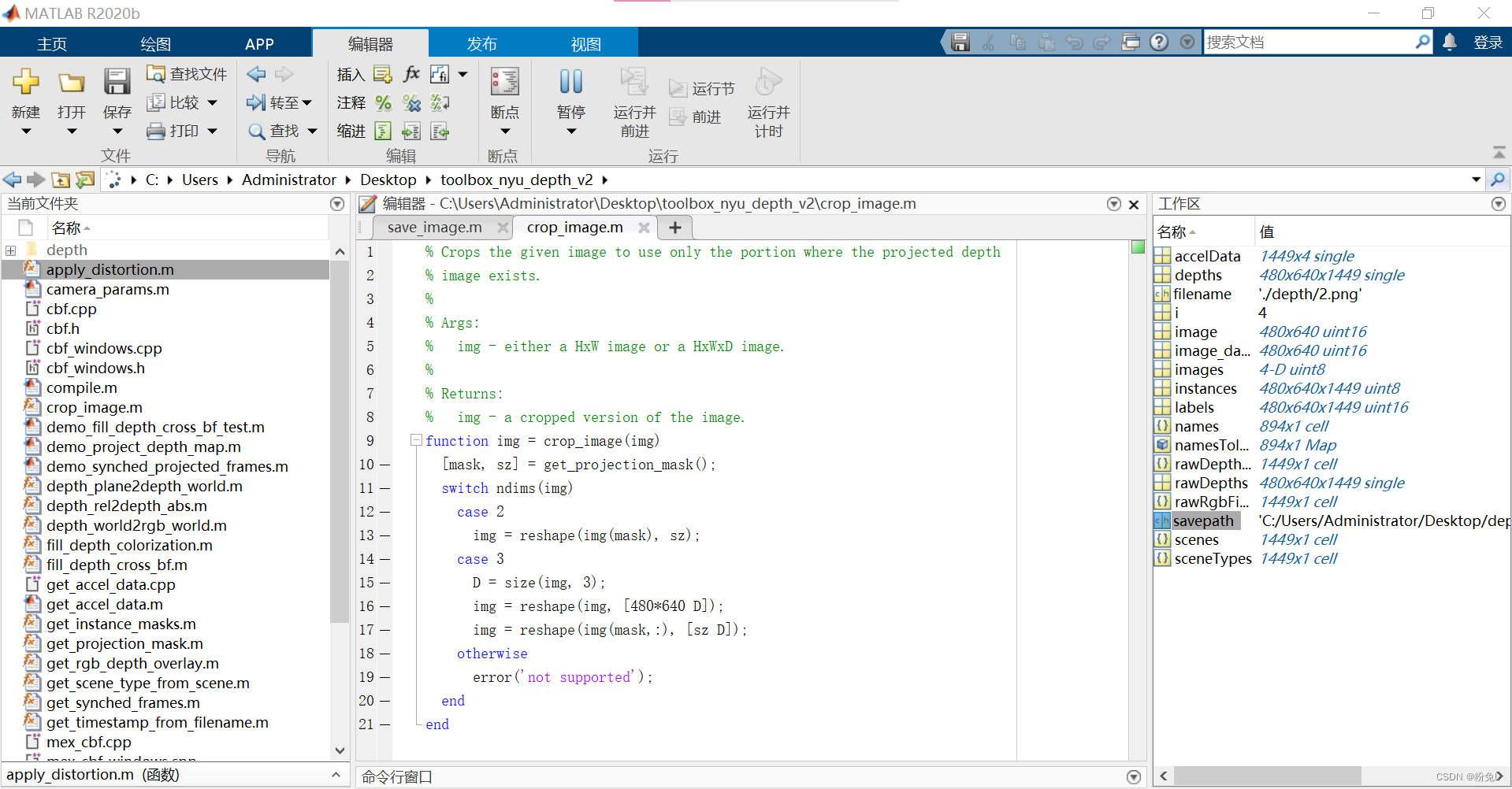
新建一个demo,添加以下文件提取代码:
for i =1:size(depths,3)image_data=depths(:,:,i)image_data=double(image_data)image_data=uint16(image_data*10000)image=fliplr(image_data)filename=sprintf('./depth/%d.png',i-1)imwrite(image,filename)
end
就可以提取到与HHA作者相同的图像,然后应用那个Depth2HHA代码就可以了
本文来自互联网用户投稿,文章观点仅代表作者本人,不代表本站立场,不承担相关法律责任。如若转载,请注明出处。 如若内容造成侵权/违法违规/事实不符,请点击【内容举报】进行投诉反馈!