CSS中伪元素详解和用法例子详解
文章目录
- 一、教学视频
- 二、伪元素介绍
- 三、::before和::after
- 四、::first-line和::first-letter
- 五、::selection
- 六、::placeholder
一、教学视频
教学讲解视频:视频地址
二、伪元素介绍
伪元素:用于创建一些不在DOM树中的元素,并为其添加样式。
三、::before和::after
::before 伪元素可以用来创建一个内部元素,它的内容会覆盖在父元素的内容之前。
::after 伪元素可以用来创建一个外部元素,它的内容会覆盖在父元素的内容之后。
这里有个注意点,content是必须的,如果不写content,伪元素会失效。
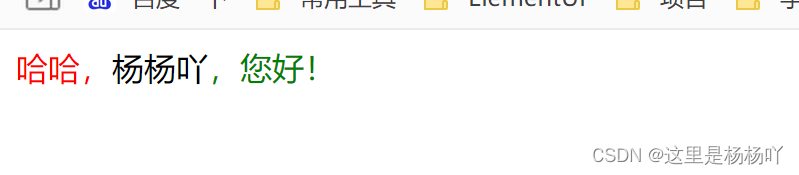
先看下面简单的应用:
DOCTYPE html>
<html xmlns:th="http://www.thymeleaf.org">
<style>div::before {content: '哈哈,';color: red}div::after {content: ',您好!';color: green}style><div>杨杨吖div>
html>
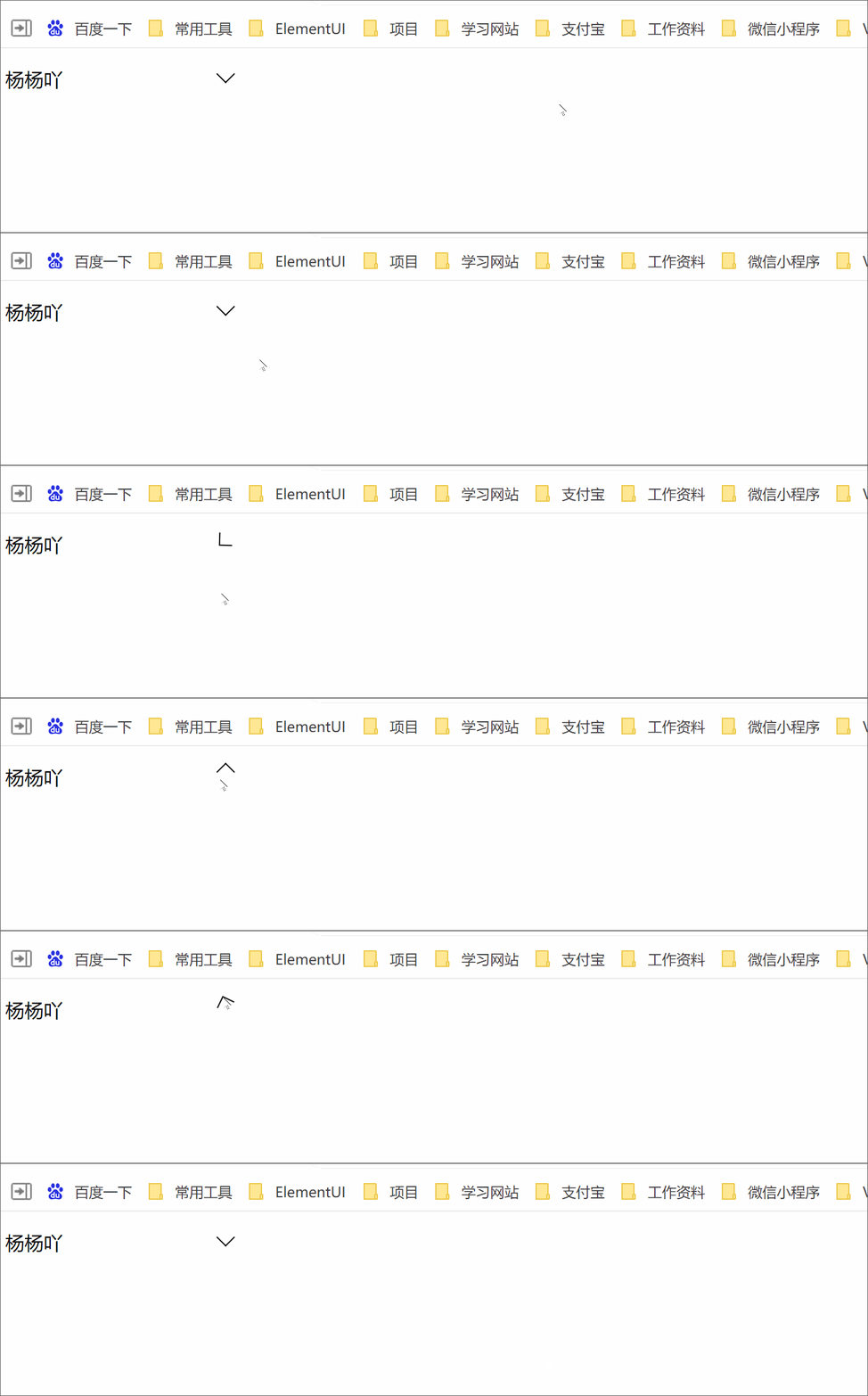
再举个例子,鼠标悬浮改变下拉箭头方向,松开再次改变:
DOCTYPE html>
<html xmlns:th="http://www.thymeleaf.org">
<style>div {position: relative;width: 200px;height: 35px;line-height:35px;}div::after {content: "";position: absolute;top: 8px;right: 10px;width: 10px;height: 10px;border-right: 1px solid #000000;border-bottom: 1px solid #000000;transform: rotate(45deg);transition: all 0.3s;}div:hover::after {content: "";position: absolute;top: 8px;right: 10px;width: 10px;height: 10px;border-right: 1px solid #000000;border-bottom: 1px solid #000000;transform: rotate(225deg);transition: all 0.3s;}style><div>杨杨吖div>
html>
四、::first-line和::first-letter
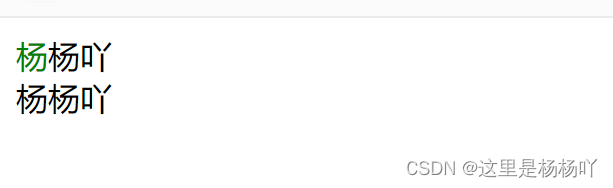
::first-line 只能用于块级元素。用于设置附属元素的第一个行内容的样式。
::first-letter 只能用于块级元素。用于设置附属元素的第一个字母的样式。
DOCTYPE html>
<html xmlns:th="http://www.thymeleaf.org">
<style>div::first-line {color: green;}style><div>杨杨吖<br/>杨杨吖div>
html>

DOCTYPE html>
<html xmlns:th="http://www.thymeleaf.org">
<style>div::first-letter {color: green;}style><div>杨杨吖<br/>杨杨吖div>
html>
五、::selection
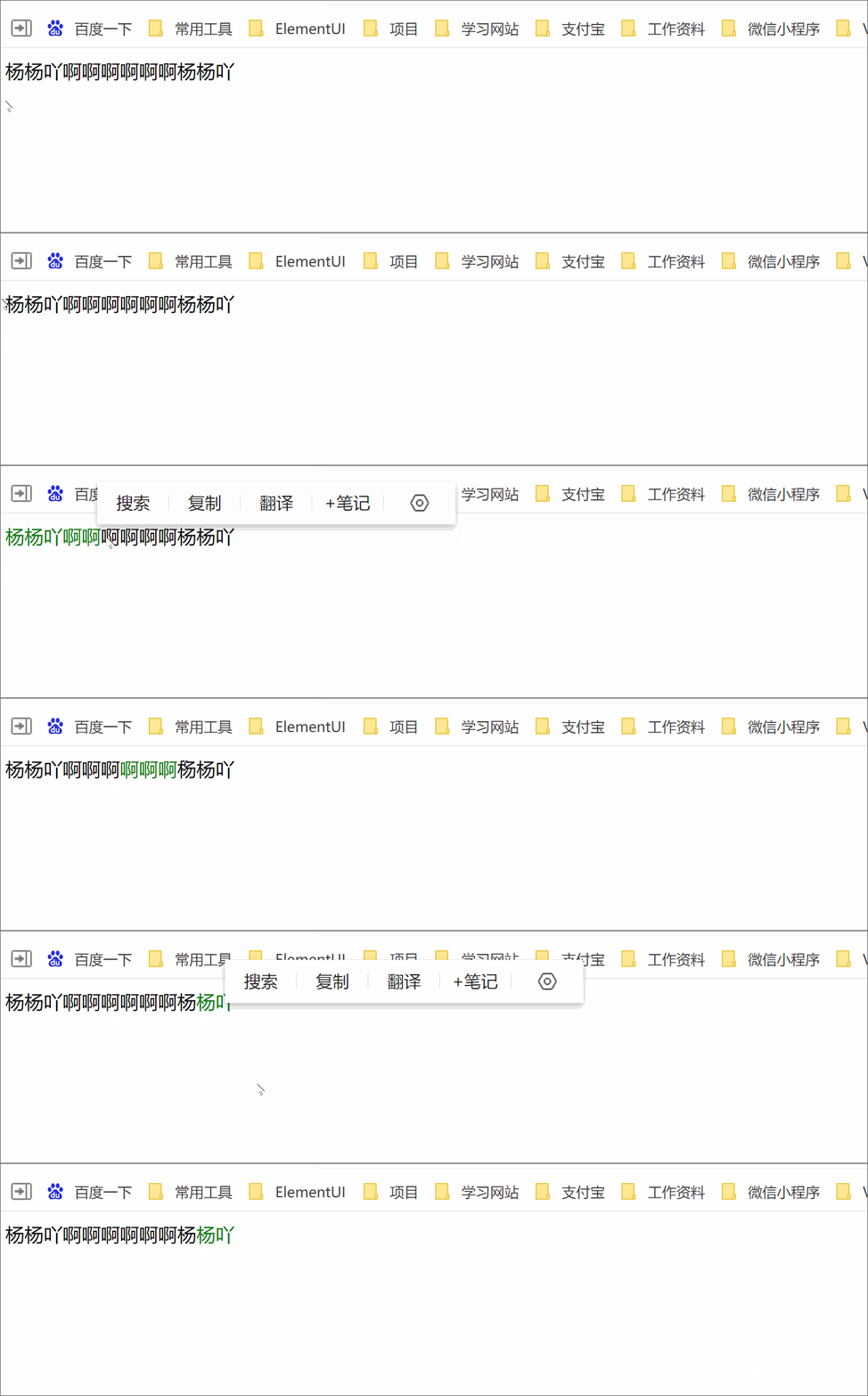
::selection 匹配鼠标长按拖动选中的内容。
六、::placeholder
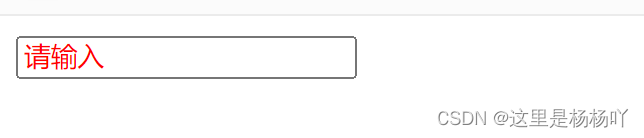
::placeholder 用于设置input元素的placeholder内容的样式。
DOCTYPE html>
<html xmlns:th="http://www.thymeleaf.org">
<style>input::placeholder {color: red;}style><input placeholder="请输入"/>
html>
本文来自互联网用户投稿,文章观点仅代表作者本人,不代表本站立场,不承担相关法律责任。如若转载,请注明出处。 如若内容造成侵权/违法违规/事实不符,请点击【内容举报】进行投诉反馈!