amax服务器切换系统,AMAX 深度学习服务器重装系统
AMAX 深度学习服务器重装系统
1. System Initializing
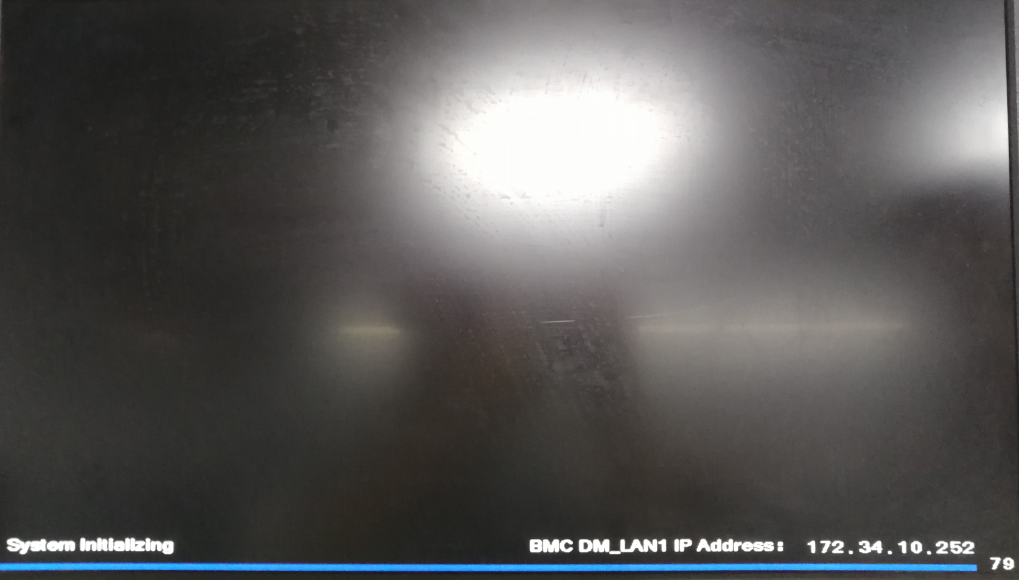
2. Press DEL to run Setup.
Press ALT + F2 to run EzFlash.
Press F8 for BBS POPUP.
Press DEL to run Setup.
Press F12 to run Net Boot.
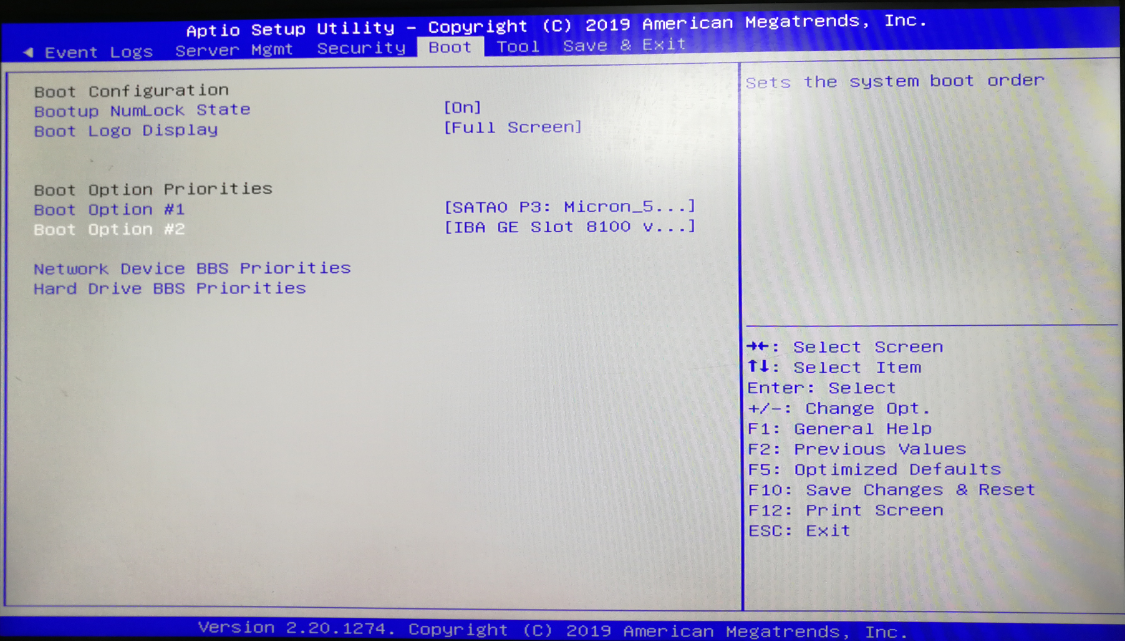
3. Boot -> Boot Option Priorities
我们在 Boot Option 选项下无法找到优盘启动选项,右移至 Save & Exit。
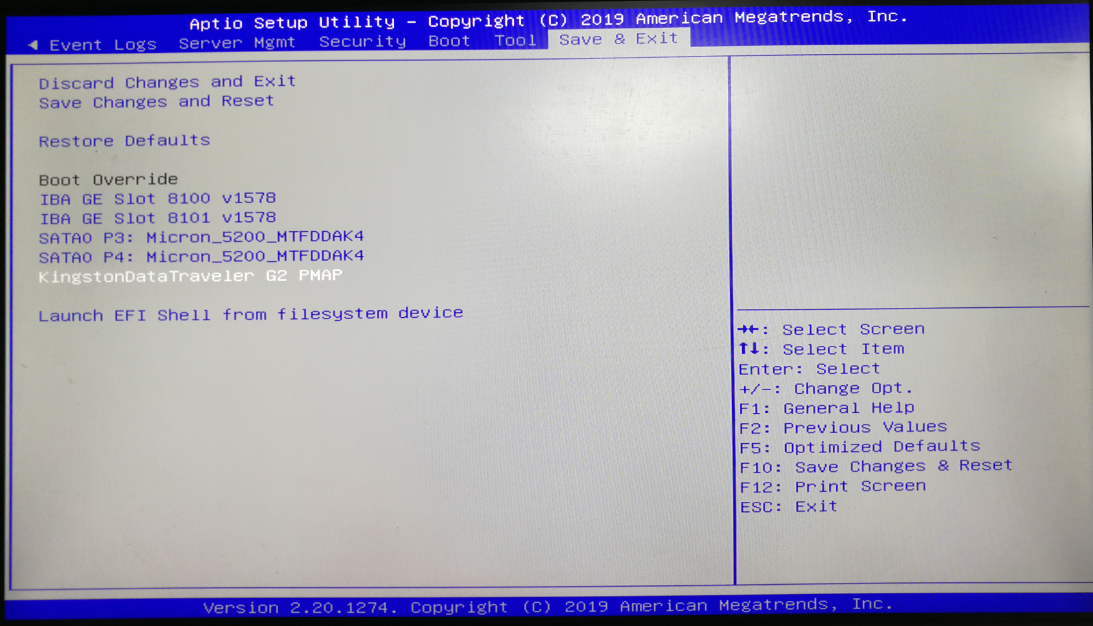
4. Save & Exit
优盘启动选项:KingstonDataTraveler G2 PMAP。
5. live-install
Start booting from USB device …
SYSLINUX 4.05 EDD 2011-12-09 Copyright © 1994-2011 H. Peter Anvin et al
Missing parameter in configuration file. Keyword: path
gfxboot.c32: not a COM32R image
boot :
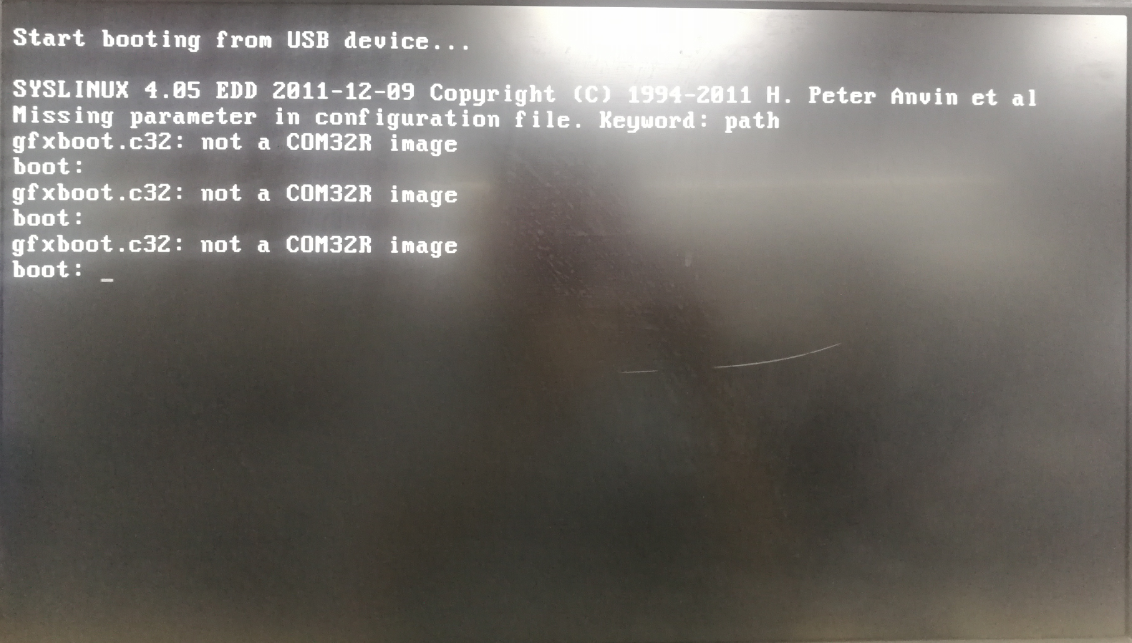
live-install
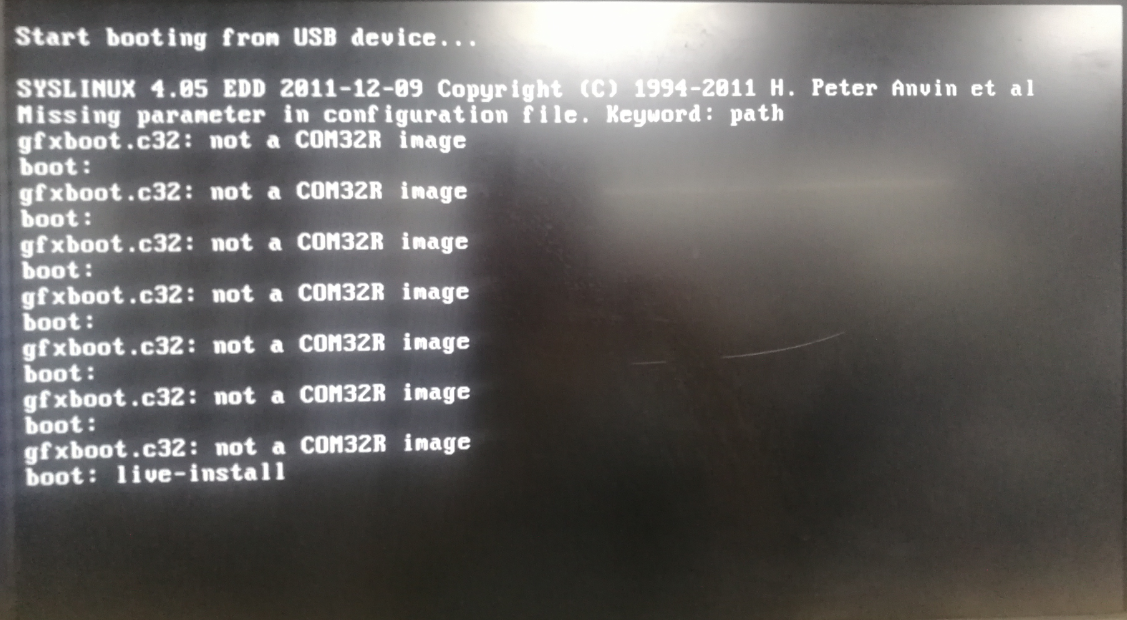
Press TAB when that happens (when you boot and the error message appears) and then you will be able to choose between options (live, live-install, …). Type live, press ENTER and it will boot you into the live try from there you can install.
标签:run,Boot,boot,重装系统,live,install,Press,服务器,AMAX
来源: https://blog.csdn.net/chengyq116/article/details/95877274
本文来自互联网用户投稿,文章观点仅代表作者本人,不代表本站立场,不承担相关法律责任。如若转载,请注明出处。 如若内容造成侵权/违法违规/事实不符,请点击【内容举报】进行投诉反馈!