esp8266_贝壳物联_arduino

功能:
接收串口数据,将串口数据上报到贝壳物联的数据接口
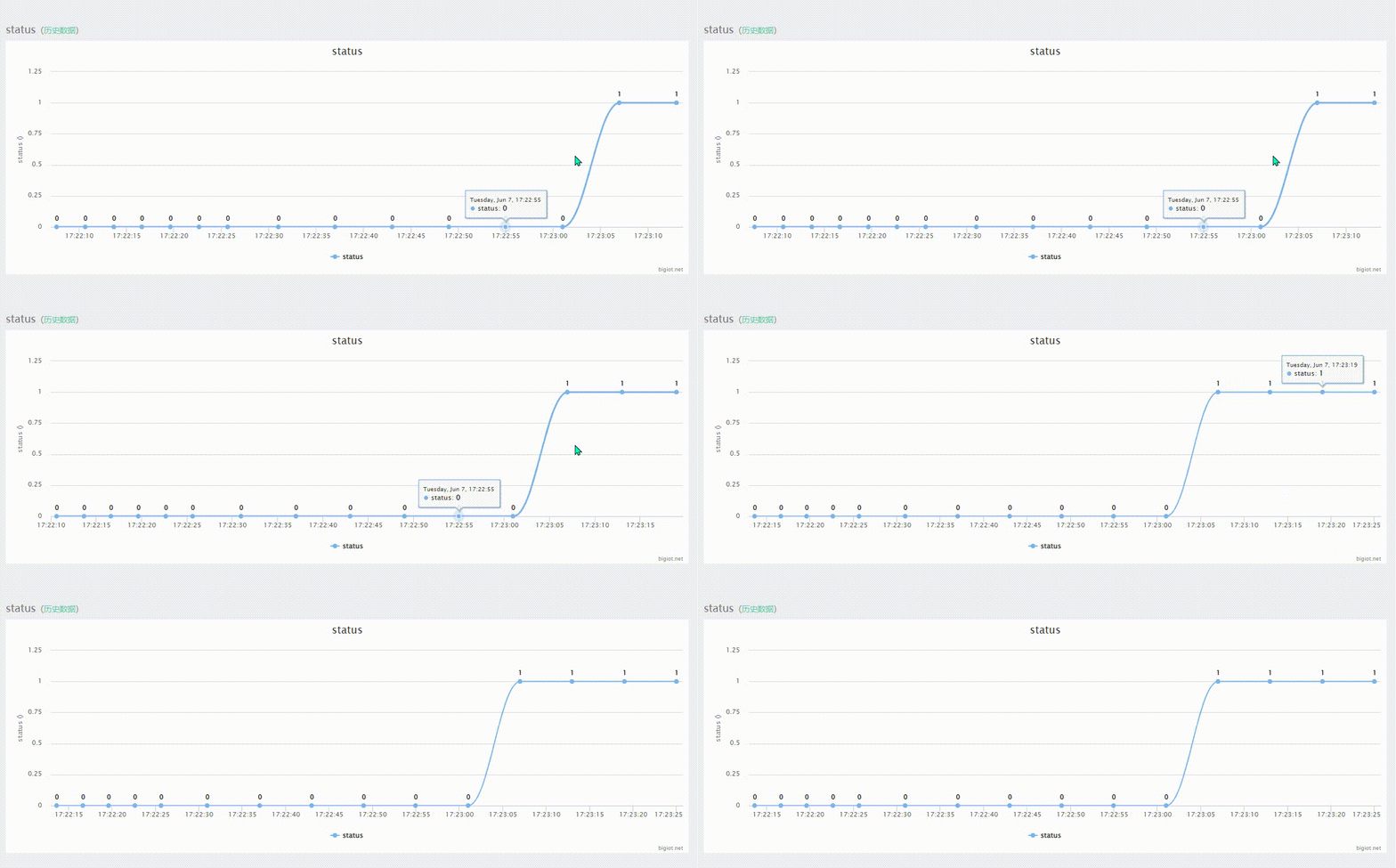
此处为接收0和1数据,上报到贝壳物联

贝壳物联平台通讯协议
ArduinoJson解析
ArduinoJson Assistant非常好用的工具

#include 
#include 
#include                        // 使用Ticker库,需要包含头文件
#include 
//Ticker timer1;                            // 创建一个定时器对象
const char* ssid     = "xxxxx";    //wifi name
const char* password = "xxxxxx";  //wifi passwd
const char* device_id = "xxxxx";      //设备ID
const char* device_key = "xxxxxxx"; //设备key
const char* interface_id = "xxxxxx";   //接口id
String heart_string;                  //心跳信息const char* host = "www.bigiot.net";  //网站 
const int  port = 8282;               //服务器向客户端发送心跳包的端口WiFiClient client;
#define bufferSize 8192uint8_t buf1[bufferSize];
uint16_t i1=0;uint8_t buf2[bufferSize];
uint16_t i2=0;bool tcp_ok = 0;         //是否是首次连接(首次连接发送心跳包)#define packTimeout 5 // ms (if nothing more on UART, then send packet)void WiFi_Connect()
{Serial.begin(9600);// We start by connecting to a WiFi networkSerial.println();Serial.println();Serial.print("Connecting to ");Serial.println(ssid);/* Explicitly set the ESP8266 to be a WiFi-client, otherwise, it by default,would try to act as both a client and an access-point and could causenetwork-issues with your other WiFi-devices on your WiFi-network. */WiFi.mode(WIFI_STA);WiFi.begin(ssid, password);while (WiFi.status() != WL_CONNECTED) {delay(500);Serial.print(".");}Serial.println("");Serial.println("WiFi connected");Serial.println("IP address: ");Serial.println(WiFi.localIP());
}void Heart_Task()
{//心跳包任务StaticJsonDocument<96> heart_json;heart_json["M"] = "checkin";heart_json["ID"] = device_id;heart_json["K"] = device_key;serializeJson(heart_json, heart_string);//设置周期性定时10s//timer1.attach(10, Heart_Live);
}void setup() {WiFi_Connect();//心跳包服务Heart_Task();
}void loop() {//TCP客户端//如果没有连接if(!client.connected()) { // if client not connectedif (!client.connect(host, port)) { //连接失败退出再次连接Serial.println("connection failed");delay(5000);tcp_ok = 0; //连接失败return;}}//如果是第一次上线if(tcp_ok == 0){tcp_ok = 1;//发送登陆消息client.println(heart_string);}//如果收到来自客户端的消息if(client.available()) {while(client.available()) {buf1[i1] = (uint8_t)client.read(); // read char from client (RoboRemo app)if(i1<bufferSize-1) i1++;}//解析消息StaticJsonDocument<128> receive_json;DeserializationError error = deserializeJson(receive_json, buf1, i1);if (error) {Serial.print(F("deserializeJson() failed: "));Serial.println(error.f_str());return;}// 串口发送出来:serializeJson(receive_json, Serial);const char* M = receive_json["M"]; // "heart beat"if(*M == 'b') //如果是心跳信号{Serial.println(" receive heart beat");client.println(heart_string); //发送上线通知}//Serial.write(buf1, i1);i1 = 0;}//串口接收数据if(Serial.available()) {// read the data until pause:while(1) {if(Serial.available()) {buf2[i2] = (char)Serial.read(); // read char from UARTif(i2<bufferSize-1) i2++;} else {//delayMicroseconds(packTimeoutMicros);delay(packTimeout);if(!Serial.available()) {break;}}}// now send to WiFi://client.write((char*)buf2, i2);Serial.write(buf2, i2);bool send_flag = 0;StaticJsonDocument<96> send_json;//发送数据if(buf2[0] == '0') //如果是没人{send_flag = 1; send_json["V"][interface_id] = "0"; }else if(buf2[0] == '1')//有人{send_flag = 1;send_json["V"][interface_id] = "1"; }if(send_flag == 1){String send_string;send_json["M"] = "update";send_json["ID"] = device_id; //设备IDserializeJson(send_json, send_string);client.println(send_string); //发送上线通知}i2 = 0;send_flag = 0;}
}

请添加图片描述


本文来自互联网用户投稿,文章观点仅代表作者本人,不代表本站立场,不承担相关法律责任。如若转载,请注明出处。 如若内容造成侵权/违法违规/事实不符,请点击【内容举报】进行投诉反馈!

相关文章

立即
投稿

微信公众账号

微信扫一扫加关注

返回
顶部