ionic2--验证码倒计时
ionic2+angular4 触发button实现60秒倒计时:
效果: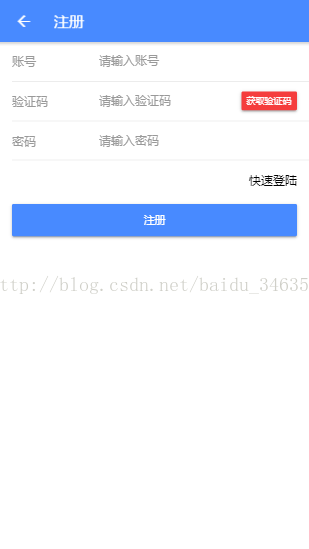
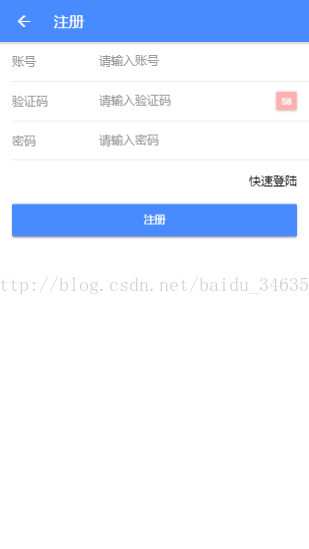
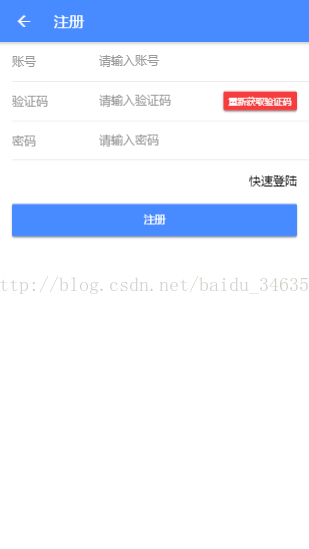
实现思路:
点击按钮后开始倒计时,同时按钮不可点击。倒计时完成后显示重新获取验证码。
代码:
HTML:
< ion-content > < ion-item > < ion-label fixed > 账号 ion-label > < ion-icon name = "heart" > ion-icon > < ion-input type = "text" placeholder = "请输入账号" # username [( ngModel )]= "user.username" > ion-input > ion-item > < ion-item > < ion-label fixed > 验证码 ion-label > < ion-input type = "password" placeholder = "请输入验证码" # code > ion-input > < button item-right ion-button color = "danger" medium ( click )= "getCode()" [ disabled ]= "status" > {{codeValue}} button > ion-item > < ion-item > < ion-label fixed > 密码 ion-label > < ion-input type = "password" placeholder = "请输入密码" # password > ion-input > ion-item > < ion-item no-lines > < label item-right ( click )= "login()" > 快速登陆 label > ion-item >< div margin-left = "10" margin-right = "10" > < button ion-button block color = "primary" ( click )= "doRegister(username, password,code)" > 注册 button > div > ion-content >
Component:
private code : number ; private status : boolean ; getCode (){ this . status = true ; this . code = 60 ; this . timer = setInterval (() => { this . code = this . code - 1 ; if ( this . code >= 0 ){ this . codeValue = this . code + "" ; } else { this . codeValue = '重新获取验证码' ; this . status = false ; return ; } }, 1000 ); }
结束!!!!
本文来自互联网用户投稿,文章观点仅代表作者本人,不代表本站立场,不承担相关法律责任。如若转载,请注明出处。 如若内容造成侵权/违法违规/事实不符,请点击【内容举报】进行投诉反馈!