【HTML】ts/typescript/倒计时/计时器/图片切换/音乐播放/button的运用/setInterval()函数/clearInterval()
Angular-数据绑定-事件绑定-属性绑定
- 代码如下;效果图在最下面
- app.component.html
- app.component.scss
- comp01.component.html
- comp01.component.scss
- comp01.component.ts
- 主要的知识点
- 讲解在这:
- 效果图在这:
这是一个图片切换,音乐播放器,倒计时,计时器,多重的html,主要是有数据绑定,属性绑定,事件绑定,音乐的加载播放和暂停,倒计时的开始和暂停,图片的变换 button按键的运用
代码如下;效果图在最下面
app.component.html
<!--app.component.html-->
<h1>羊村人物图鉴</h1>
<hr>
<div class="flex-container"><app-comp01></app-comp01>
</div>
app.component.scss
//app.component.scss
h1{text-align: center;
}.flex-container{
display: flex;
justify-content: center;
}
创建一个组件在拆分终端中输入ng g component components/comp01
comp01.component.html
<!--comp01.component.html-->
<div style="text-align:center;"><h1>{{name}}</h1><!--实现数据绑定--><div>{{xingge}}</div><!--实现数据绑定--><div style="display:flex;"><div></div><div></div><div></div><button><img src="../../../assets/tu/left.png" (click)='last()' style="width:150px;height:250px;"></button><!--实现事件绑定--><img [src]="imgpath2" style="width:600px;height: 500px;"><!--实现属性绑定--><button><img src="../../../assets/tu/right.png" (click)='next()' style="width:150px;height:250px;"></button><!--实现事件绑定--></div><div [style]="center" [class]="tag? 'box1':'box2'"><!--实现属性绑定--><button><img [src]="imgpath"(click)='play()' style="width: 200px;height:80px;"></button><!--实现属性和事件绑定--></div><div style="font-size: 30px;">已经进入羊村{{minuter}}分{{second}}秒</div><!--实现数据绑定--><button (click)='hhh()' >出羊村</button>
</div>
comp01.component.scss
/*comp01.component.scss*/
.box2{border: 10px ridge rgba(223, 238, 14, 0);margin-top: 20px;padding: 20px;
}
.box1 {margin: auto;width:200px;height:80px;border: 10px dotted rgb(204, 134, 4);margin-top: 20px;padding: 20px;hr {height: 4px;background-color: black;}div {  white-space: pre-wrap; }
}
button {border:none;background-color: transparent;}
comp01.component.ts
/*comp01.component.ts*/
import { Component, OnInit } from '@angular/core';
@Component({selector: 'app-comp01',templateUrl: './comp01.component.html',styleUrls: ['./comp01.component.scss']
})
export class Comp01Component implements OnInit {
public center: string;public tag: boolean;public control: number;//用于控制变化public imgpath: string;public imgpath2: string;public song: any;public name: string;public xingge: string;public minuter: any;public second: any;public timeid: any;private flag: boolean = true;//控制计计时变量public time: number;ngOnInit(): void { }constructor() {this.center = "text-align:center;";this.tag = false;this.control = 1;this.timeid = null;this.minuter = 0;this.second = 0;this.time = 0;this.imgpath = "assets/tu/sh.png";this.imgpath2 = "https://gimg2.baidu.com/image_search/src=http%3A%2F%2Fimg9.51tietu.net%2Fpic%2F2019-090923%2Ftbasoi3jonrtbasoi3jonr.jpg&refer=http%3A%2F%2Fimg9.51tietu.net&app=2002&size=f9999,10000&q=a80&n=0&g=0n&fmt=auto?sec=1651654210&t=038aa15800c81bbcb2c961f5dbde9378";this.song = new Audio();//实现音乐的创建this.song.src = "https://webfs.tx.kugou.com/202204041725/d8f5cc961768b8308569cc5d9becc3fc/KGTX/CLTX001/f2e7e2ea86744b6511963a069c7ccb19.mp3";//实现音乐的创建this.song.load();//实现音乐的加载this.xingge = "生活着一群羊羊";this.name = "羊村";}play() {this.picture()this.tag = !this.tag;console.log(this.tag);if (this.tag) {this.imgpath = "assets/tu/ld.png";this.song.play();//实现音乐的播放this.start();} else {this.imgpath = "assets/tu/sh.png";this.song.pause();//实现音乐的暂停this.stop();}}next() {if(this.tag==true){this.tag=true;}else{this.tag=false;}if (this.control >= 3) {this.control = 1;} else {this.control = this.control + 1;}console.log(this.control);this.picture();}last() {if(this.tag==true){this.tag=true;}else{this.tag=false;}if (this.control <= 1) {this.control = 3;} else {this.control = this.control - 1;}console.log(this.control);this.picture();}start() {if (this.flag) {this.flag = false;this.timeid = setInterval(() => {//利于setInterval函数this.minuter = Math.floor(this.time / 60);this.second = this.time % 60;this.time++;}, 1000)//返回值time只是为了需要暂停的时候clearInterval(time)清除时间间隔}}stop() {clearInterval(this.timeid);//利于clearInterval函数this.flag = true;}picture() {//有图片if (this.control == 1) {this.imgpath2 = "assets/tu/x.jpg";this.name = "喜羊羊";this.xingge = "聪明的象征";} else if (this.control == 2) {this.imgpath2 = "assets/tu/m.jpg";this.name = "美羊羊";this.xingge = "漂亮的象征";} else if (this.control == 3) {this.imgpath2 = "assets/tu/l.jpg";this.name = "懒羊羊";this.xingge = "懒惰的象征";}}hhh(){alert("别想了,你就是羊村的人啦");}
}
主要的知识点
- 创建组件
- 实现数据绑定
- 实现事件绑定
- 实现属性绑定
- 有图片和音乐
- 实现音乐的创建、播放和暂停播放
- 利于setInterval等函数实现相应的功能
- 有标题和水平线
- 点击图片时,图片会换成另一张图片,图片的样式会发生变化
讲解在这:
setInterval(() => {//利于setInterval函数this.minuter = Math.floor(this.time / 60);this.second = this.time % 60;this.time++;}, 1000)
上面这个就是利用setInterval()函数对进行回调函数,他主要实现的效果是没1000毫秒执行一下()中的函数,可以举一反三的方式在里面放各种函数和事件, clearInterval()是清=清除时间间隔。
this.song.play();//实现音乐的播放
this.song.pause();//实现音乐的暂停
this.song.load();
是音乐加载
下面这句话的效果如下“alert("别想了,你就是羊村的人啦");”
alert("别想了,你就是羊村的人啦");

效果图在这:
开始页面

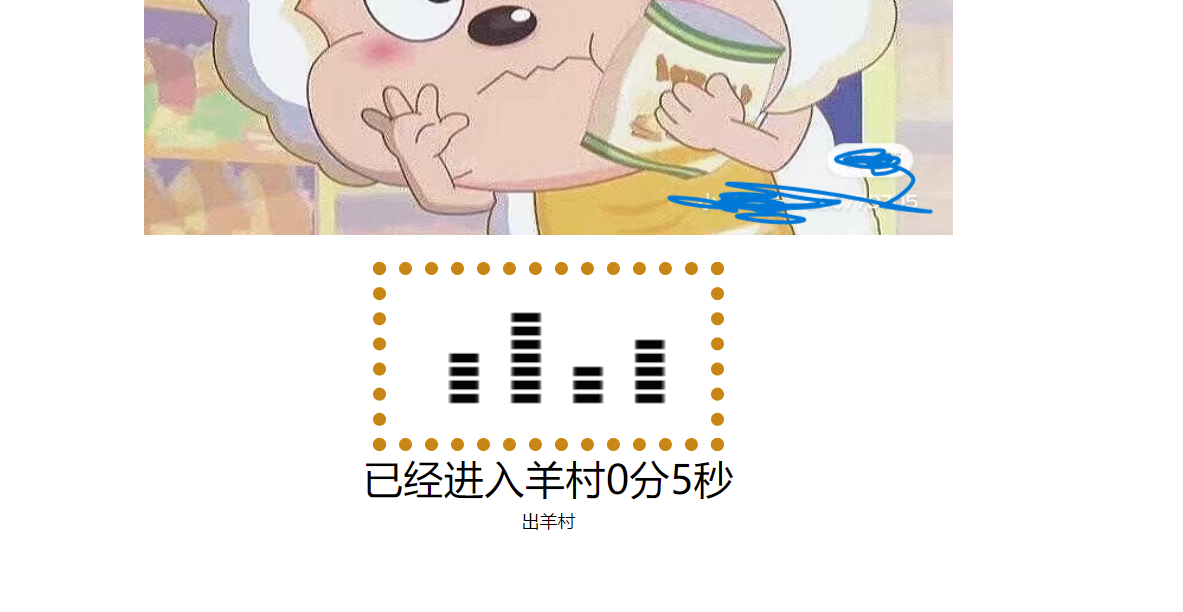
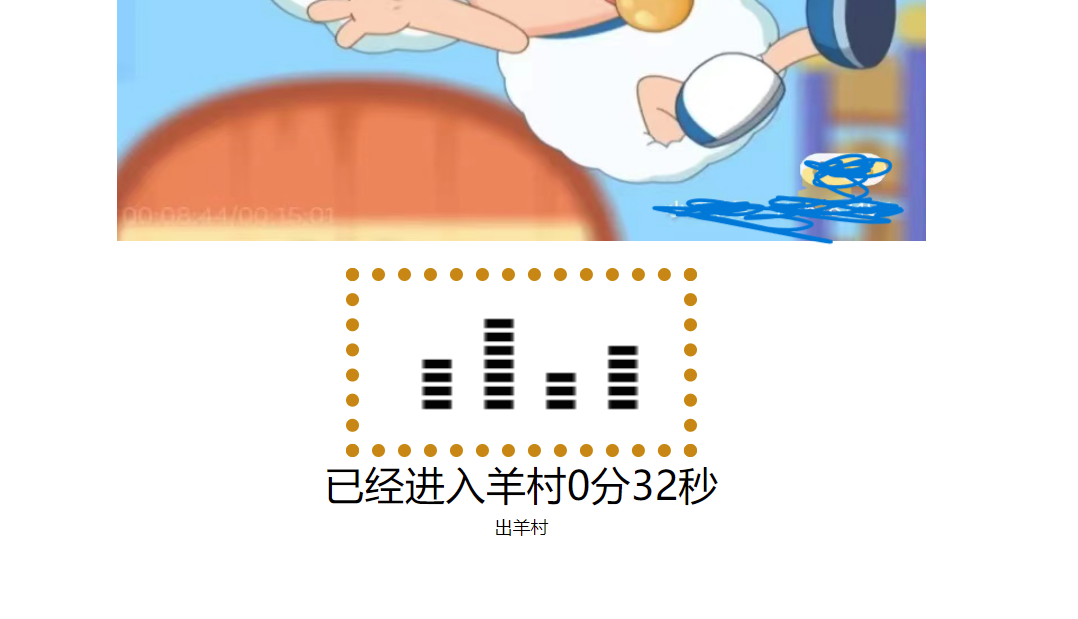
点击左右按钮的效果
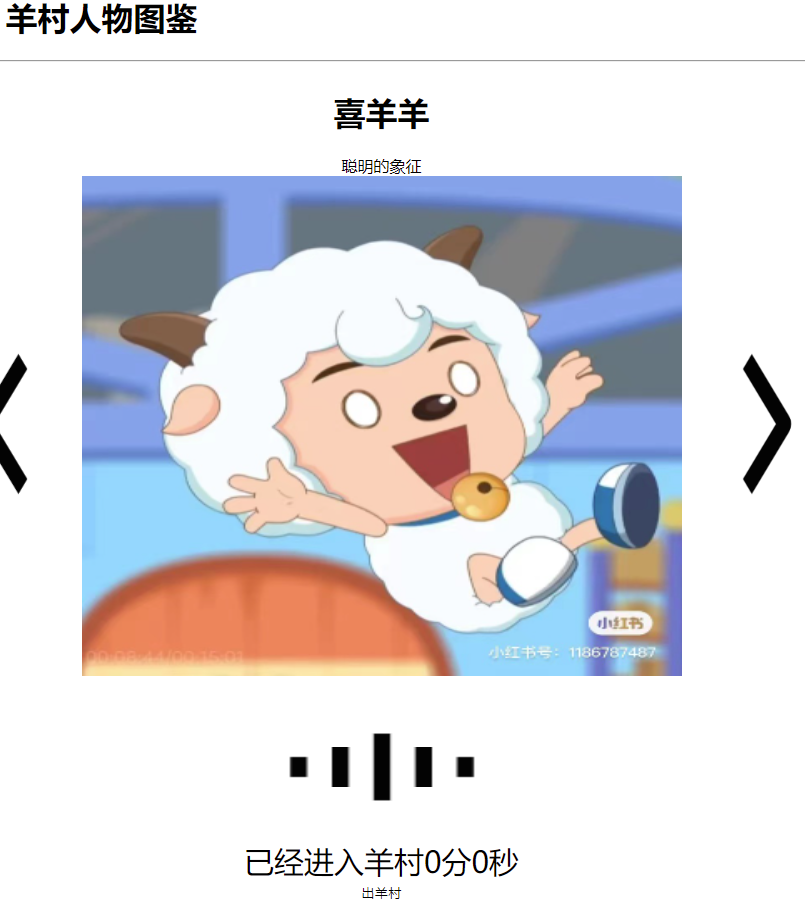
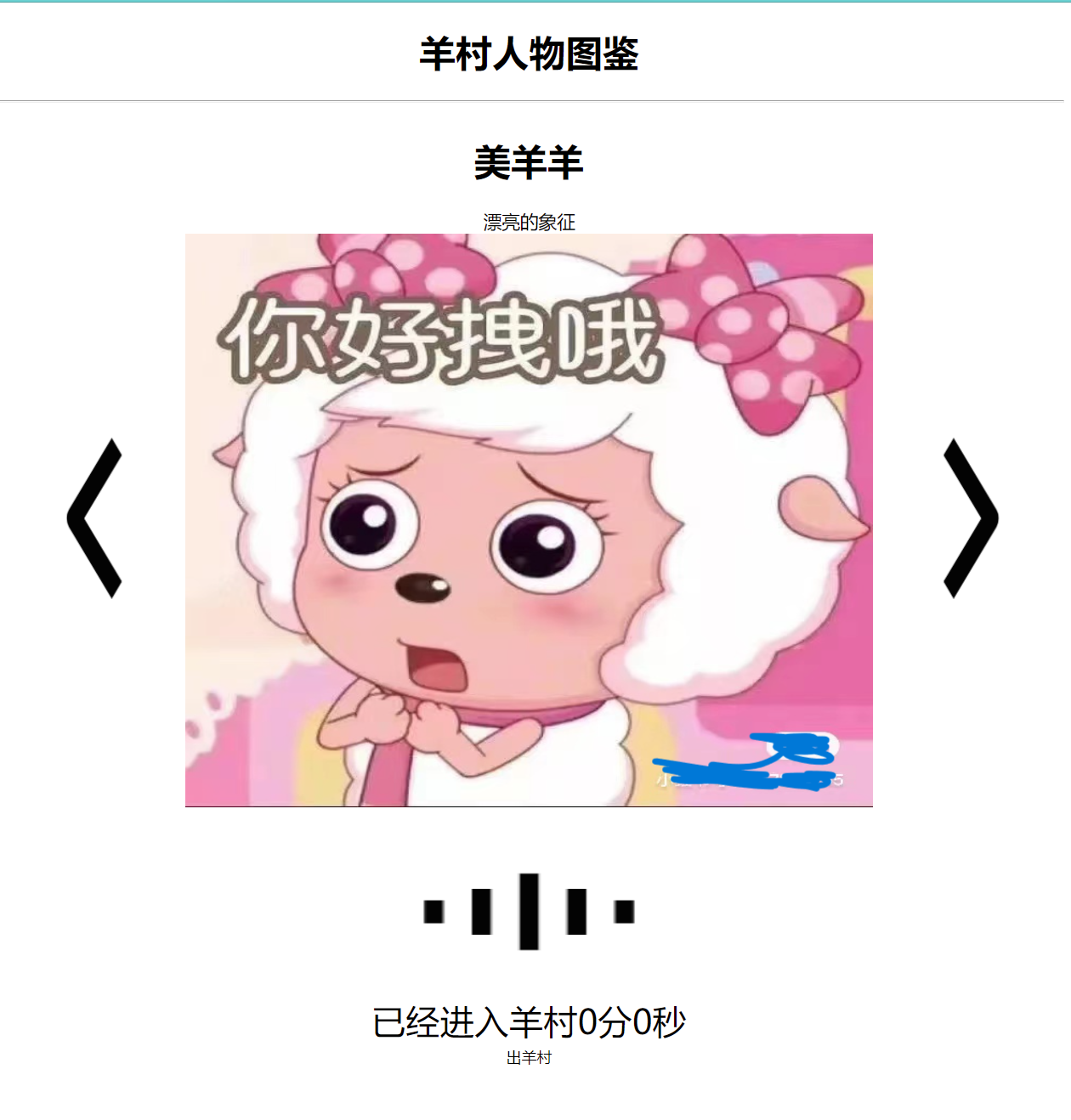
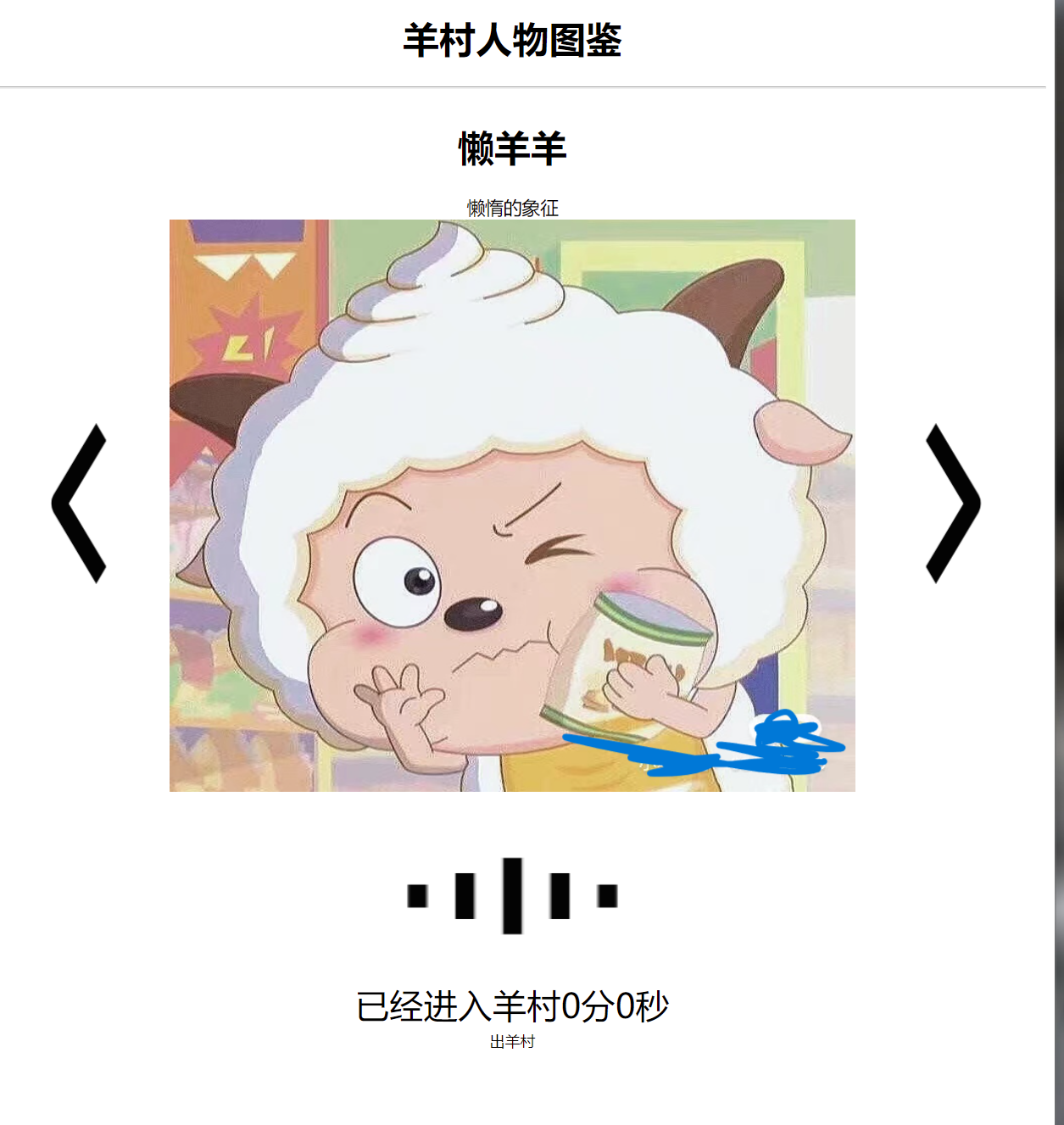
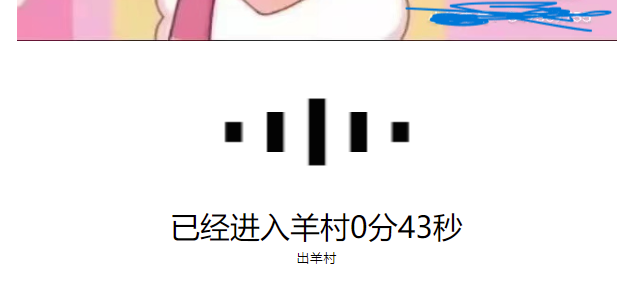
点击下方按钮的效果
由左到右分别是播放音乐和暂停音乐,开始计时和暂停计时
本文来自互联网用户投稿,文章观点仅代表作者本人,不代表本站立场,不承担相关法律责任。如若转载,请注明出处。 如若内容造成侵权/违法违规/事实不符,请点击【内容举报】进行投诉反馈!