使用xlsx.js导出为excel,并实现自适应列宽
前言
- 使用的js库:xlsx.js
1 思路:
计算每一列所有单元格的文本长度(包括列头),取最大值作为列宽
2 代码:
getCellWidth为核心方法,用于计算单元格宽度的
如果包含中文,则宽度为:文本长度2.1,否则为:文本长度1.1,这个是我多次测试得到的数值
可以在此方法增加其他规则
function getCellWidth(value) {// 判断是否为null或undefinedif (value == null) {return 10} else if (/.*[\u4e00-\u9fa5]+.*$/.test(value)) {// 判断是否包含中文return value.toString().length * 2.1} else {return value.toString().length * 1.1/* 另一种方案value = value.toString()return value.replace(/[\u0391-\uFFE5]/g, 'aa').length*/}
}// 经过评论反馈优化
function getCellWidth(value) {// 判断是否为null或undefinedif (value == null) {return 10;} else if (/.*[\u4e00-\u9fa5]+.*$/.test(value)) {// 中文的长度const chineseLength = value.match(/[\u4e00-\u9fa5]/g).length;// 其他不是中文的长度const otherLength = value.length - chineseLength;return chineseLength * 2.1 + otherLength * 1.1;} else {return value.toString().length * 1.1;/* 另一种方案value = value.toString()return value.replace(/[\u0391-\uFFE5]/g, 'aa').length*/}
}/*** 将table、json数据导出为excel* @param {object} options * @param {[]} options.data 数据源* @param {"table"|"json"|"aoe"} options.dataType 数据类型 * @param {string} options.sheetName sheet名称* @param {boolean} options.saveFile 是否保存为文件,如果为false则返回workBook* @param {string} options.fileName 文件名称* @param {boolean} options.fitWidth是否自适应列宽(如果dataType="json",配置此属性将无效)* @param {[]} options.header xlsx内部参数*/
export function exportTo({data = [],dataType = 'table',sheetName = 'Sheet1',saveFile = true,fileName = new Date().$toString() + '.xlsx',fitWidth= true,header = []} = {}
) {try {if (!XLSX) throw 'exportTo: the plug-in "XLSX" is undefined.'if (!data || data.length === 0) throw 'exportTo: data is null or undefined.'let sheet = {}switch (dataType) {case 'table':sheet = XLSX.utils.table_to_sheet(data, { raw: true })breakcase 'json':sheet = XLSX.utils.json_to_sheet(data, { raw: true, header: header })if (fitWidth) {let colWidths = [],colNames = Object.keys(data[0]) // 所有列的名称数组// 计算每一列的所有单元格宽度// 先遍历行data.forEach((row) => {// 列序号let index = 0// 遍历列for (const key in row) {if (colWidths[index] == null) colWidths[index] = []switch (typeof row[key]) {case 'string':case 'number':case 'boolean':colWidths[index].push(getCellWidth(row[key]))breakcase 'object':case 'function':colWidths[index].push(0)break}index++}})sheet['!cols'] = []// 每一列取最大值最为列宽colWidths.forEach((widths, index) => {// 计算列头的宽度widths.push(getCellWidth(colNames[index]))// 设置最大值为列宽sheet['!cols'].push({ wch: Math.max(...widths) })})}breakcase 'aoe':// 未实现sheet = []break}let workBook = {SheetNames: [sheetName],Sheets: {[sheetName]: sheet}}if (saveFile) {XLSX.writeFile(workBook, fileName)return true} else {return workBook}} catch (error) {console.error('exportTo: ', error)throw error}
}
3 最终效果
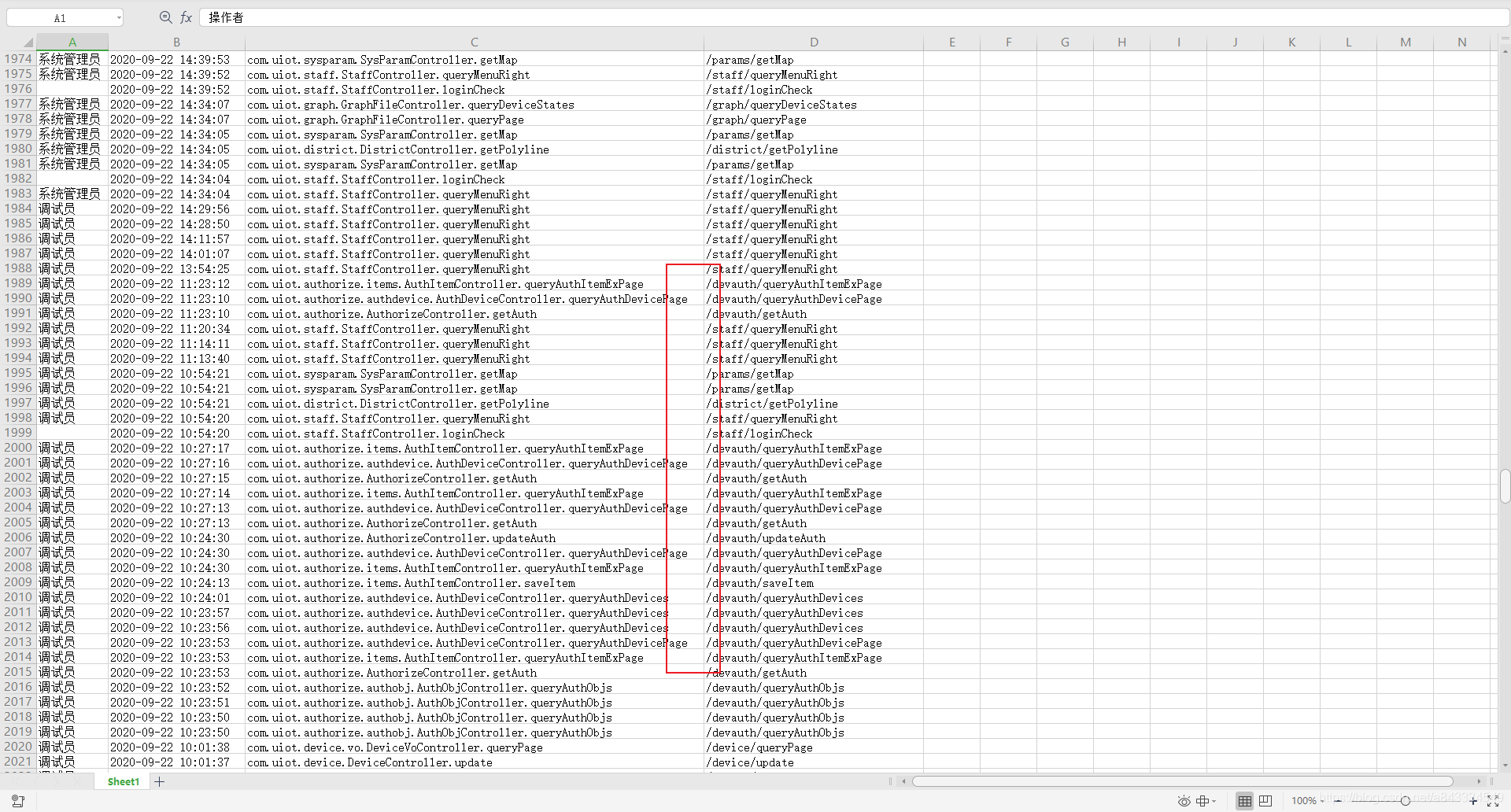
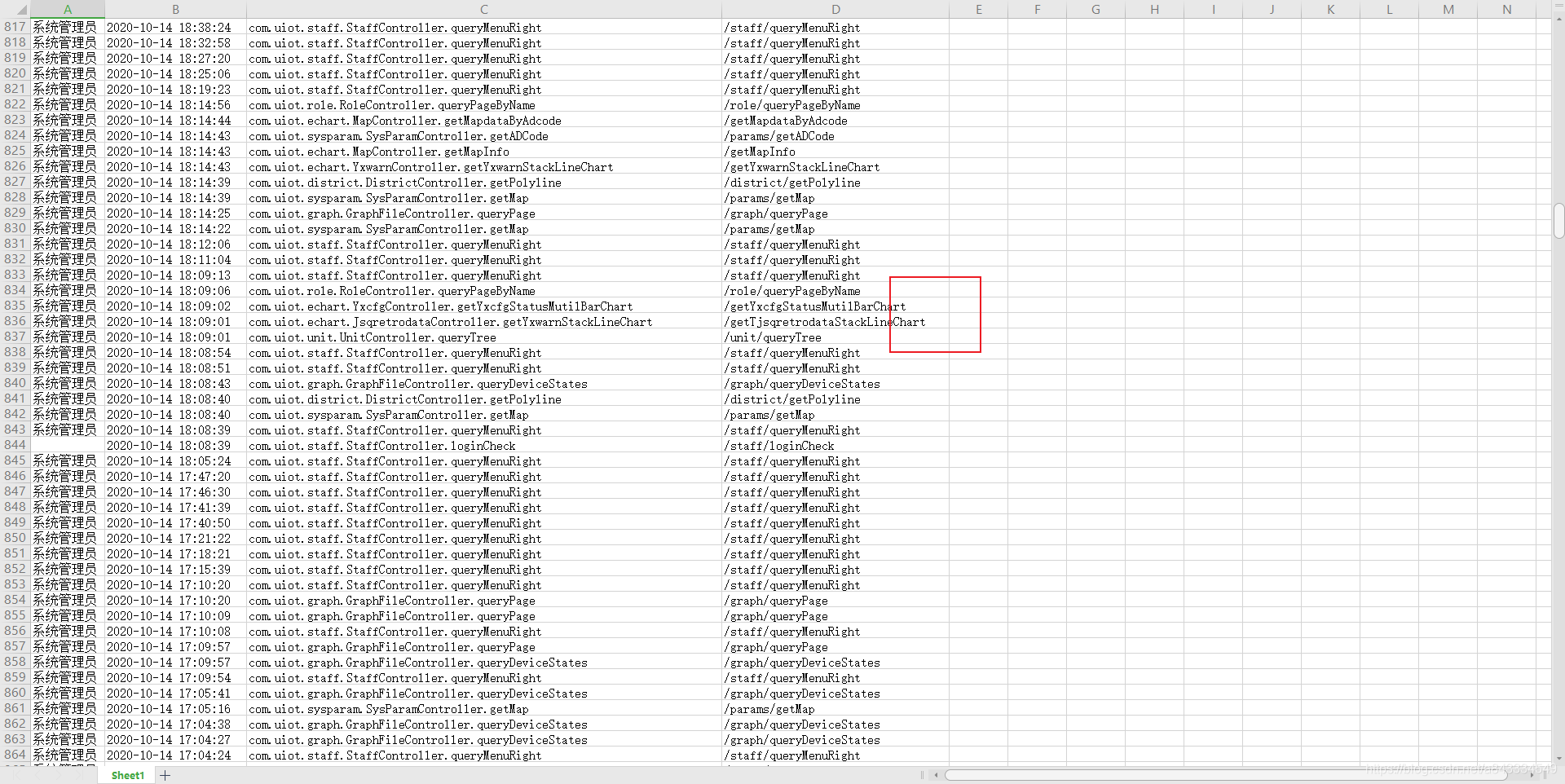
后语
- getCellWidth方法可根据实际场景优化编写,尽量简洁,如果做过多判断和计算,数据量大了就会变得很慢
- exportTo方法在导出三列,4万行数据时的性能如下图,可参考

- 实现更复杂的导出功能,建议在后端服务实现,前端能力有限
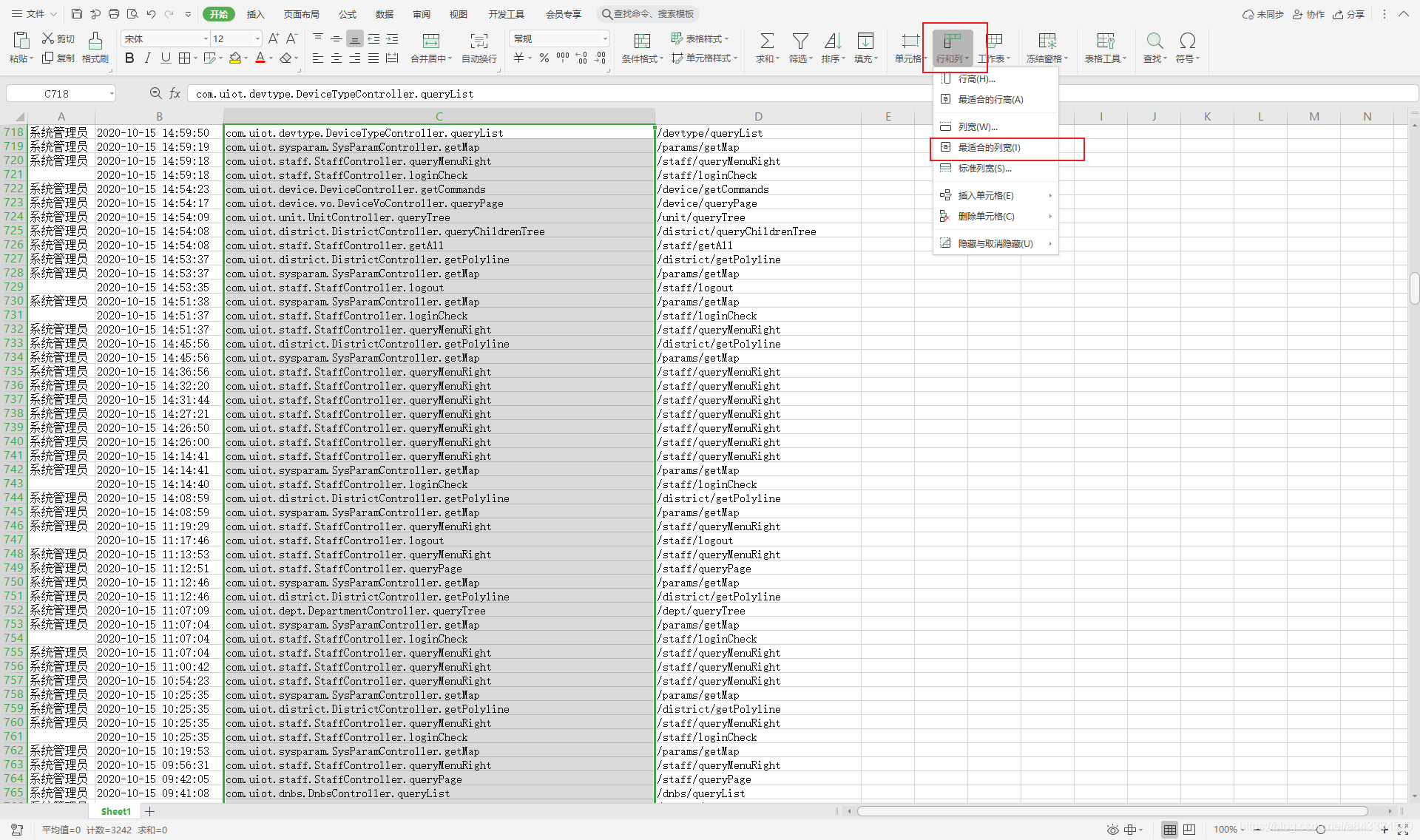
- 其实wps都有这功能,鼠标点一下就行了,不过用户是上帝啊
本文来自互联网用户投稿,文章观点仅代表作者本人,不代表本站立场,不承担相关法律责任。如若转载,请注明出处。 如若内容造成侵权/违法违规/事实不符,请点击【内容举报】进行投诉反馈!