如何用最简单的代码制作带定时器的轮播图
如何用最简单的代码制作带定时器的轮播图
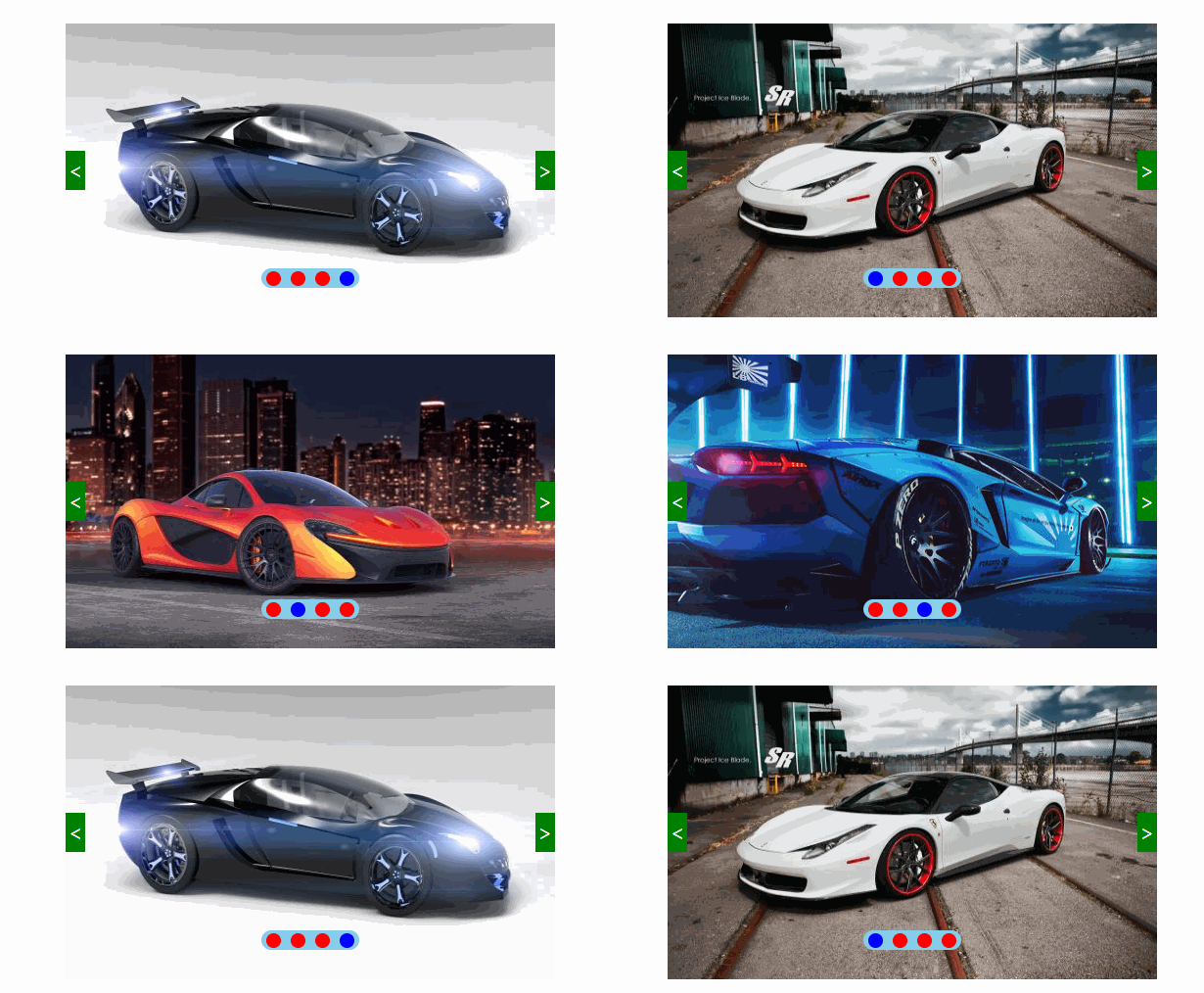
前几天写了一篇有关轮播图制作的博客,但当时没有添加定时的效果,说白了就是没有自动轮播的效果,今天来说一下怎样添加自动轮播效果。如图:
HTML代码:
<div class="box" id="box"><img src="img/1.jpg" alt=""><div class="btn btn_l"> < div><div class="btn btn_r"> > div><ul class="points"><li class="red blue">li><li class="red">li><li class="red">li><li class="red">li>ul>div>
CSS代码:
* {margin: 0;padding: 0;list-style: none;}.box {width: 500px;height: 300px;position: absolute;top: 0;bottom: 0;left: 0;right: 0;margin: auto;}img {width: 500px;height: 300px;}.btn,.points {position: absolute;cursor: pointer;}.btn {width: 20px;height: 40px;background: green;color: white;font-size: 20px;text-align: center;line-height: 40px;top: 50%;margin-top: -20px;z-index: 999;}.btn_l {left: 0;}.btn_r {right: 0;}.points {width: 100px;height: 20px;border-radius: 20px;background: skyblue;left: 50%;margin-left: -50px;bottom: 30px;}.points .red {width: 15px;height: 15px;border-radius: 50%;background-color: red;float: left;margin: 2.5px 5px;}.points li.blue {background: blue;}
JS代码:
// 1.获取元素var oImg = document.getElementsByTagName("img")[0];var oBtn_l = document.getElementsByClassName("btn_l")[0];var oBtn_r = document.getElementsByClassName("btn_r")[0];var aLi = document.getElementsByTagName("li");var oBox=document.getElementById("box");var index = 1;var timer;function clear() {for (var i = 0; i < aLi.length; i++) {aLi[i].className = "red"}aLi[index - 1].className = "red blue";}function next() {index == 4 ? index = 1 : index++;oImg.src = "img/" + index + ".jpg";clear();}// 点击右侧按钮oBtn_r.onclick = function () {next();}// 点击左按钮oBtn_l.onclick = function () {index == 1 ? index = 4 : index--;oImg.src = "img/" + index + ".jpg";clear();}// 下面4个点的点击for (var i = 0; i < aLi.length; i++) {aLi[i].a = i;aLi[i].onclick = function () {index = this.a + 1;oImg.src = "img/" + index + ".jpg";clear();}}// for(let i=0;i总结: 添加定时器效果其实不难,但是要注意设置定时器时一定要声明一个全局变量,用来储存定时器,方便后面清除定时器后再次启动相同的定时器。
视频讲解链接:
https://www.bilibili.com/video/BV1DV411r7cf/
本文来自互联网用户投稿,文章观点仅代表作者本人,不代表本站立场,不承担相关法律责任。如若转载,请注明出处。 如若内容造成侵权/违法违规/事实不符,请点击【内容举报】进行投诉反馈!