Qt 编译错误:No valid settings file could be found.
Qt系列文章目录
文章目录
- Qt系列文章目录
- 前言
- 一、错误原因
- 二、解决办法
- 1.引入库
- 2.设置编译路径
- 编译通过
前言
从其他同事机器上拷贝的Qt工程,运行时出现如下提示:
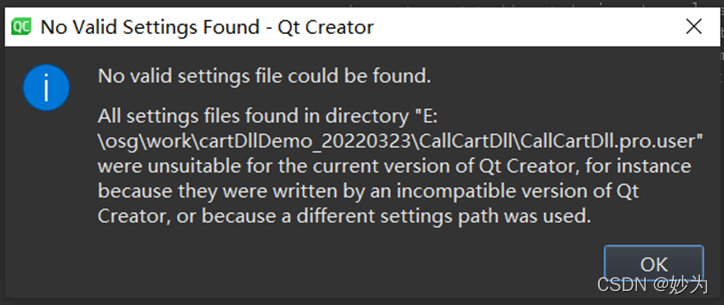
No valid settings file could be found.
All settings files found in director “E:\osg\work\cartDllDemo_20220323\CallCartDll\CallCartDll.pro.user”
were unsuitable for the current version of Qt Creator,for instance beacuse they were written by an incompatible version of QtCreator, or because a diffrernt settings path was used.
一、错误原因
才弹窗显示的错误提示来看,应该是在同事机器上使用的QtCreator版本和我本机的Qt版本不一致导致的。
我使用Beyond compare比较发现确实是Qt版本不一致造成的。

二、解决办法
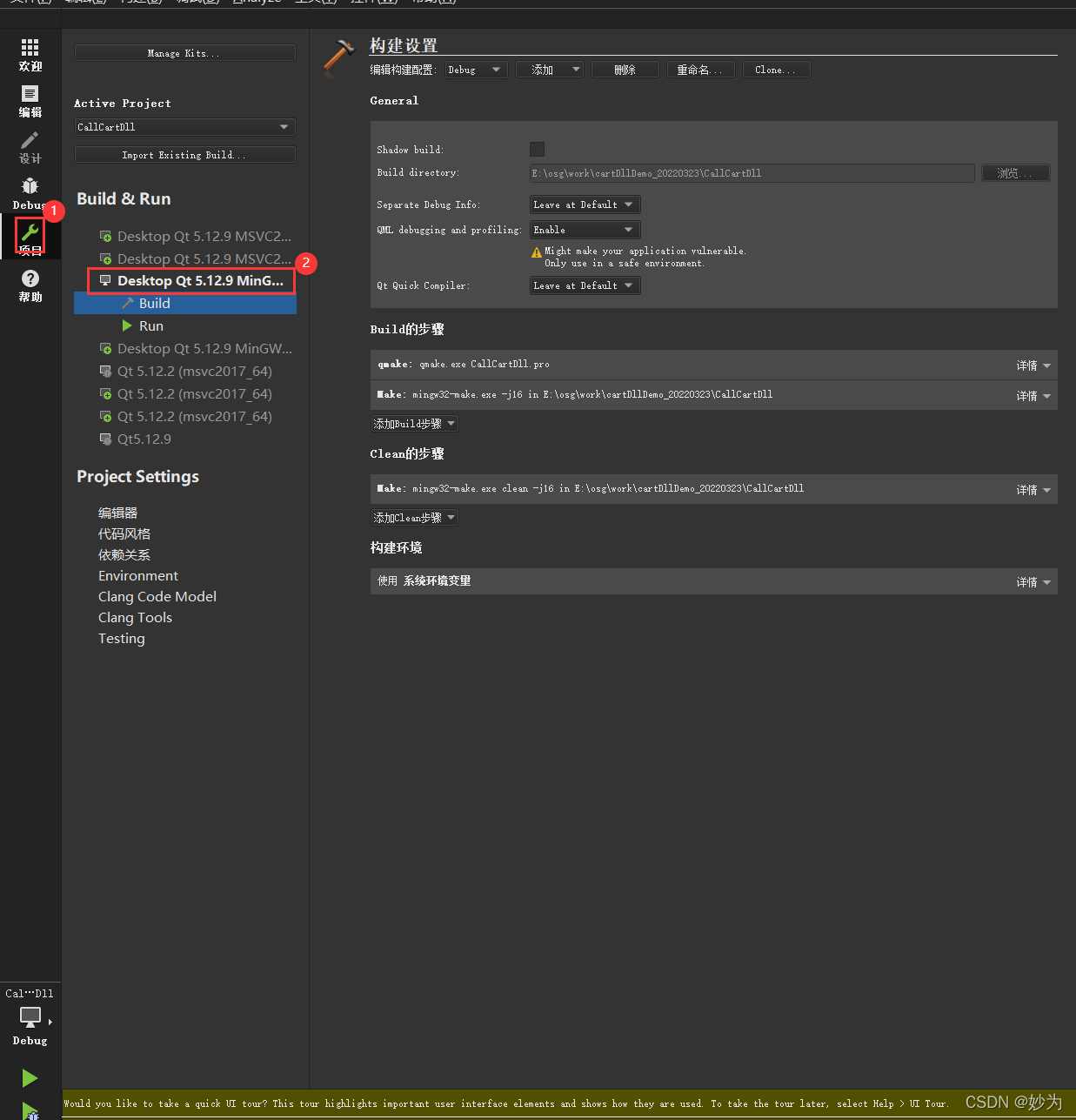
1.引入库
单击左边栏汇总扳手(项目)图标,然后选择Desktop Qt5.12.8 MinGW3232-bit
2.设置编译路径
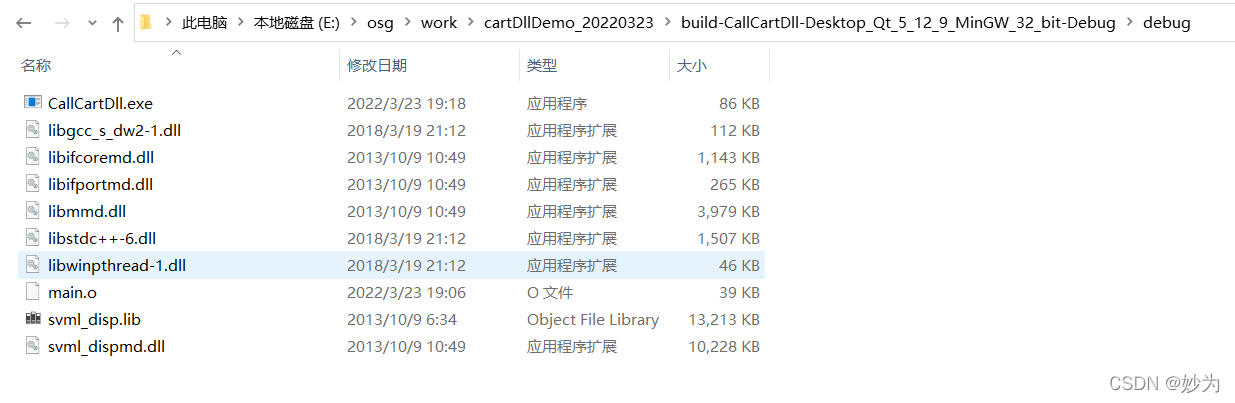
把相关依赖库放在.exe同路径下
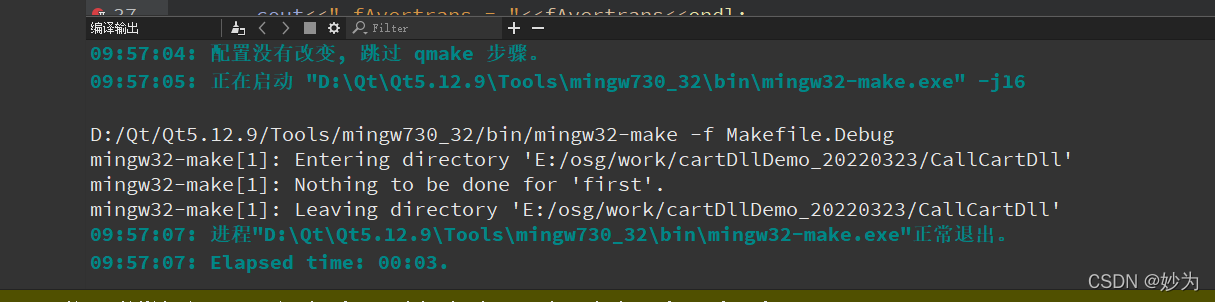
编译通过
本文来自互联网用户投稿,文章观点仅代表作者本人,不代表本站立场,不承担相关法律责任。如若转载,请注明出处。 如若内容造成侵权/违法违规/事实不符,请点击【内容举报】进行投诉反馈!