CSS—滚动吸附
CSS—滚动吸附
实现效果
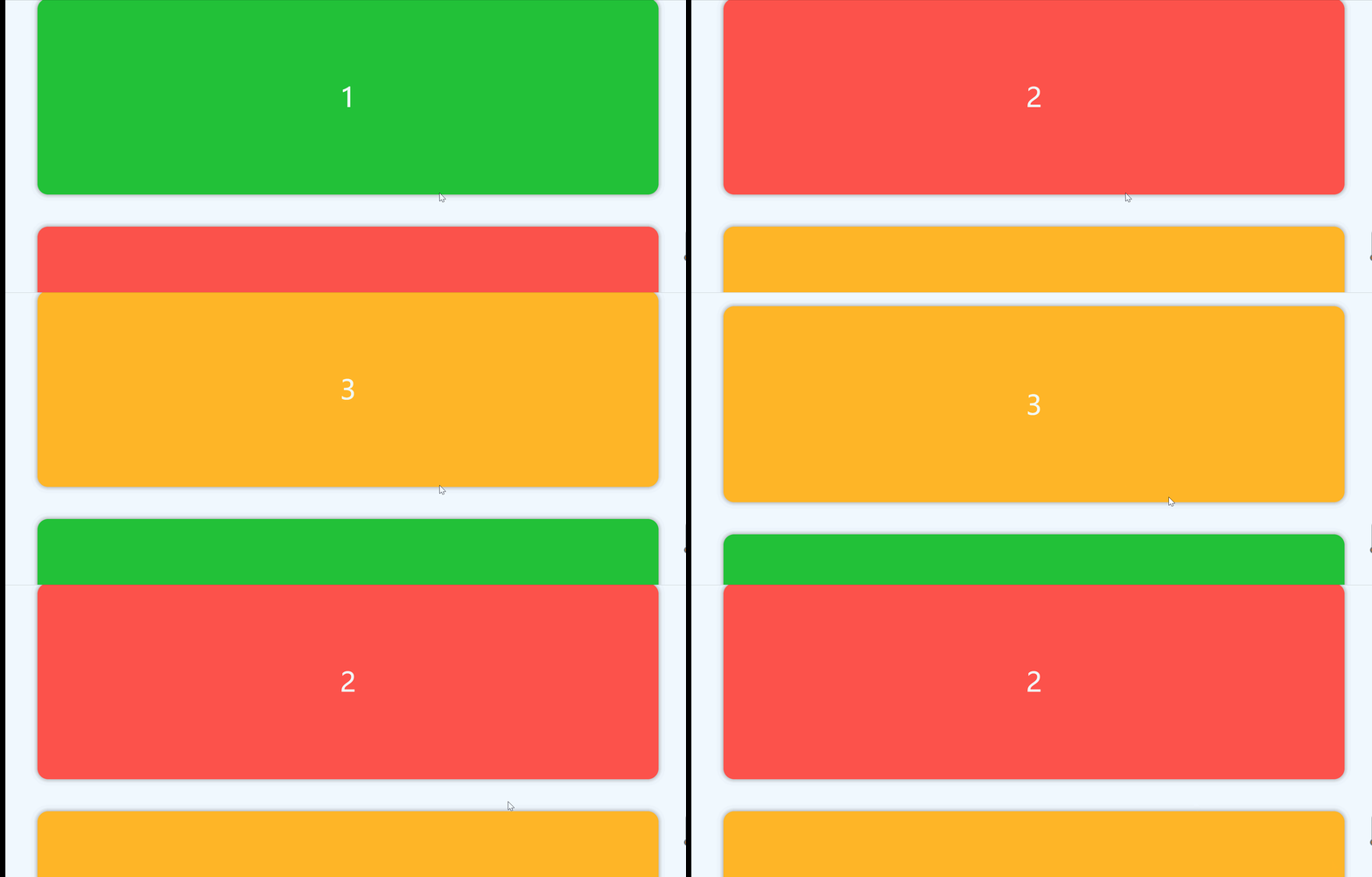
实现思路:通过 父:scroll-snap-type 子:scroll-snap-align 来添加吸附效果
代码
DOCTYPE html>
<html lang="en"><head><meta charset="UTF-8"><meta name="viewport" content="width=device-width, initial-scale=1.0"><title>平滑滚动title><style>* {margin: 0;padding: 0;box-sizing: border-box;}.contain {width: 100%;height: 100vh;background-color: aliceblue;display: flex;flex-direction: column;align-items: center;/* 父元素添加吸附样式  proximity:靠近 | mandatory:强制吸附 */scroll-snap-type: y mandatory;scroll-behavior: smooth;/* overflow 要加上去作为可视区域 */overflow-y: scroll;}.contain::-webkit-scrollbar {width: 0;}.item {width: 1160px;height: 366px;font-size: 50px;color: #fff;text-align: center;line-height: 366px;margin: 30px 0;border-radius: 20px;box-shadow: 0px 0px 10px 0px #898989;/* 元素吸附:子元素设置 *//* 属性有 start ; center ; end */scroll-snap-align: start;/* 表示滚动的时候,要一个一个来 */scroll-snap-stop: always;}style>
head><body><div class="contain"><div class="item">1div><div class="item">2div><div class="item">3div><div class="item">4div><div class="item">5div><div class="item">6div><div class="item">7div><div class="item">8div><div class="item">9div><div class="item">10div>div><script>// 修改背景颜色function changeBG() {var items = document.querySelectorAll(".item");for (let index = 0; index < items.length; index++) {if (index % 3 == 0) {items[index].style.backgroundColor = "#22c138";};if (index % 3 == 1) {items[index].style.backgroundColor = "#fc524b";};if (index % 3 == 2) {items[index].style.backgroundColor = "#ffb527";};};};changeBG();script>
body>html>
本文来自互联网用户投稿,文章观点仅代表作者本人,不代表本站立场,不承担相关法律责任。如若转载,请注明出处。 如若内容造成侵权/违法违规/事实不符,请点击【内容举报】进行投诉反馈!