vue实现点击展开全部,点击收起全部
1.html代码
 //测试的一张图片本地图片
 {{words}}
2.在data中定义
 data() {return {is_show: false,},
}
3.vue计算属性
computed: {words() {if (this.is_show === false) {return "查看全部";} else if (this.is_show === true) {return "收起全部";} else if (this.is_show === "") {return null;} else {return null;}},},4.style样式
.richTxt img {display: block;width: 100%;height: 400px;margin-top: 10px;
}
.new_detail {font-size: 16px;padding: 0 10px;height: 100%;transition: height 2s linear;
}
.work_detail {width: 100%;overflow: hidden; /**隐藏超出的内容**/padding: 0 10px;height: 120px;
}
.work_detail img {display: block;width: 100%;overflow: hidden; /**隐藏超出的内容**/
}
.new_detail img {display: block;width: 100%;height: 100%;
}
.look_all {display: flex;align-items: center;justify-content: center;margin: auto;font-size: 16px;color: rgb(66, 69, 238);font-family: PingFangSC-Medium, PingFang SC;font-weight: 500;padding: 10px;border-radius: 5px;background: #fff;
}
.look_all .nlook_img {display: block;width: 20px;height: 20px;margin-left: 5px;transition-duration: 500ms;
}
.look_all .up_img {transform: rotate(180deg);transition-duration: 500ms;
}
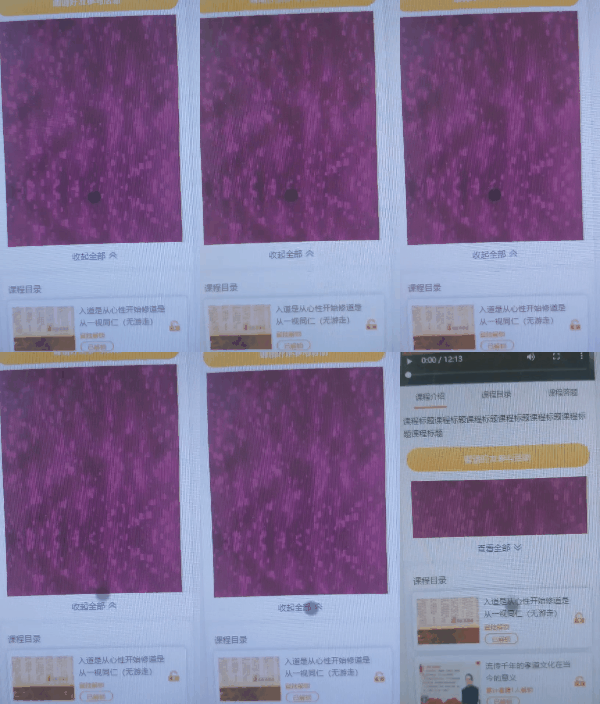
5.效果图
本文来自互联网用户投稿,文章观点仅代表作者本人,不代表本站立场,不承担相关法律责任。如若转载,请注明出处。 如若内容造成侵权/违法违规/事实不符,请点击【内容举报】进行投诉反馈!