云服务器 ECS YUM 在线安装软件方法和常见问题处理
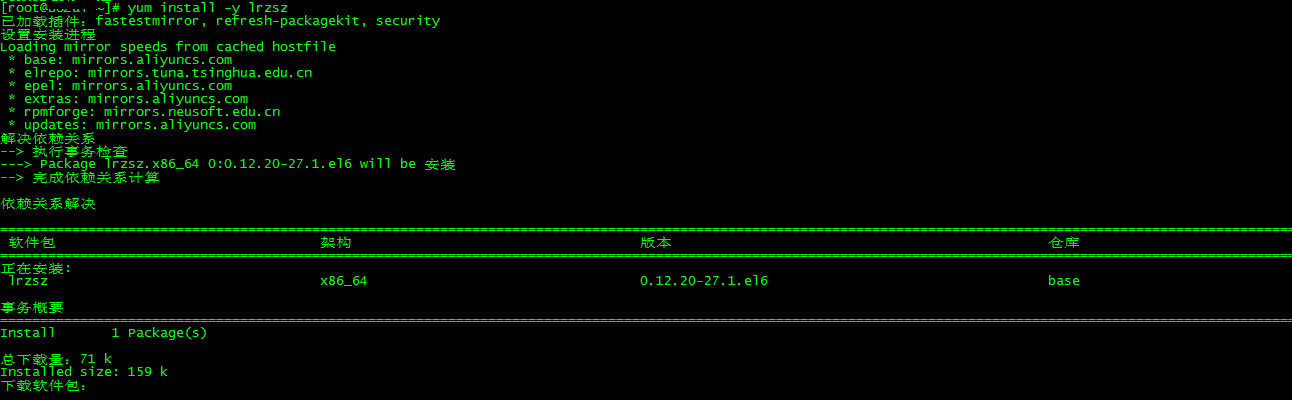
yum install -y <待安装软件名>
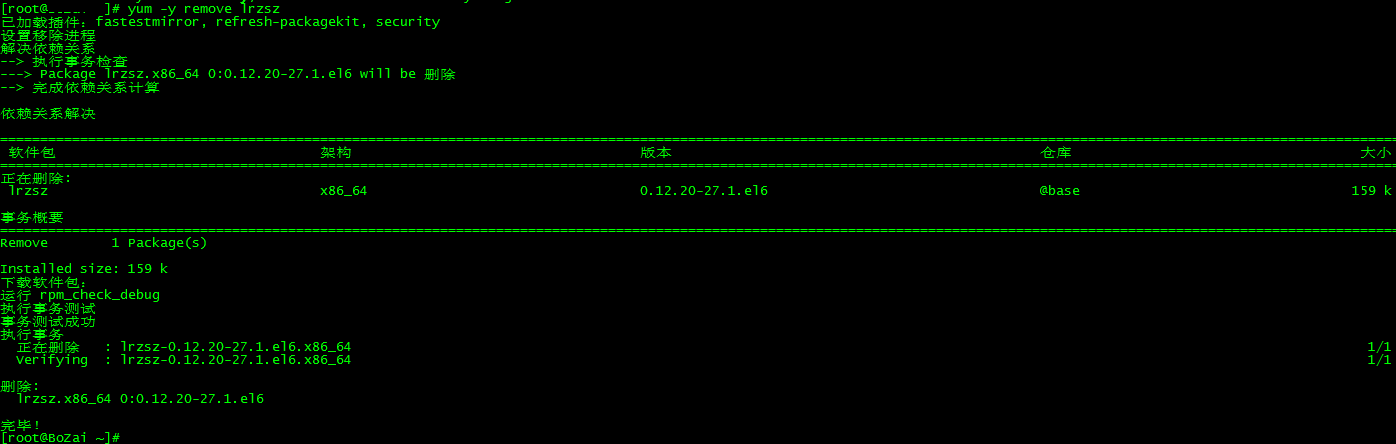
yum remove -y <待卸载软件名>
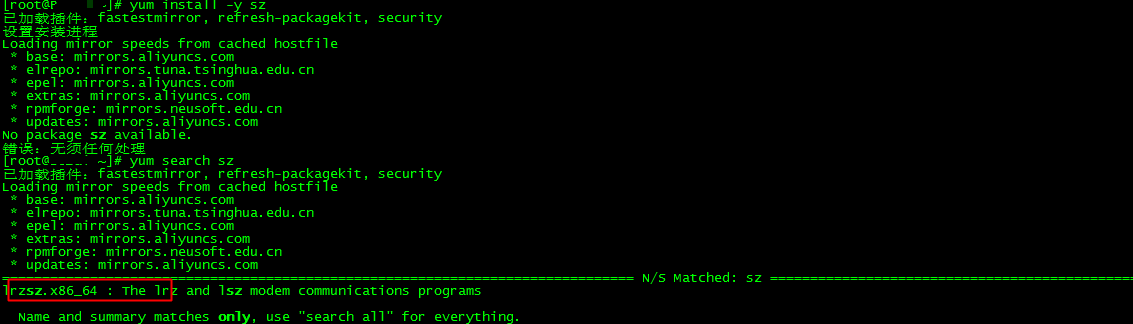
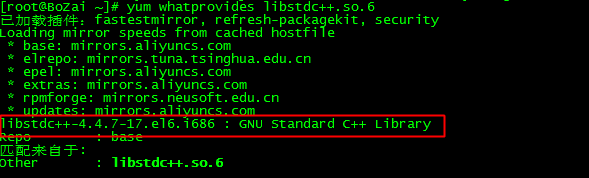
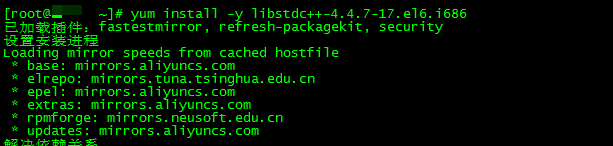
error while loading shared libraries: libstdc++.so.6: cannot open shared object file: No such file or directory



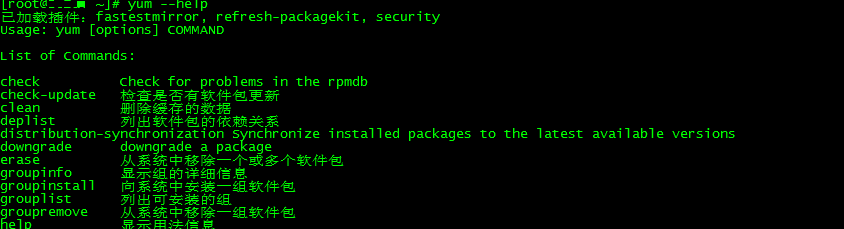
$ rpm -qa |grep yum |xargs rpm -e --nodeps
$ wget http://mirrors.aliyun.com/centos/6/os/x86_64/Packages/yum-3.2.29-73.el6.centos.noarch.rpm
$ wget http://mirrors.aliyun.com/centos/6/os/x86_64/Packages/yum-metadata-parser-1.1.2-16.el6.x86_64.rpm
$ wget http://mirrors.aliyun.com/centos/6/os/x86_64/Packages/yum-plugin-fastestmirror-1.1.30-37.el6.noarch.rpm
$ rpm -ivh yum-3.2.29-73.el6.centos.noarch.rpm yum-metadata-parser-1.1.2-16.el6.x86_64.rpm yum-plugin-fastestmirror-1.1.30-37.el6.noarch.rpm
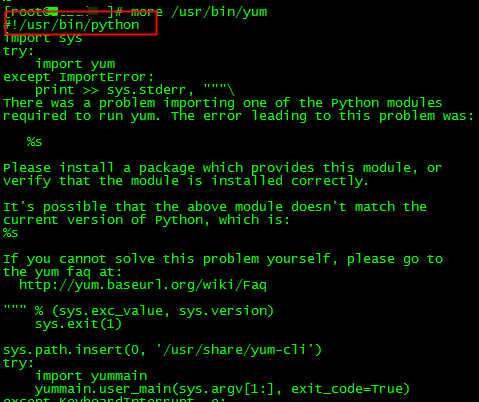
-bash: /bin/yum: /usr/bin/Python-3.4.3: bad interpreter: Permission denied
$ yum remove -y epel-release
$ rm -rf /var/cache/yum/x86_64/6Server/epel/
Transaction Check Error:
file /etc/pki/tls/certs/ca-bundle.crt from install of openssl-0.9.8e-36.el5_11.x86_64 conflicts with file from package
openssl-0.9.8e-27.el5_10.4.i686  file /usr/share/man/man1/ca.1ssl.gz from install of openssl-0.9.8e-36.el5_11.x86_64 conflicts with file from package
openssl-0.9.8e-27.el5_10.4.i686  file /usr/share/man/man1/req.1ssl.gz from install of openssl-0.9.8e-36.el5_11.x86_64 conflicts with file from package
openssl-0.9.8e-27.el5_10.4.i686  file /usr/share/man/man1/x509.1ssl.gz from install of openssl-0.9.8e-36.el5_11.x86_64 conflicts with file from package
openssl-0.9.8e-27.el5_10.4.i686 Error Summary openssl
yum update --exclude=openssl* // 跳过openssl的升级。
$ rpm -q openssl --qf '%{NAME} %{VERSION} %{ARCH}'例如:得到输出: perl 5.8.8 x86_64 perl 5.8.8 i386
rpm -e perl.i386

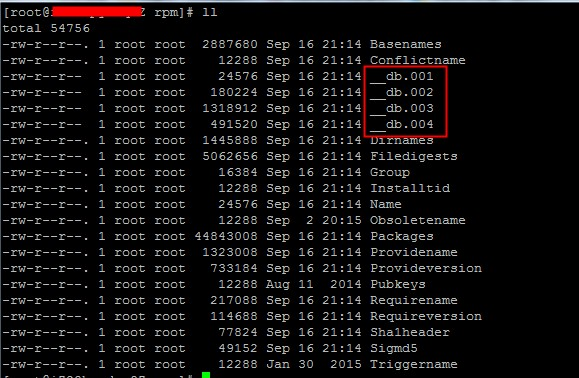


本文来自互联网用户投稿,文章观点仅代表作者本人,不代表本站立场,不承担相关法律责任。如若转载,请注明出处。 如若内容造成侵权/违法违规/事实不符,请点击【内容举报】进行投诉反馈!