折腾ohmyposh
本文发表于CSDN,个人blog:https://blog.loveoi.net/折腾/折腾ohmyposh/
一直觉得powershell和windows 终端不好看,今天就去美化了一下,我的最终效果:
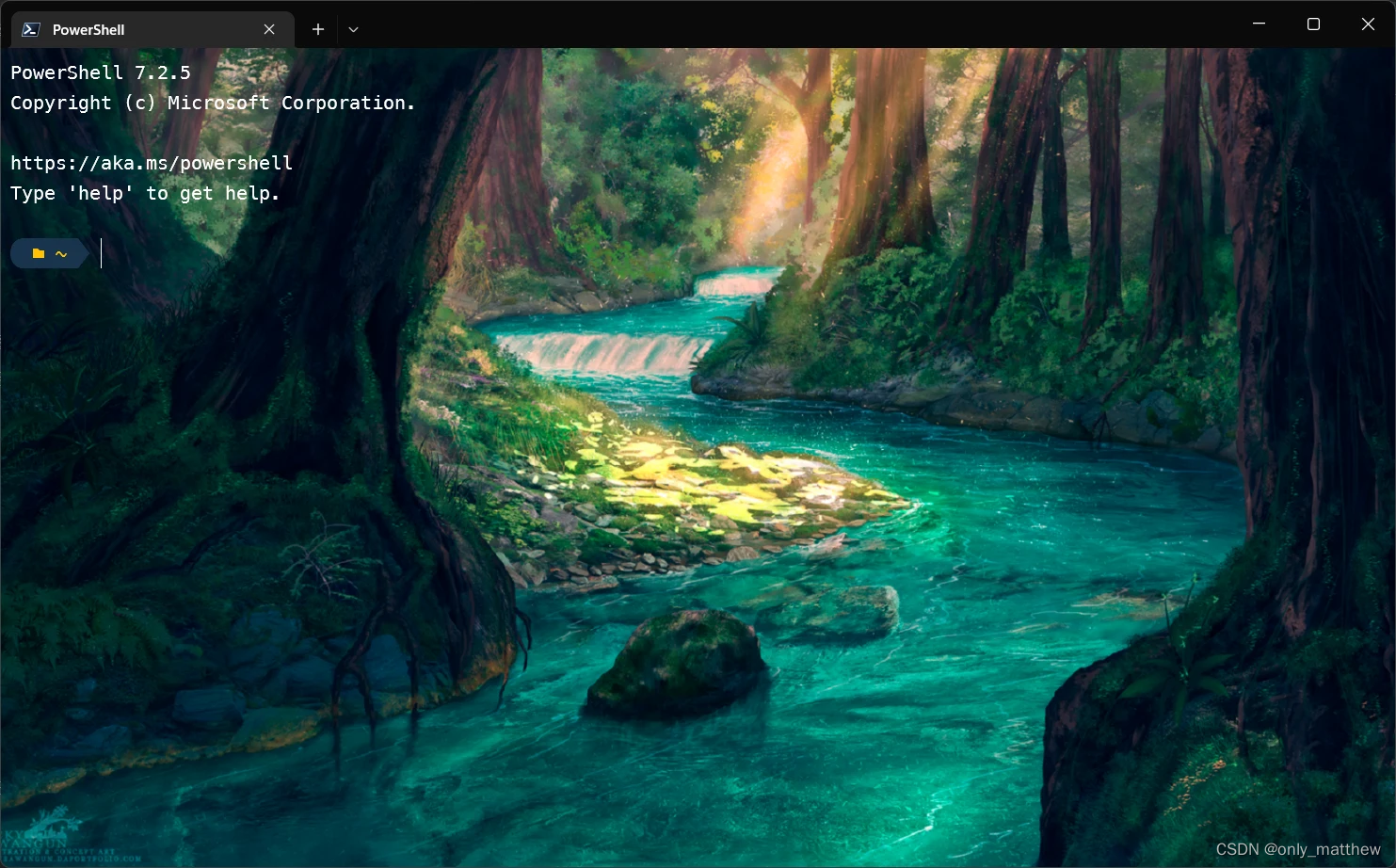
当然我们要折腾的ohmyposh的主题非常多,还可以自己设计,可以在这里查看自带的主题:官方文档
参考官方文档进行配置:Windows | Oh My Posh
在你即将安装ohmyposh的终端输入:
winget install JanDeDobbeleer.OhMyPosh -s winget
一条命令就解决了,是不是很简单呢?
如果嫌麻烦的话可以直接去微软应用商店搜索ohmyposh下载:点我 !
更新可以使用:
winget upgrade JanDeDobbeleer.OhMyPosh -s winget
安装好了ohmyposh自然需要配置了,在powershell中输入:
安装了vscode的可以使用:
code $profile
没有安装的或者不想用vscode配置的可以使用:
notepad $profile
在配置文件中加入:
Import-Module PSReadLine  ## 这个工具主要做命令提示管理等操作,默认集成在了 PowerShell 中,不需要安装
Set-PSReadlineKeyHandler -Key Tab -Function Complete  ## 设置 Tab 键补全
Set-PSReadLineKeyHandler -Key "Ctrl+d" -Function MenuComplete  ## 设置 Ctrl+D 为菜单补全和 Intellisense
Set-PSReadLineKeyHandler -Key "Ctrl+z" -Function Undo  ## 设置 Ctrl+Z 为撤销
Set-PSReadLineKeyHandler -Key UpArrow -Function HistorySearchBackward  ## 设置向上键为后向搜索历史记录
Set-PSReadLineKeyHandler -Key DownArrow -Function HistorySearchForward  ## 设置向下键为前向搜索历史记录
oh-my-posh init pwsh --config ~/Documents/PowerShell/themes/tonybaloney.omp.json | Invoke-Expression   主题路径 ## 设置主题,可以去https://ohmyposh.dev/docs/themes找
选主题可以直接在终端中输入:
Get-PoshThemes
来查看每个主题在该目录下的表现.
这样powershell就美化成功了!
使用魔改的配置
在把自带主题几乎都用了一次后,感觉还是自己魔改方便和适合我。
我把cert主题魔改了一下:
{"$schema": "https://raw.githubusercontent.com/JanDeDobbeleer/oh-my-posh/main/themes/schema.json","blocks": [{"alignment": "left","segments": [// {//   "background": "#E36464",//   "foreground": "#fff",//   "leading_diamond": "\ue0b6",//   "style": "diamond",//   "template": "{{ .UserName }} ",//   "trailing_diamond": "\ue0c6",//   "type": "session"// },{"background": "green","foreground": "#fff","leading_diamond": "\ue0c7","properties": {"style": "full"},"style": "diamond","template": " {{ .Path }} ","trailing_diamond": "\ue0c6","type": "path"},{"background": "lightCyan","foreground": "#fff","leading_diamond": "\ue0c7","properties": {"style": "roundrock","threshold": 0},"style": "diamond","template": " {{ .FormattedMs }} ","trailing_diamond": "\ue0c6","type": "executiontime"}// ,{//   "background": "lightMagenta",//   "foreground": "#fff",//   "leading_diamond": "\ue0c7",//   "properties": {//     "time_format": "15:04"//   },//   "style": "diamond",//   "template": " {{ .CurrentDate | date .Format }} ",//   "trailing_diamond": "\ue0c6",//   "type": "time"// }],"type": "prompt"}],"final_space": true,"version": 2
}
在一个找到的目录放这个json然后把主题设置成需要的即可。
wsl-ubuntu安装ohmyposh
发现在wls中无法使用ohmyposh的主题,于是打算安装官网的linux教程配置,但是发现国内用homedrew和下载有亿点慢。所以使用了官网的手动安装教程:Linux | Oh My Posh
手动安装
把手动安装脚本改成:
sudo wget https://download.fastgit.org/JanDeDobbeleer/oh-my-posh/releases/download/v8.22.1/posh-linux-amd64 -O /usr/local/bin/oh-my-posh
sudo chmod +x /usr/local/bin/oh-my-posh
然后执行:
mkdir ~/.poshthemes
wget https://github.com/JanDeDobbeleer/oh-my-posh/releases/latest/download/themes.zip -O ~/.poshthemes/themes.zip
unzip ~/.poshthemes/themes.zip -d ~/.poshthemes
chmod u+rw ~/.poshthemes/*.omp.*
rm ~/.poshthemes/themes.zip
安装主题.
启用
Customize | Oh My Posh
官方教程说输入那个命令即可启用,启用了是启用了,但是没法打开bash就启用啊。
安装了之后怎么启用呢?powershell可以配置启动脚本,bash怎么办?
找了好久发现需要在用户目录下的bash配置中加入命令。
Change your prompt | Oh My Posh
~/.bashrc``~/.profile``~/.bash_profile
你的目录中可能会是这些文件中的一个。
eval "$(oh-my-posh init bash --config 主题目录)"
在文件中加入即可。
就可以愉快的使用了ohmyposh美化过的终端了。
This article was written on July 23, 2022.
本文来自互联网用户投稿,文章观点仅代表作者本人,不代表本站立场,不承担相关法律责任。如若转载,请注明出处。 如若内容造成侵权/违法违规/事实不符,请点击【内容举报】进行投诉反馈!