go|go run xxx 与 go build xxx
我的SDK安装在D:\Go,文件放在E:\GoProject\src\go_code
照着教程,VSCode里打开文件夹后创建test.go文件,写点简单的东西,保存关闭。此时应该已经可以在cmd中编译运行程序了。
出现了第一个问题,no required module provides package test.go: go.mod file not found in current directory or any parent directory; see 'go help modules'
参考这篇:
(90条消息) go踩坑——no required module provides package : go.mod file not found in current directory or any parent_小明的笔记仓库的博客-CSDN博客
和官网的教程:
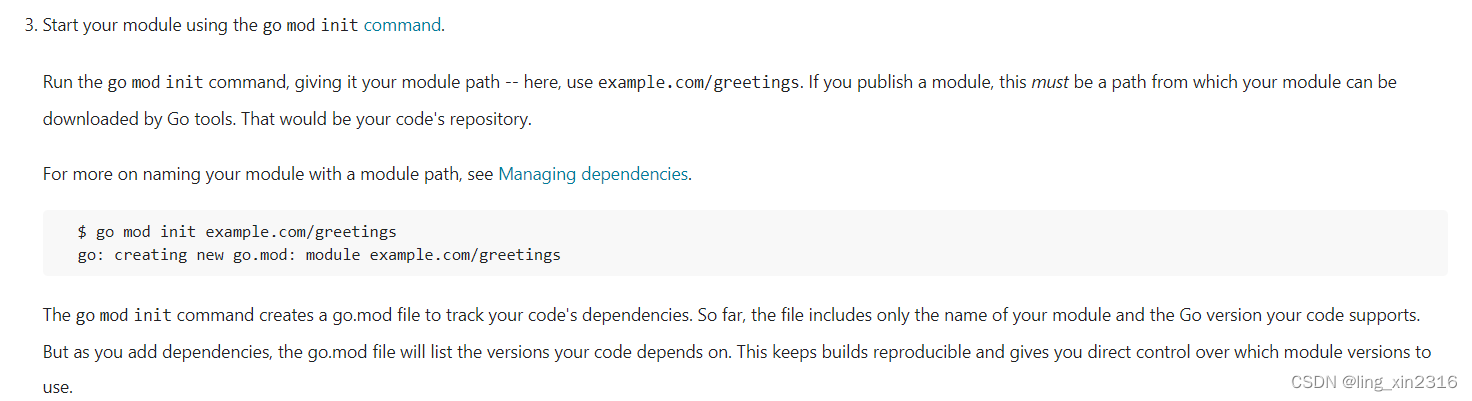
知道了少了个go.mod文件
但中间还有个错误,忘记记录具体是什么了,但是根据这篇的前半部分更改的,即把GO111MODULE设置为auto
参考这篇:
(90条消息) Ubuntu中“no required module provides package github.com/mattn/go-sqlite3”问题的详细解决过程_蓝天居士的博客-CSDN博客_github.com/mattn/go-sqlite3
设置后,如果未生成go.mod文件,go run/build将报错
cannot find package "main" in any of:
D:\Go\src\main (from $GOROOT)
E:\GoProject\src\main (from $GOPATH)
此时误打误撞已经可以编译运行了,但有时候又不行,发现是go mod init,跟文件名后缀有没有加的区别。
①直接输入go mod init,生成的是当前文件夹名的go.mod,输入go mod init test.go后,run、build的结果相同。go run/build 【文件名】.go才能成功。

②go mod init test,go run/build 文件/文件名.go 都可以成功。

还有一些别的报错信息,按照上面的步骤编译运行一般都可以避开(已经不记得试的时候是什么条件了)
E:\GoProject\src\go_code>go build/run main
package main is not in GOROOT (D:\Go\src\main)
E:\GoProject\src\go_code>go run main.go
CreateFile main.go: The system cannot find the file specified.
E:\GoProject\src\go_code\chapter02\escaptechar>go build main.go
no required module provides package main.go; to add it:
go get main.go
总结
1.打开.go文件所在文件夹
2.go mod init 【文件名】(没有.go后缀比较方便)
3.go build/run 文件(有无.go后缀都可)
本文来自互联网用户投稿,文章观点仅代表作者本人,不代表本站立场,不承担相关法律责任。如若转载,请注明出处。 如若内容造成侵权/违法违规/事实不符,请点击【内容举报】进行投诉反馈!