解决k8s安装部署ArgoCD ingress一直返回状态码307的问题
这两天用k8s 部署ArgoCD, 在访问argocd server UI的时候一直无法访问, 仔细检查了一下发现是ingress 少配了几个annotations, 贴上正确的yaml;
首先获取安装yaml文件:
wget https://raw.githubusercontent.com/argoproj/argo-cd/stable/manifests/install.yaml
执行安装命令:
kubectl apply -f install.yaml -n cqlfn-devops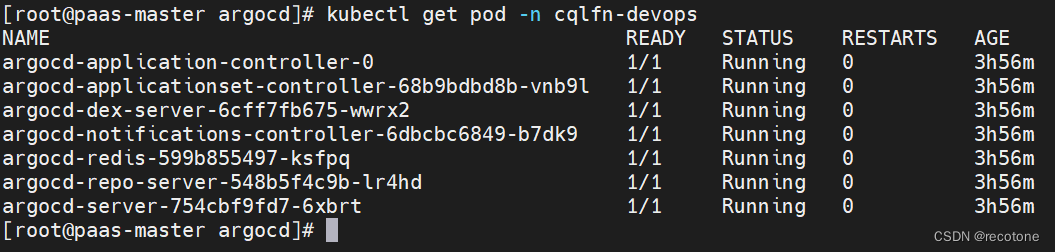
创建HTTPS的TLS证书:(我是在阿里云买的,没用那些免费的)
kubectl create secret tls argocd-server-tls --key cqlfn.com.key --cert cqlfn.com.pem -n cqlfn-devopsIngress 配置:
---
apiVersion: extensions/v1beta1
kind: Ingress
metadata:name: argocd-ingressnamespace: cqlfn-devopsannotations:kubernetes.io/ingress.class: nginxkubernetes.io/tls-acme: "true"nginx.ingress.kubernetes.io/ssl-passthrough: "true"# 以下解释了为什么一直循环返回307 code 的理由# If you encounter a redirect loop or are getting a 307 response code# then you need to force the nginx ingress to connect to the backend using HTTPS.nginx.ingress.kubernetes.io/backend-protocol: "HTTPS"
spec:rules:- host: argocd.xxx.comhttp:paths:- backend:serviceName: argocd-serverservicePort: 80tls:- secretName: argocd-server-tls # 根据你的key文件和pem文件生成的secret tls,我在阿里云买的hosts:- argocd.xxx.com
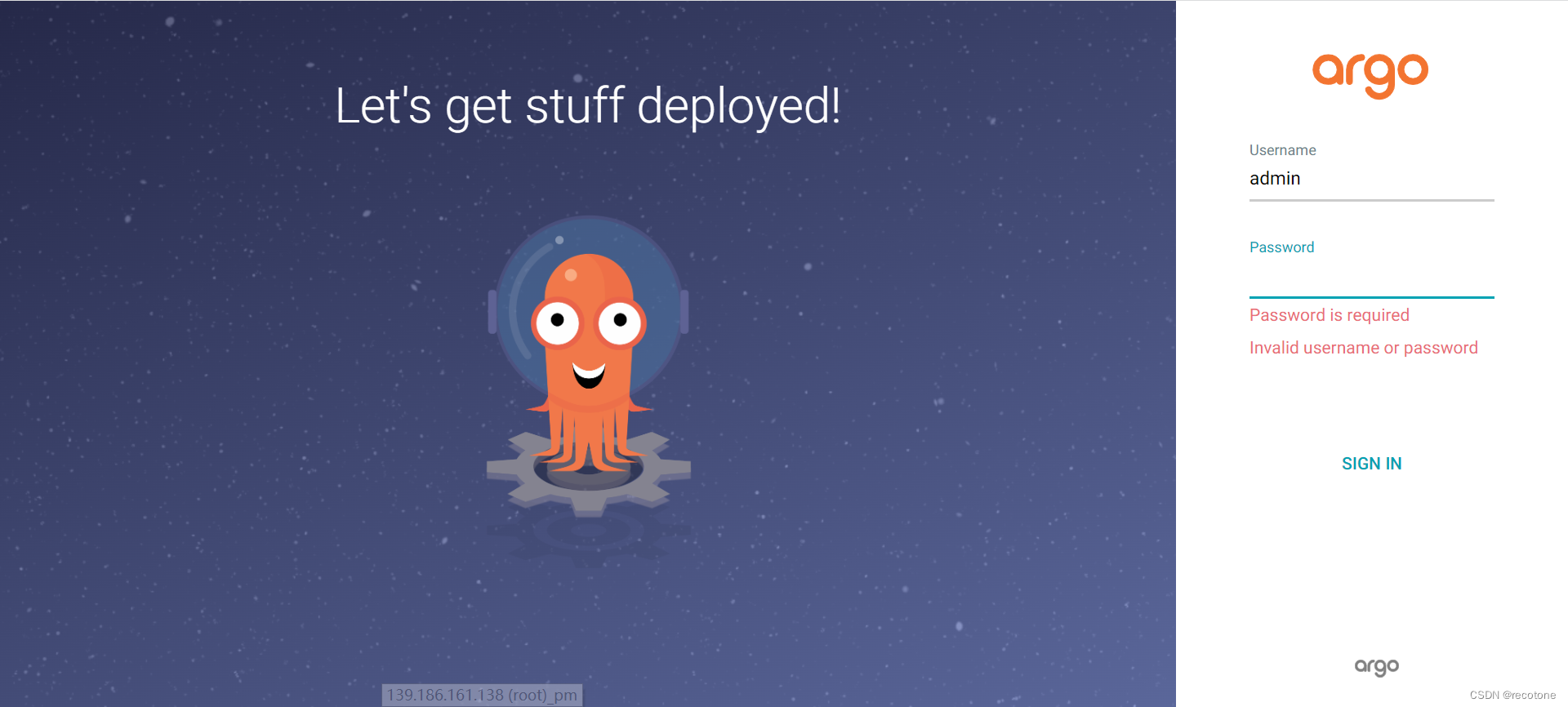
输入argocd.xxx.com 就能打开页面了:
获取登陆密码:
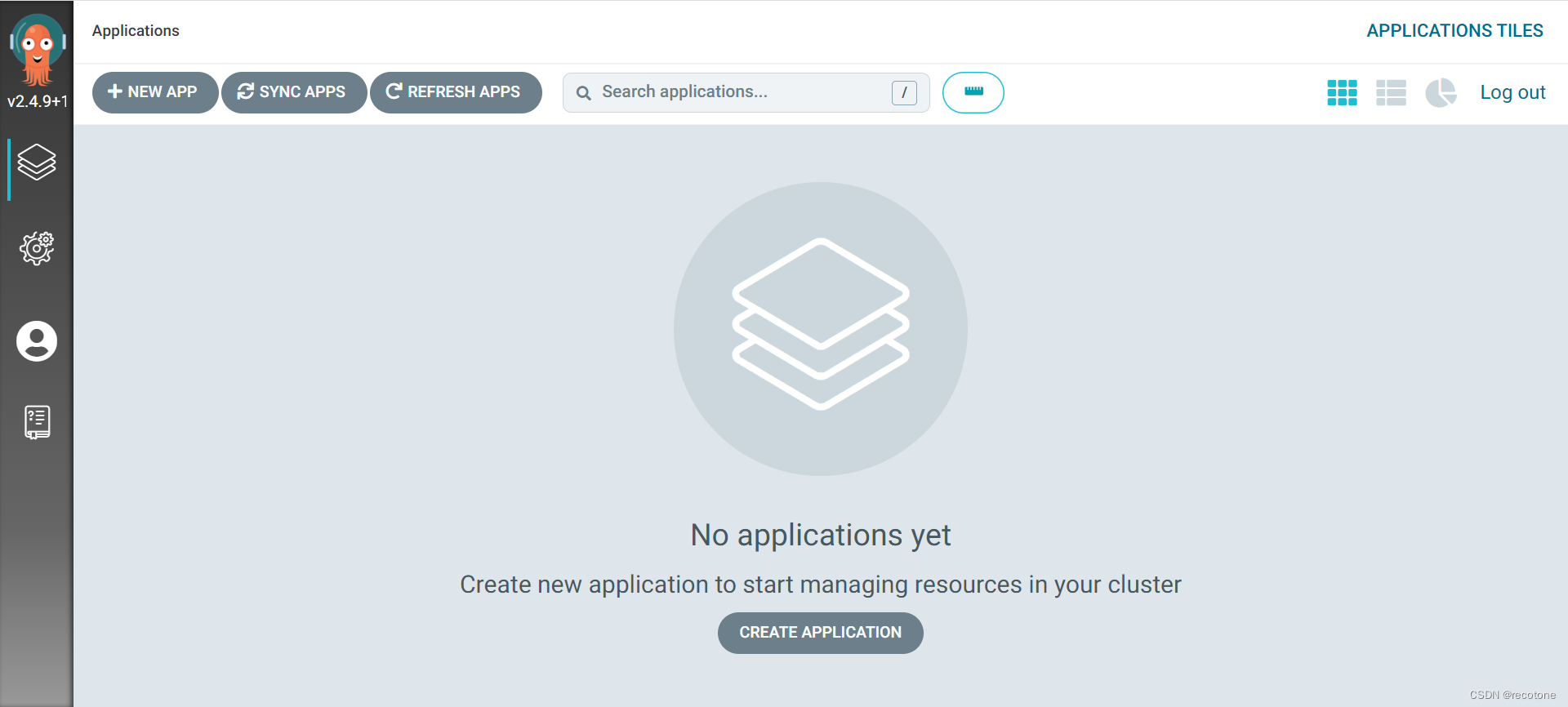
kubectl -n cqlfn-devops get secret argocd-initial-admin-secret -o jsonpath="{.data.password}" | base64 -d; echo登录成功:
本文来自互联网用户投稿,文章观点仅代表作者本人,不代表本站立场,不承担相关法律责任。如若转载,请注明出处。 如若内容造成侵权/违法违规/事实不符,请点击【内容举报】进行投诉反馈!