2019-08-10 homebrew更新更新慢的问题
Homebrew 镜像使用帮助
直接在~/ 路径下执行以下命令
替换现有上游
git -C "$(brew --repo)" remote set-url origin https://mirrors.tuna.tsinghua.edu.cn/git/homebrew/brew.gitgit -C "$(brew --repo homebrew/core)" remote set-url origin https://mirrors.tuna.tsinghua.edu.cn/git/homebrew/homebrew-core.gitgit -C "$(brew --repo homebrew/cask)" remote set-url origin https://mirrors.tuna.tsinghua.edu.cn/git/homebrew/homebrew-cask.gitbrew update
复原
(感谢Snowonion Lee提供说明)git -C "$(brew --repo)" remote set-url origin https://github.com/Homebrew/brew.gitgit -C "$(brew --repo homebrew/core)" remote set-url origin https://github.com/Homebrew/homebrew-core.gitgit -C "$(brew --repo homebrew/cask)" remote set-url origin https://github.com/Homebrew/homebrew-cask.gitbrew update
(2)替换Homebrew Bottles源
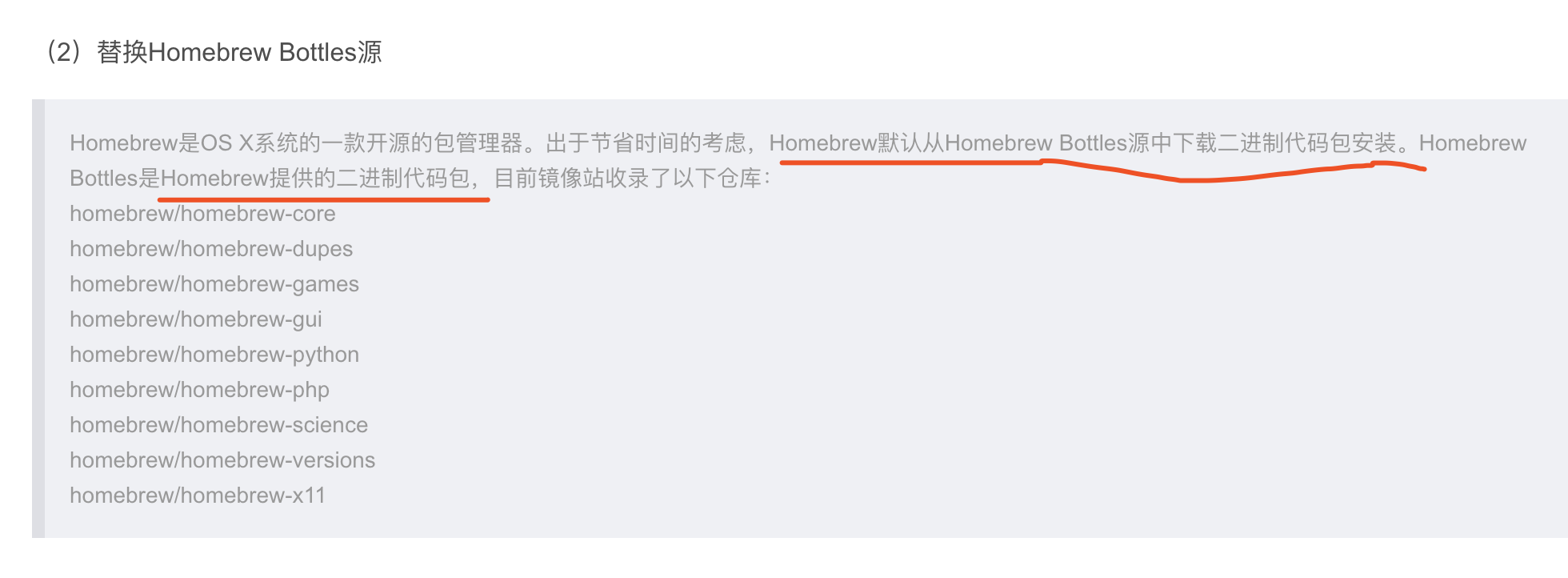 image.png
临时替换
export HOMEBREW_BOTTLE_DOMAIN=https://mirrors.tuna.tsinghua.edu.cn/homebrew-bottles长期替换
echo 'export HOMEBREW_BOTTLE_DOMAIN=https://mirrors.tuna.tsinghua.edu.cn/homebrew-bottles' >> ~/.bash_profile
source ~/.bash_profile
本文来自互联网用户投稿,文章观点仅代表作者本人,不代表本站立场,不承担相关法律责任。如若转载,请注明出处。 如若内容造成侵权/违法违规/事实不符,请点击【内容举报】进行投诉反馈!