[WebRTC 02]如何使用浏览器给自己拍照
一、基础概念
1.音视频播放器播放原理
按照一定的时间间隔连续地播放从音视频文件中解码后的视频帧,每个视频帧直接的时间间隔非常小,小到人眼无法分辨,视觉上将一帧帧连起来就变成了动画。
2.帧的分类
1)非编码帧:非编码帧(没有被编码或者被解码后的帧),从摄像头获取的本身就是非编码帧,每一帧就是一幅独立的图像。格式一般是YUV、RGB。
2)编码帧:经过编码器(H264/H265、VP8/VP9)压缩后的帧称为编码帧。比如H264编码的帧包括三种类型,
I帧:关键帧,压缩率低,可以单独解码成一帧完整的图像。
P帧:参考帧,压缩率较高,解码时依赖于前面已解码的数据。
B帧:前后参考帧,压缩率最高,解码时不光依赖前面已经解码的帧,而且还依赖它面的P帧。
二、代码实现
从摄像头获取的是非编码帧,所以拍照的过程其实就是从连续播放的一帧帧图像中抽取一张并保存成文件。
1)photoGraph.html
photograph
photograph
2)photoGraph.js
/*** Created by leijing on 2019/7/27.*/
'use strict';
const localVideo = document.getElementById("player");
var myPlayer = {mediaStreamContrains: {//video:true,video: {width: 640,//视频宽度height: 480,//视频高度frameRate:15,facingMode: "environment" //user前置摄像头 environment后置摄像头 left 前置左侧摄像头 right前置右侧摄像头},audio: false,aspectRatio: 1.333333333333333333,//视频宽度/高度resizeMode: "none",//是否允许调整图像大小echoCancellation: true,//自动开启回音消除autoGainControl: true,//是否开启自动增益noiseSuppression: true//是否开启降噪},init: function () {var _this = this;_this.initMediaStream();_this.eventBind();},initMediaStream: function () {if(!navigator.mediaDevices ||!navigator.mediaDevices.getUserMedia){console.log("mediaStream is not supported by browser!");return;}navigator.mediaDevices.getUserMedia(this.mediaStreamContrains).then(this.setSrc).catch(this.handleError);},setSrc: function (mediaStream) {window.stream = mediaStream;localVideo.srcObject = mediaStream;},handleError: function (e) {console.log("handleError error," + e);},eventBind: function () {var _this = this;var picture = document.getElementById("picture");var filter = document.getElementById("filter");document.getElementById("save").onclick = function () {picture.className = filter.value;picture.getContext("2d").drawImage(localVideo, 0, 0, picture.width, picture.height);};document.getElementById("download").onclick = function(){_this.downLoad(picture.toDataURL("image/jpeg"));}filter.onchange = function () {localVideo.className = this.value;}},downLoad: function (url) {var aLink = document.createElement("a");aLink.download = 'photo_' + new Date().getTime()+".jpg";aLink.href = url;document.body.appendChild(aLink);aLink.click();aLink.remove();}
};
myPlayer.init();
3)photoGraph.css
#player{width: 640px;height:480px;
}
#container{width: 640px;height:auto;margin:0 auto;text-align: center;
}
#picture{width: 640px;height:480px;
}/*filter style*/
.none {-webkit-filter: none;
}.blur {-webkit-filter: blur(3px);
}.grayscale {-webkit-filter: grayscale(1);
}.invert {-webkit-filter: invert(1);
}.sepia {-webkit-filter: sepia(1);
}
三、运行效果
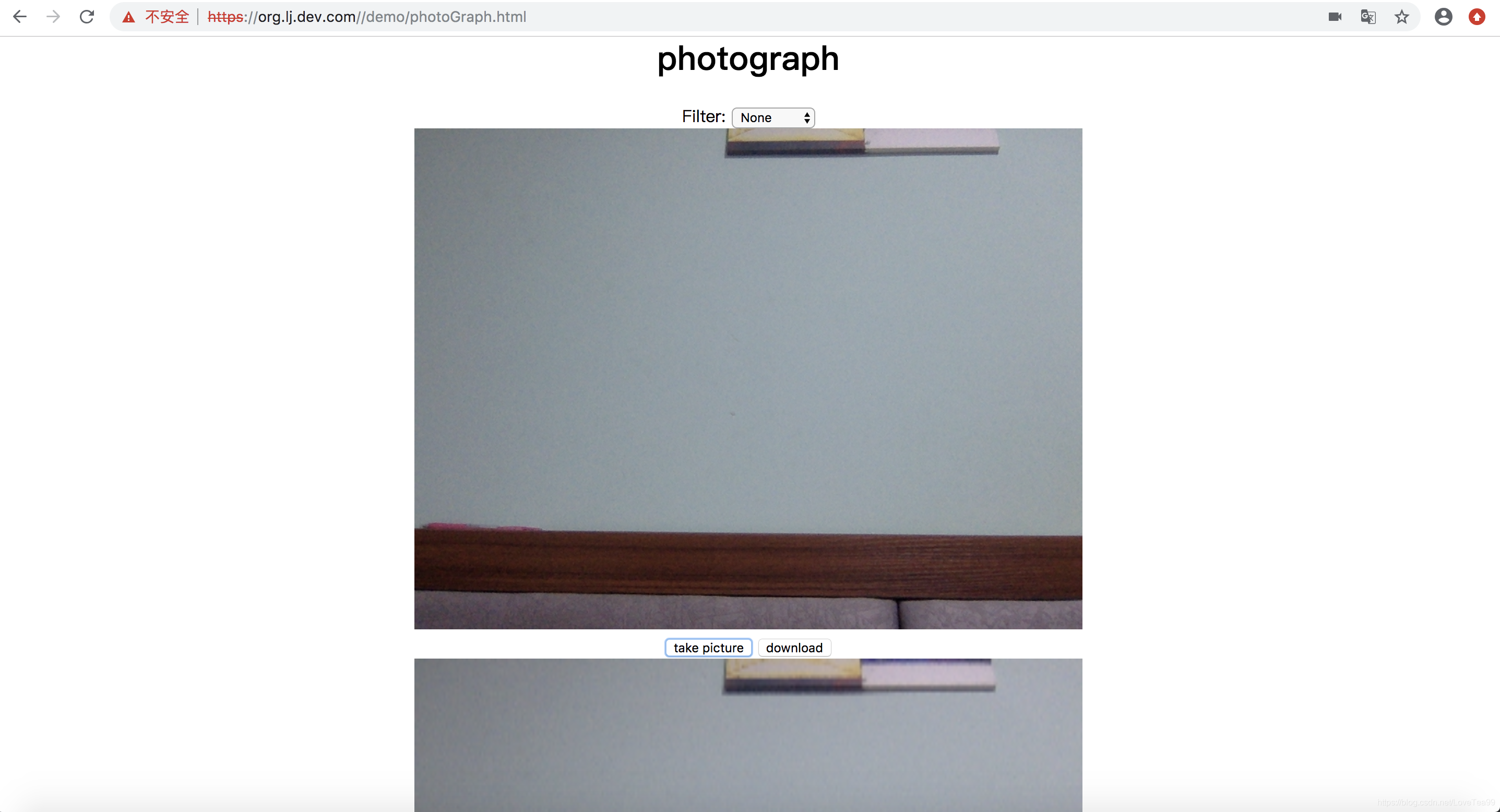
点击take picture
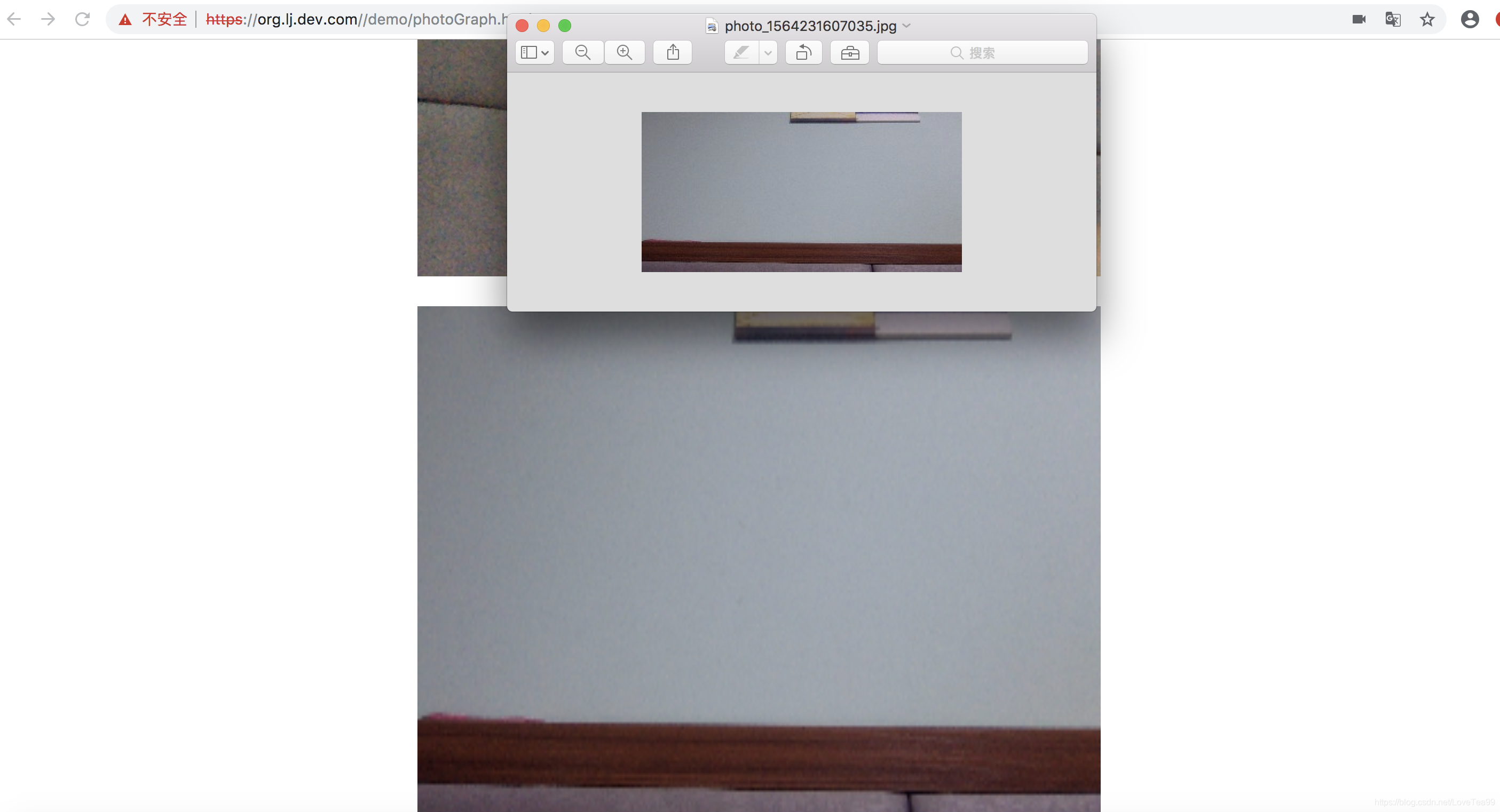
点击download
本文来自互联网用户投稿,文章观点仅代表作者本人,不代表本站立场,不承担相关法律责任。如若转载,请注明出处。 如若内容造成侵权/违法违规/事实不符,请点击【内容举报】进行投诉反馈!