unity 鼠标锁住不动旋转摄像头视角
把原来光标隐藏 找一个图片放在中间移动完毕真实鼠标光标显示出来
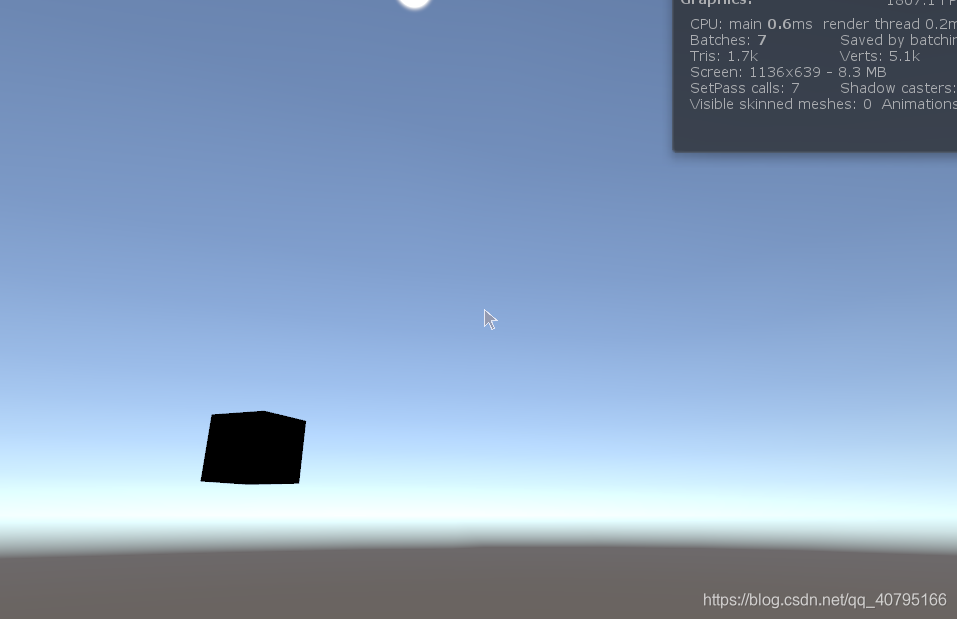
//******************************************************************
//
// 文件名(File Name):      ViewControl.cs
//
// 功能描述(Description): 光标不动旋转摄像机
//
// 作者(Author):              sqw
//
// 日期(Create Date):      2019.10.10
//
//******************************************************************using System;
using System.Collections.Generic;
using UnityEngine;
using UnityEngine.UI;public class ViewControl:MonoBehaviour
{public static extern int SetCursorPos(int x, int y);enum RotationAxes{MouseXAndY,MouseX,MouseY}RotationAxes axes = RotationAxes.MouseXAndY;float sensitivityX = 10;float sensitivityY = 10;float minimumY = -60;float maximumY = 60;private float rotationY = 0;public Image cursor;private void Start(){}public void Update(){if (Input.GetMouseButton(0)){Cursor.lockState = CursorLockMode.Locked;//锁定指针到视图中心Cursor.visible = false;//隐藏指针Cursor.visible = false;cursor.enabled = true;if (axes == RotationAxes.MouseXAndY){float rotationX = Camera.main.transform.localEulerAngles.y + Input.GetAxis("Mouse X") * sensitivityX;rotationY += Input.GetAxis("Mouse Y") * sensitivityY;rotationY = Mathf.Clamp(rotationY, minimumY, maximumY);Camera.main.transform.localEulerAngles = new Vector3(-rotationY, rotationX, 0);}else if (axes == RotationAxes.MouseX){Camera.main.transform.Rotate(0, Input.GetAxis("Mouse X") * sensitivityX, 0);}else{rotationY += Input.GetAxis("Mouse Y") * sensitivityY;rotationY = Mathf.Clamp(rotationY, minimumY, maximumY);Camera.main.transform.localEulerAngles = new Vector3(-rotationY, Camera.main.transform.localEulerAngles.y, 0);}}if (Input.GetMouseButtonUp(0)){Cursor.visible = true;//显示指针Cursor.lockState = CursorLockMode.None;//锁定指针到视图中心cursor.enabled = false;}}}
本文来自互联网用户投稿,文章观点仅代表作者本人,不代表本站立场,不承担相关法律责任。如若转载,请注明出处。 如若内容造成侵权/违法违规/事实不符,请点击【内容举报】进行投诉反馈!