Web前端:博客美化:四、网易云音乐单曲播放器
1、页面定制CSS代码
/*3、音乐播放器*/
.content-wrap {overflow-y: scroll;-webkit-overflow-scrolling: touch;
}
/* Menu Button */
.menu-button {position: fixed;top: 30px;right: 15px;z-index: 1000;padding: 0 !important;margin: 0 !important;width: 45px;height: 35px;border: none;font-size: 1.5em;color: #373a47;background: transparent;cursor: pointer;border: none;outline: none;
}
/* 图片旋转*/
@-webkit-keyframes rotation{from {-webkit-transform: rotate(0deg);}to {-webkit-transform: rotate(360deg);}
}
/* 图片旋转样式*/
.menu-rotation{-webkit-transform: rotate(360deg);animation: rotation 3s linear infinite;-moz-animation: rotation 3s linear infinite;-webkit-animation: rotation 3s linear infinite;-o-animation: rotation 3s linear infinite;
}
/* 图片旋转样式*/
.menu-button img {width: 35px;height: 35px;border-radius: 50%;
}
.menu-button:hover {opacity: 0.8;
}
/* Menu */
.menu-wrap {position: fixed;z-index: 999;/* background: #ebedf4; */-webkit-transition: width 0.3s, height 0.3s;transition: width 0.3s, height 0.3s;width: 0;height: 0;font-size: 1.5em;top: 0;right: 0;-webkit-transform-origin: 0% 100%;transform-origin: 0% 100%;
}
/* 屏幕适应*/
@media screen and (max-width: 50em) {.menu-button {margin: 0.25em;}.menu-wrap {/*bottom: 0.25em;left: 0.25em;*/}
}
/* Shown menu */
.show-menu .menu-wrap {width: 340px;height: 100px;-webkit-animation: anim-jelly 0.8s linear forwards;animation: anim-jelly 0.8s linear forwards;
}
2、博客侧边栏公告(支持HTML代码)(支持JS代码)
3、设置网易云外链
打开网易云音乐网站,网页版的
找自己喜欢的音乐活着歌单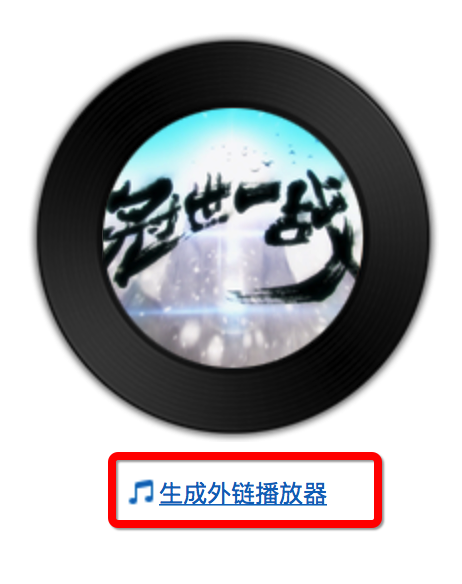
博客园不支持iframe,选择flash插件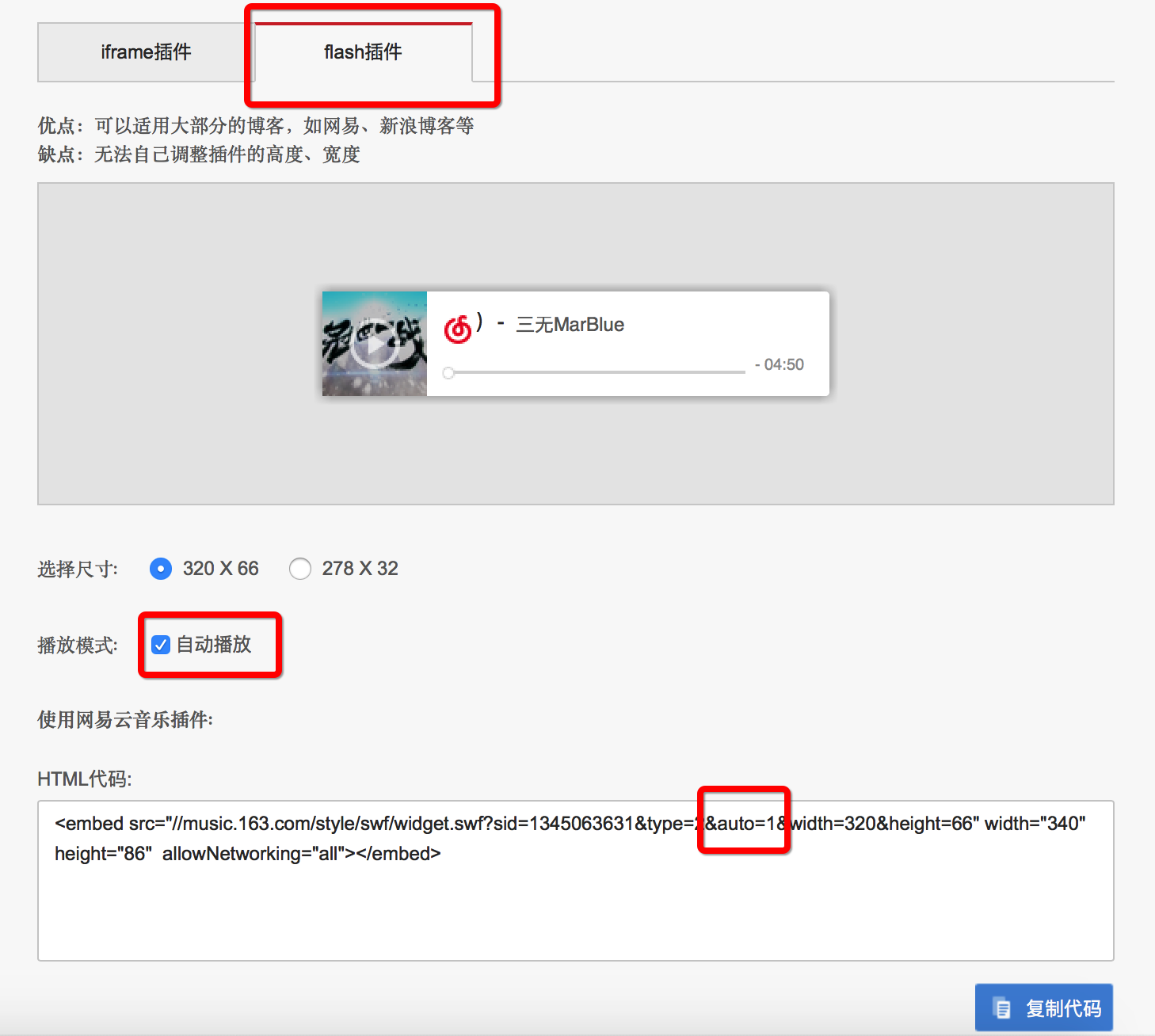
自己选择是否自动播放,由于我选的曲子很。。。有活力,所以我是不自动播放的。
之后复制代码覆盖这里:
以上。
参考:https://www.cnblogs.com/cang12138/p/7381601.html#_label2
转载于:https://www.cnblogs.com/ZhengWH/p/10363987.html
本文来自互联网用户投稿,文章观点仅代表作者本人,不代表本站立场,不承担相关法律责任。如若转载,请注明出处。 如若内容造成侵权/违法违规/事实不符,请点击【内容举报】进行投诉反馈!