解决Hystrix Dashboard出现Unable to connect to Command Metric Stream错误
我用的springboot是2.3.2版本,springcloud为H版SR7最新版
在网上查看很多解决方法都说到,在被监控的项目中,注册ServletRegistrationBean到容器中,如下:
@SpringBootApplication
@EnableEurekaClient
@EnableDiscoveryClient
@EnableCircuitBreaker
public class CloudProviderHystrixPayment8011Application {public static void main(String[] args) {SpringApplication.run(CloudProviderHystrixPayment8011Application.class, args);}@Beanpublic ServletRegistrationBean getServlet(){HystrixMetricsStreamServlet hystrix=new HystrixMetricsStreamServlet();ServletRegistrationBean bean=new ServletRegistrationBean(hystrix);bean.setLoadOnStartup(1);bean.addUrlMappings("/hystrix.stream");bean.setName("HystrixMetricsStreamServlet");return bean;}
}
这样配置后,发现可以输入项目地址+/hystrix.stream直接访问,但是dashboard依旧无法连接上。
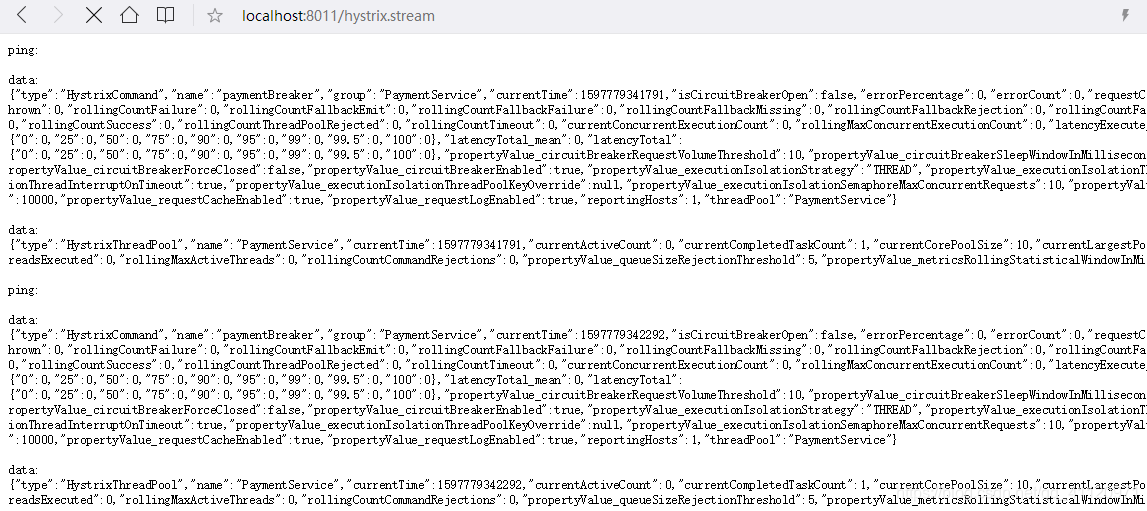
这时候打开dashboard页面,依然连接不上。
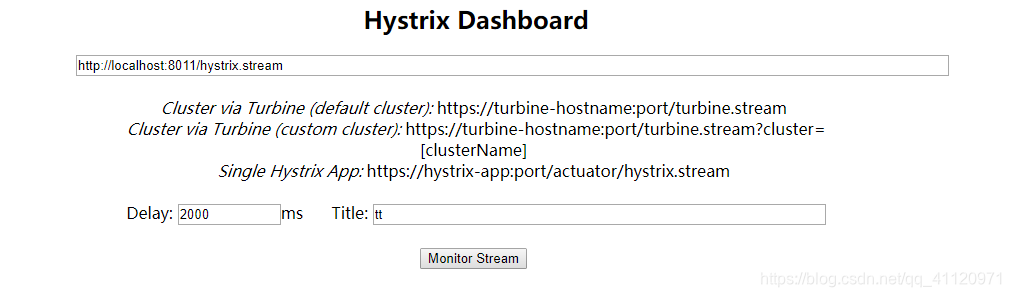
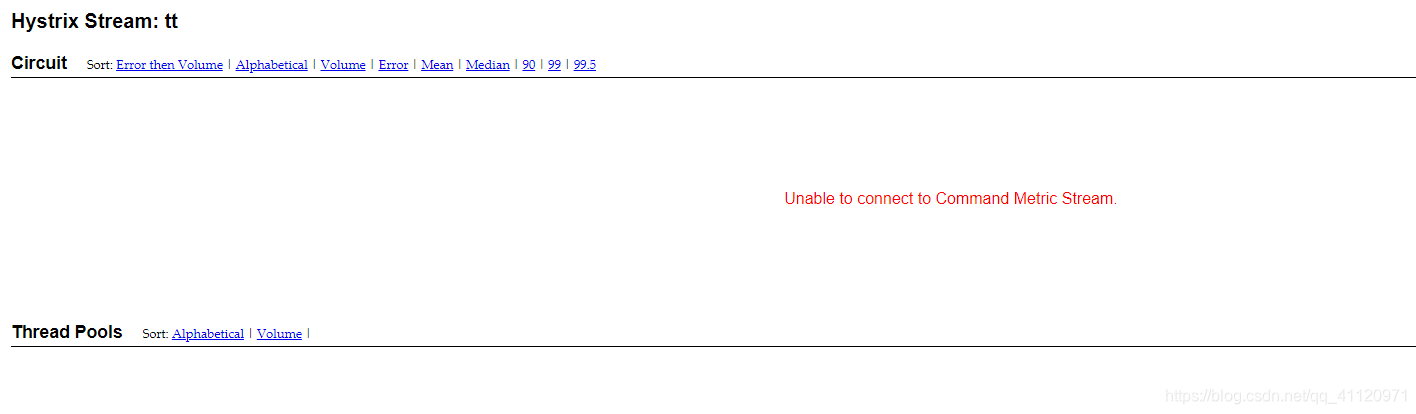
这时候我去dashboard的项目控制台中看到,说需要添加到hystrix.dashboard.proxyStreamAllowList属性中。

于是去dashboard的项目yml配置文件中进行配置,添加所有进入到允许列表,然后重启项目。
hystrix:dashboard:proxy-stream-allow-list: "*"
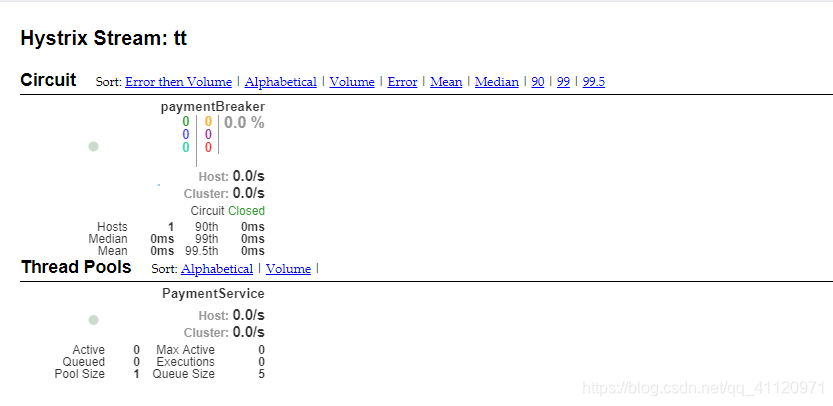
可以看到,成功地显示了监控页面
本文来自互联网用户投稿,文章观点仅代表作者本人,不代表本站立场,不承担相关法律责任。如若转载,请注明出处。 如若内容造成侵权/违法违规/事实不符,请点击【内容举报】进行投诉反馈!