提示框、消息框等待2秒中自动消失
一、html代码部分
可以自定义消息框样式,例如:test('alert_info2');
其他消息框需引入boostrap.min.css的样式,显示提示框,等待2秒后,提示框消失。
Bootstrap Example
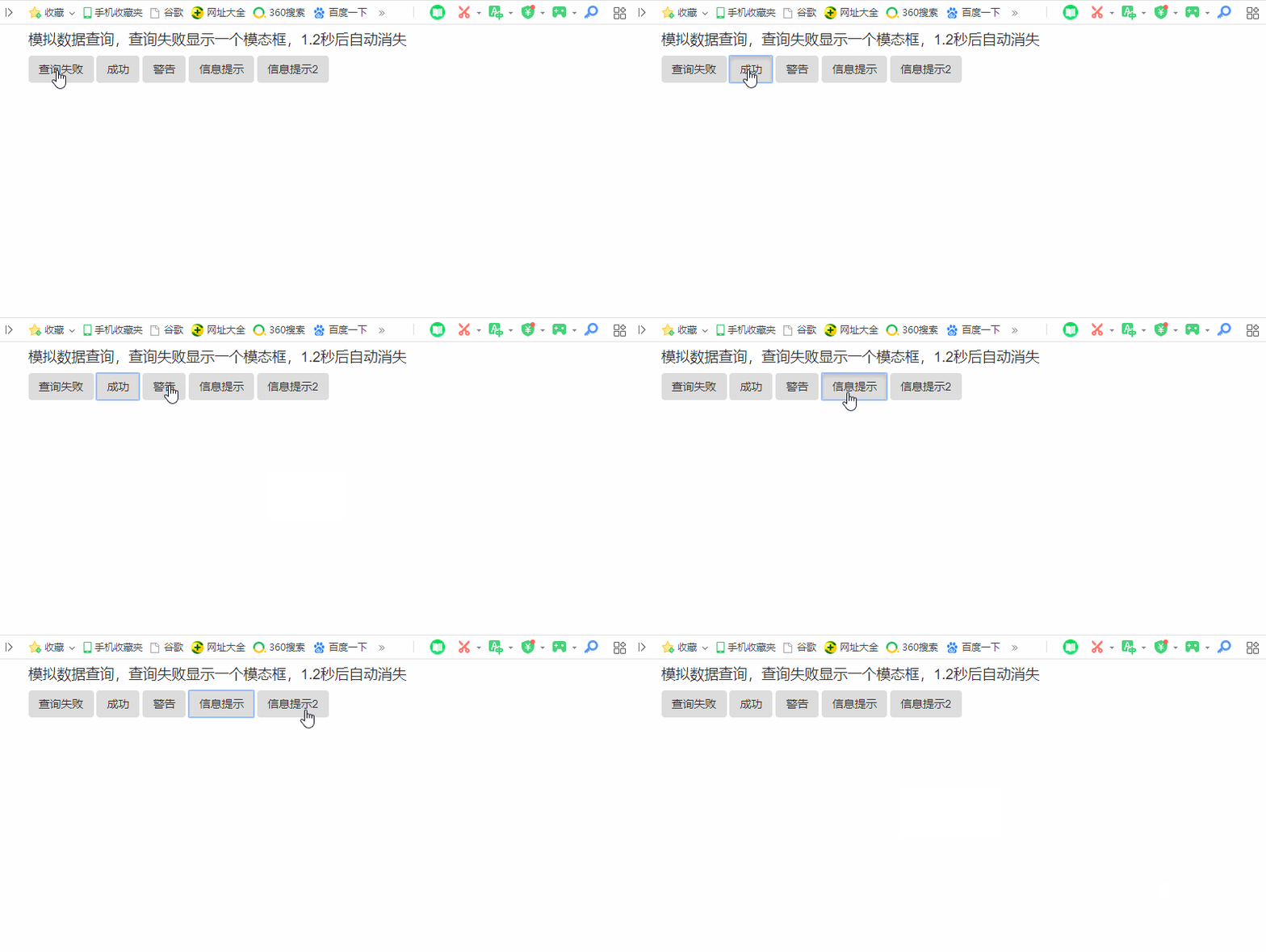
模拟数据查询,查询失败显示一个模态框,1.2秒后自动消失
二、js部分
/*** 弹出式提示框,默认1.2秒自动消失* @param message 提示信息* @param style 提示样式,有alert-success、alert-danger、alert-warning、alert-info* @param time 消失时间*/
var prompt = function (message, style, time)
{style = (style === undefined) ? 'alert-success' : style;time = (time === undefined) ? 1200 : time;$('').appendTo('body').addClass('alert '+ style).css({"display":"block","z-index":99999,"left":($(document.body).outerWidth(true) - 120) / 2,"top":($(window).height() - 45) / 2,"position": "absolute","padding": "20px","border-radius": "5px"}).html(message).show().delay(time).fadeOut(10,function(){$('#promptModal').remove();});
};// 成功提示
var success_prompt = function(message, time)
{prompt(message, 'alert-success', time);
};// 失败提示
var fail_prompt = function(message, time)
{prompt(message, 'alert-danger', time);
};// 提醒
var warning_prompt = function(message, time)
{prompt(message, 'alert-warning', time);
};// 信息提示
var info_prompt = function(message, time)
{prompt(message, 'alert-info', time);
};// 信息提示
var alert_prompt = function(message, time)
{prompt(message, 'alert-pormpt', time);
};
三、实现效果
本文来自互联网用户投稿,文章观点仅代表作者本人,不代表本站立场,不承担相关法律责任。如若转载,请注明出处。 如若内容造成侵权/违法违规/事实不符,请点击【内容举报】进行投诉反馈!