Vue配合animate.css样式库实现过渡动画
Vue配合animate.css样式库实现过渡动画
Vue自带有实现过渡动画效果的标签以及相关的属性与方法,加上Animate.css外部样式库,对于不擅长Css却想要实现某些过渡效果非常有用
animate.css的引入与使用
安装:
npm -i install animate.css
animate.css 官网
https://animate.style/
这个官网有时一般能访问到,看情况。
进入官网有这么一段代码描述:
After installing Animate.css, add the class animate__animated to an element, along with any of the animation names (don’t forget the animate__ prefix!):
<h1 class="animate__animated animate__bounce">An animated element</h1>
在使用具体样式类之前是要引入这两个类的
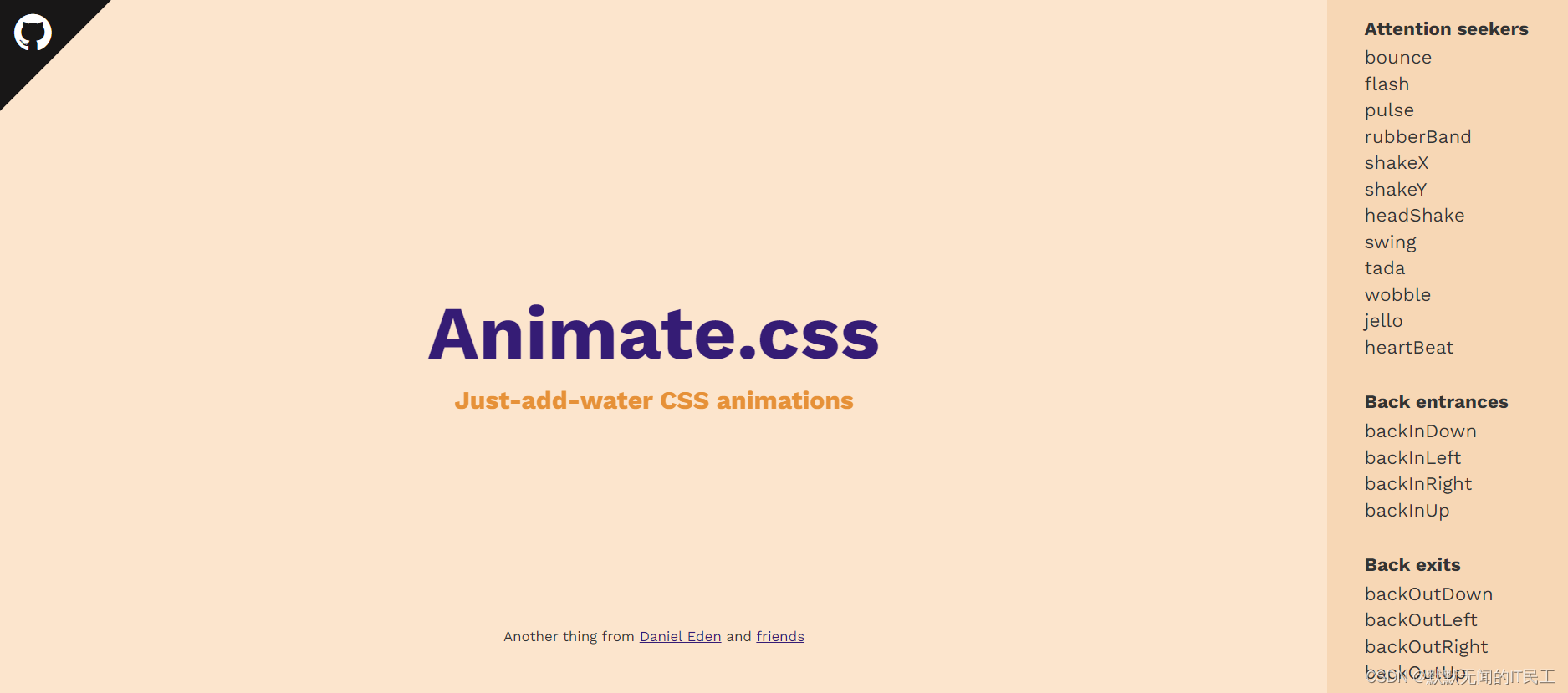
之后在官网界面的右侧,展示了那些类的效果,复制类名引入就可以具体使用。
下面是具体的使用方法
Vue+animate.css实现过渡动画效果的方法
代码实现:
<template><div><button @click="isShow = !isShow">显示/隐藏</button><!-- transition标签作用:可以为标签中的内容用Vue的方法实现过渡动画效果 appear属性则是开启出场过渡动画name指定使用的样式类enter-active-class类:name指定的类中用于进入动画的样式类leave-active-class类:name指定的类中用于离开动画的样式类--><transition appear name="animate__animated animate__bounce"enter-active-class="animate__backInDown"leave-active-class="animate__backOutDown"><h2 v-show="isShow">{{clickName}}</h2></transition></div>
</template><script>
import 'animate.css' //这里是引入css文件,所以不要写成:import...from...
export default {name:'TestTransition',data() {return {isShow:true,clickName:'过渡动画'}},
}
</script><style scoped> h2 {text-align:center;background-color: aqua;width: 50%;}
</style>
实现效果(因为是动画就不演示了可以自行试试):

本文来自互联网用户投稿,文章观点仅代表作者本人,不代表本站立场,不承担相关法律责任。如若转载,请注明出处。 如若内容造成侵权/违法违规/事实不符,请点击【内容举报】进行投诉反馈!