C#程序自动更新功能
思路:
1.在后端接口项目中配置程序的最新版本,并在程序的配置中配置当前版本。
2.在程序启动时,向后端请求获取最新版本接口,并匹配程序配置中的当前版本。
3.若不匹配,则表示不是最新版本,需要更新。这时,再次像后端请求获取最新程序的安装包接口(压缩包文件),并直接解压到程序根目录,替换需要的文件。(程序不能直接替换和删除正在运行的文件,但是可以重命名正在运行的文件,并且还可以修改后缀。所以,可以考虑先把需要被替换的文件重命名其他名称,然后再直接将压缩包文件解压到指定文件夹,达到被替换的效果)。
4.最后,可以直接重新启动程序。
代码:
1.创建窗体(显示更新信息的窗体)

2.窗口控件的代码:
private void InitializeComponent()
{System.ComponentModel.ComponentResourceManager resources = new System.ComponentModel.ComponentResourceManager(typeof(UpdateAppForm));this.rtBoxMsg = new System.Windows.Forms.RichTextBox();this.picBoxState = new System.Windows.Forms.PictureBox();this.label1 = new System.Windows.Forms.Label();((System.ComponentModel.ISupportInitialize)(this.picBoxState)).BeginInit();this.SuspendLayout();// // rtBoxMsg// this.rtBoxMsg.BackColor = System.Drawing.SystemColors.Info;this.rtBoxMsg.Location = new System.Drawing.Point(8, 26);this.rtBoxMsg.Name = "rtBoxMsg";this.rtBoxMsg.Size = new System.Drawing.Size(511, 213);this.rtBoxMsg.TabIndex = 13;this.rtBoxMsg.Text = "";// // picBoxState// this.picBoxState.Image = ((System.Drawing.Image)(resources.GetObject("picBoxState.Image")));this.picBoxState.Location = new System.Drawing.Point(10, 4);this.picBoxState.Name = "picBoxState";this.picBoxState.Size = new System.Drawing.Size(16, 16);this.picBoxState.SizeMode = System.Windows.Forms.PictureBoxSizeMode.AutoSize;this.picBoxState.TabIndex = 16;this.picBoxState.TabStop = false;// // label1// this.label1.AutoSize = true;this.label1.Location = new System.Drawing.Point(30, 6);this.label1.Name = "label1";this.label1.Size = new System.Drawing.Size(149, 12);this.label1.TabIndex = 15;this.label1.Text = "程序检查更新中,请勿关闭";// // UpdateAppForm// this.AutoScaleDimensions = new System.Drawing.SizeF(6F, 12F);this.AutoScaleMode = System.Windows.Forms.AutoScaleMode.Font;this.BackColor = System.Drawing.SystemColors.Control;this.ClientSize = new System.Drawing.Size(526, 247);this.Controls.Add(this.picBoxState);this.Controls.Add(this.label1);this.Controls.Add(this.rtBoxMsg);this.FormBorderStyle = System.Windows.Forms.FormBorderStyle.None;this.Name = "UpdateAppForm";this.StartPosition = System.Windows.Forms.FormStartPosition.Manual;this.Text = "更新程序";this.FormClosing += new System.Windows.Forms.FormClosingEventHandler(this.UpdateAppForm_FormClosing);this.Load += new System.EventHandler(this.UpdateAppForm_Load);((System.ComponentModel.ISupportInitialize)(this.picBoxState)).EndInit();this.ResumeLayout(false);this.PerformLayout();}
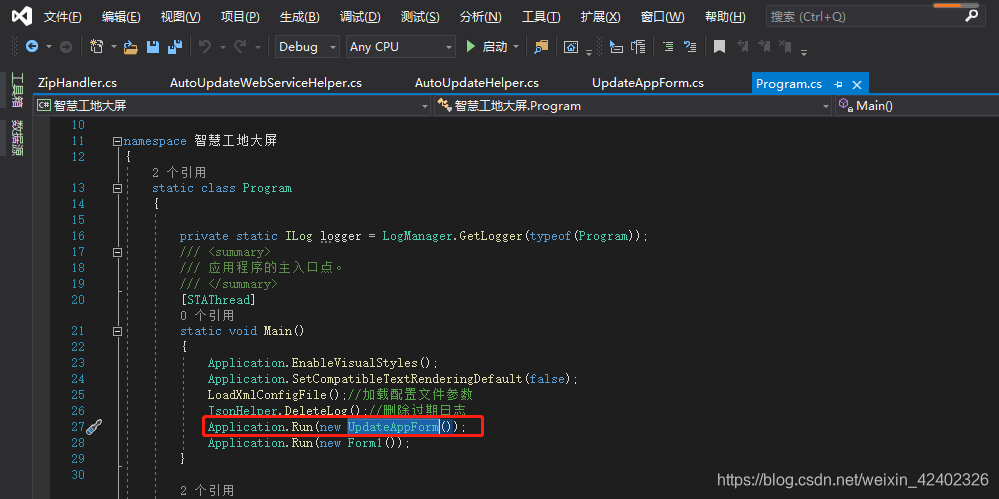
3.加载主程序之前先加载更新检测功能
4.更新检测代码:
using log4net;
using System;
using System.Collections.Generic;
using System.ComponentModel;
using System.Data;
using System.Diagnostics;
using System.Drawing;
using System.IO;
using System.Linq;
using System.Text;
using System.Threading;
using System.Threading.Tasks;
using System.Windows.Forms;
using 智慧工地大屏.Ext;
using 智慧工地大屏.Model;
using 智慧工地大屏.UpdateAppUtil;
using 智慧工地大屏.util;namespace 智慧工地大屏.UpdateApp
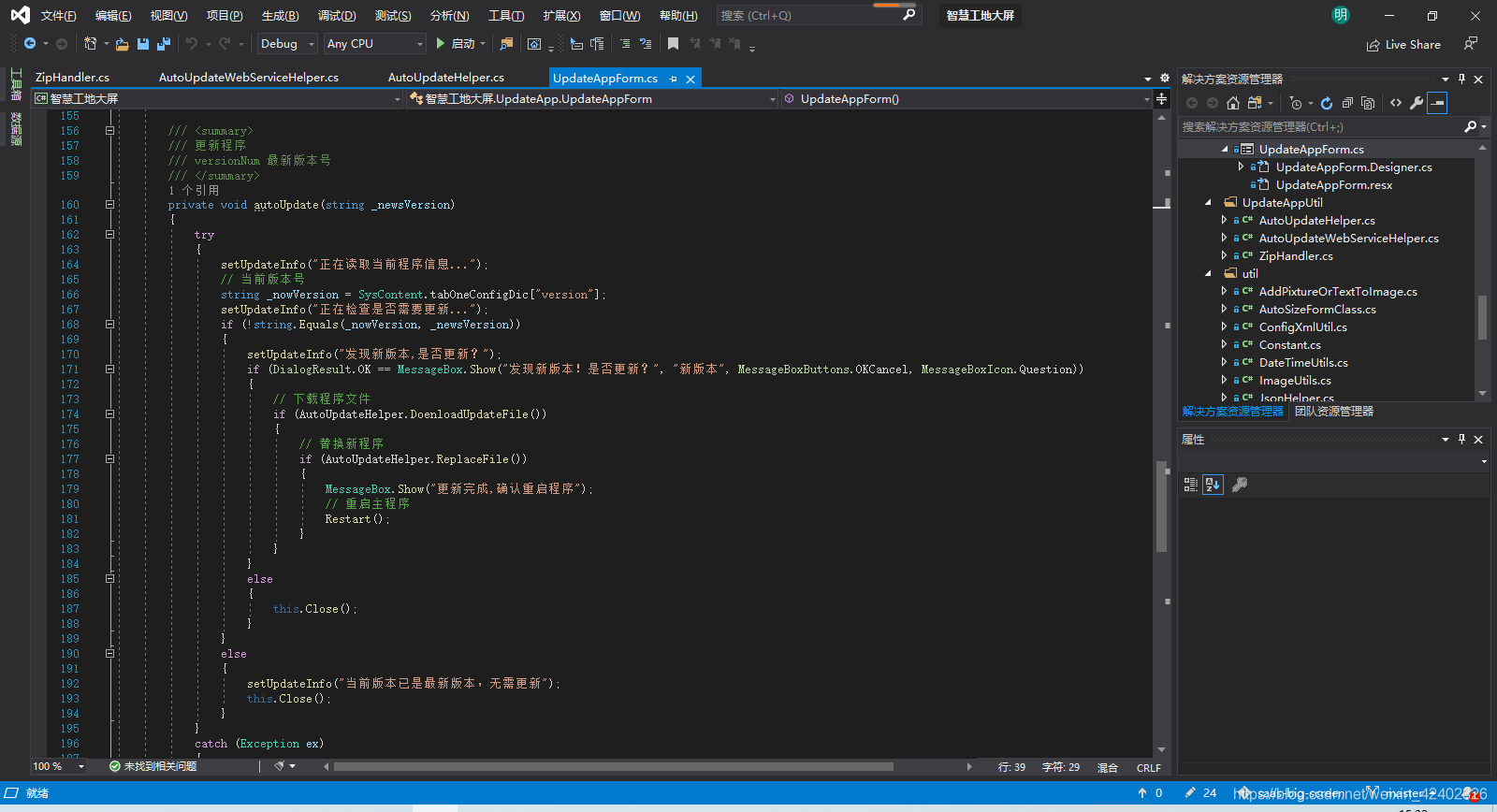
{public partial class UpdateAppForm : Form{private static ILog logger = LogManager.GetLogger(typeof(UpdateAppForm));// 数据交互处理SocketClient_Kenel s_client = null;// 多长时间检测一次版本号int checkVersionTimer = 1800;// 刷新线程Thread thrRefresher1;// 线程同步锁bool bSignAlive = true;private AutoUpdateHelper.DelegateSetUpdateInfo DelegateSetUpdateInfo = null;private AutoUpdateHelper AutoUpdateHelper = null;public UpdateAppForm(){InitializeComponent();DelegateSetUpdateInfo = new AutoUpdateHelper.DelegateSetUpdateInfo(setUpdateInfo);AutoUpdateHelper = new AutoUpdateHelper(DelegateSetUpdateInfo);}private void UpdateAppForm_Load(object sender, EventArgs e){setUpdateInfo("正在加载当前程序更新服务...");// 删除exe旧文件if (File.Exists(AppDomain.CurrentDomain.BaseDirectory + "\\exe_old.txt")){File.Delete(AppDomain.CurrentDomain.BaseDirectory + "\\exe_old.txt");}// 删除config旧文件if (File.Exists(AppDomain.CurrentDomain.BaseDirectory + "\\config\\Config_old.xml")){File.Delete(AppDomain.CurrentDomain.BaseDirectory + "\\config\\Config_old.xml");}// 开启数据接收服务startServer();setUpdateInfo("正在启动当前程序更新服务...");// 读取配置文件版本检测时间checkVersionTimer = int.Parse(SysContent.tabOneConfigDic["checkVersionTimer"]);// 开启消息定时接收线程thrRefresher1 = new Thread(new ThreadStart(KeepOnRefreshData));thrRefresher1.Start();}private void UpdateAppForm_FormClosing(object sender, FormClosingEventArgs e){// 关闭线程bSignAlive = false;if (thrRefresher1 != null){thrRefresher1.Abort();}}/// /// 关闭方法的委托/// /// /// public delegate void CloseMethodDelegate(string versionNum);/// /// 启动服务/// public void startServer(){string[] ipAdd = SysContent.tabOneConfigDic["serverUrl"].ToString().Split(':');s_client = new SocketClient_Kenel(new[] { ipAdd[0], ipAdd[1] });s_client.Init();Task.Factory.StartNew(() =>{while (true){Thread.Sleep(1);if (!s_client.q_rec.IsEmpty) //队列不为空则取出{s_client.q_rec.TryDequeue(out byte[] data);//解析datastring res = Encoding.UTF8.GetString(data);if (!string.IsNullOrWhiteSpace(res)){logger.Info("@智慧工地返回信息:" + res);try{BaseResponse baseResponse = util.JsonHelper.DeserializeJsonToObject<BaseResponse>(res);if (baseResponse != null && baseResponse.code == MethodState.successCode){string json = util.JsonHelper.SerializeObject(baseResponse.data);if (baseResponse.txCode == MethodState.TransCode.TRANS_CODE_5102){RequestSaas projectOverviewInfoInfo = util.JsonHelper.DeserializeJsonToObject<RequestSaas>(json);BeginInvoke(new CloseMethodDelegate(autoUpdate), projectOverviewInfoInfo.versionNum.Trim());}}else{logger.Error("接收无效信息...");}}catch (Exception e){logger.Error("接收错误", e);}}}}}, TaskCreationOptions.LongRunning);}/// /// 隔一段时间检测一次版本/// private void KeepOnRefreshData(){while (true){//如果外部窗体关闭,则从内部终止线程if (!bSignAlive){break;}s_client.SendScsMessage(MethodState.TransCode.TRANS_CODE_5102, "", "");Thread.Sleep(1000 * checkVersionTimer);}}/// /// 更新程序/// versionNum 最新版本号/// private void autoUpdate(string _newsVersion){try{setUpdateInfo("正在读取当前程序信息...");// 当前版本号string _nowVersion = SysContent.tabOneConfigDic["version"];setUpdateInfo("正在检查是否需要更新...");if (!string.Equals(_nowVersion, _newsVersion)){setUpdateInfo("发现新版本,是否更新?");if (DialogResult.OK == MessageBox.Show("发现新版本!是否更新?", "新版本", MessageBoxButtons.OKCancel, MessageBoxIcon.Question)){// 下载程序文件if (AutoUpdateHelper.DoenloadUpdateFile()){// 替换新程序if (AutoUpdateHelper.ReplaceFile()){MessageBox.Show("更新完成,确认重启程序");// 重启主程序Restart();}}}else{this.Close();}}else{setUpdateInfo("当前版本已是最新版本,无需更新");this.Close();}}catch (Exception ex){MessageBox.Show(ex.Message);}}/// /// 更新完成之后重新启动该程序/// public static void Restart(){//开启新的实例Process.Start(Application.ExecutablePath);//关闭当前实例Process.GetCurrentProcess().Kill();}public delegate void DelegateShowMsg(string msg);/// /// 给信息数据委托赋值/// /// private void setUpdateInfo(string msg){try{if (this.InvokeRequired){this.Invoke(new DelegateShowMsg(setUpdateInfo), new object[] { msg });return;}this.rtBoxMsg.AppendText(msg + "\r\n");}catch (Exception ex){MessageBox.Show(ex.Message);}}}
}
5.下载文件代码


using log4net;
using System;
using System.Collections.Generic;
using System.Diagnostics;
using System.IO;
using System.Linq;
using System.Text;
using System.Threading;
using System.Xml;
using 智慧工地大屏.Model;
using 智慧工地大屏.util;namespace 智慧工地大屏.UpdateAppUtil
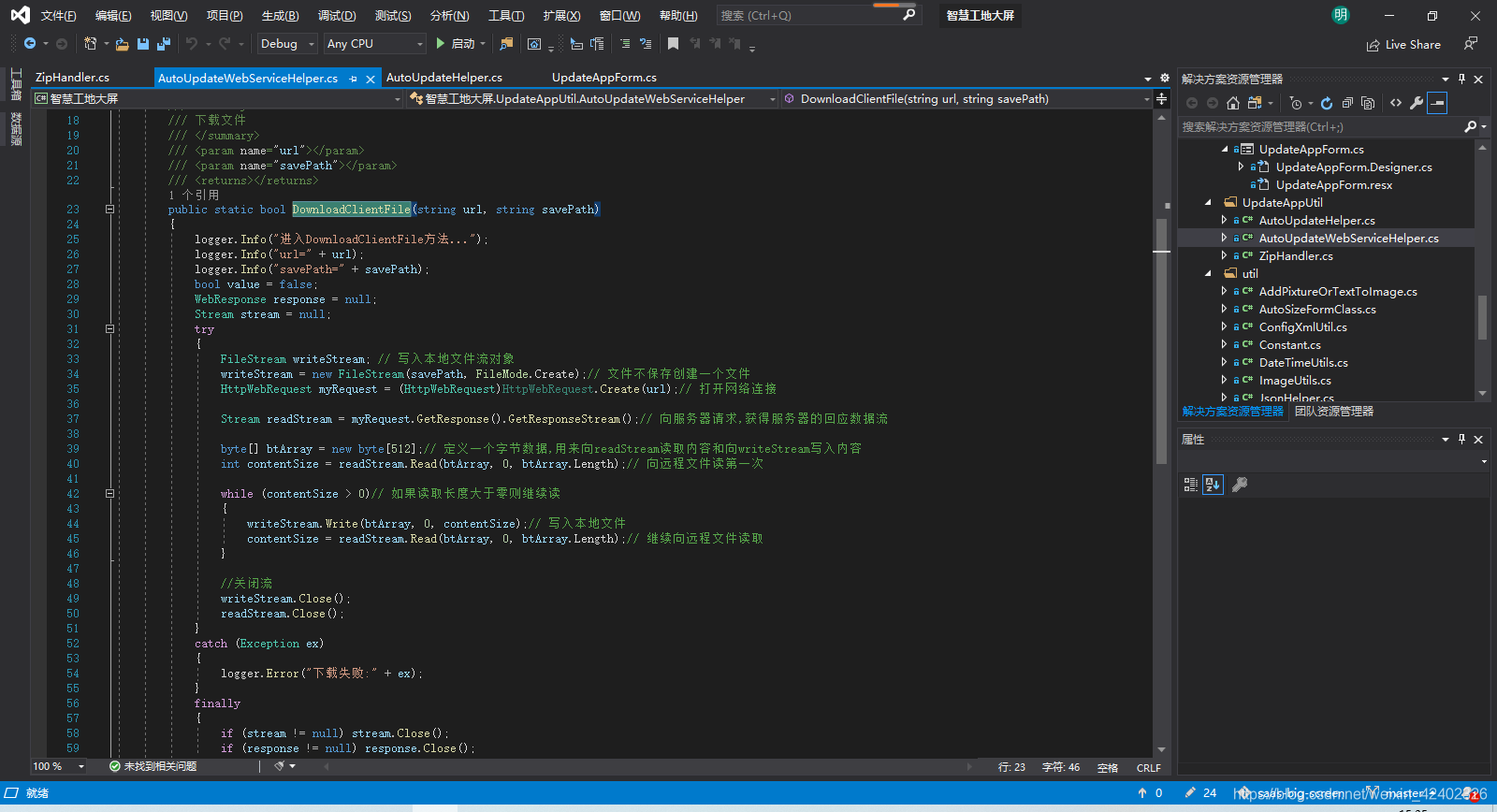
{/// /// 自动更新/// public class AutoUpdateHelper{private static ILog logger = LogManager.GetLogger(typeof(AutoUpdateHelper));// 文件下载保存路径private string _downLoadSaveTempPath = AppDomain.CurrentDomain.BaseDirectory + "downloadFile\\";public delegate void DelegateSetUpdateInfo(string info);// 显示信息private DelegateSetUpdateInfo setUpdateInfo;public AutoUpdateHelper(DelegateSetUpdateInfo setUpdateInfo){this.setUpdateInfo = setUpdateInfo;}/// /// 下载程序文件/// /// public bool DoenloadUpdateFile(){try{if (!Directory.Exists(_downLoadSaveTempPath)){Directory.CreateDirectory(_downLoadSaveTempPath);}string fileName = SysContent.tabOneConfigDic["downloadFileName"];setUpdateInfo("正在下载文件:" + fileName);string downFileUrl = SysContent.tabOneConfigDic["webUpdateUrl"] + "saasBigScreen.zip"; ;_downLoadSaveTempPath += "saasBigScreen.zip";logger.Info("开始下载文件...");AutoUpdateWebServiceHelper.DownloadClientFile(downFileUrl, _downLoadSaveTempPath);setUpdateInfo("下载完成");}catch (Exception ex){setUpdateInfo("下载更新文件出错" + ex.Message);return false;}return true;}/// /// 替换文件/// public bool ReplaceFile(){Thread.Sleep(500);setUpdateInfo("正在替换文件.....");try{// 重命名主程序(无法删除和替换正在运行的程序,但是可以重命名正在运行的程序)string target = @"" + AppDomain.CurrentDomain.BaseDirectory + "\\智慧工地大屏.exe";string fileName = "智慧工地大屏.exe";string fileDirectory = Path.GetDirectoryName(target);string suffix = Path.GetExtension(target);string newFileNmae = "exe_old.txt";string oldFileName = fileDirectory + "\\" + newFileNmae;// 先删除旧文件if (File.Exists(oldFileName)){File.Delete(oldFileName);}// 重命名文件为程序文件if (File.Exists(target)){File.Move(fileDirectory + "\\" + fileName, oldFileName);}Thread.Sleep(100);// 先删除旧文件if (File.Exists(fileDirectory + "\\Config.xml")){File.Delete(fileDirectory + "\\Config.xml");}// 解压下载的文件夹ZipHandler.UnZip(fileDirectory+ "\\downloadFile\\saasBigScreen.zip", fileDirectory, "");Thread.Sleep(100);// 如果根文件夹中存在Config配置文件,将Config配置文件移到所在文件夹中// 重命名if (File.Exists(fileDirectory + "\\config\\Config.xml")){File.Move(fileDirectory + "\\config\\Config.xml", fileDirectory + "\\config\\Config_old.xml");}// 移动if (File.Exists(fileDirectory + "\\Config.xml")){File.Move(fileDirectory + "\\Config.xml", fileDirectory + "\\config\\Config.xml");}/*// 解压文件到根目录Thread.Sleep(100);string folderToZip = _downLoadSaveTempPath;string tarPath = AppDomain.CurrentDomain.BaseDirectory;ZipHandler.UnZipFile(folderToZip, tarPath);*/}catch (Exception ex){setUpdateInfo("替换文件时出错" + ex.Message);return false;}Thread.Sleep(500);setUpdateInfo("更新完成,启动程序...");return true;}}
}
using log4net;
using System;
using System.Collections.Generic;
using System.IO;
using System.Linq;
using System.Net;
using System.Text;
using 智慧工地大屏.Model;
using 智慧工地大屏.util;namespace 智慧工地大屏.UpdateAppUtil
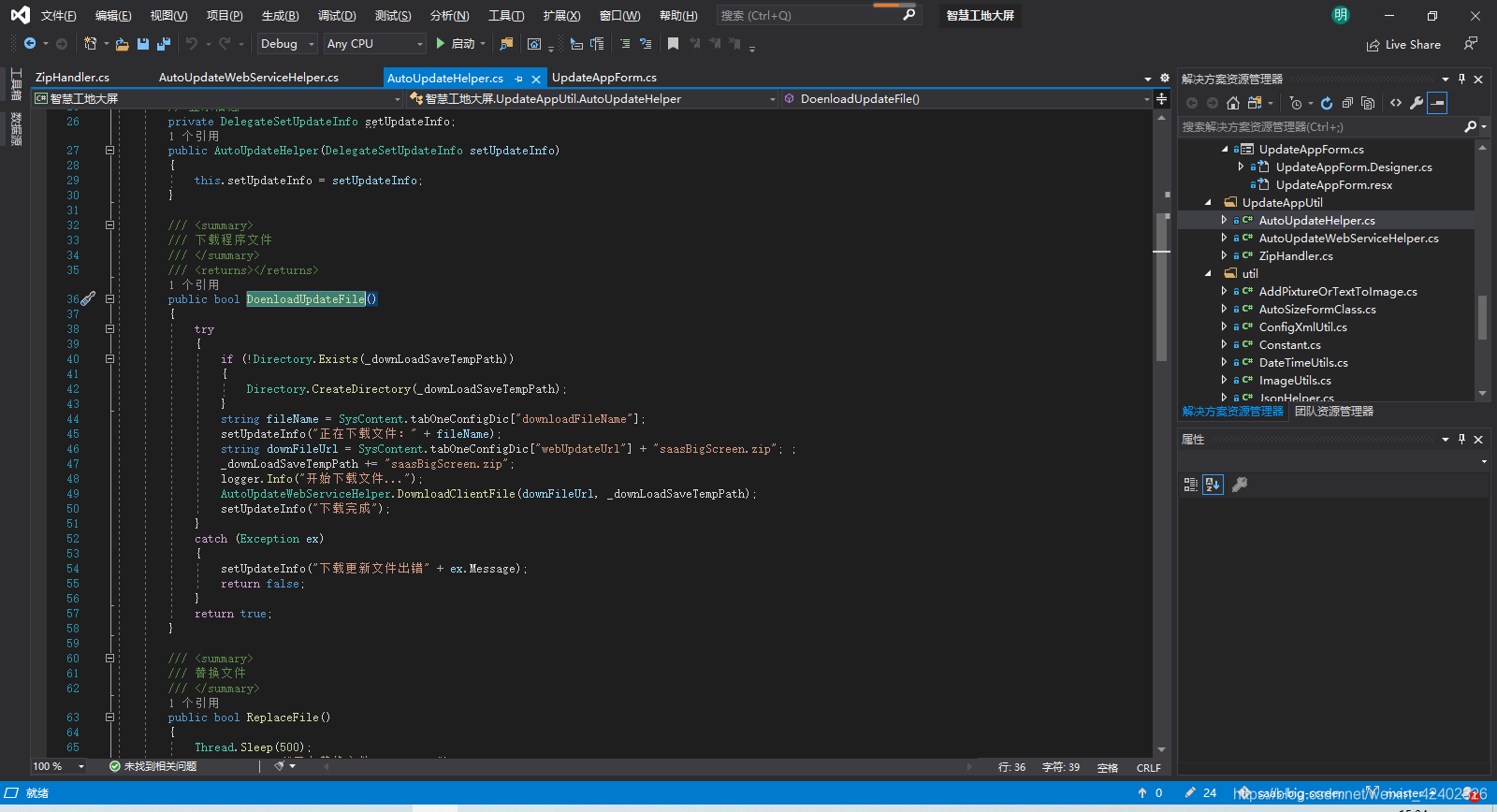
{public class AutoUpdateWebServiceHelper{private static ILog logger = LogManager.GetLogger(typeof(AutoUpdateWebServiceHelper));/// /// 下载文件/// /// /// /// public static bool DownloadClientFile(string url, string savePath){logger.Info("进入DownloadClientFile方法...");logger.Info("url=" + url);logger.Info("savePath=" + savePath);bool value = false;WebResponse response = null;Stream stream = null;try{FileStream writeStream; // 写入本地文件流对象writeStream = new FileStream(savePath, FileMode.Create);// 文件不保存创建一个文件HttpWebRequest myRequest = (HttpWebRequest)HttpWebRequest.Create(url);// 打开网络连接Stream readStream = myRequest.GetResponse().GetResponseStream();// 向服务器请求,获得服务器的回应数据流byte[] btArray = new byte[512];// 定义一个字节数据,用来向readStream读取内容和向writeStream写入内容int contentSize = readStream.Read(btArray, 0, btArray.Length);// 向远程文件读第一次while (contentSize > 0)// 如果读取长度大于零则继续读{writeStream.Write(btArray, 0, contentSize);// 写入本地文件contentSize = readStream.Read(btArray, 0, btArray.Length);// 继续向远程文件读取}//关闭流writeStream.Close();readStream.Close();}catch (Exception ex){logger.Error("下载失败:" + ex);}finally{if (stream != null) stream.Close();if (response != null) response.Close();}return value;}}
}
6.文件解压缩代码
using ICSharpCode.SharpZipLib.Zip;
using System;
using System.Collections.Generic;
using System.IO;
using System.Linq;
using System.Text;namespace 智慧工地大屏.UpdateAppUtil
{public class ZipHandler{public static void ZipDirectory(string folderToZip, string zipedFileName){ZipDirectory(folderToZip, zipedFileName, string.Empty, true, string.Empty, string.Empty, true);}public static void ZipDirectory(string folderToZip, string zipedFileName, string password){ZipDirectory(folderToZip, zipedFileName, password, true, string.Empty, string.Empty, true);}/// /// 压缩文件夹/// /// 需要压缩的文件夹/// 压缩后的Zip完整文件名(如D:\test.zip)/// 如果文件夹下有子文件夹,是否递归压缩/// 解压时需要提供的密码/// 文件过滤正则表达式/// 文件夹过滤正则表达式/// 是否压缩文件中的空文件夹public static void ZipDirectory(string folderToZip, string zipedFileName, string password, bool isRecurse, string fileRegexFilter, string directoryRegexFilter, bool isCreateEmptyDirectories){FastZip fastZip = new FastZip();fastZip.CreateEmptyDirectories = isCreateEmptyDirectories;fastZip.Password = password;fastZip.CreateZip(zipedFileName, folderToZip, isRecurse, fileRegexFilter, directoryRegexFilter);}public static void UnZipFile(string zipedFileName, string targetDirectory){UnZipFile(zipedFileName, targetDirectory, string.Empty, string.Empty);}public static void UnZipFile(string zipedFileName, string targetDirectory, string password){UnZipFile(zipedFileName, targetDirectory, password, string.Empty);}/// /// 解压缩文件/// /// Zip的完整文件名(如D:\test.zip)/// 解压到的目录/// 解压密码/// 文件过滤正则表达式public static void UnZipFile(string zipedFileName, string targetDirectory, string password, string fileFilter){FastZip fastZip = new FastZip();fastZip.Password = password;fastZip.ExtractZip(zipedFileName, targetDirectory, fileFilter);}/// /// 解压功能 /// /// 待解压的文件 /// 指定解压目标目录 /// 密码 /// 解压结果 public static bool UnZip(string fileToUnZip, string zipedFolder, string password){bool result = true;FileStream fs = null;ZipInputStream zipStream = null;ZipEntry ent = null;string fileName;if (!File.Exists(fileToUnZip)){return false;}if (!Directory.Exists(zipedFolder)){ Directory.CreateDirectory(zipedFolder); }try{zipStream = new ZipInputStream(File.OpenRead(fileToUnZip.Trim()));if (!string.IsNullOrEmpty(password)) { zipStream.Password = password; }while ((ent = zipStream.GetNextEntry()) != null){if (!string.IsNullOrEmpty(ent.Name)){fileName = Path.Combine(zipedFolder, ent.Name);fileName = fileName.Replace('/', '\\');if (fileName.EndsWith("\\")){Directory.CreateDirectory(fileName);continue;}using (fs = File.Create(fileName)){int size = 2048;byte[] data = new byte[size];while (true){size = zipStream.Read(data, 0, data.Length);if (size > 0)fs.Write(data, 0, size);elsebreak;}}}}}catch{result = false;}finally{if (fs != null){fs.Close();fs.Dispose();}if (zipStream != null){zipStream.Close();zipStream.Dispose();}if (ent != null){ent = null;}GC.Collect();GC.Collect(1);}return result;}}
}
上述解压缩文件代码需要使用到第三方工具:
ICSharpCode.SharpZipLib.dll 可以网上下载一个或者从我这下载
本文来自互联网用户投稿,文章观点仅代表作者本人,不代表本站立场,不承担相关法律责任。如若转载,请注明出处。 如若内容造成侵权/违法违规/事实不符,请点击【内容举报】进行投诉反馈!