PyTestReport-0.1.9版本更新
文章目录
- 多了哪些功能呢?
- 如何与PyTest框架结合使用
- 如何通过API的方式生成报告
- 如何生成图片报告并发送邮件
- 新书推荐
原文首发
还记得那个发布不就的Python单元测试报告框架么?噢!如果不记得那我今天就再来说一篇吧!_ PyTestReport 0.1.9版本正式发布了!
多了哪些功能呢?
- 增加对PyTest框架的支持(目前可以支持unittest、pytest两大框架)
- 增加了支持通过lib API接口的方式生成测试报告(前提是把报告数据整理成要求的格式)
- 增加了HTML报告转图片报告的API
- 增加了发送邮件功能的API
- 修复了一些bug!这些是自然的!
- 规范了一些数据格式的字段和内容
接下来,请坐好小板凳,我准备带你们飞了!!!
如何与PyTest框架结合使用
对于pytest框架,收集其测试结果信息是通过pytest插件形式实现的。使用之前只要确保正常安装了PyTestReport即可。具体使用方式如下:
import pytestdef testTrue():assert Truedef testFalse():assert Falsedef testError():1 / 0@pytest.mark.skip(reason="misunderstood the API")
def testSkip():assert 1 == 1@pytest.mark.xfail(reason="Xpass")
def testXPass():assert True@pytest.mark.xfail(reason="Xfail")
def testXFail():assert Falseif __name__ == '__main__':pytest.main(["-s", "pytest_Demo.py", "--pytest_report", "Pytest_Report.html"])
需要注意的是,pytest框架想要使用本测试报告框架,在调用时需要带上--pytest_report参数,并指定一个报告的文件路径即可。当然你也可以同时指定一个非默认主题。比如:
import pytestif __name__ == '__main__':pytest.main(["-s", "pytest_Demo.py", "--pytest_report", "Pytest_Report.html", "--pytest_title", "report title", "--pytest_desc", "report desc","--pytest_theme", "new_theme"])
另外,你也可以通过命令行的方式来启动pytest执行单元测试。比如:
pytest -s pytest_Demo.py --pytest_report Pytest_Report.html --pytest_theme new_theme
如何通过API的方式生成报告
from pytestreport.api import make_reportdata = {"generator": "PyTestReport 0.1.4","title": "默认主题","description": "默认主题描述","report_summary": {"start_time": "2019-05-12 23:07:49","duration": "0:00:00.002000","suite_count": 1,"status": {"pass": 1,"fail": 0,"error": 0,"skip": 0,"count": 1}},"report_detail": {"tests": [{"summary": {"desc": "utDemo.UTestPass","count": 1,"pass": 1,"fail": 0,"error": 0,"skip": 0,"cid": "testclass1","status": "pass"},"detail": [{"has_output": False,"tid": "testpass.1.1","desc": "testTrue","output": "","status": "pass","status_code": 0}]}],"count": "1","pass": "1","fail": "0","error": "0","skip": "0"}
}
with open('API_Report.html', 'wb') as fp:make_report(fp, data)
# will be create API_Report.html file at current directory.
同样的,你也可以指定特定的主题或者样式。比如:
...
with open('API_Report.html', 'wb') as fp:make_report(fp, data, theme='new_theme', stylesheet='new_stylesheet_2.css')
如何生成图片报告并发送邮件
from pytestreport.api import make_image, send_reporthtml = r"D:\test\report.html"
image = r"D:\test\report.png"
make_image(html, image)
# will be generate "report.png" file at "D:\test\". send_report("subject", html, image, "form@email.com", ["to@email.com"], cc=["cc@email.com"])
# will be send image content email with html as attach accordingly.
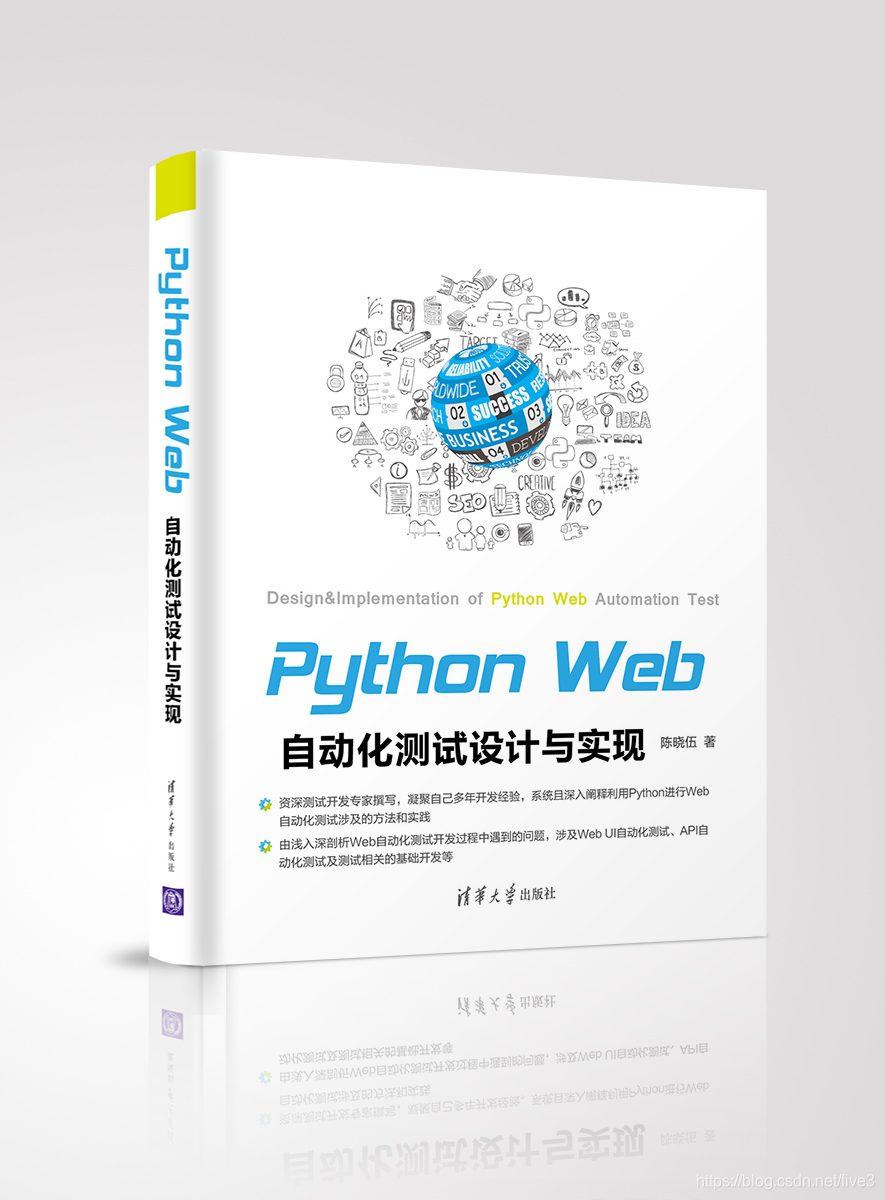
新书推荐
获取更多关于Python和自动化测试的文章,请扫描如下二维码!
本文来自互联网用户投稿,文章观点仅代表作者本人,不代表本站立场,不承担相关法律责任。如若转载,请注明出处。 如若内容造成侵权/违法违规/事实不符,请点击【内容举报】进行投诉反馈!