Android利用阴影让标题栏出现层次感
首先上两张图看看效果
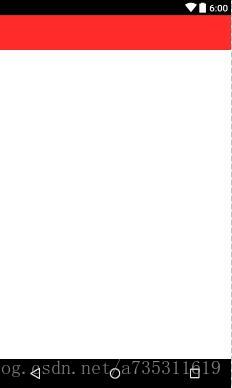
没有阴影
是不是感觉死气沉沉的?
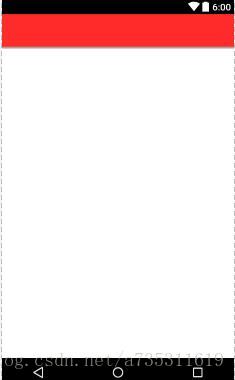
有阴影
当当当当,层次感就出来啦,特别是标题栏下面有个列表框就更加骚气啦。
实现方法
其实就是使用shape的gradient,然后在调用,我的这个标题栏是自己做的,布局代码在下面。
<gradient android:angle="270"android:startColor="@color/colorRed"android:centerColor="@color/colorRed"android:centerY="0.9">gradient>
<RelativeLayout xmlns:android="http://schemas.android.com/apk/res/android"android:orientation="vertical" android:layout_width="match_parent"android:layout_height="match_parent"android:background="@color/colorWhite"><TextView
        style="@style/normalFont"android:layout_width="match_parent"android:layout_height="wrap_content"android:padding="15dp"android:background="@drawable/t" />
RelativeLayout>
android:angle=”270” 表示从上往下渐变
android:centerY=”0.9” 表示把中心Y轴偏移到很下面。
如果是Android自带的Theme,就像我用的就是Android自带的AppTheme风格,你去设置colorPrimary对应drawable文件程序是无法找到drawable资源的。
提示:创建shape文件的时候,记得如果是英文字母的话要写成小写,如果有大写也会编译错误的。
本文来自互联网用户投稿,文章观点仅代表作者本人,不代表本站立场,不承担相关法律责任。如若转载,请注明出处。 如若内容造成侵权/违法违规/事实不符,请点击【内容举报】进行投诉反馈!