jupyter lab的安装及使用
jupyter lab是jupter notebook的升级版本,是一个比较简单易用的集成开发环境。官网是:http://jupyter.org/
1、jupyter lab的安装及启动
打开Anaconda的命令行提示符界面
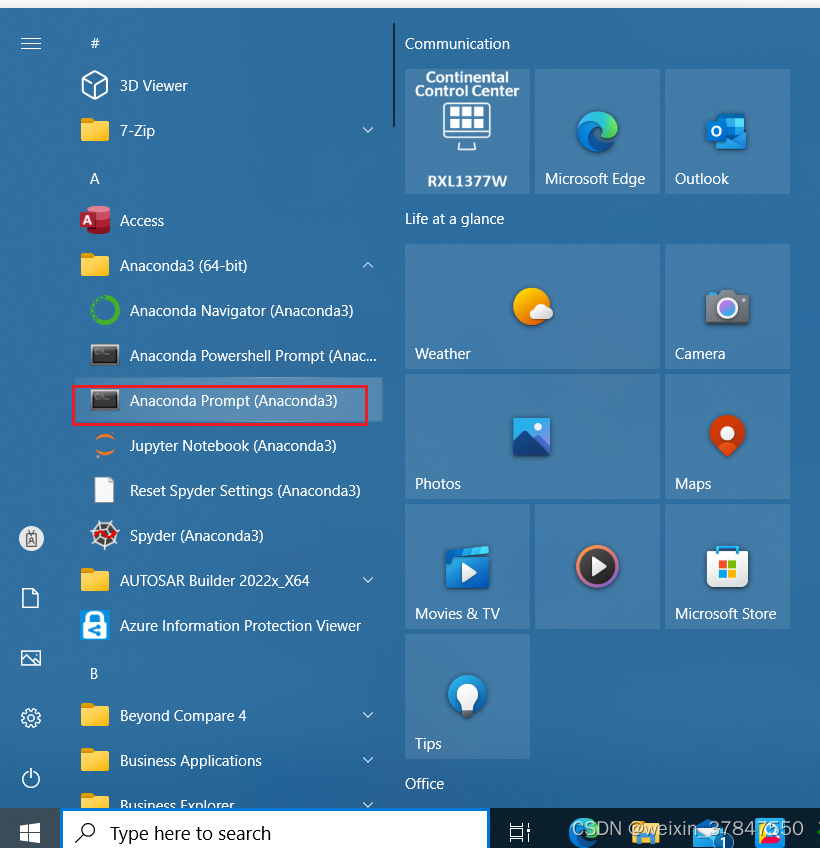
在命令行界面输入:pip install jupyterlab
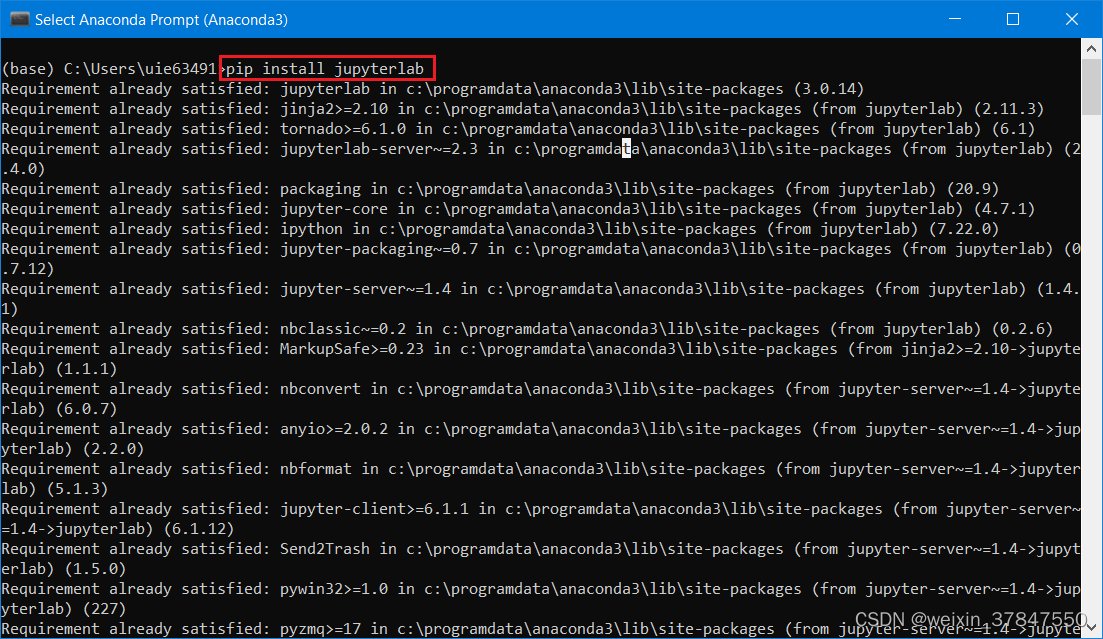
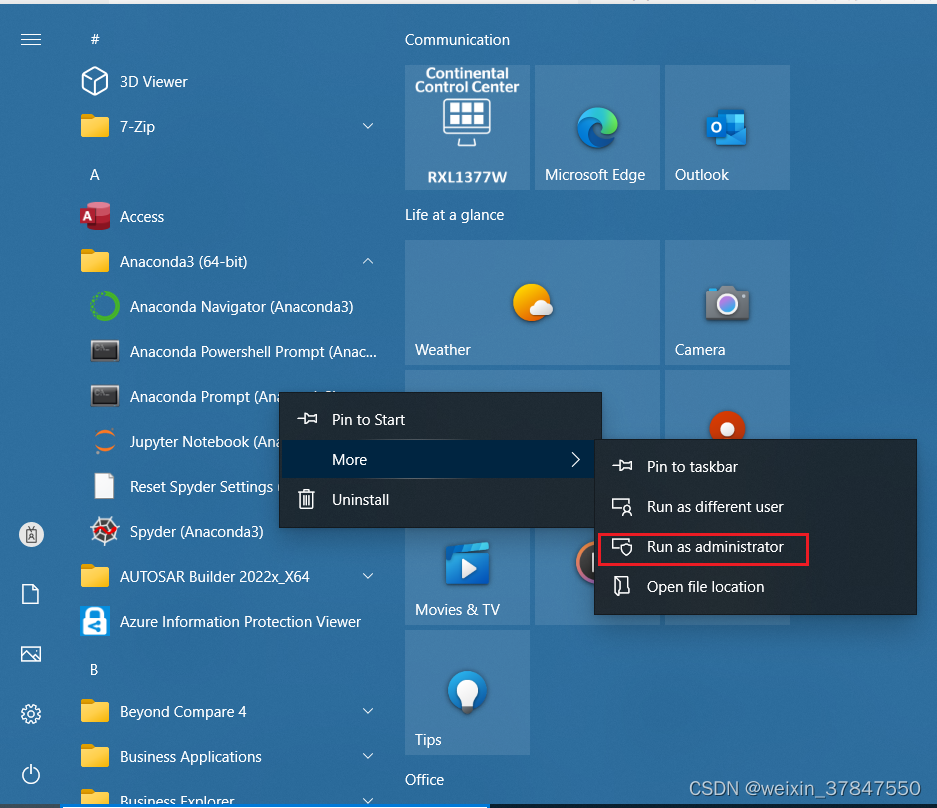
安装完成后,以管理员身份打开prompt
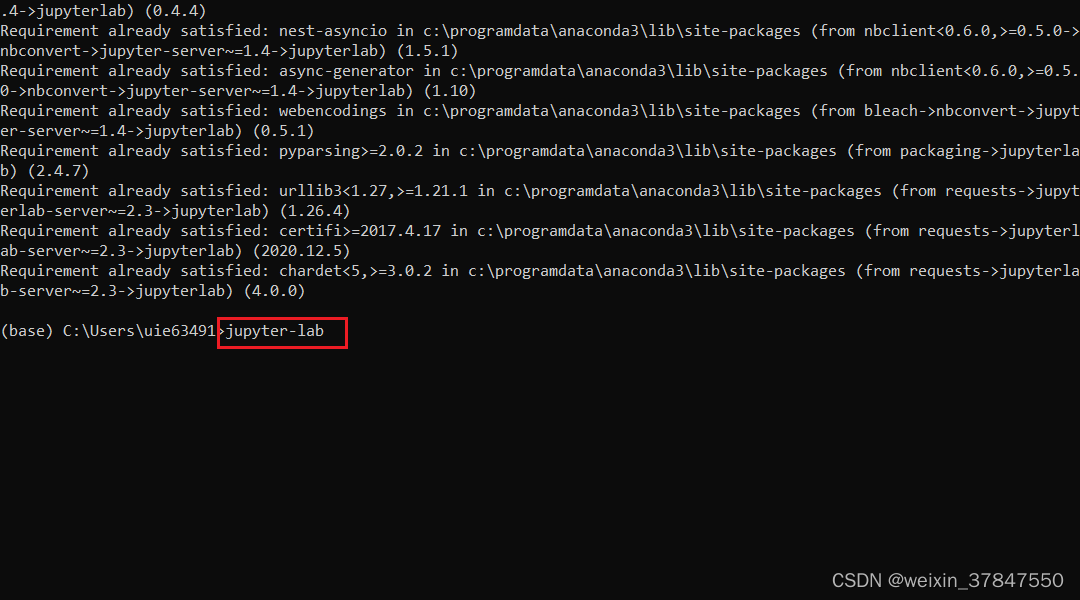
然后输入:jupyter-lab,即可启动jupyter lab
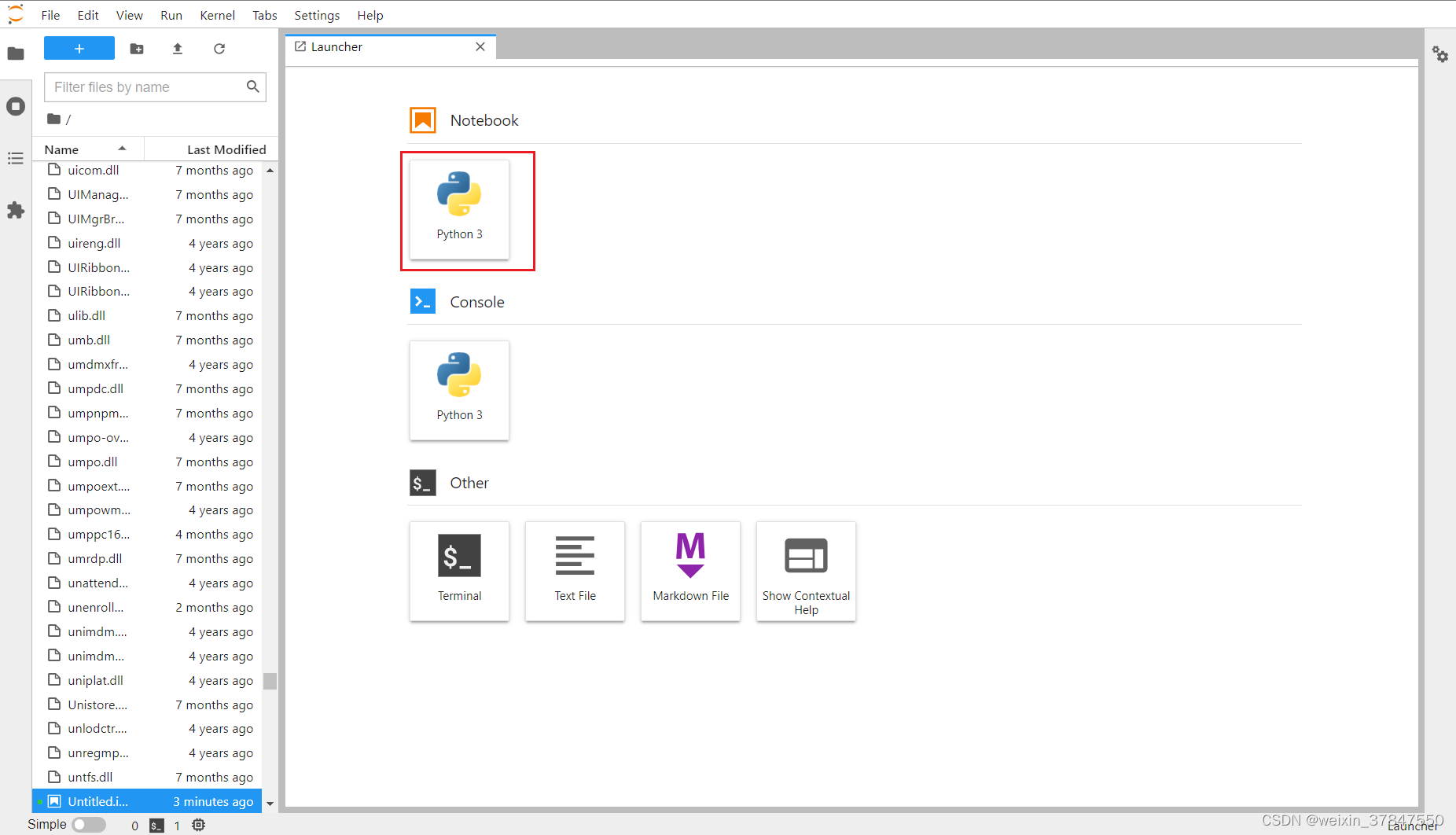
2、修改默认路径
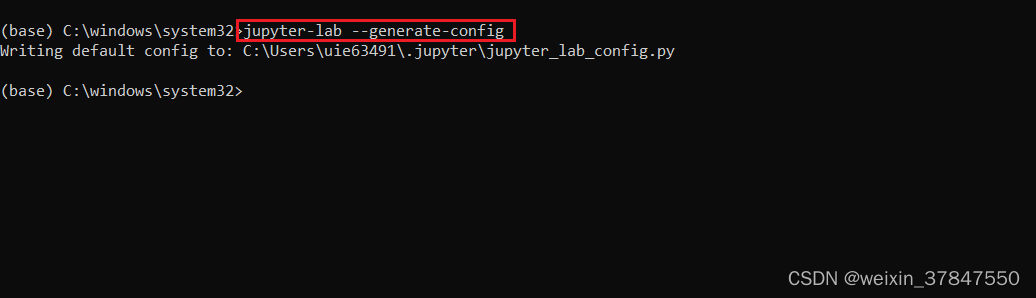
打开prompt,输入:jupyter-lab --generate-config
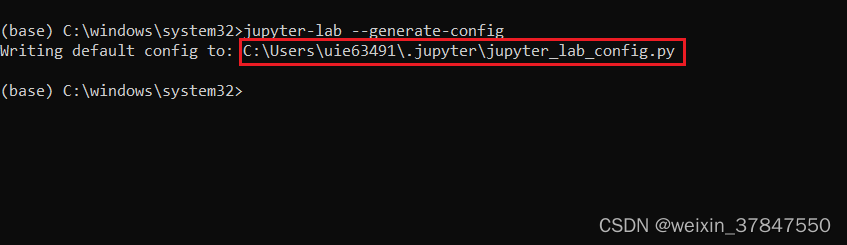
然后打开生成的文件:C:\Users\uie63491.jupyter\jupyter_lab_config.py
搜索:The directory,找到下面这一行
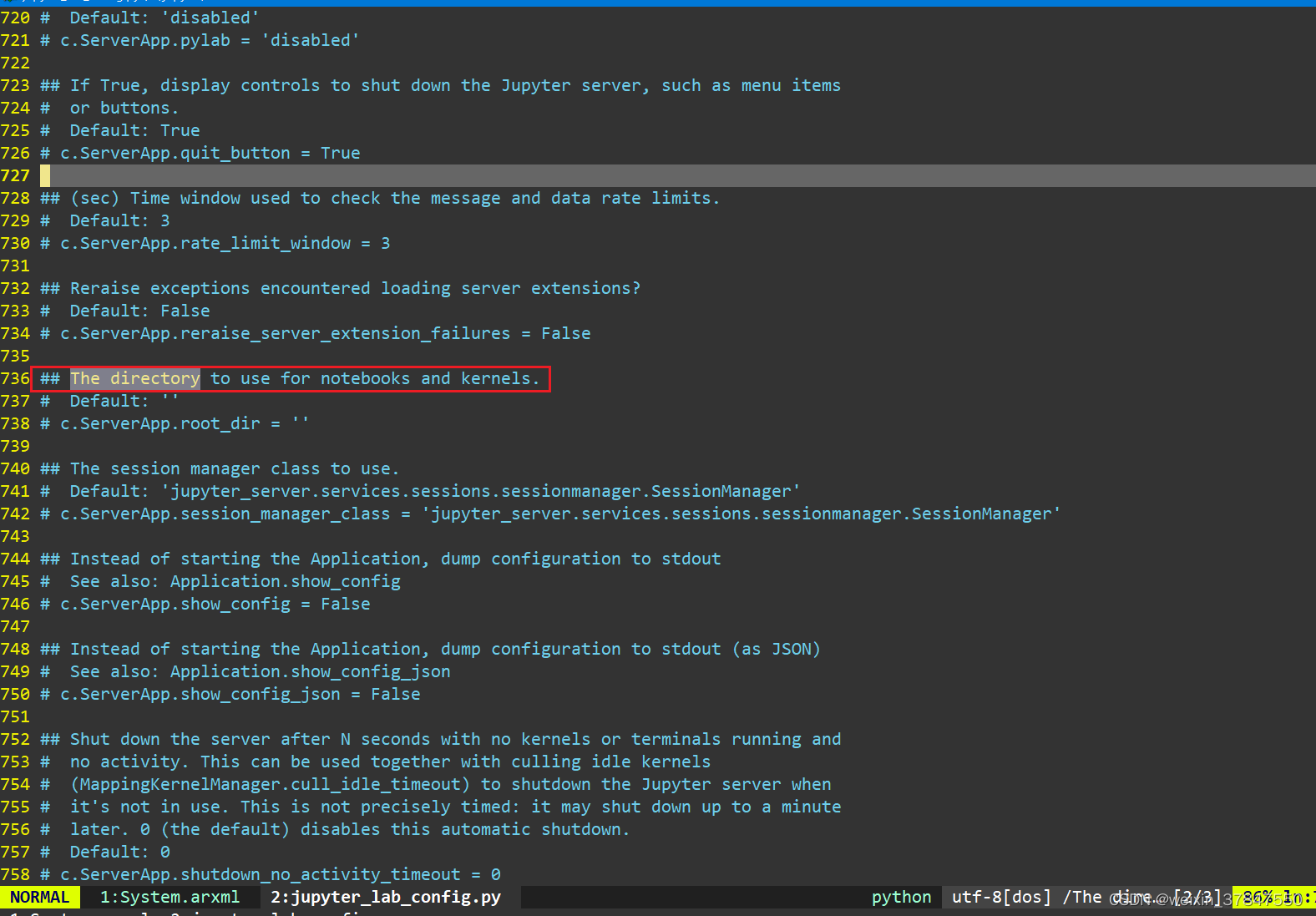
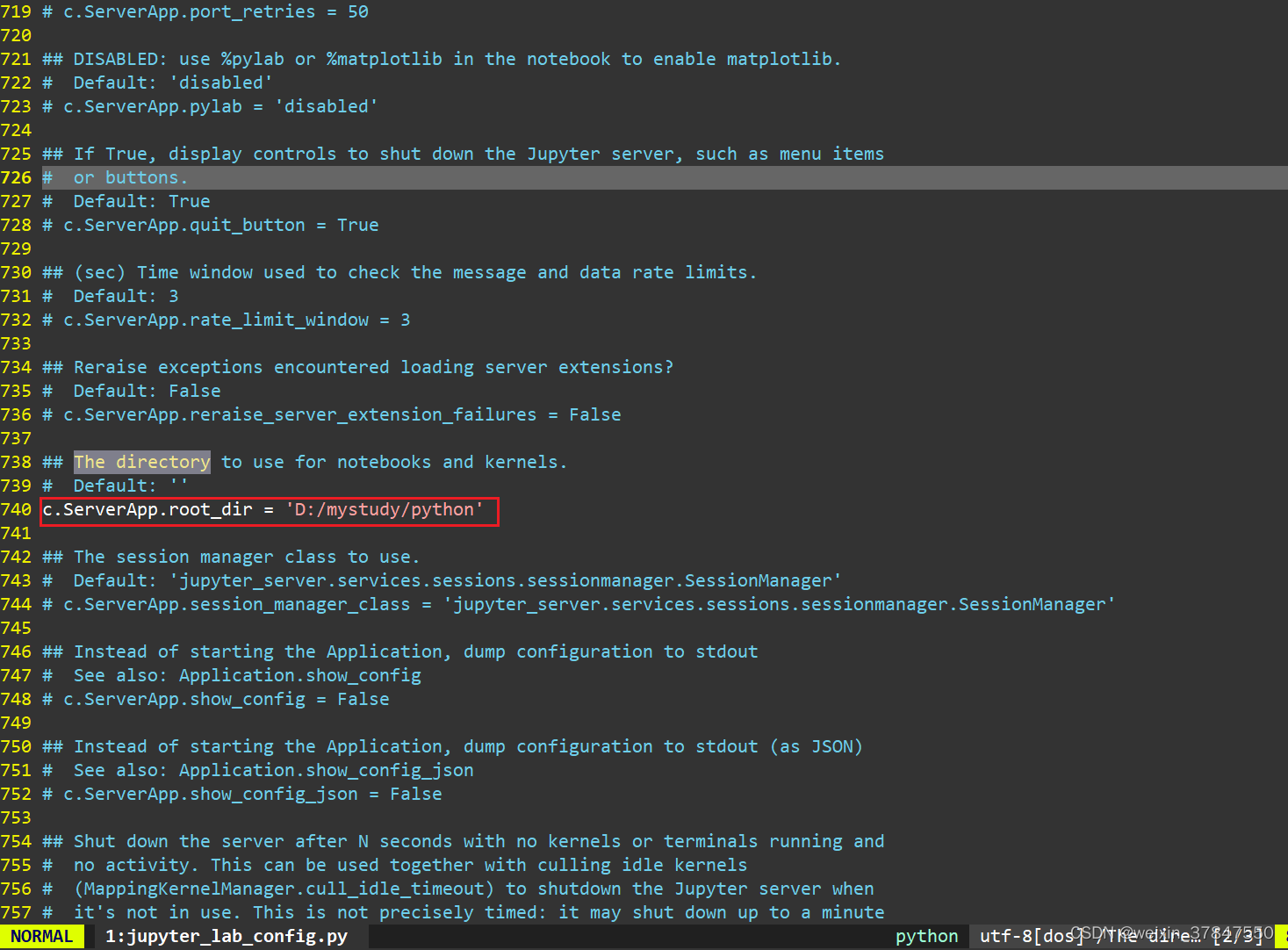
去掉前面的注释符号“#”,在默认要打开的路径填到这里:

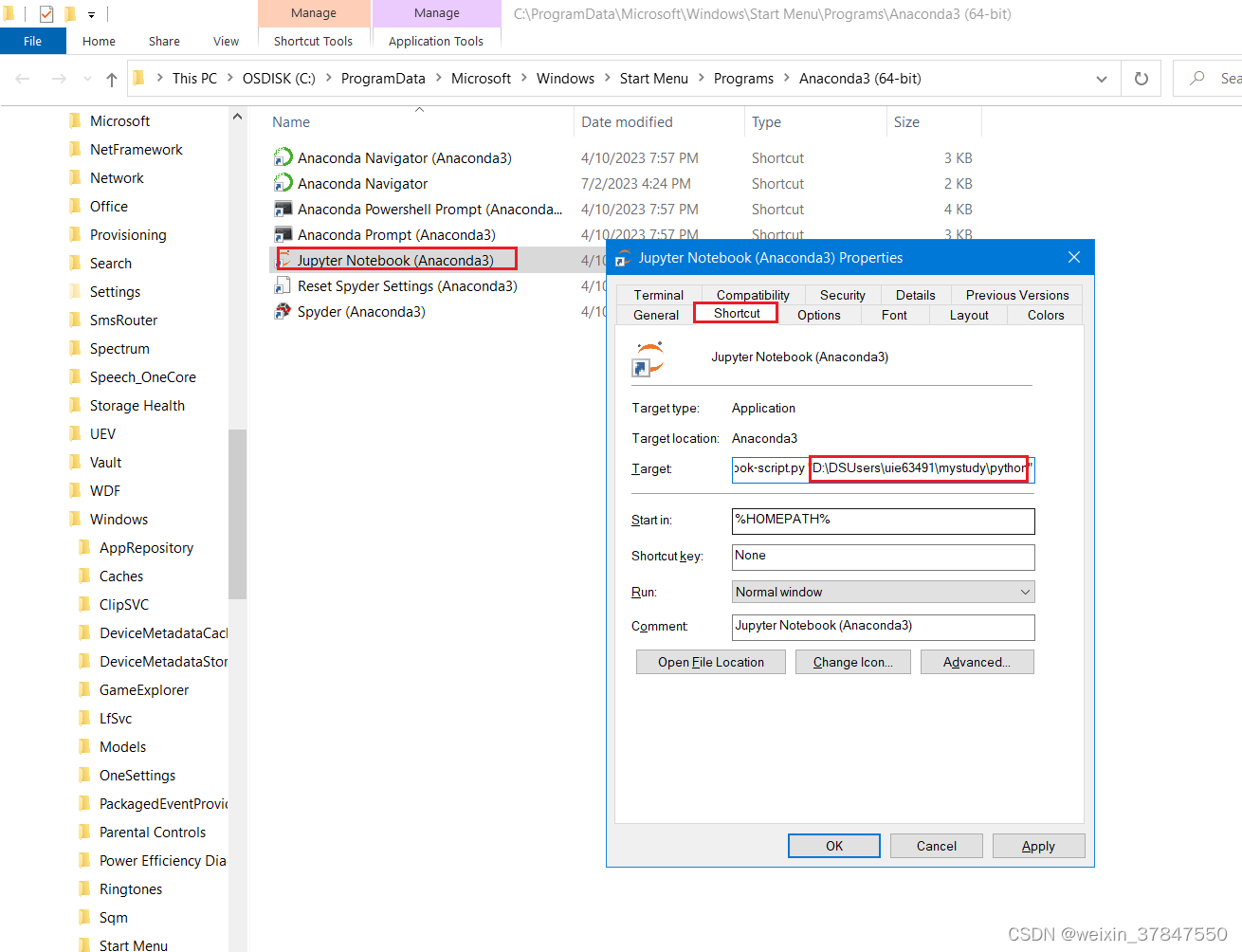
3、安装vim
打开prompt,先安装依赖nodejs
conda install -c conda-forge nodejs
再安装vim
pip install jupyterlab-vim
https://www.zhihu.com/question/384989800
pip jupyter_contrib_nbextensions
jupyter contrib nbextension install --user
本文来自互联网用户投稿,文章观点仅代表作者本人,不代表本站立场,不承担相关法律责任。如若转载,请注明出处。 如若内容造成侵权/违法违规/事实不符,请点击【内容举报】进行投诉反馈!