android服务器概念,Android_tv_metro
软件简介
Android_tv_metro是一款安卓版TV Metro框架和服务器API。
API和数据结构
专辑和显示项目:Metro风格是由两个元素构成
专辑可以包含多张专辑和显示项目
显示项目可以被定义为视频,游戏,应用程序,音乐等
您可以从显示项目中删除你自己的游戏/应用/视频详细条目
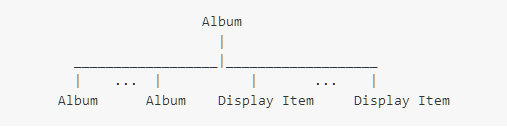
主页也被定义为专辑。
API风格
API描述
NS:命名空间,资源类型
类型:项目或项目列表
ID:后端服务器系统的资源ID
详细信息
http://host/game(video/app)/item?id=12346 return item list
专辑
http://host/game(video/app)/album?id=6464 return album
类别
http://host/game(video/app)/category?id=123456 return album
注意:专辑和类别接近同一概念。
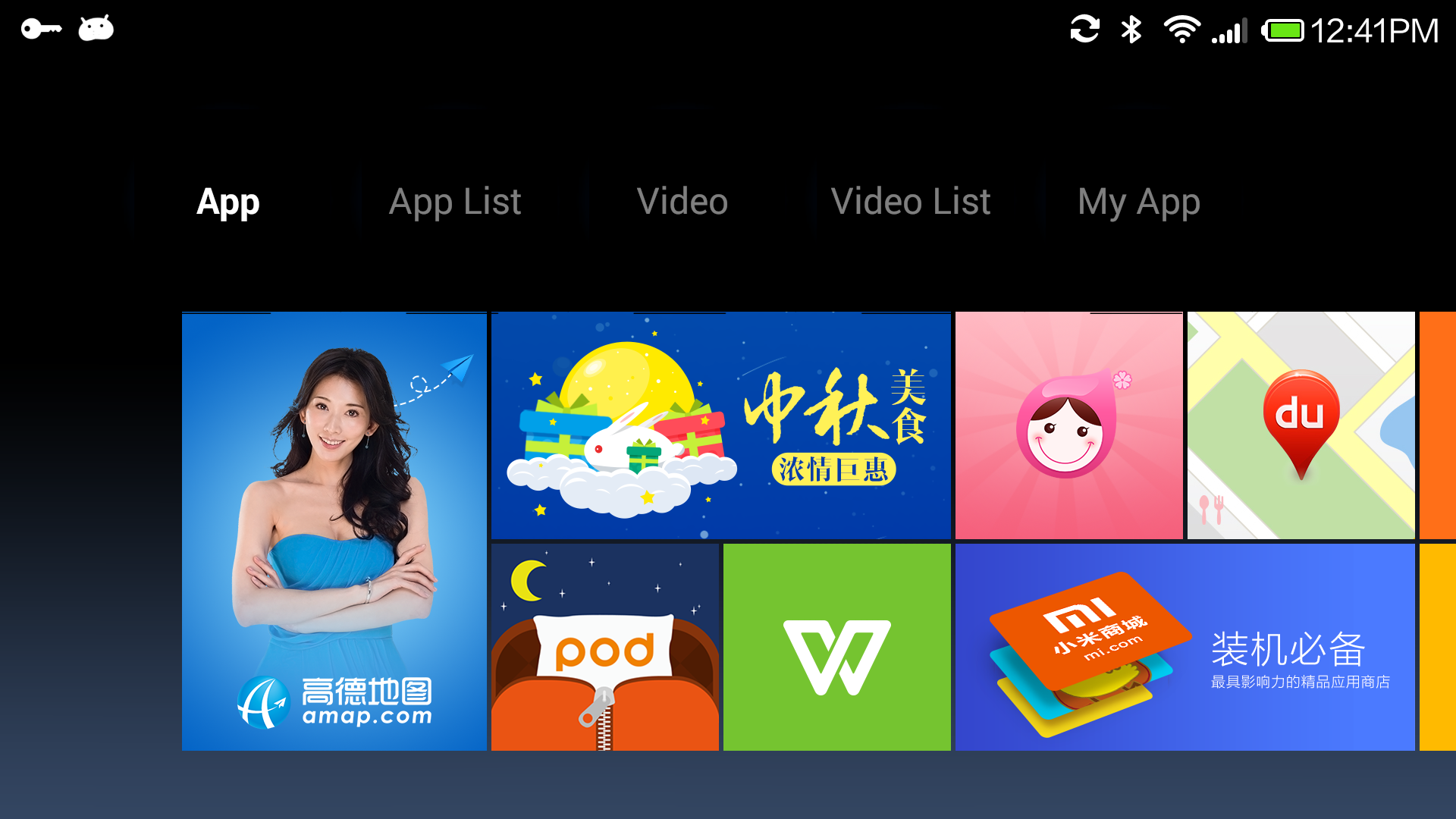
选项卡“应用程序/游戏”
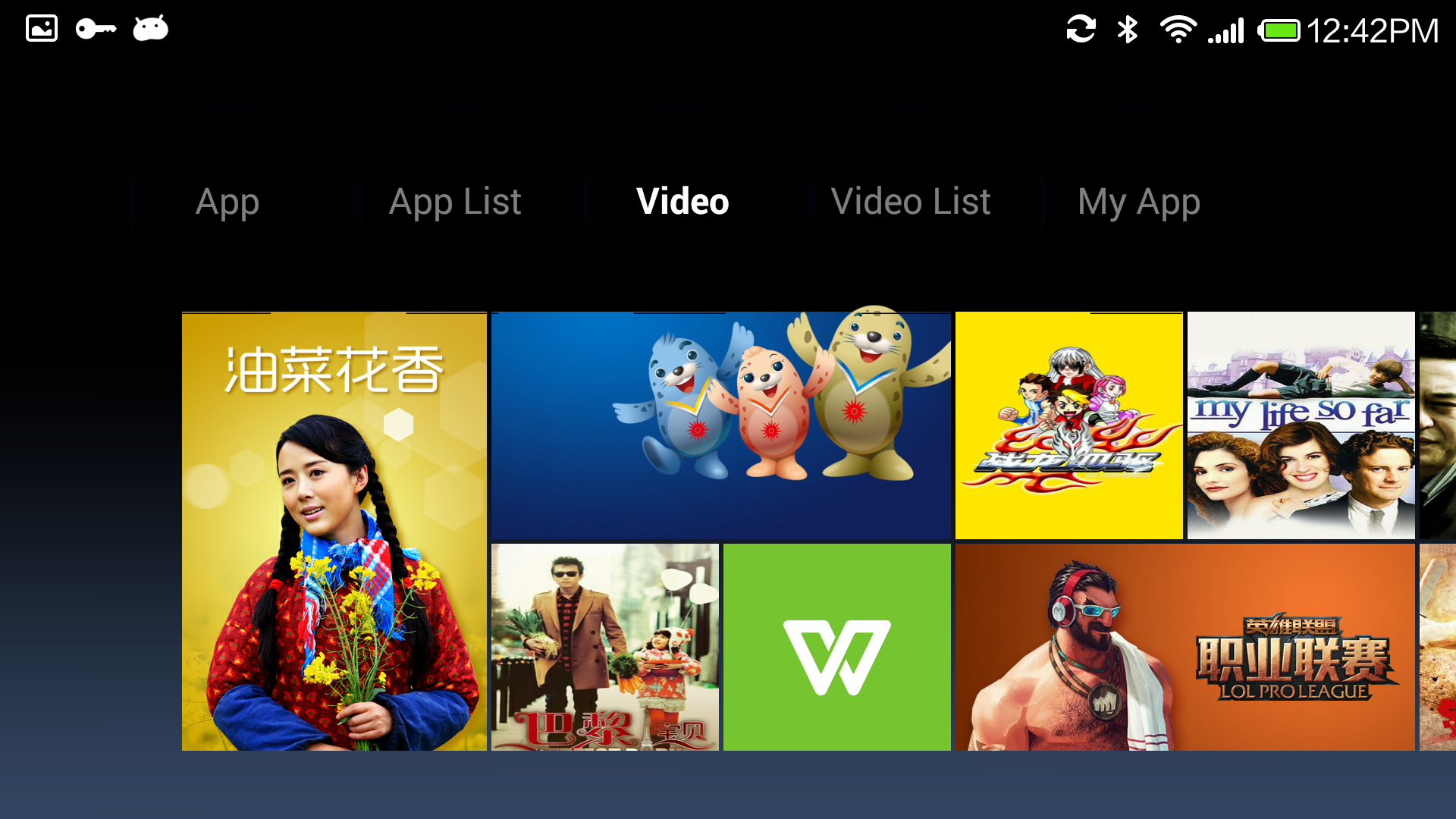
选项卡“视频”
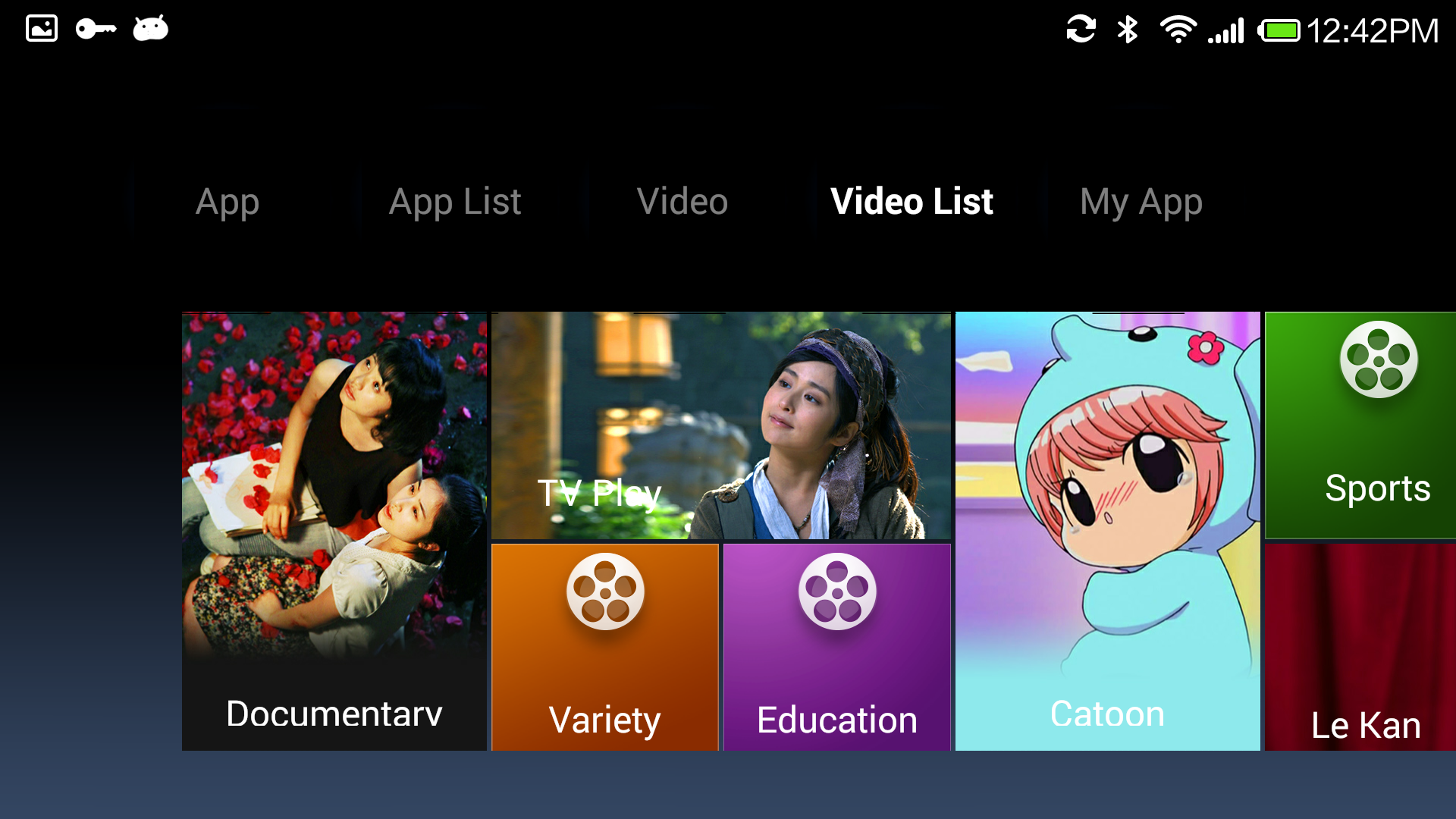
选项卡“视频类别”
首页JSON定义
首页显示数据
{ “data”: [ { “items”: [display items], “images”: {}, “name”: “TAB 1”, “id”:
“recommend”, “type”: “album”, “ns”: “video” }, { “items”: [display item],
“images”: {}, “name”: “TAB 2”, “id”: “recommend”, “type”: “album”, “ns”:
“video” } ] }
显示项目:
{ “target”: { “type”: “item” }, “images”: { “back”: { “url”: “”, “ani”: {},
“pos”: {} } }, “name”: “Display Name)”, “times”: { “updated”: 1409202939,
“created”: 1409202939 }, “_ui”: { “layout”: { “y”: 2, “x”: 3, “w”: 1, “h”: 1
}, “type”: “metro_cell_banner” }, “id”: “987722”, “type”: “item”, “ns”:
“video” }
专辑
{
"data": [
{
"items": [display items],
"images": { },
"name":"game tab name",
"times": {
"updated": 0,
"created": 0
},
"_ui": {
"type": "metro"
},
"id": "recommend",
"type": "album",
"ns": "game"
},
{
"items": [display items],
"images": { },
"name": "game tab Name",
"times": {
"updated": 0,
"created": 0
},
"_ui": {
"type": "metro"
},
"id": "categories",
"type": "album",
"ns": "game"
},
{
"items": [dispay items],
"images": { },
"name": "video tab name",
"times": {
"updated": 0,
"created": 0
},
"_ui": {
"type": "metro"
},
"id": "recommend",
"type": "album",
"ns": "video"
},
{
"items": [display items],
"images": { },
"name": "video tab name",
"times": {
"updated": 0,
"created": 0
},
"_ui": {
"type": "metro"
},
"id": "categories",
"type": "album",
"ns": "video"
}
],
"preload": {
"images": []
},
"update_time": 0
}
显示项目
{
"target": {
"type": "item"
},
"images": {
"text": {
"url": "",
"ani": {},
"pos": {}
},
"icon": {
"url": "",
"ani": {},
"pos": {}
},
"back": {
"url": "http://xxx/fffff.png",
"ani": {},
"pos": {}
},
"spirit": {
"url": "",
"ani": {},
"pos": {}
}
},
"name": "name",
"times": {
"updated": 1404466152,
"created": 1404454443
},
"_ui": {
"type": "metro_cell_banner",
"layout": {
"y": 1,
"x": 1,
"w": 1,
"h": 2
}
},
"id": "180",
"type": "item",
"ns": "game"
}
TV Metro库和API
android库:
提供一个建立sw540dp metro布局的框架。
API:
服务器API和数据结构。
该框架能够帮助您轻松构建一个TV metro UI风格的应用程序。至于具体的业务数据定义,你需要自己处理。
android库:
用于专辑的RecommendCardView Card浏览GenericSubjectLoader Loader(选项卡是专辑的一个实例)
如何集成Android库?
你只需要继承MainActivity并执行选项卡装载。请参阅TVMetroSample应用
如何运行自己的服务器?
1.定义你的主页数据
2.执行您的详细资料/列表API
下载测试APK
下载测试APK,你可以在Android平板或电视运行
本文来自互联网用户投稿,文章观点仅代表作者本人,不代表本站立场,不承担相关法律责任。如若转载,请注明出处。 如若内容造成侵权/违法违规/事实不符,请点击【内容举报】进行投诉反馈!