Docker:发布镜像到DockerHub
本文主要围绕如何发布镜像到Docker Hub上,成为开源的镜像
步骤:
1、地址:Docker Hub ,先注册账号
2、保证账号可以正常登录
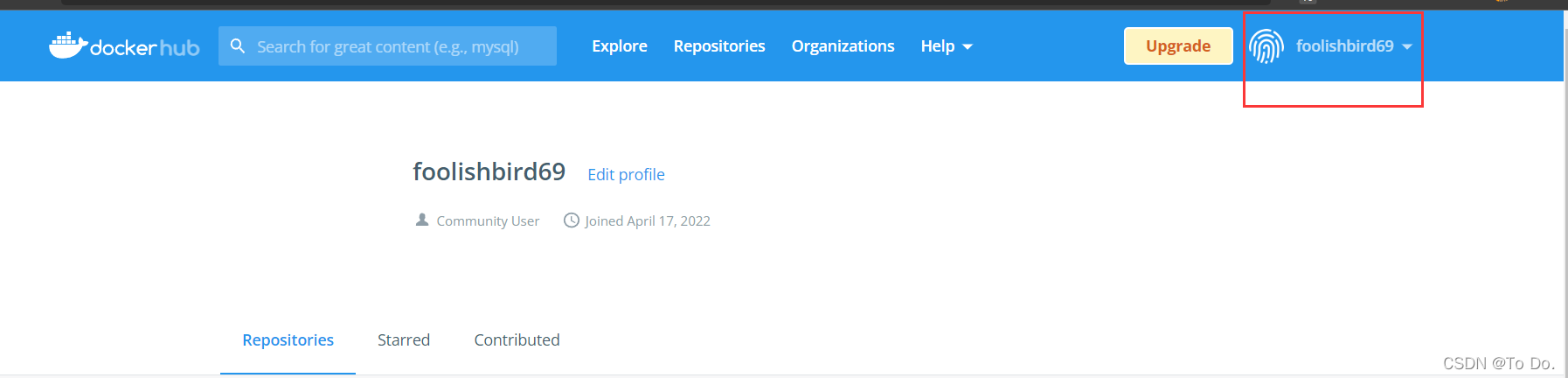
3、在服务器上提交镜像
# 查看登录命令帮助信息[root@localhost opt]# docker login --helpUsage: docker login [OPTIONS] [SERVER]Log in to a Docker registry.If no server is specified, the default is defined by the daemon.Options:-p, --password string Password--password-stdin Take the password from stdin-u, --username string Username# 登录成功[root@localhost opt]# docker login -u foolishbird69Password: WARNING! Your password will be stored unencrypted in /root/.docker/config.json.Configure a credential helper to remove this warning. Seehttps://docs.docker.com/engine/reference/commandline/login/#credentials-storeLogin Succeeded
4、提交镜像到DockerHub
# 用户名 / 镜像名 版本号docker push userName/imageName:tag

常见错误:
1). An image does not exist locally with the tag : userName/imageName
原因:本地镜像不存在具体版本号
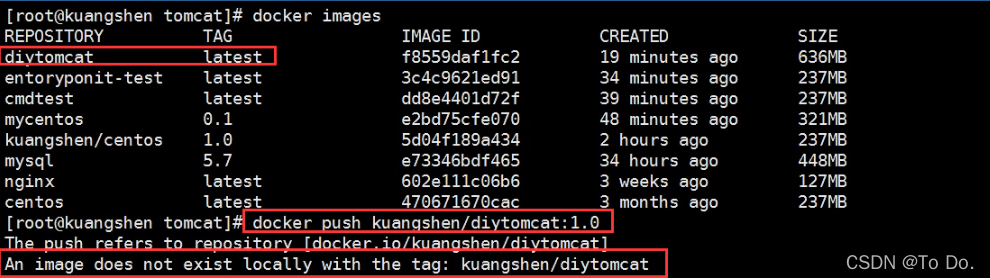
解决: 给镜像添加tag
2). denied: requested access to the resource is denied
原因:push时不带版本号 解决:添加版本号再push
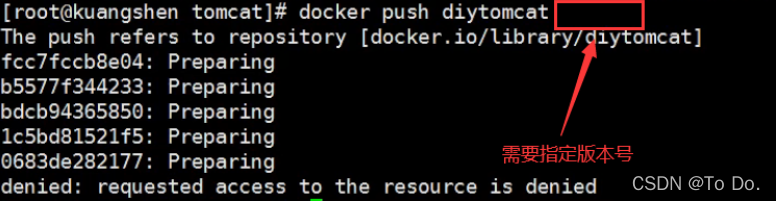
原因:push的格式错误 解决:改为用户名
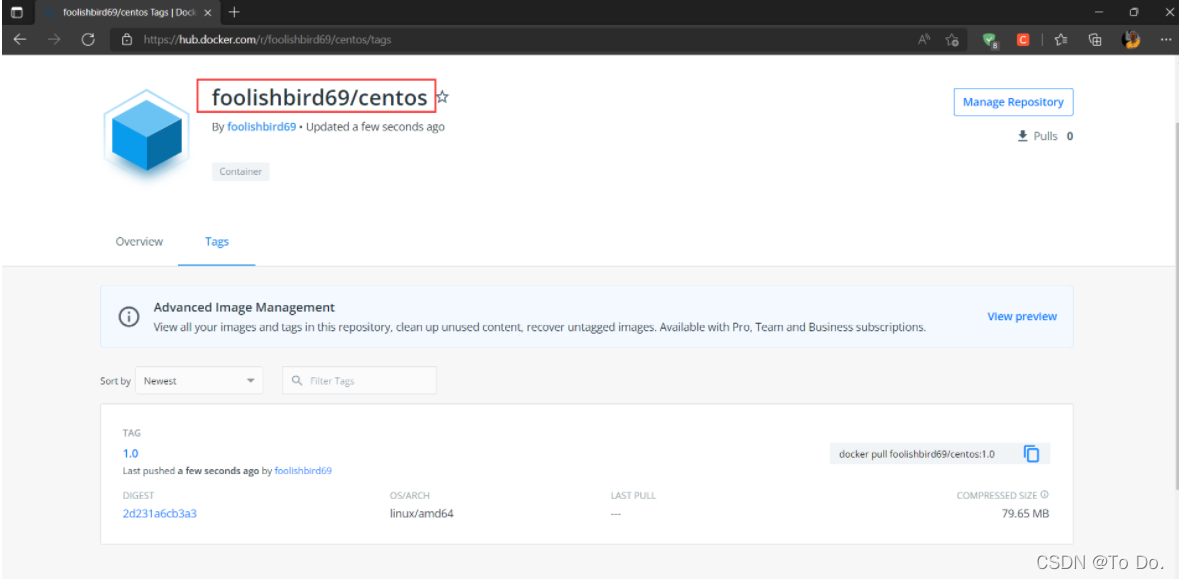
5、查看发布结果,发布成功
====================================================================
到此为止,我们就完成了开源自己的镜像到Docker Hub上,别人就可以下载下来使用了。
本文来自互联网用户投稿,文章观点仅代表作者本人,不代表本站立场,不承担相关法律责任。如若转载,请注明出处。 如若内容造成侵权/违法违规/事实不符,请点击【内容举报】进行投诉反馈!