在终端中显示系统Logo和信息(neofetch和screenfetch)
文章目录
- 前言
- neofetch
- screenfetch
前言
如果想在终端中用一种比较好看的方式来查看系统信息的话使用 neofetch 或 screenfetch 工具是一个比较好的选择。这两个工具都可以在终端中显示系统Logo和信息。
目前来说相比较之下 neofetch 无论在功能上还是在性能上都比 screenfetch 要好一些。如果有这方面需求的话目前来说 neofetch 是其中更加推荐的选择。
neofetch
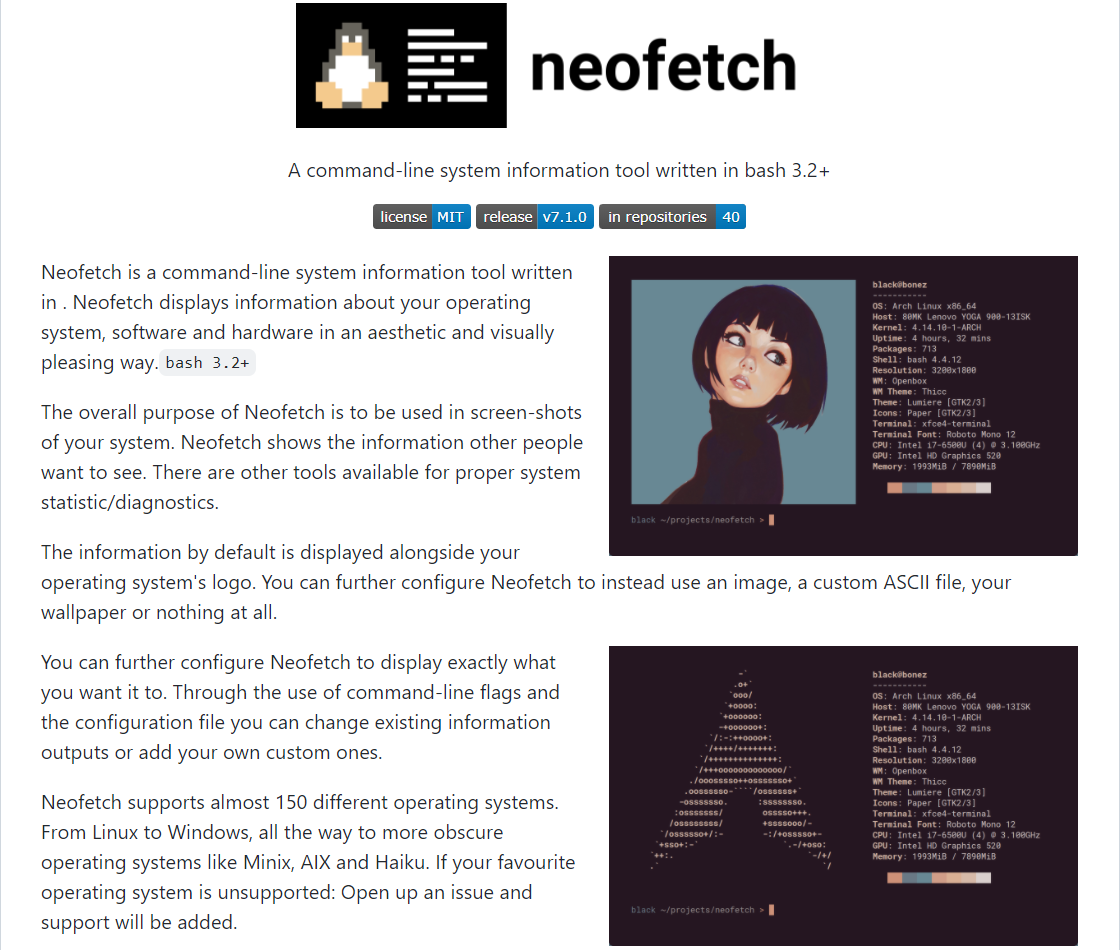
项目地址: https://github.com/dylanaraps/neofetch
Debian / Ubuntu 下可以使用下面方式进行安装:
sudo apt update
sudo apt install neofetch
安装完成后可以在终端中使用 neofetch 来显示系统Logo和信息:
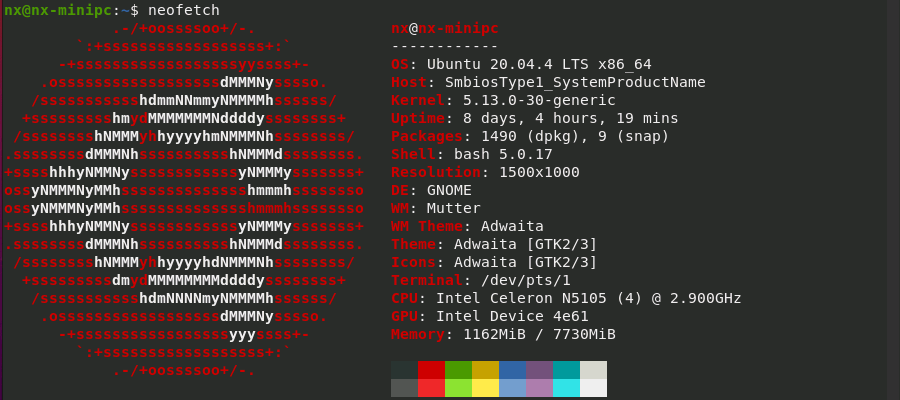
也可以通过参数指定显示其中某些条目的信息:

更多内容可以使用 man neofetch 查看或者参考项目内文档介绍。
screenfetch
screenFetch - The Bash Screenshot Information Tool
screenFetch is a “Bash Screenshot Information Tool”. This handy Bash script can be used to generate one of those nifty terminal theme information + ASCII distribution logos you see in everyone’s screenshots nowadays. It will auto-detect your distribution and display an ASCII version of that distribution’s logo and some valuable information to the right. There are options to specify no ASCII art, colors, taking a screenshot upon displaying info, and even customizing the screenshot command! This script is very easy to add to and can easily be extended.
项目地址: https://github.com/KittyKatt/screenFetch
Debian / Ubuntu 下可以使用下面方式进行安装:
sudo apt install screenfetch
安装完成后可以在终端中使用 screenfetch 来显示系统Logo和信息:
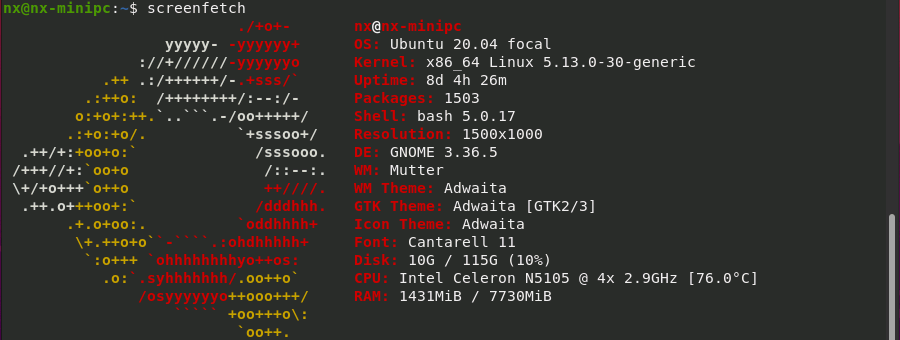
更多内容可以使用 screenfetch -h 、 man screenfetch 查看或者参考项目内文档介绍。
本文来自互联网用户投稿,文章观点仅代表作者本人,不代表本站立场,不承担相关法律责任。如若转载,请注明出处。 如若内容造成侵权/违法违规/事实不符,请点击【内容举报】进行投诉反馈!