Android Toast提示详解
Toast介绍
Toast是一个用于在用户操作后给予简单的反馈的弹出框,简单来说就是一个提示框,通过Toast弹出框可以与用户进行简单的交互,例如,当你在EditText中输入一些不合法的数据时,开发者可以通过Toast来提示用户“输入数据不合法”,toast消息会在弹出后自动消失。
1.基本使用
- 实例化一个Toast对象,makeText方法需要三个参数,分别是应用程序上下文,提示的文本信息,显示时间。
Context context = getApplicationContext();
CharSequence text = "Hello toast!";
int duration = Toast.LENGTH_SHORT;Toast toast = Toast.makeText(context, text, duration);- 通过show()方法来显示
toast.show();
或者
Toast.makeText(context, text,duration).show();
2.控制Toast的位置
- Toast位置默认显示在页面的底部,水平居中,当然我们可以设置其显示在其他位置,此时我们可以通过setGravity(int, int, int) 方法来改变这个位置,三个参数分别代表Toast的位置(如Toast.TOP),X坐标的偏移量,Y坐标的偏移量。例如,我们要设置Toast位于屏幕的左上方,可以这样写:
toast.setGravity(Gravity.TOP|Gravity.LEFT, 0, 0);上面展示了Toast的最基本的使用方法,但是有时我们可能会不仅仅满足显示文本信息,可能会显示一个布局文件,下面我们接着往下看!
3.自定义Toast
如果你需要自定义Toast,可以创建一个自定义布局(可以通过xml文件来创建或者通过代码来实现),通过Toast的setView(View view)方法来添加显示此布局。
一、创建custom_toast.xml文件
<LinearLayout xmlns:android="http://schemas.android.com/apk/res/android"android:id="@+id/toast_layout_root"android:layout_width="match_parent"android:layout_height="match_parent"android:gravity="center"android:orientation="vertical" ><ImageView
        android:layout_width="80dp"android:layout_height="80dp"android:layout_marginRight="8dp"android:src="@drawable/droid" /><TextView
        android:id="@+id/text"android:layout_width="wrap_content"android:layout_height="wrap_content"android:textColor="#FFF"android:textSize="18sp"android:text="@string/toast_text"/>LinearLayout>
二、弹出Toast消息
LayoutInflater inflater = getLayoutInflater();View layout = inflater.inflate(R.layout.custom_toast, (ViewGroup)findViewById(R.id.toast_layout_root));TextView text = (TextView)layout.findViewById(R.id.text);text.setText("This is a custom toast");Toast toast = new Toast(getApplicationContext());toast.setGravity(Gravity.CENTER_VERTICAL, 0, 0);toast.setDuration(Toast.LENGTH_SHORT);toast.setView(layout);toast.show();三、运行效果
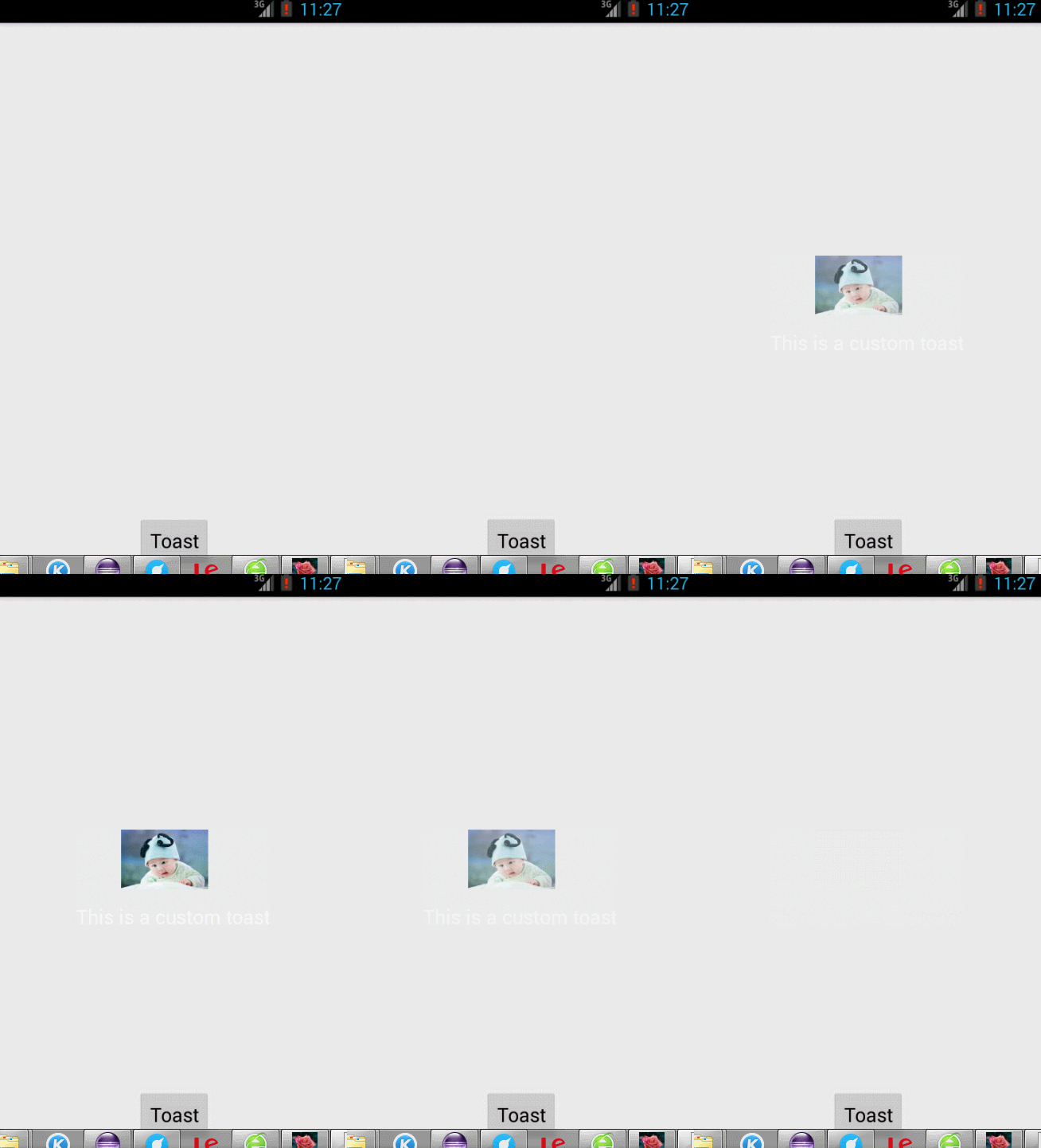
本文来自互联网用户投稿,文章观点仅代表作者本人,不代表本站立场,不承担相关法律责任。如若转载,请注明出处。 如若内容造成侵权/违法违规/事实不符,请点击【内容举报】进行投诉反馈!