网络抓包-资源下载
1.9、URL
URL:统一资源定位系统(uniform resource locator;URL)是因特网的万维网服务程序上用于指定信息位置的表示方法。它最初是由[蒂姆- 伯纳斯- 李](https://baike.baidu.com/item/蒂姆- 伯纳斯- 李)发明用来作为万维网的地址。
用于进行定位互联网上的某一特定资源。
DNS:域名解析。用于将某一个IP地址用WWW.XXXX.com表示出来。
# URL的本质是一个协议
# 表达的内容,是IP地址和端口号,项目名和资源等。
1.URL相关的参数
测试形代码:
package com.edwin.lesson4;
import java.net.MalformedURLException;
import java.net.URL;
/*** @author EdwinD* @create 2020.08.23 下午 12:35* @desc URL**/
public class URL1 {public static void main(String[] args) throws MalformedURLException {URL url = new URL("http://loaclhost:8080/helloworld/index.jsp?username=edwin&password=1234");System.out.println(url.getProtocol());//获得协议名System.out.println(url.getHost());//主机ipSystem.out.println(url.getPort());//端口System.out.println(url.getPath());//全路径System.out.println(url.getFile());//文件System.out.println(url.getQuery());//参数}
}
输出效果:
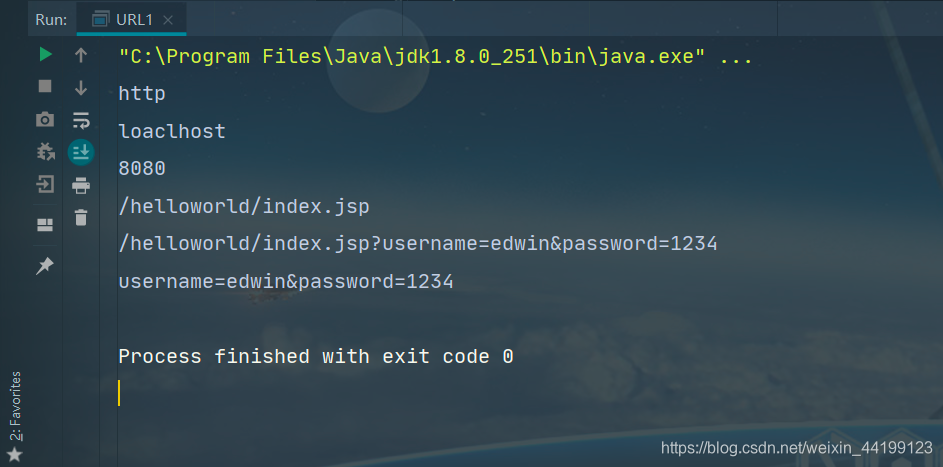
相关的参数不一定真实。
2.网络抓包,文件下载
可以通过某个确定的Url,进行网络特定资源的下载。我们可以先从本地的文件开始:
(1)本地文件
在本地的Tomcat里创建一个web页面:
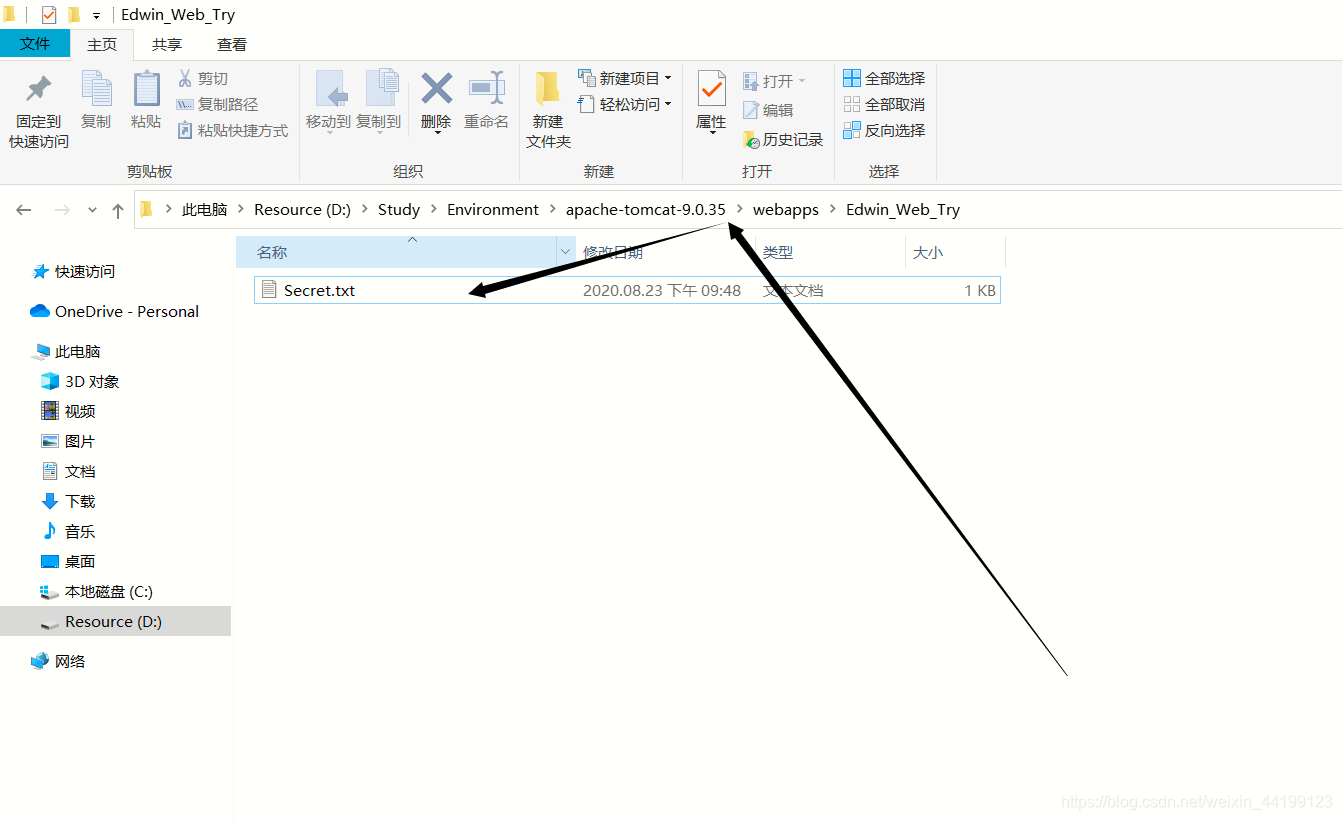
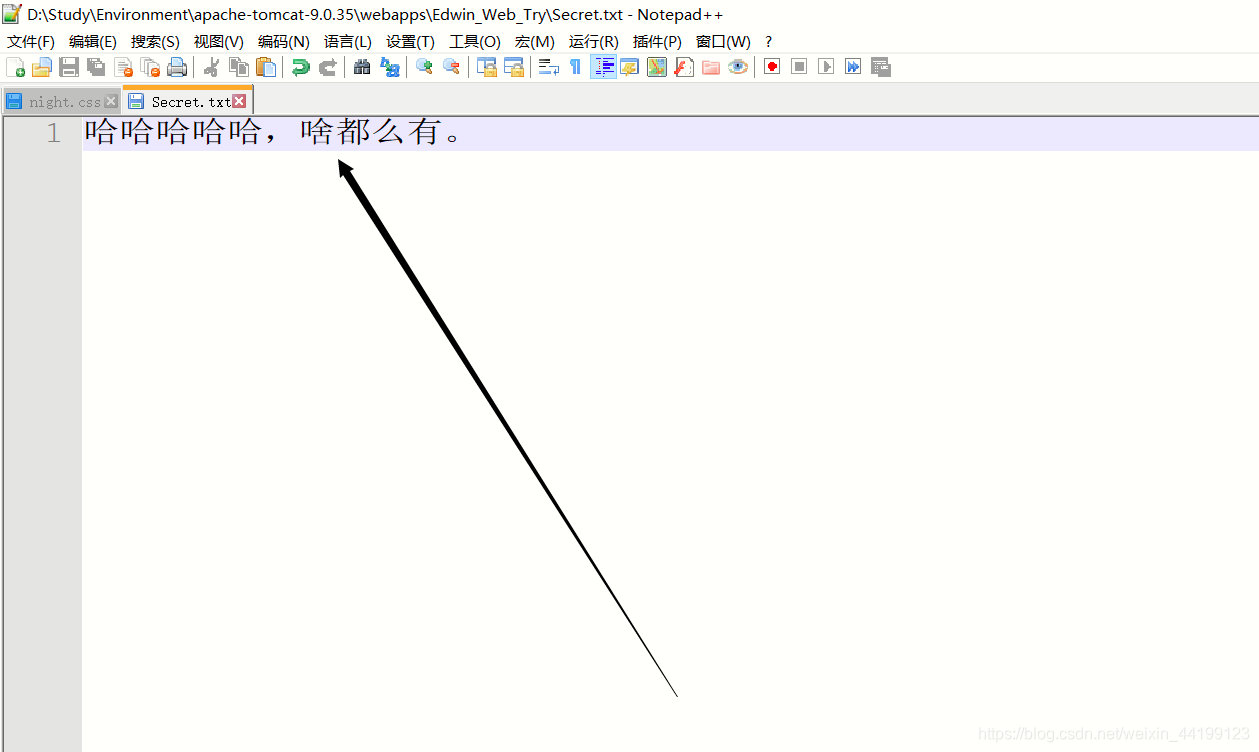
内容:
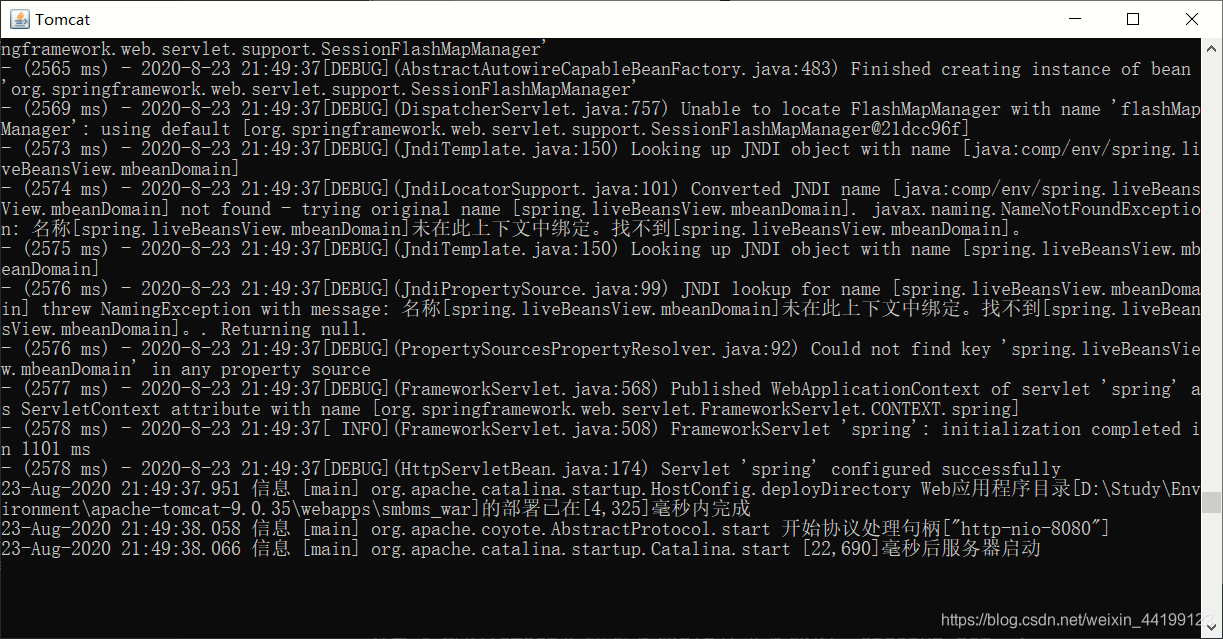
打开本地的Tomcat文件夹里面bin目录里面的“startup.bat”:
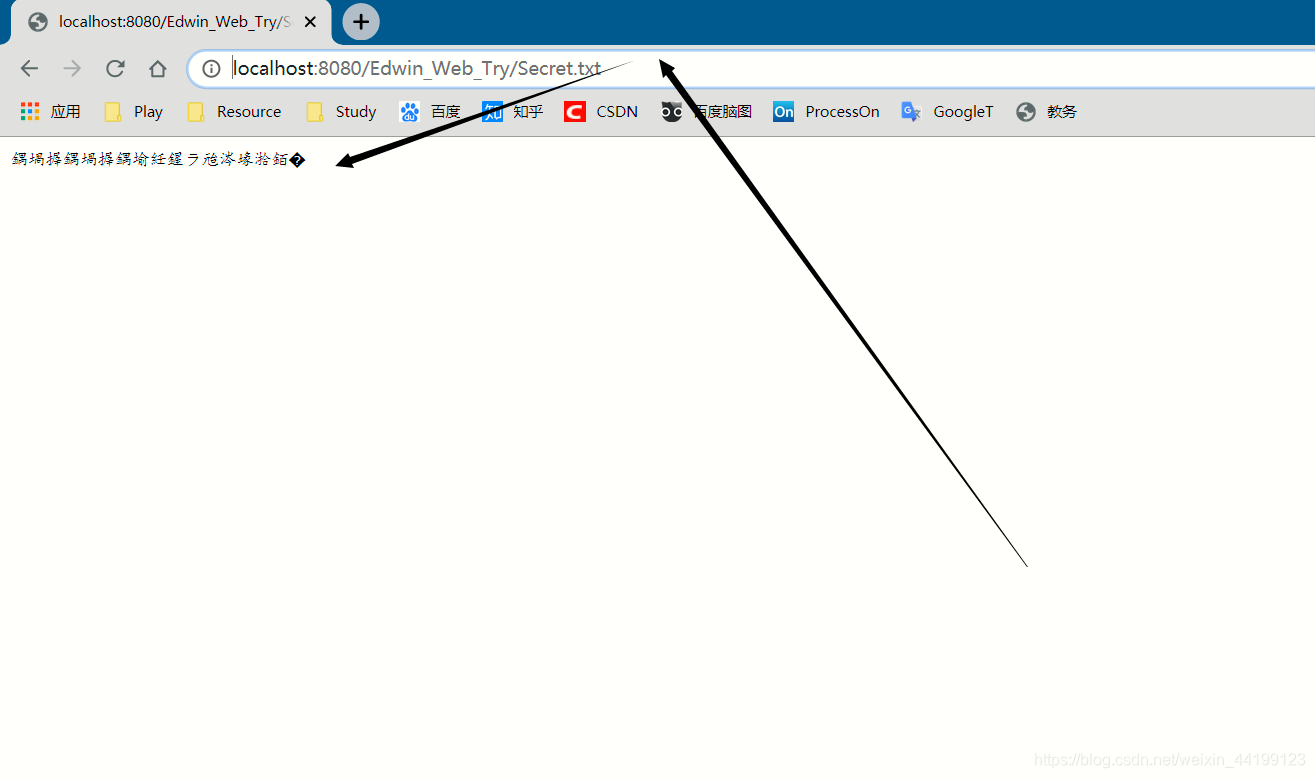
访问Tomcat的http://localhost:8080/Edwin_Web_Try/Secret.txt:
代码:
package com.edwin.lesson4;
import java.io.FileOutputStream;
import java.io.IOException;
import java.io.InputStream;
import java.net.HttpURLConnection;
import java.net.URL;
import java.net.URLConnection;
/*** @author EdwinD* @create 2020.08.23 下午 09:52* @desc Url下载文件**/
public class UrlDownload {public static void main(String[] args) throws IOException {
//        建立Url连接,设置下载地址.URL url = new URL("http://localhost:8080/Edwin_Web_Try/Secret.txt");
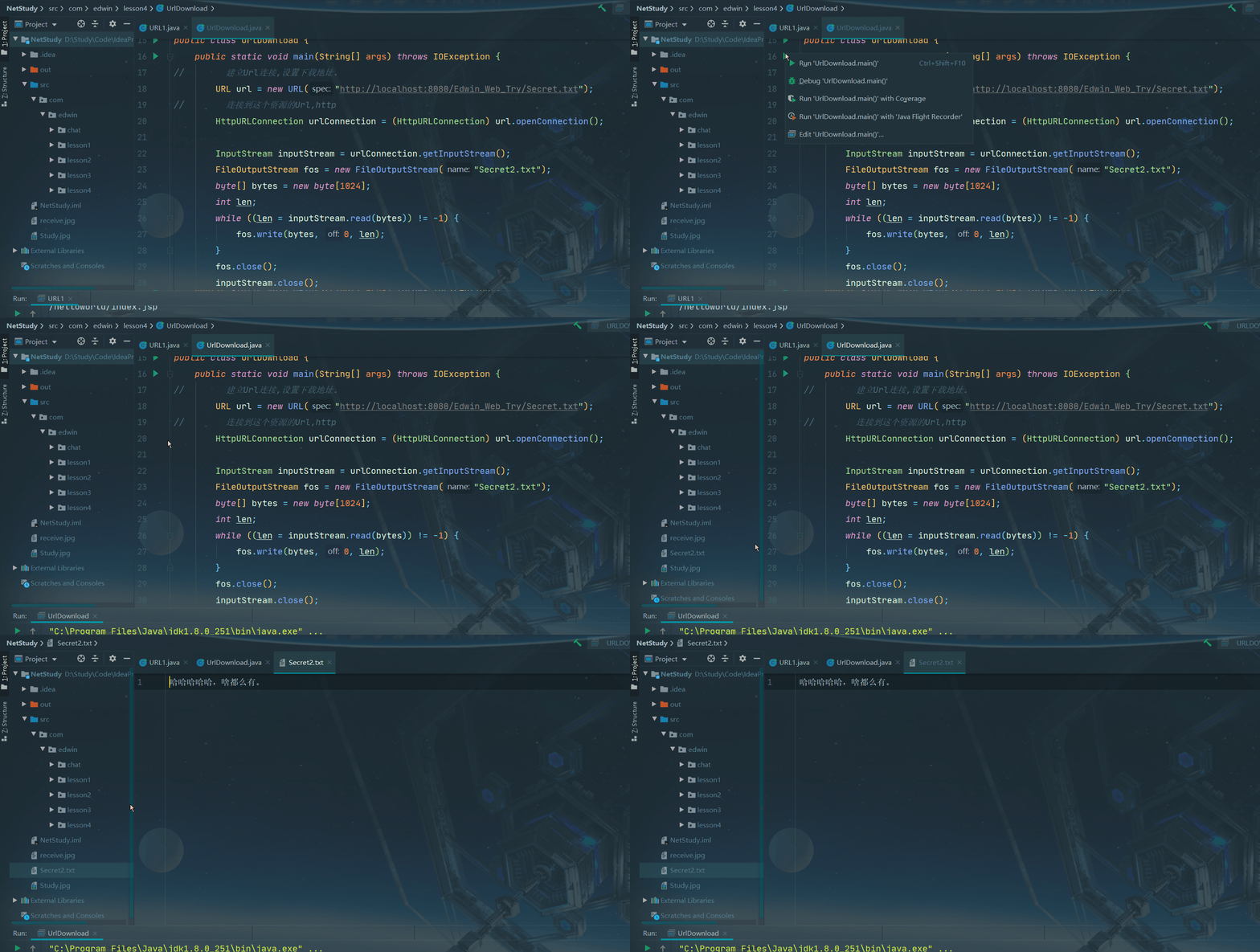
//        连接到这个资源的Url,httpHttpURLConnection urlConnection = (HttpURLConnection) url.openConnection();InputStream inputStream = urlConnection.getInputStream();FileOutputStream fos = new FileOutputStream("Secret2.txt");byte[] bytes = new byte[1024];int len;while ((len = inputStream.read(bytes)) != -1) {fos.write(bytes, 0, len);}fos.close();inputStream.close();urlConnection.disconnect();}
}
输出效果:
(2)网络资源下载
1.图片类:
转换成网络连接:
https://th.wallhaven.cc/small/4y/4y2mo7.jpg
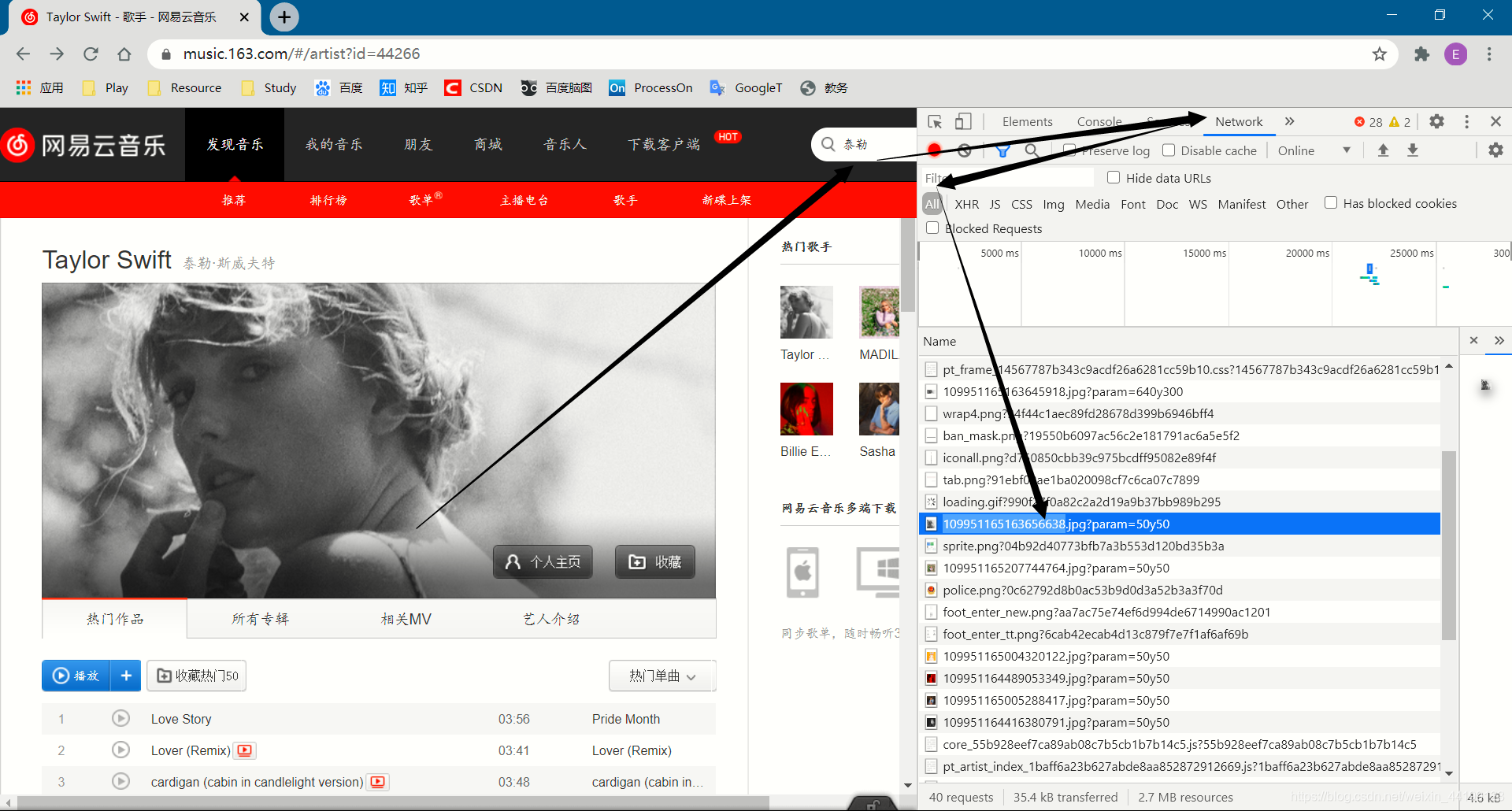
图片效果:
双击打开图片:
代码:
package com.edwin.lesson4;
import java.io.FileOutputStream;
import java.io.IOException;
import java.io.InputStream;
import java.net.HttpURLConnection;
import java.net.URL;
import java.net.URLConnection;
/*** @author EdwinD* @create 2020.08.23 下午 09:52* @desc Url下载文件**/
public class UrlDownload {public static void main(String[] args) throws IOException {
//        建立Url连接,设置下载地址.URL url = new URL("https://p1.music.126.net/KDZoWvE6pjfeZ56bVD6giw==/109951164009637404.png");
//        连接到这个资源的Url,httpHttpURLConnection urlConnection = (HttpURLConnection) url.openConnection();InputStream inputStream = urlConnection.getInputStream();FileOutputStream fos = new FileOutputStream("Vip.png");byte[] bytes = new byte[1024];int len;while ((len = inputStream.read(bytes)) != -1) {fos.write(bytes, 0, len);}fos.close();inputStream.close();urlConnection.disconnect();}
}
输出效果:
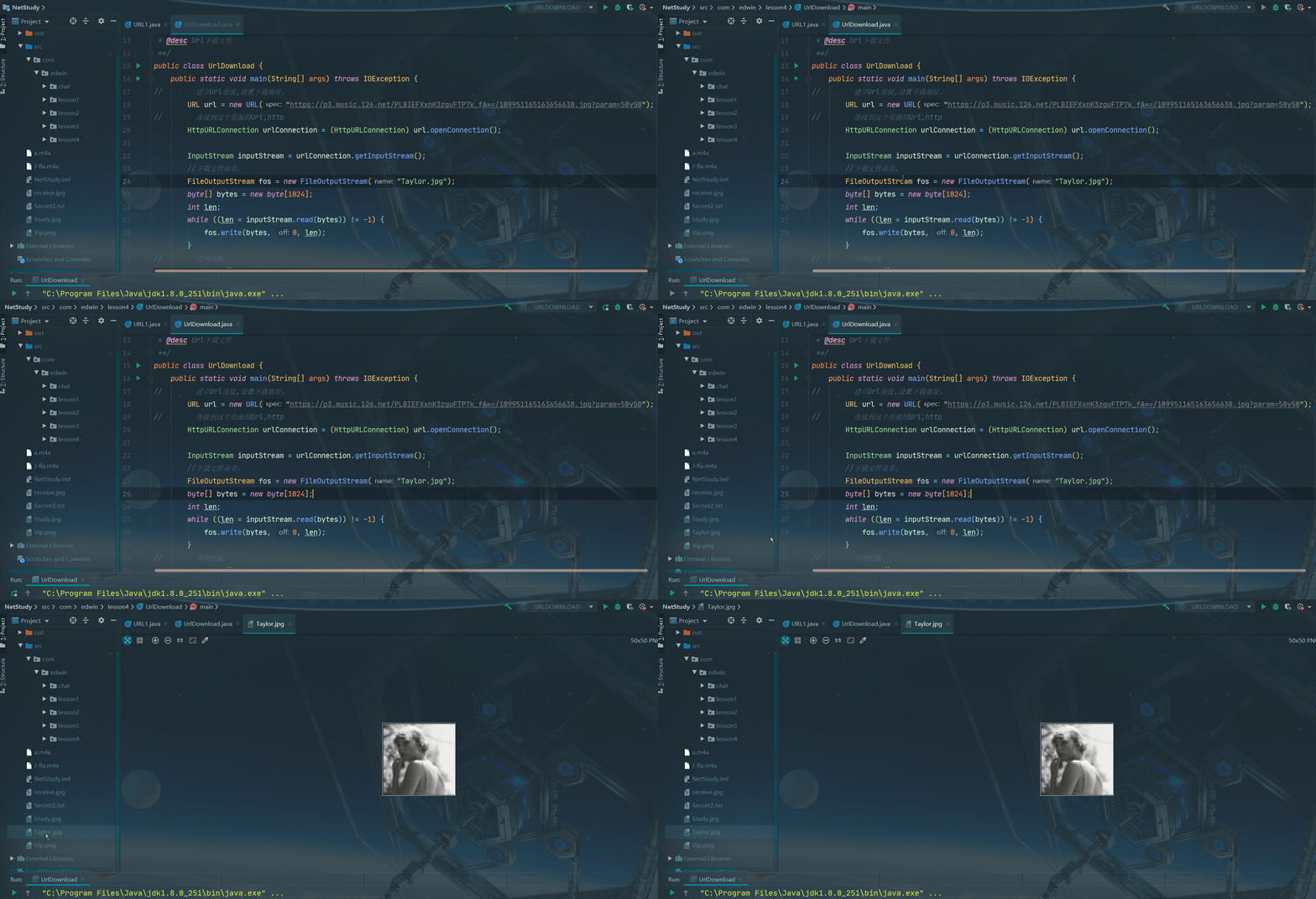
2.歌曲类:
安全版:
通过ctrl+shift+c或者直接打开F12,打开网络后台控制页。
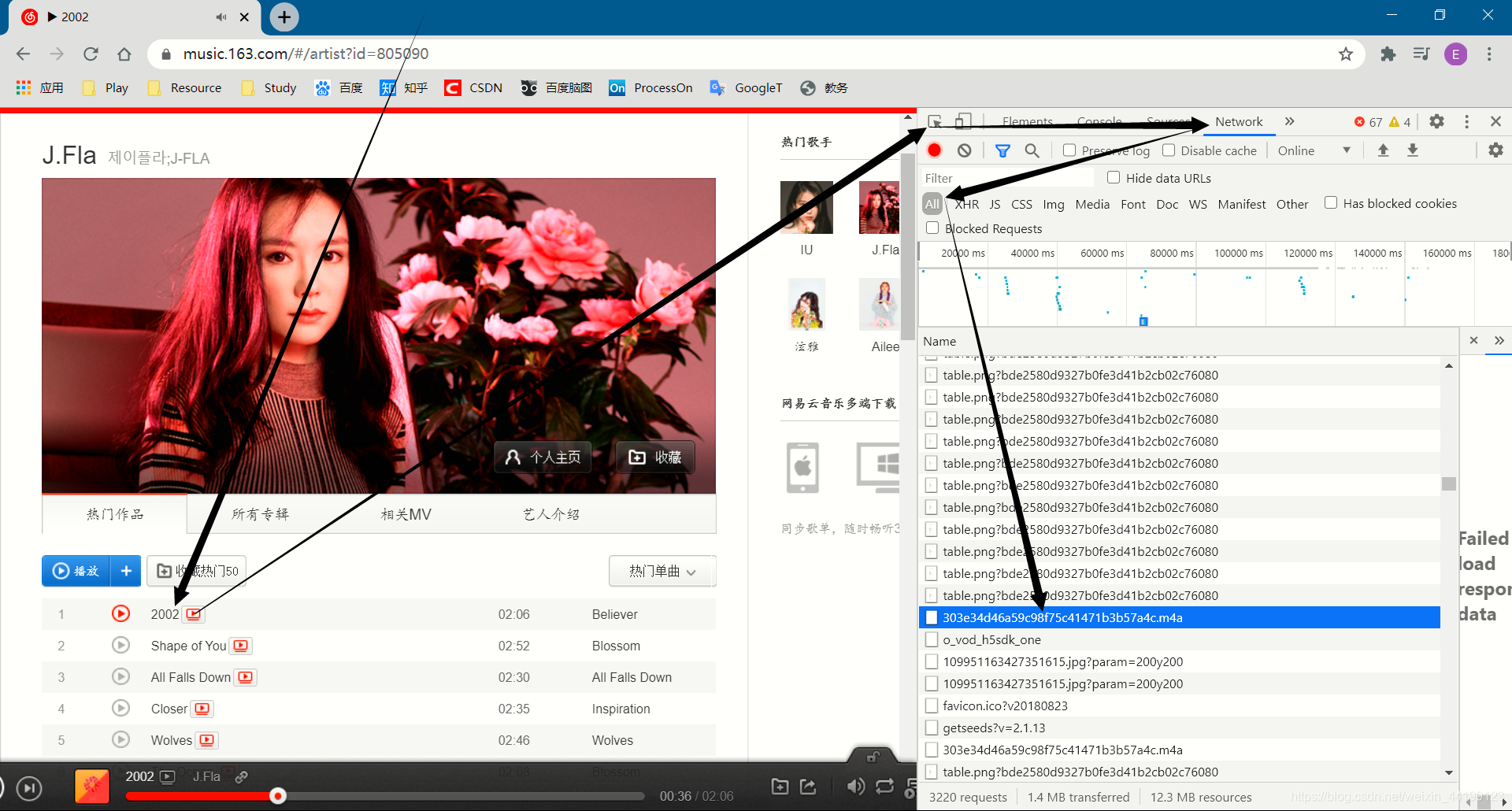
双击打开:
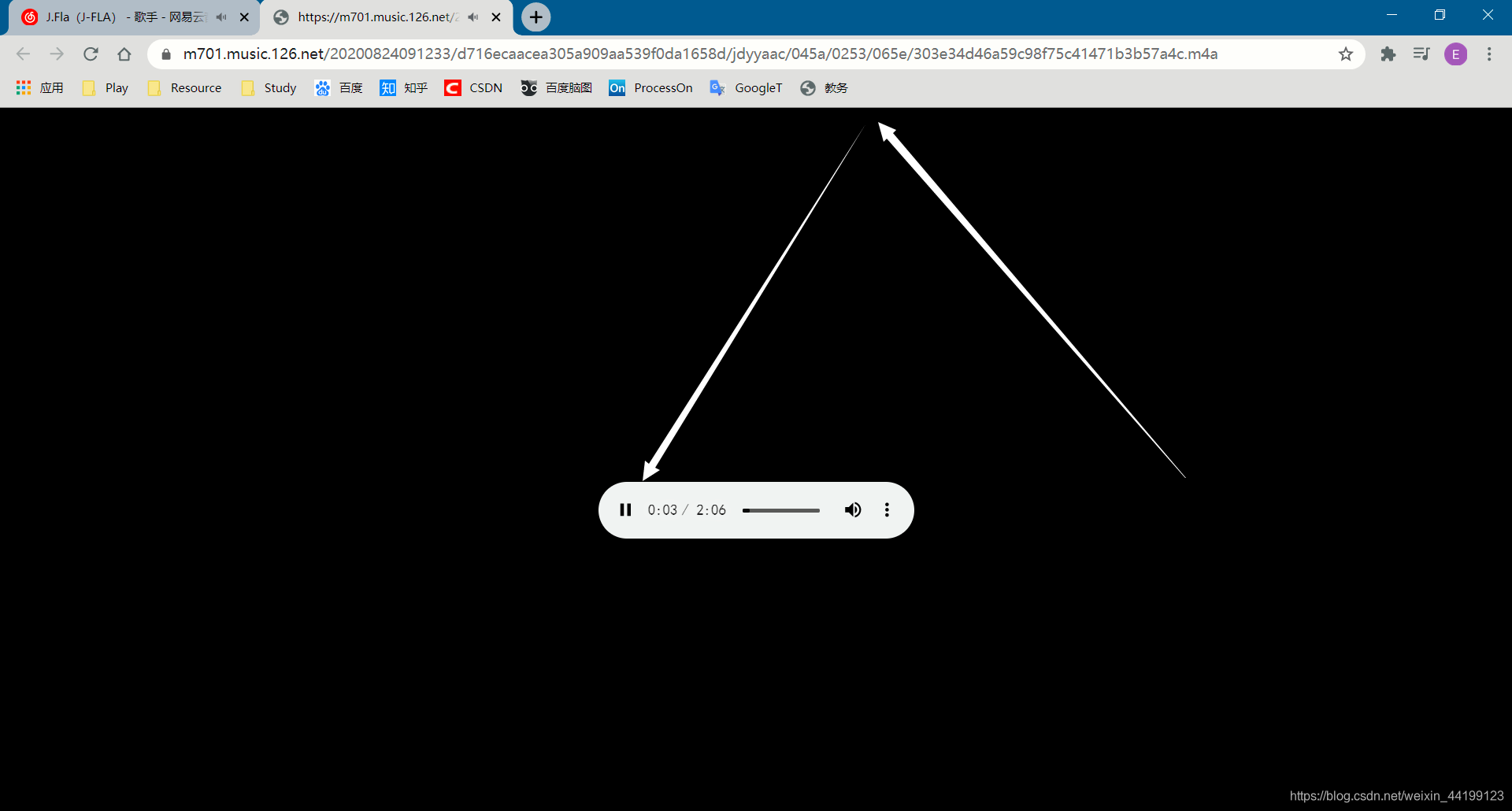
将链接复制到我们下载文件的地方,Url。
代码:
package com.edwin.lesson4;
import java.io.FileOutputStream;
import java.io.IOException;
import java.io.InputStream;
import java.net.HttpURLConnection;
import java.net.URL;
import java.net.URLConnection;
/*** @author EdwinD* @create 2020.08.23 下午 09:52* @desc Url下载文件**/
public class UrlDownload {public static void main(String[] args) throws IOException {
//        建立Url连接,设置下载地址.URL url = new URL("https://m701.music.126.net/20200824091233/d716ecaacea305a909aa539f0da1658d/jdyyaac/045a/0253/065e/303e34d46a59c98f75c41471b3b57a4c.m4a");
//        连接到这个资源的Url,httpHttpURLConnection urlConnection = (HttpURLConnection) url.openConnection();InputStream inputStream = urlConnection.getInputStream();//下载文件命名。FileOutputStream fos = new FileOutputStream("J-fla.m4a");byte[] bytes = new byte[1024];int len;while ((len = inputStream.read(bytes)) != -1) {fos.write(bytes, 0, len);}//关闭资源fos.close();inputStream.close();urlConnection.disconnect();}
}
输出效果:
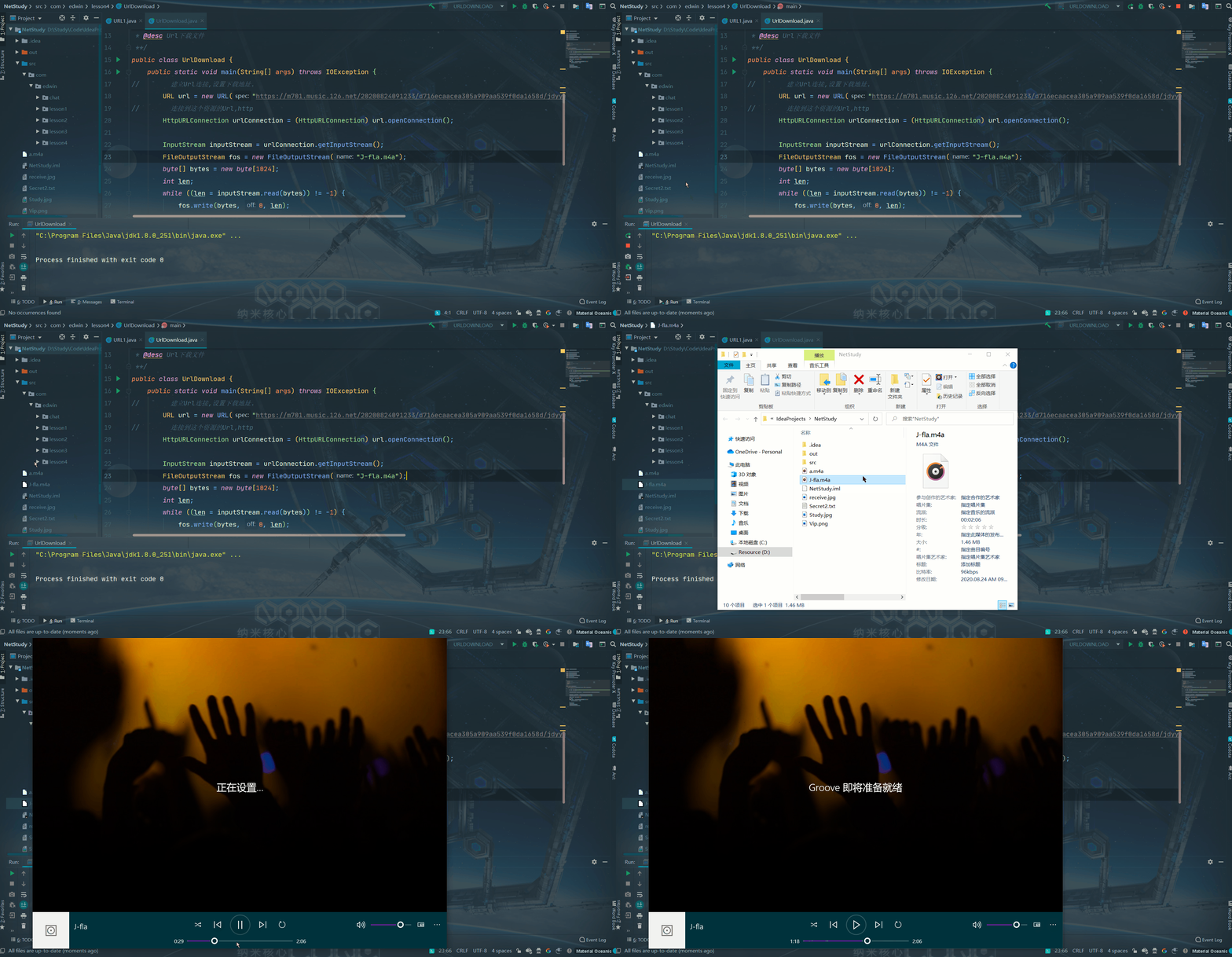
路漫漫其修远兮,吾将上下而求索。
参考文献
《【狂神说Java】网络编程实战讲解》
视频链接
2020.08.24
本文来自互联网用户投稿,文章观点仅代表作者本人,不代表本站立场,不承担相关法律责任。如若转载,请注明出处。 如若内容造成侵权/违法违规/事实不符,请点击【内容举报】进行投诉反馈!