Aspose实现word、pdf等文件格式互相转换
基本介绍
Aspose.Words是一个商业.NET类库,可以使得应用程序处理大量的文件任务。Aspose.Words支持Doc,Docx,RTF,HTML,OpenDocument,PDF,XPS,EPUB和其他格式。使用Aspose.Words可以在不使用Microsoft.Word的情况下生成、修改、转换和打印文档。
官网:
File Format APIs for Word Excel PDF Email PowerPoint Barcode Images OCR Note & 3D https://www.aspose.com/去官网可以看到
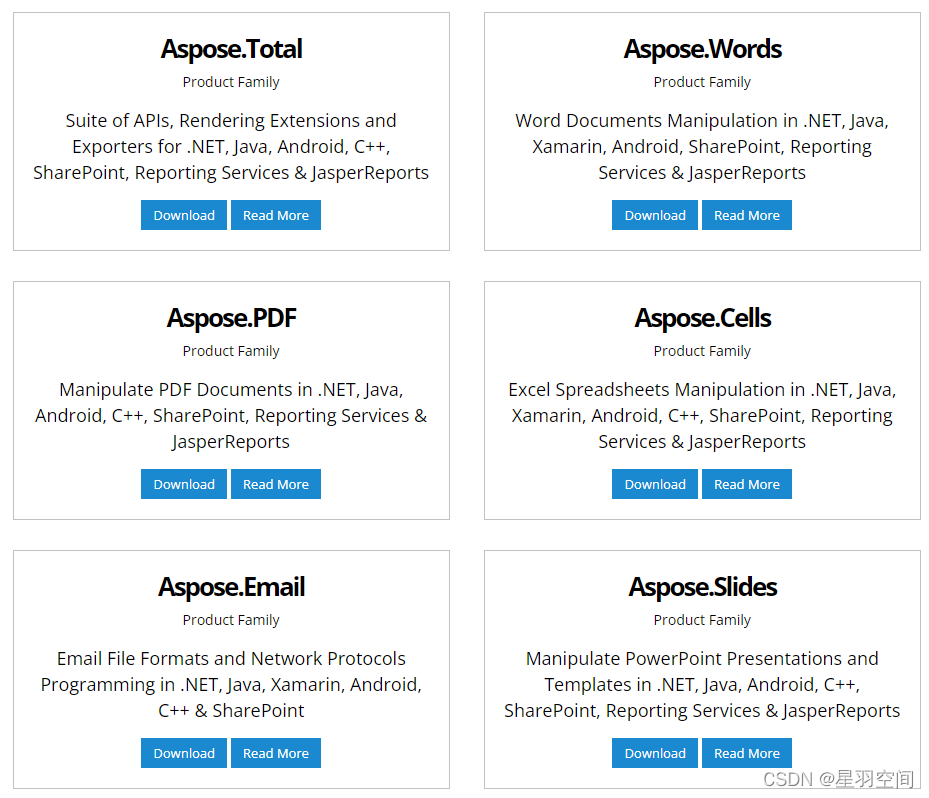
可以看到它的业务还是很广的。
本篇教程就用Aspose.Words来了解Aspose。
我们进Aspose.Words看看:
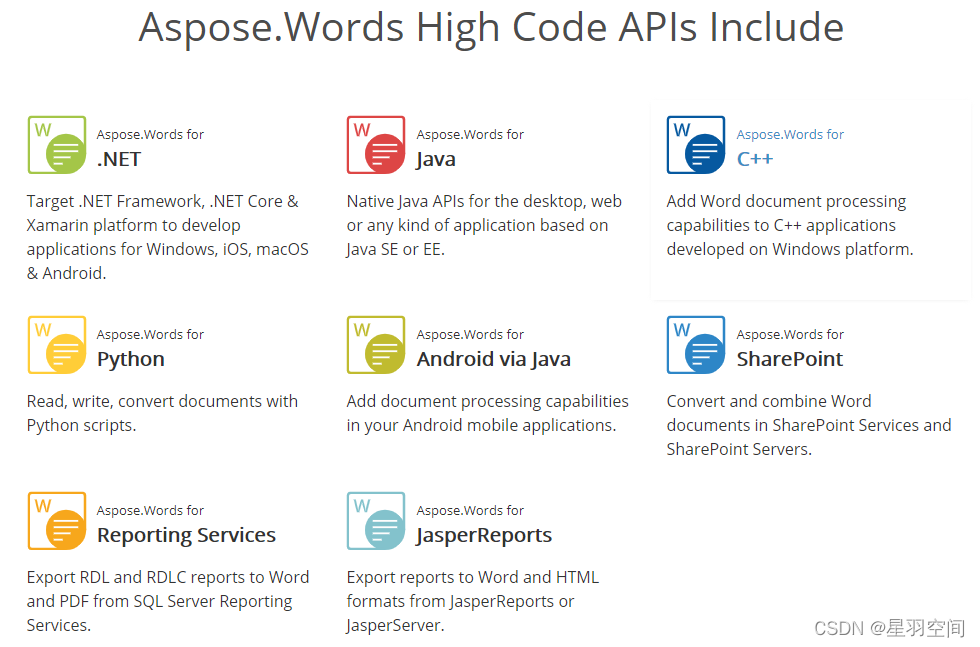
可以看到它支持的语言挺多的。Python、Java、C++都是支持的。
使用示例
因为笔者喜欢用Python。这里就用Python做演示了。
安装库:
pip install aspose-words
编辑示例:
import aspose.words as aw# Create a blank document
doc = aw.Document()# Use a DocumentBuilder instance to add content to the document
builder = aw.DocumentBuilder(doc)# Add a paragraph to the document
builder.writeln("Hello World!")# Save the result as a PDF document. The output format is determined by the file extension
doc.save("Output.pdf")
格式转换的示例:将word转换为html
import aspose.words as aw# Load a document from the local drive
doc = aw.Document("Input.docx")# Save the output as hypertext
doc.save("Output.html")
项目实例
import aspose.words as aw
import sysdef change(src, save_path) :doc = aw.Document(src)doc.save(save_path)print("success!")if __name__ == '__main__':print(sys.argv[0])print(sys.argv[1])print(sys.argv[2])change(sys.argv[1], sys.argv[2])
实现将一个word文件转换为另一个格式的文件。
测试实例:将同级目录下的test.pdf文件转换为outtest1.epub。
python main.py test.pdf outtest1.epub本文来自互联网用户投稿,文章观点仅代表作者本人,不代表本站立场,不承担相关法律责任。如若转载,请注明出处。 如若内容造成侵权/违法违规/事实不符,请点击【内容举报】进行投诉反馈!