python去除文档水印,删除页眉页脚
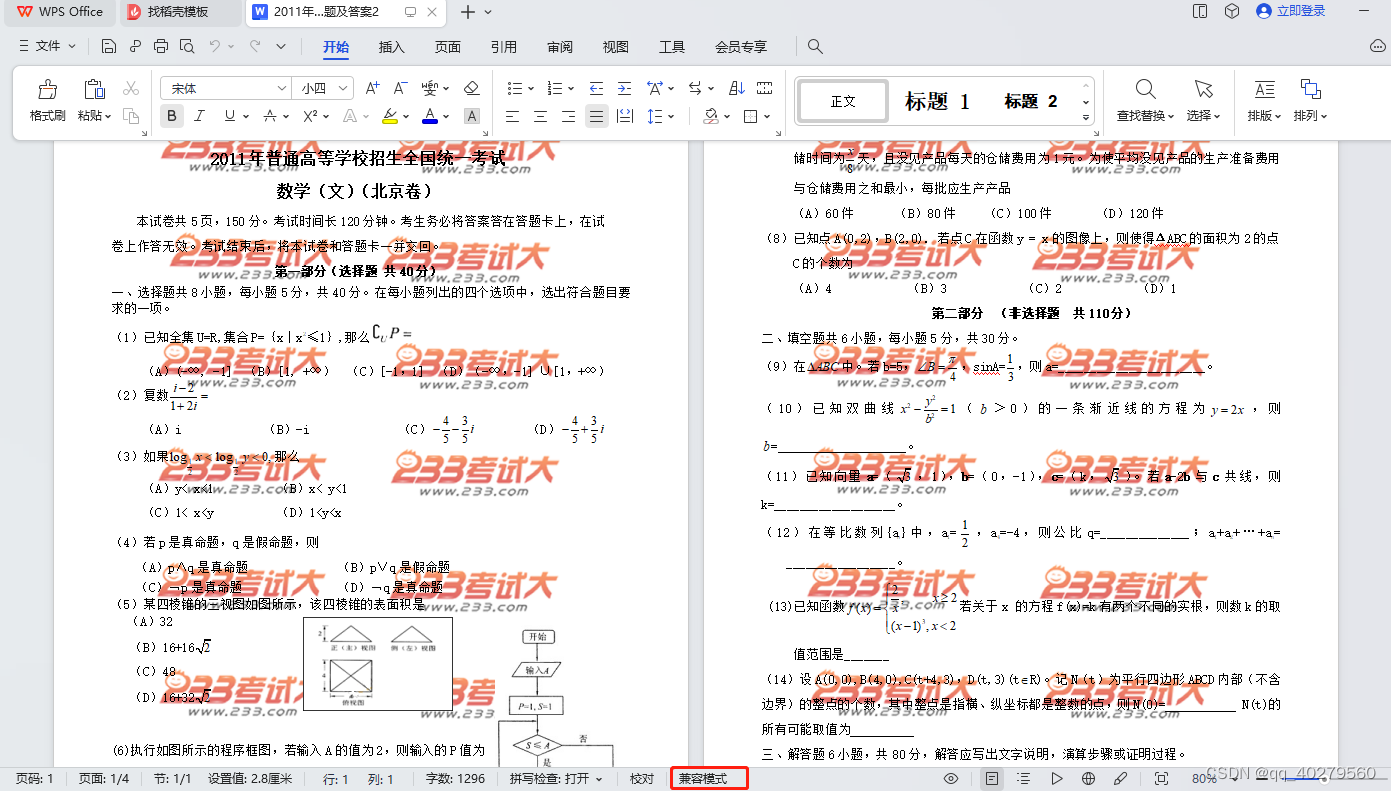
处理前效果
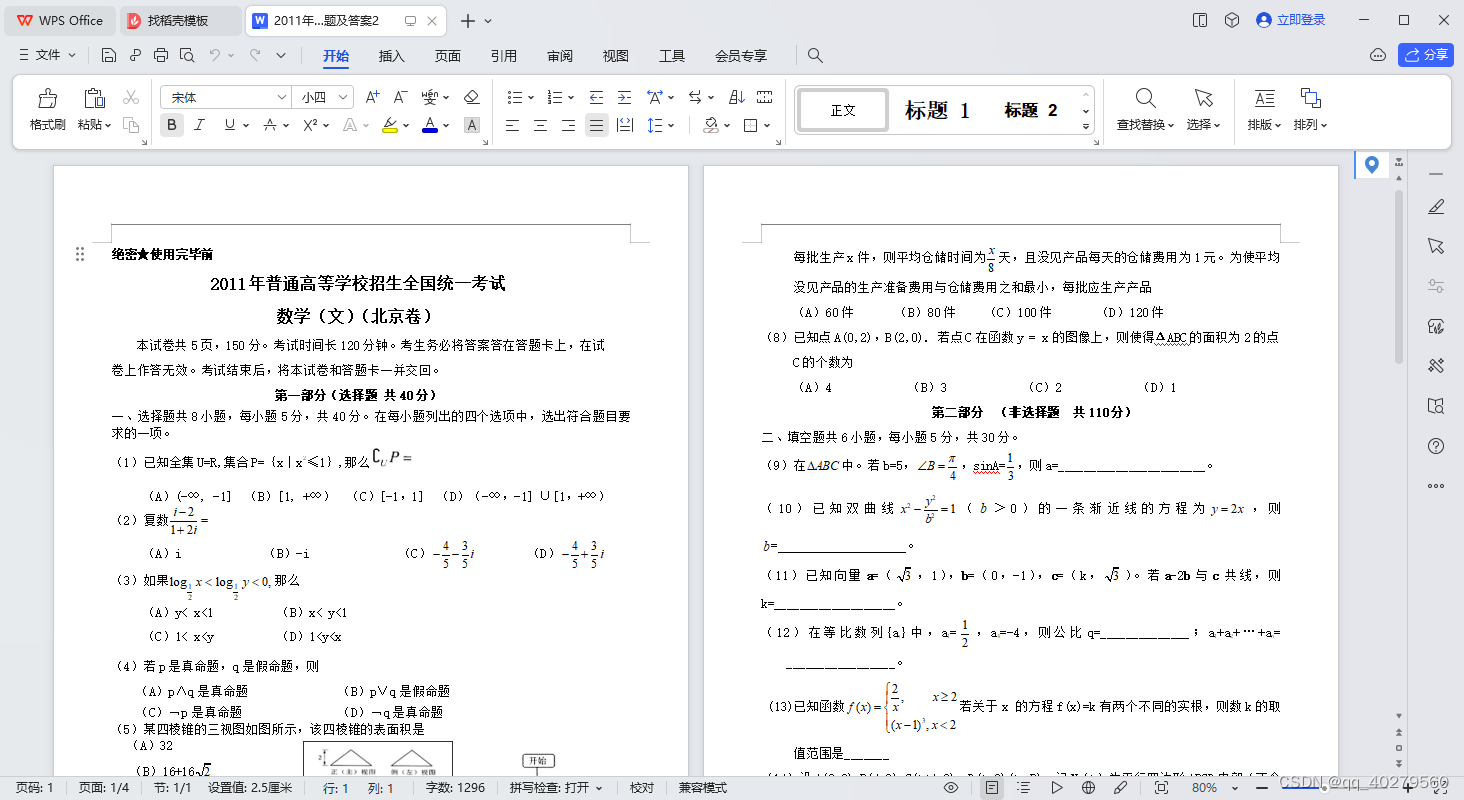
处理后
读取doc文档报错:raise ValueError(tmpl % (docx, document_part.content_type))
from docx import Document
path = r"D:\\demo\\2011年北京高考文数试题及答案2.doc"
doc = Document(path)
ValueError: file ‘D:\2011年北京高考文数试题及答案2.doc’ is not a Word file, content type is ‘application/vnd.openxmlformats-officedocument.themeManager+xml’**
首先确定了文档是存在且有内容,路径也没问题,
wps可以正常打开,但是doc是旧版本的格式读取
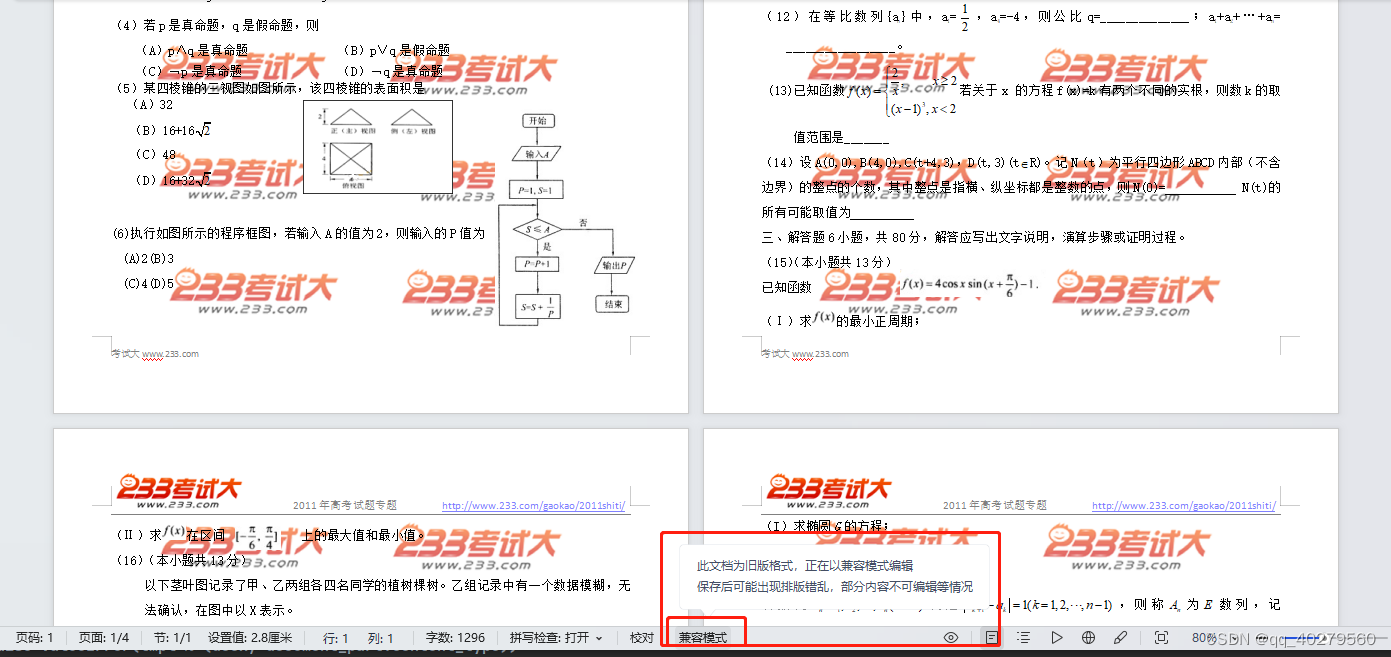
可用win32com.client包打开
import win32com.client as wc
word = wc.Dispatch("Word.Application")
doc = word.Documents.Open(file_path, Encoding='utf-8')
原本是想着先转换格式为docx再读取,太麻烦
直接上代码了
代码方式1
"""去除水印"""
import comtypes.clientword = comtypes.client.CreateObject('Word.Application')
doc = word.Documents.Open(path)clean_text = []# 删除页眉,页脚
for section in doc.Sections:for header in section.Headers:if header.Range.Text and len(header.Range.Text) > 2:clean_text += str(header.Range.Text).strip().split()header.Range.Delete()for footer in section.Footers:if footer.Range.Text and len(footer.Range.Text) > 2:clean_text += str(footer.Range.Text).strip().split()footer.Range.Delete()## 替换文档内容
if clean_text:for target_text in set(clean_text):## 不想替换页码if str(target_text).isdigit() or len(target_text) < 5:continuefor content_range in doc.StoryRanges:content_range.Find.Execute(target_text, False, False, False, False, False, True, 1, False, '',2)
# doc.SaveAs()
doc.SaveAs('{}x'.format(path), 16)  # 16 表示保存为docx格式
doc.Close()
word.Quit()
代码方式2
from docx import Documentdef clean_words(self, file_path, target_text):""" 清洗文档:替换页眉页脚内容 """doc = Document(file_path)# 获取所有节的页眉和页脚for section in doc.sections:# 获取页眉header = section.headerif header is not None:# 获取页眉的段落for p in header.paragraphs:# 替换页眉中的目标文字为空p.text = p.text.replace(p.text, "")# 获取页脚footer = section.footerif footer is not None:# 获取页脚的段落for p in footer.paragraphs:logger.info(p.text)# 替换页脚中的目标文字为空p.text = p.text.replace(p.text, "")# 替换文档内容的方式2:使用Document.paragraphs属性和Paragraph.text属性for i, p in enumerate(doc.paragraphs):for w in target_text:if w in p.text:p.text = p.text.replace(w, "")doc.save(file_path)doc.close()```本文来自互联网用户投稿,文章观点仅代表作者本人,不代表本站立场,不承担相关法律责任。如若转载,请注明出处。 如若内容造成侵权/违法违规/事实不符,请点击【内容举报】进行投诉反馈!