prometheus报警--------通过slack发送报警内容
prometheus报警——–通过slack发送报警内容
1.注册slack账号
打开slack官网
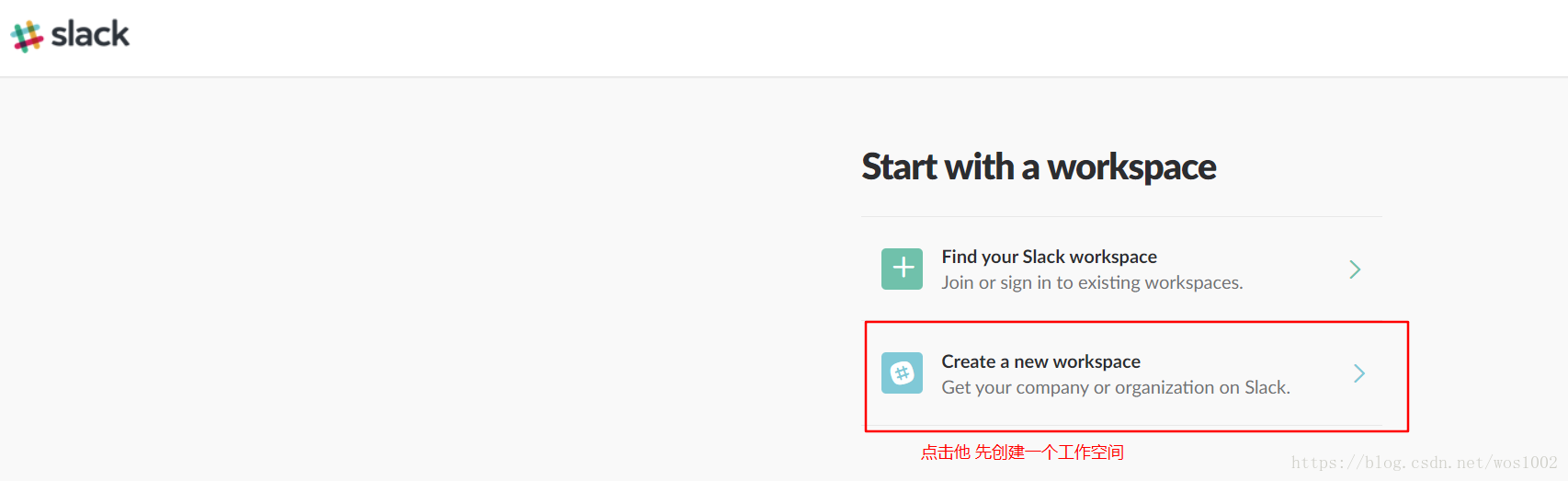
2.邮箱注册

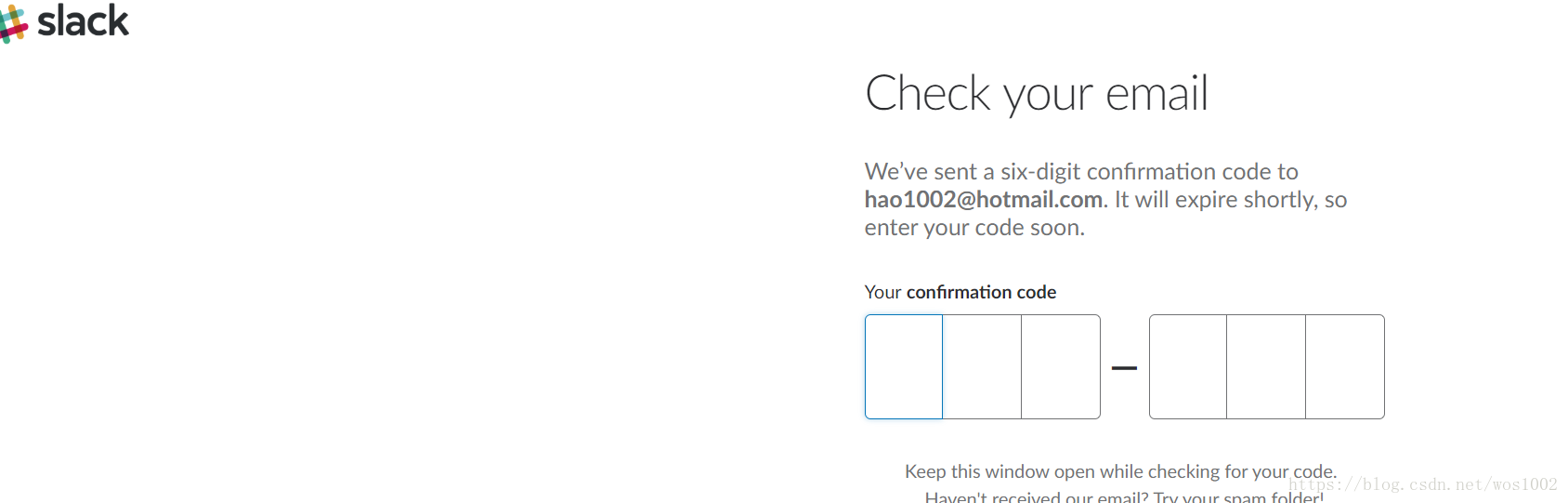
3.到邮箱去填验证码
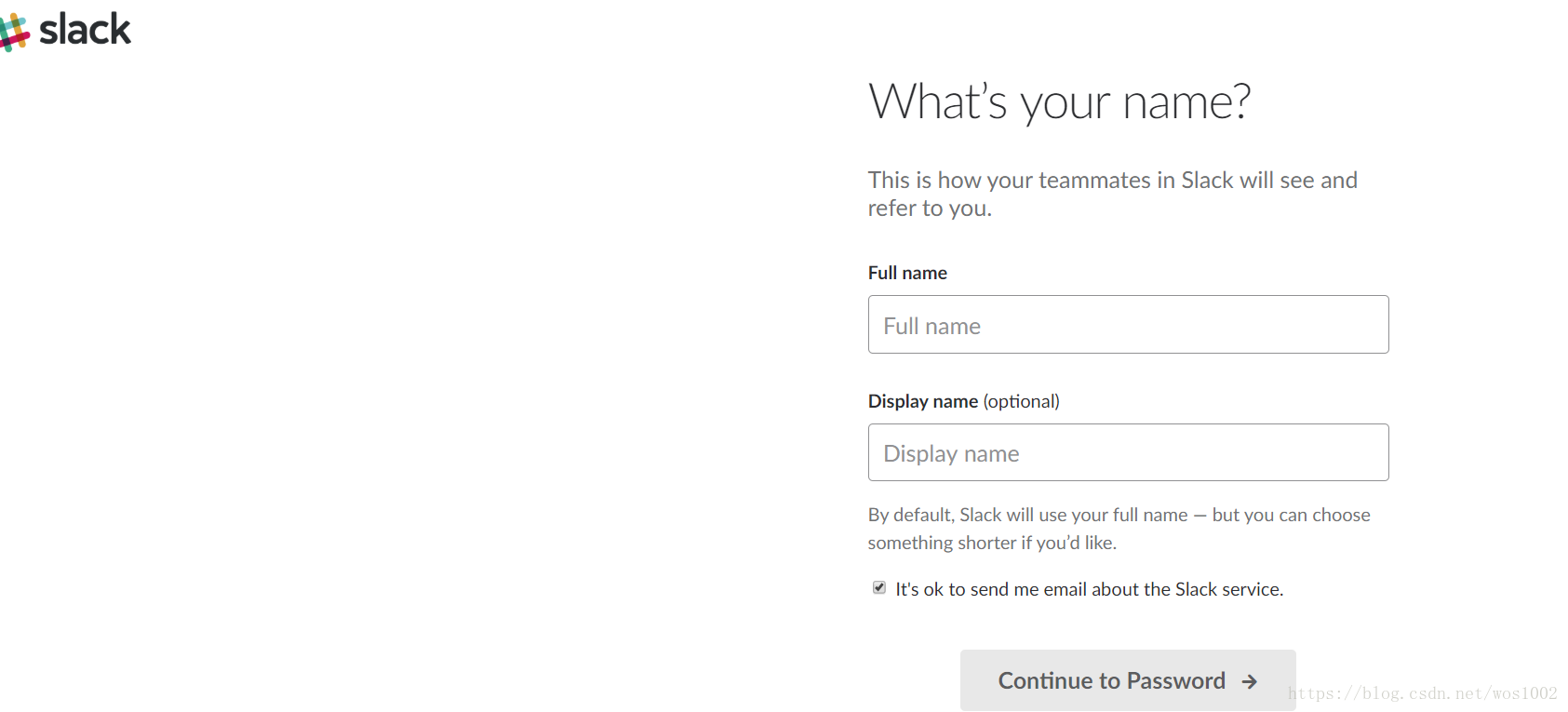
4.填自己的名字
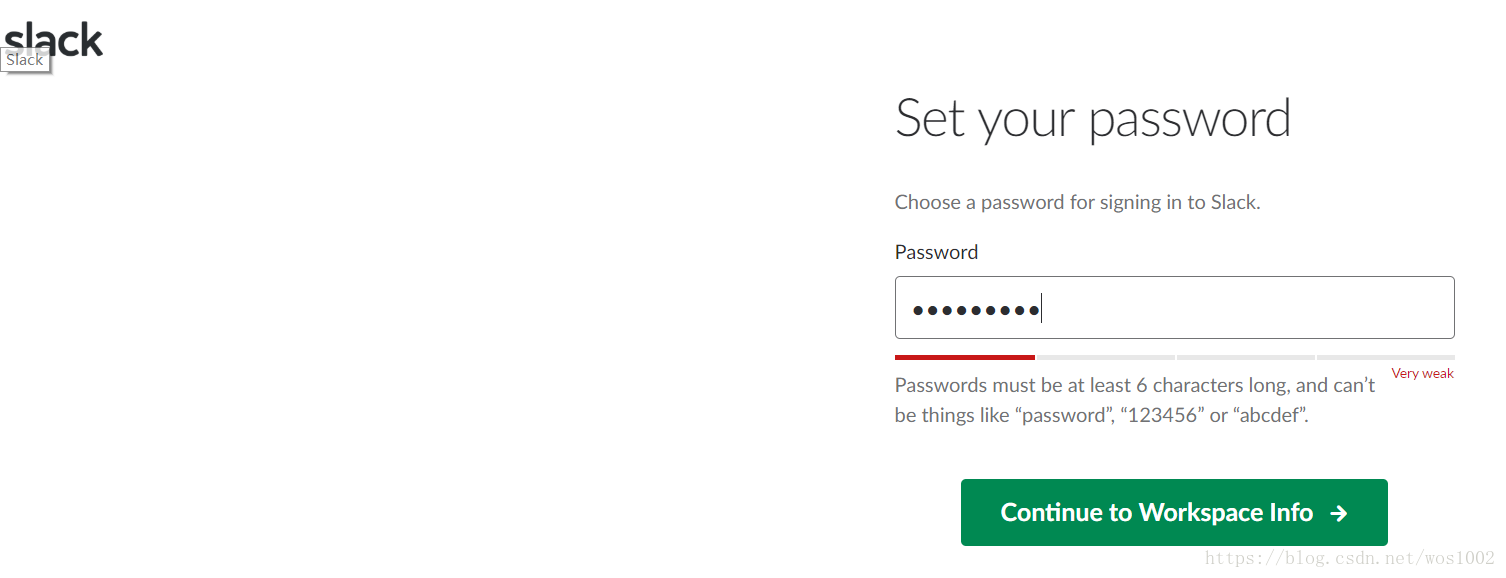
5.设置密码
6.填写相关信息

7.填公司名称

8.自定义url
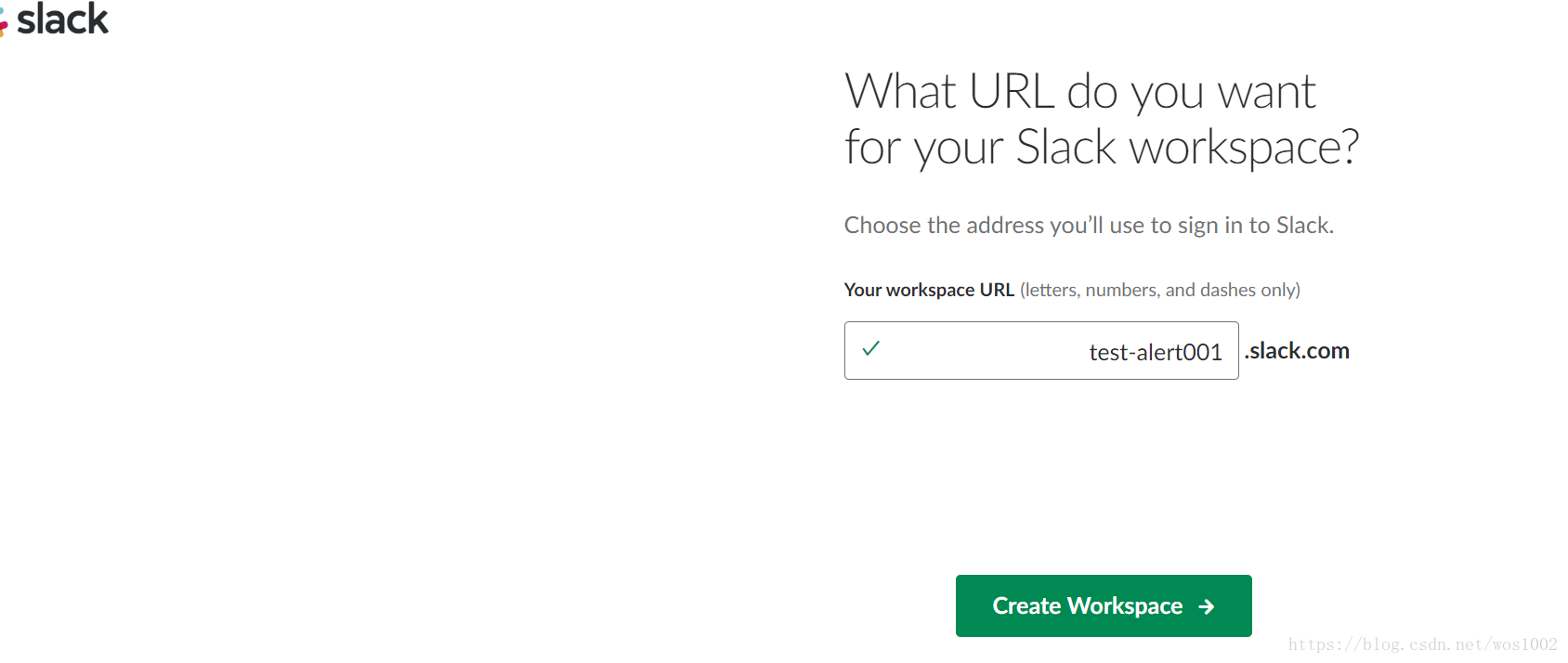
9下一步,可以跳过

10.创建频道

11安装一个应用 incomming webhooks


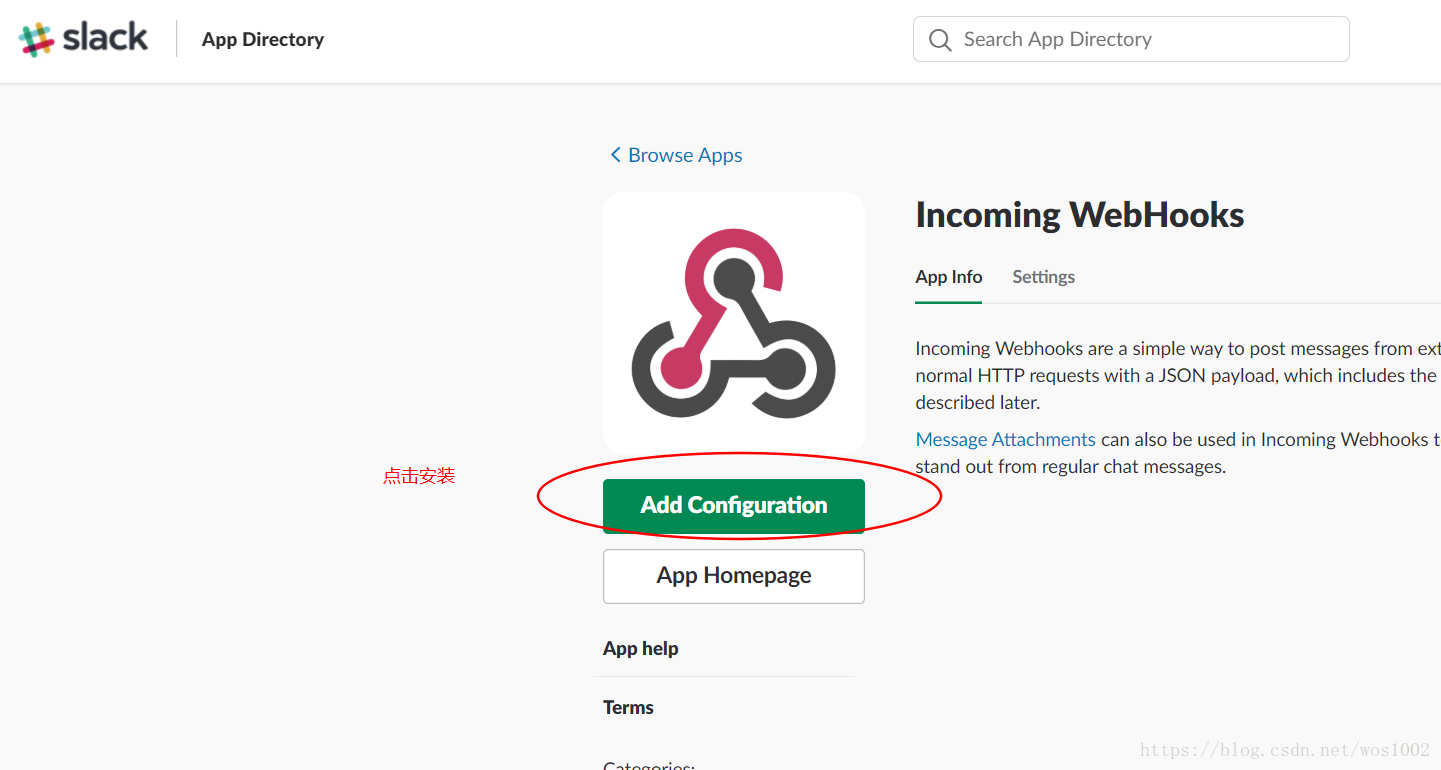
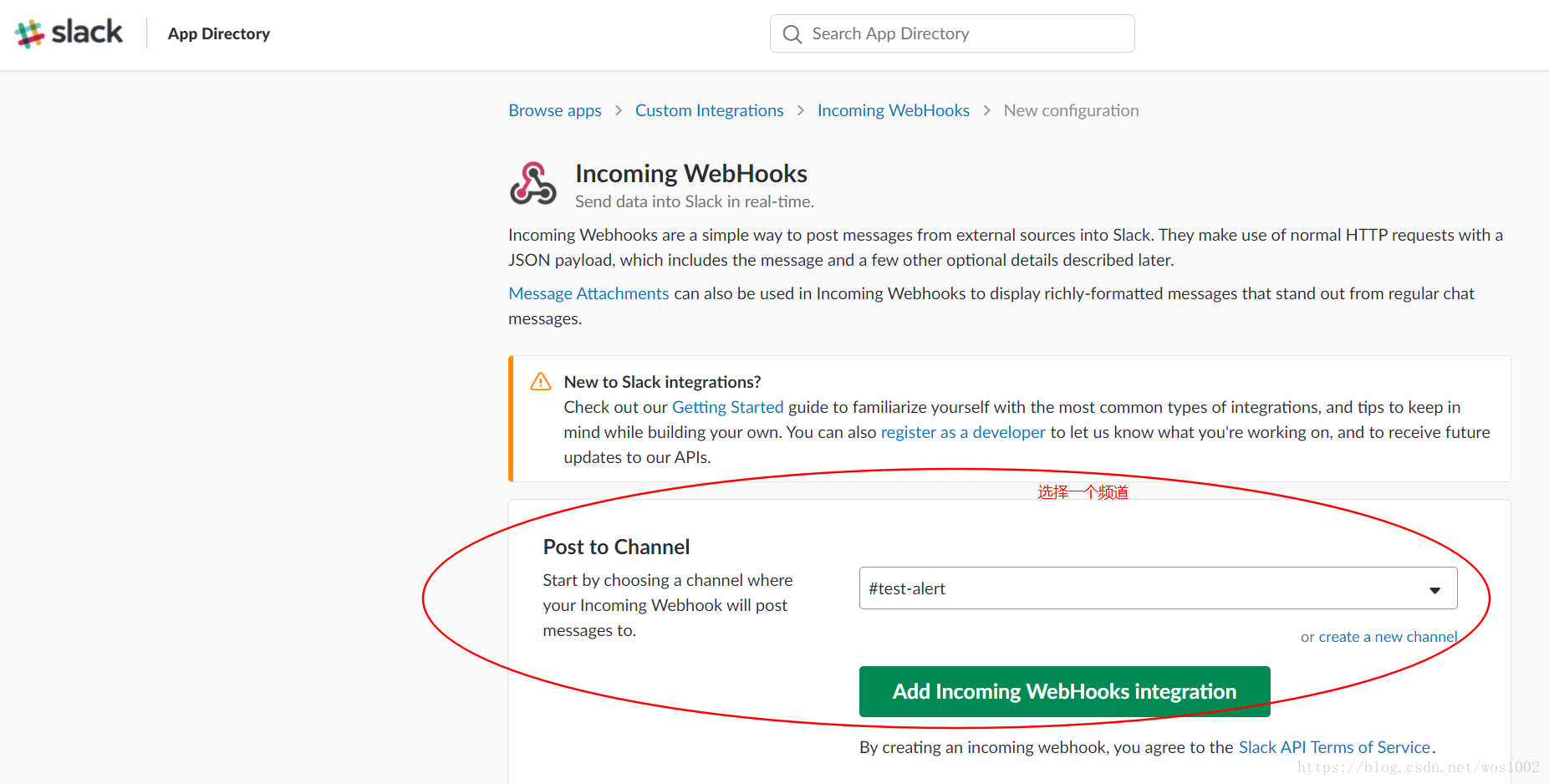
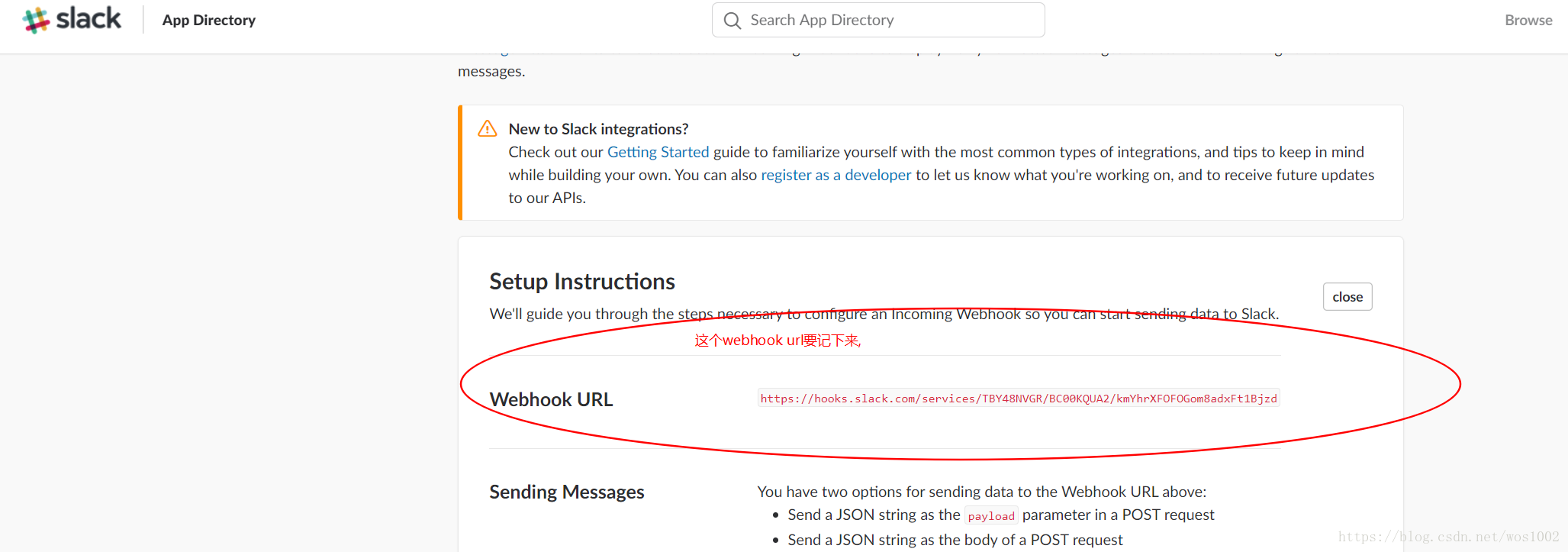
写报警规则
cd /promethues  //进入到prometheus目录下
cp prometheus.yml{,.bak}   //先备份配置文件
- vim prometheus.yaml
# my global config
global:scrape_interval: 15s # Set the scrape interval to every 15 seconds. Default is every 1 minute.evaluation_interval: 15s # Evaluate rules every 15 seconds. The default is every 1 minute.# scrape_timeout is set to the global default (10s).# Attach these labels to any time series or alerts when communicating with# external systems (federation, remote storage, Alertmanager).external_labels:monitor: 'codelab-monitor'# Load rules once and periodically evaluate them according to the global 'evaluation_interval'.
rule_files:- "/root/prometheus/prometheus/example.rules" //这里填写prometheus报警规则文件路径# - "second.rules"# A scrape configuration containing exactly one endpoint to scrape:
# Here it's Prometheus itself.
scrape_configs:# The job name is added as a label `job=` to any timeseries scraped from this config.- job_name: ' prometheus'# metrics_path defaults to '/metrics'# scheme defaults to 'http'.static_configs:- targets: ['localhost:9090']- job_name: 'container' //增加一个实例static_configs:- targets: ['localhost:8080'] //目前url- job_name: 'node' //增加一个node_exporterstatic_configs:- targets: ['192.168.200.139:9100'] //node_exporter的目标urlvim /root/prometheus/prometheus/example.rules
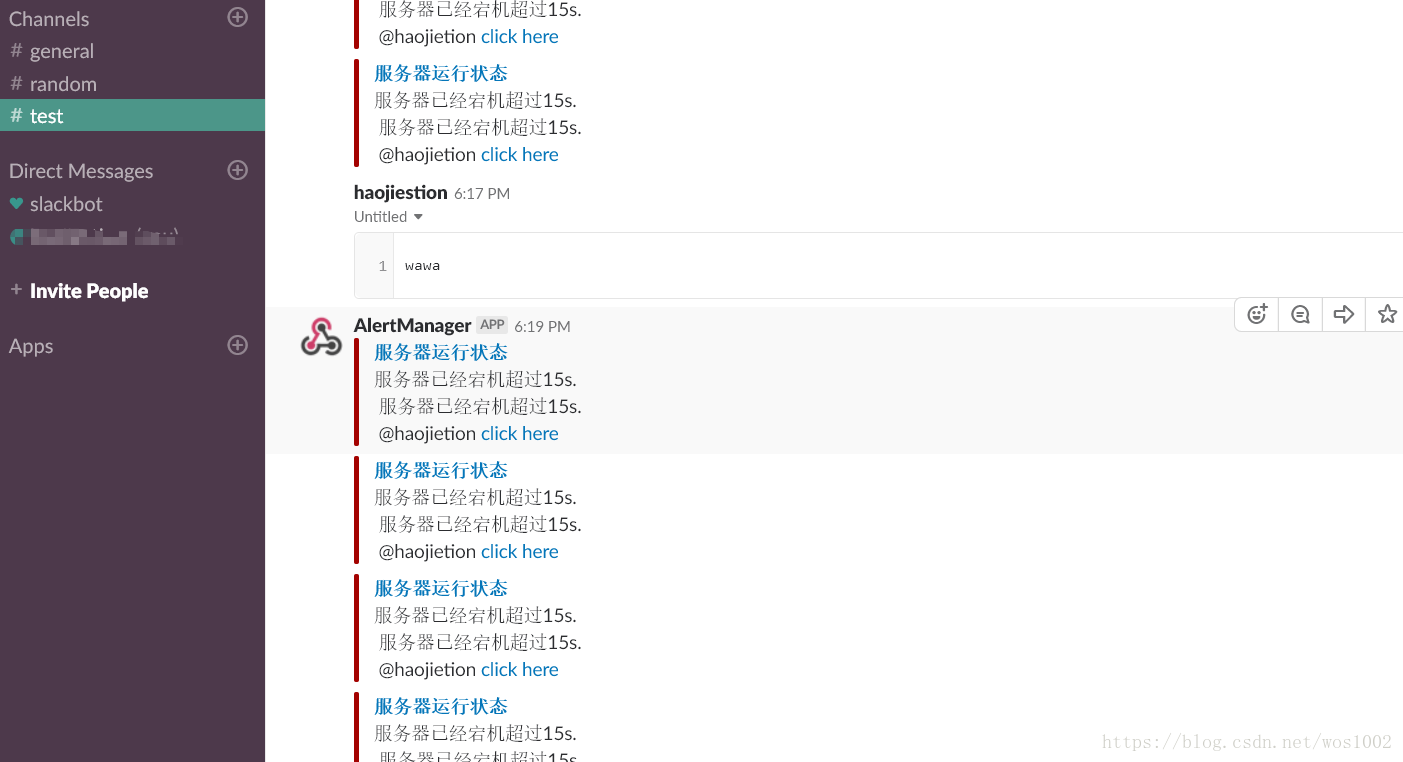
ALERT InstanceDown # alert 名字IF up == 0 # 判断条件FOR 15s # 条件保持 15s 才会发出 alertLABELS { severity = "critical" } # 设置 alert 的标签ANNOTATIONS { # alert 的其他标签,但不用于标识 alertsummary = "服务器运行状态",description = "服务器已经宕机超过15s.",username= "haojietion",link="xxxx" #这个link会在报警中体现 ,点击会调到报警的内容}
配置alertmanager
cd alertmanager   //进入alertmanager目录下
cp alertmanager.yml{,.bak}   //备份配置文件
vim alertmanager.yml
global:resolve_timeout: 5m
route:receiver: 'default-receiver'group_wait: 30sgroup_interval: 1mrepeat_interval: 1mgroup_by: ['alertname']routes:- match:severity: criticalreceiver: my-slack     #填好自定义的路由receivers:
- name: 'my-slack'slack_configs:- send_resolved: trueapi_url: https://hooks.slack.com/services/xxxx   #这里填你安装webhook app应该的时候给的urlchannel: '#test'   #要发往那个频道text: "{{ range .Alerts }} {{ .Annotations.description}}\n {{end}} @{{ .CommonAnnotations.username}} <{{.CommonAnnotations.link}}| click here>"title: "{{.CommonAnnotations.summary}}"title_link: "{{.CommonAnnotations.link}}" - name: 'default-receiver'slack_configs:- send_resolved: trueapi_url: https://hooks.slack.com/services/xxxxchannel: '#test'text: "{{ .CommonAnnotations.description }} \n {{end}} {{ .CommonAnnotations.username}}"
启动应用
cd prometheus#启动prometheus./prometheus -alertmanager.url=http://192.168.200.139:9100         //这里填安装alertmanager的机器,让 Prometheus 服务与 Alertmanager 进行通信 现在是安装在本机,所以填本机的ip地址,url的格式要齐全 带上http://  要不然会报错#之后启动alertmanagercd alertmanager
./alertmanager --config.file="alertmanager.yml   //可以指定要用的配置文件#之后启动监控自身状态的node_exportercd node_exporter
./node_exporter
4.最后报警效果如下
本文来自互联网用户投稿,文章观点仅代表作者本人,不代表本站立场,不承担相关法律责任。如若转载,请注明出处。 如若内容造成侵权/违法违规/事实不符,请点击【内容举报】进行投诉反馈!