代码雨类库的实现
代码雨类库的实现
电影黑客帝国有个代码雨效果 – 挺酷的,我在网上看到了使用js写的代码雨的代码,我把由函数实现的代码,改为使用类实现代码雨特效。
一、设计一个简单美化的网页且包含该有的功能
功能:
1.一块画布 -- 实现代码雨的展示2. 初始化按钮 -- 让代码回到初始状态3. 启动/继续按钮 -- 让代码开始或者继续下4. 停止按钮 -- 让代码雨停止5. 后续可升级......
二、先写html代码
doctype html>
<html><head><meta charset="utf-8" /><title>流星雨title><meta name="keywords" content="关键词,关键字"><meta name="description" content="描述信息"><style>body {margin: 0;overflow: hidden;}canvas {background:#000000;display: block;}style>head><body><div class="main center" ><canvas width=600 height=450 class="center" id="canvas">canvas><div class="center control"><button type="button" id="init">初始化button><button type="button" id="start">启动/继续button><button type="button" id="stop">停止button>div>div>body>
html>
效果图: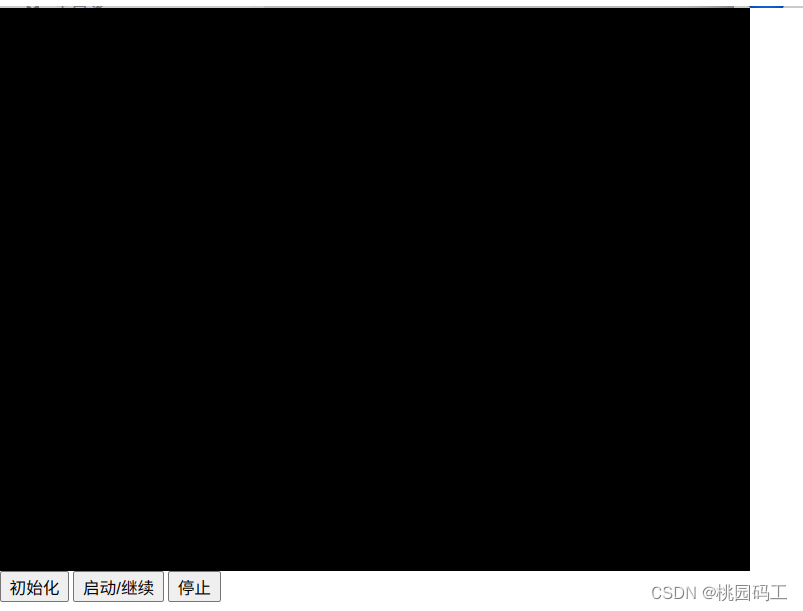
三、使用css来美化页面
<style>body {margin: 0;overflow: hidden;}canvas {background:#000000;display: block;}.main {width: 740px;height: 540px;padding: 30px;border-style:solid;border-width:1px;}.center {margin: 20px auto;}.control { width: 600px;height: 60px;}button {width: 100px;height: 40px;font-size: 18px;display: block;float:left;margin: 10px 50px;}style>
效果图: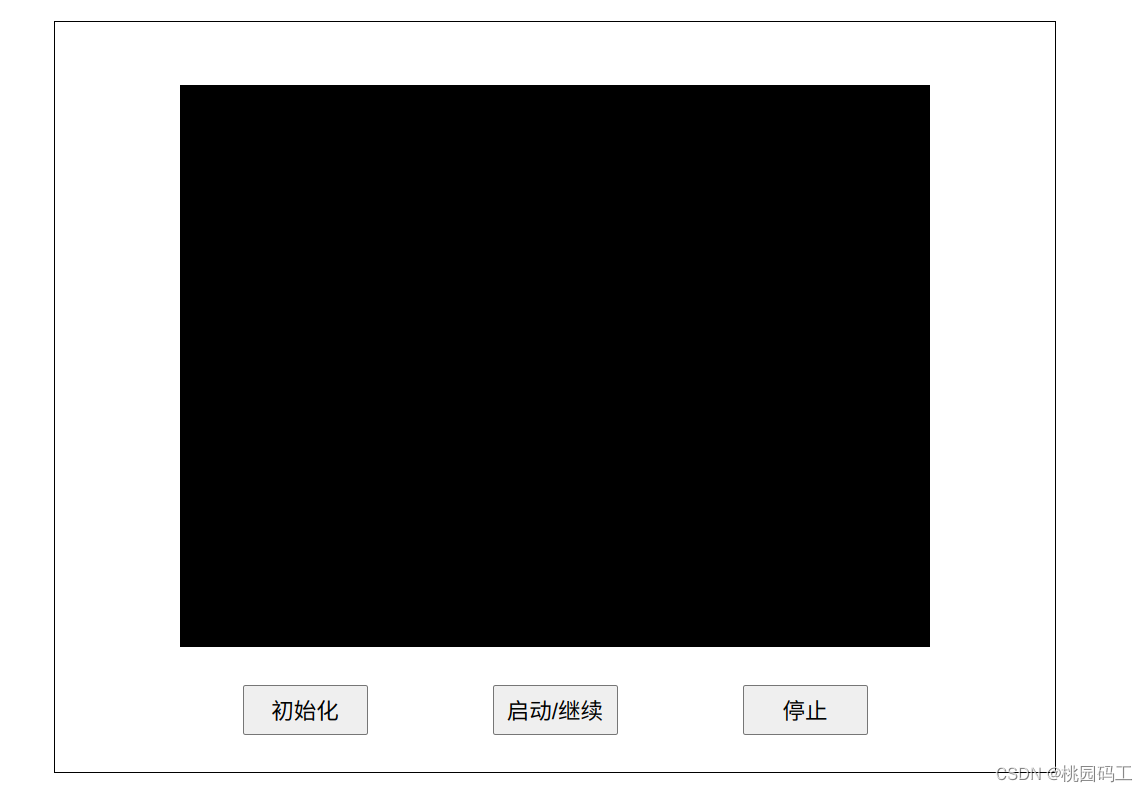
四、使用js实现代码雨功能
1.实现启动/继续按钮的功能代码
<script>// 名称:代码雨类
class CodeRain {//定义属性//设置文字大小 fontSize = 14;//计算一行有多少个文字 取整数 向下取整clos = Math.floor(canvas.width/this.fontSize);//思考每一个字的坐标//创建数组把clos 个 0 (y坐标存储起来)drops = new Array(this.clos).fill(0);str = "qwertyuiopasdfghjklzxcvbnm";clear = null;timer = false;init = false;constructor(canvas) {this.canvas = document.getElementById(canvas);this.ctx = this.canvas.getContext("2d");}//开启流星雨方法rain = () =>{if (this.timer === false) {//定义一个定时器,每隔50毫秒执行一次this.clear = setInterval(this.drawString,50);this.timer = true;this.init = true;}}//绘制文字drawString = () => {//给矩形设置填充色this.ctx.fillStyle="rgba(0,0,0,0.05)";//绘制一个矩形this.ctx.fillRect(0,0,this.canvas.width,this.canvas.height);//添加文字样式this.ctx.font = "600 "+this.fontSize+"px 微软雅黑";//设置文字颜色this.ctx.fillStyle = "#00ff00";for(let i = 0;i<this.clos;i++) {//x坐标let x = i*this.fontSize;//y坐标let y = this.drops[i]*this.fontSize;//设置绘制文字this.ctx.fillText(this.str[Math.floor(Math.random()*this.str.length)],x,y);if(y>this.canvas.height&&Math.random()>0.99){this.drops[i] = 0;}// console.log(y);this.drops[i]++;}}}
const coderain = new CodeRain("canvas");
document.getElementById("start").addEventListener("click", coderain.rain);
script>
效果图: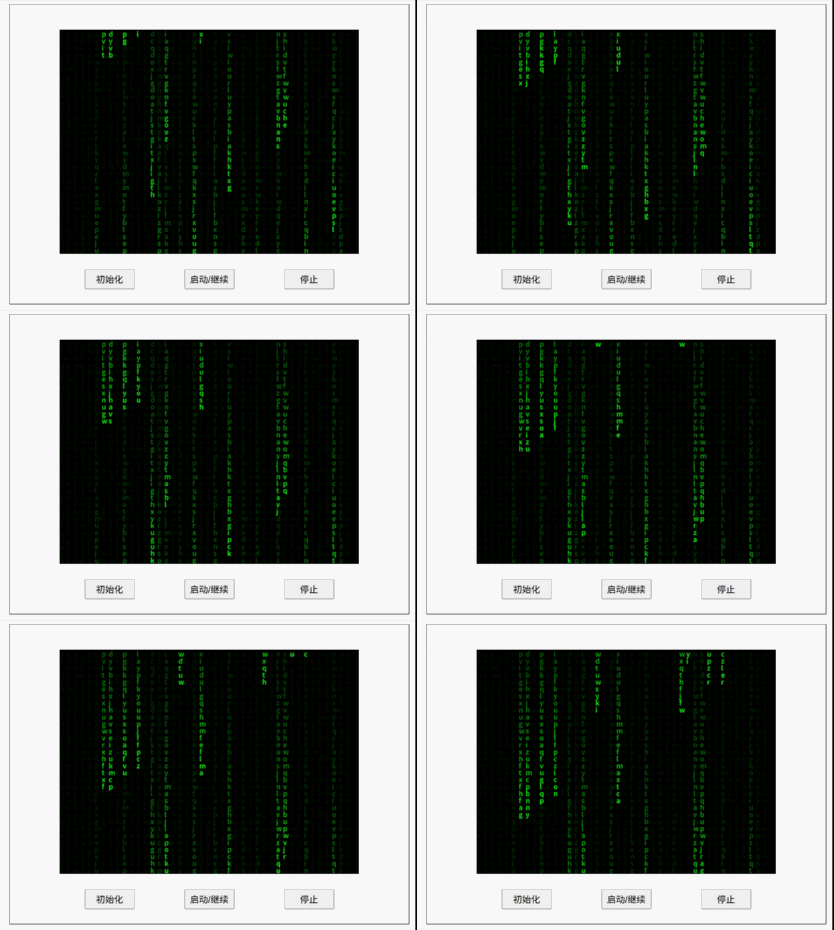
2.实现停止按钮的功能代码
//雨停了的方法rainStops = () => {if (this.timer === true){clearInterval(this.clear);this.timer = false;this.init = true;}}
效果图: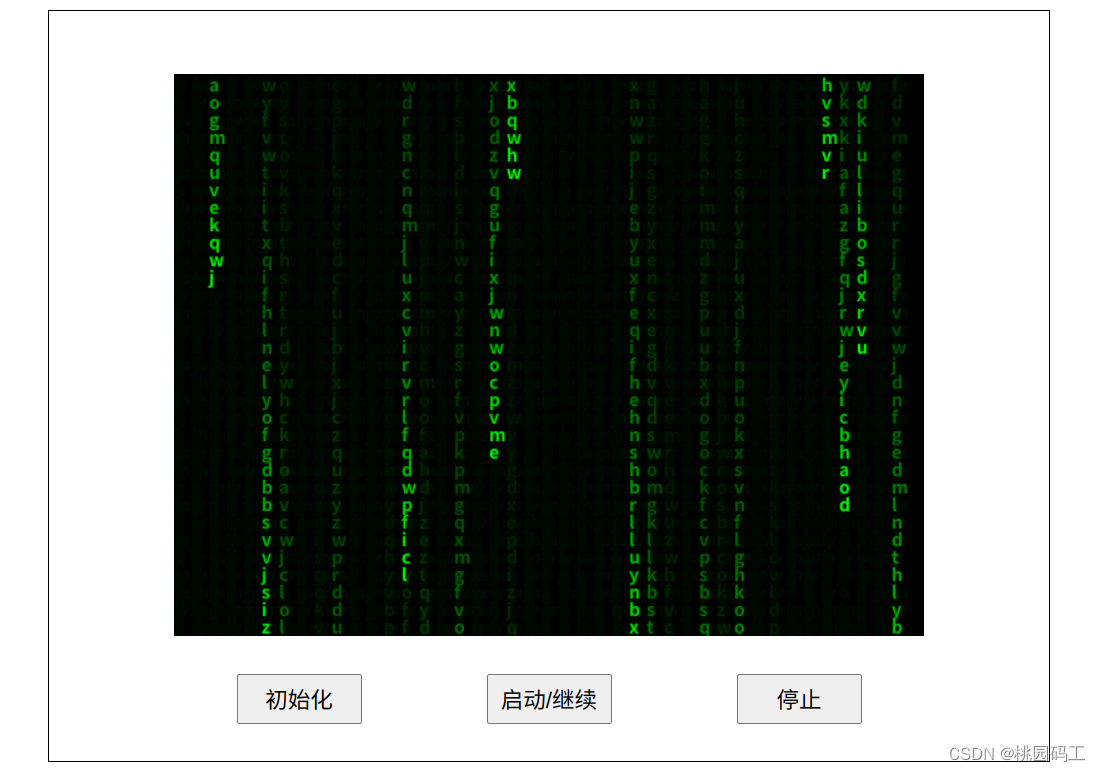
3.实现初始化按钮的功能代码
//初始化init = () => {if (this.init === true){clearInterval(this.clear);this.timer = false;this.init = false;this.ctx.fillStyle="rgba(0,0,0)";//绘制一个矩形this.ctx.fillRect(0,0,this.canvas.width,this.canvas.height);this.drops.fill(0);}}
效果图:
五、完整代码
doctype html>
<html><head><meta charset="utf-8" /><title>流星雨title><meta name="keywords" content="关键词,关键字"><meta name="description" content="描述信息"><style>body {margin: 0;overflow: hidden;}canvas {background:#000000;display: block;}.main {width: 740px;height: 540px;padding: 30px;border-style:solid;border-width:1px;}.center {margin: 20px auto;}.control { width: 600px;height: 60px;}button {width: 100px;height: 40px;font-size: 18px;display: block;float:left;margin: 10px 50px;}style>head><body><div class="main center" ><canvas width=600 height=450 class="center" id="canvas">canvas><div class="center control"><button type="button" id="init">初始化button><button type="button" id="start">启动/继续button><button type="button" id="stop">停止button>div><script>// 名称:代码雨类class CodeRain {//定义属性//设置文字大小 fontSize = 14;//计算一行有多少个文字 取整数 向下取整clos = Math.floor(canvas.width/this.fontSize);//思考每一个字的坐标//创建数组把clos 个 0 (y坐标存储起来)drops = new Array(this.clos).fill(0);str = "qwertyuiopasdfghjklzxcvbnm";clear = null;timer = false;init = false;constructor(canvas) {this.canvas = document.getElementById(canvas);this.ctx = this.canvas.getContext("2d");}//开启流星雨方法rain = () =>{if (this.timer === false) {//定义一个定时器,每隔50毫秒执行一次this.clear = setInterval(this.drawString,50);this.timer = true;this.init = true;console.log('rain');}}//雨停了的方法rainStops = () => {if (this.timer === true){clearInterval(this.clear);this.timer = false;this.init = true;console.log('rainStops');console.log(this.clear);}}//初始化init = () => {if (this.init === true){clearInterval(this.clear);this.timer = false;this.init = false;this.ctx.fillStyle="rgba(0,0,0)";//绘制一个矩形this.ctx.fillRect(0,0,this.canvas.width,this.canvas.height);this.drops.fill(0);console.log('init');}}//绘制文字drawString = () => {//给矩形设置填充色this.ctx.fillStyle="rgba(0,0,0,0.05)";//绘制一个矩形this.ctx.fillRect(0,0,this.canvas.width,this.canvas.height);//添加文字样式this.ctx.font = "600 "+this.fontSize+"px 微软雅黑";//设置文字颜色this.ctx.fillStyle = "#00ff00";for(let i = 0;i<this.clos;i++) {//x坐标let x = i*this.fontSize;//y坐标let y = this.drops[i]*this.fontSize;//设置绘制文字this.ctx.fillText(this.str[Math.floor(Math.random()*this.str.length)],x,y);if(y>this.canvas.height&&Math.random()>0.99){this.drops[i] = 0;}// console.log(y);this.drops[i]++;}}}const coderain = new CodeRain("canvas");document.getElementById("init").addEventListener("click", coderain.init);document.getElementById("start").addEventListener("click", coderain.rain);document.getElementById("stop").addEventListener("click", coderain.rainStops);script>	div>body>
html>
博文参考
简单JS打造酷炫代码雨(黑客高逼格)| 脚本之家
本文来自互联网用户投稿,文章观点仅代表作者本人,不代表本站立场,不承担相关法律责任。如若转载,请注明出处。 如若内容造成侵权/违法违规/事实不符,请点击【内容举报】进行投诉反馈!