CentOS 7.6源码安装iftop
我的文章参考了《centos 源码安装:iftop》博客。
CentOS 7.6.1810源码安装iftop,依赖包基于Flex,Bison,libpcap。
cat /etc/redhat-release看一下操作系统的版本。

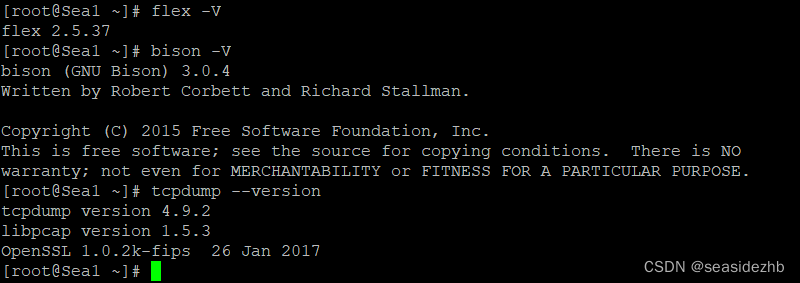
先使用flex -V,bison -V ,tcpdump --version看一下依赖包是否安装完成。
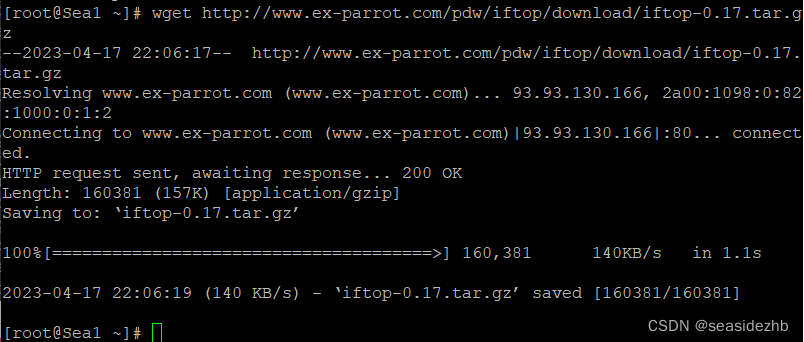
wget http://www.ex-parrot.com/pdw/iftop/download/iftop-0.17.tar.gz进行下载源码。
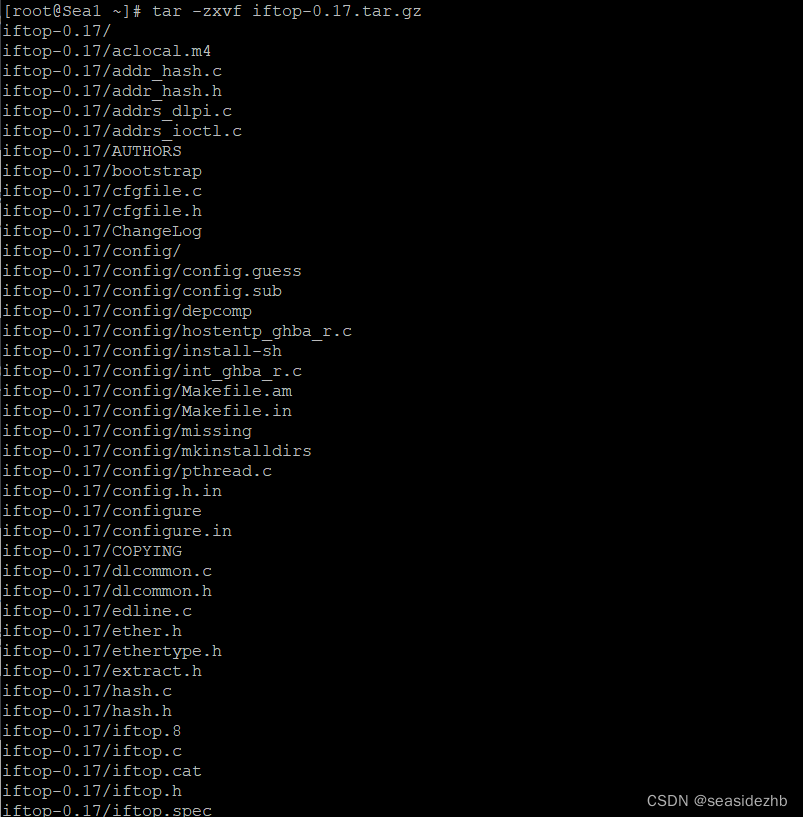
tar -zxvf iftop-0.17.tar.gz进行解压。
cd iftop-0.17进入源码目录里边。

执行./configure
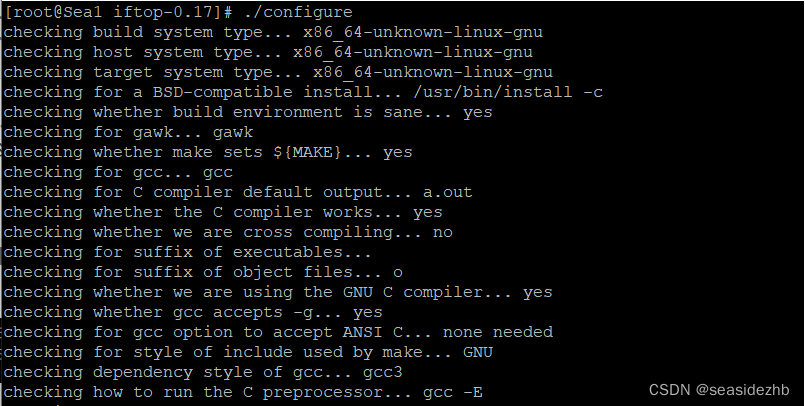
发现报错:
configure: error: can't find pcap.hYou're not going to get very far without libpcap.

使用wget https://repo.almalinux.org/almalinux/8/PowerTools/x86_64/os/Packages/libpcap-devel-1.9.1-5.el8.x86_64.rpm --no-check-certificate下载libpcap-devel-1.9.1-5.el8.x86_64.rpm。
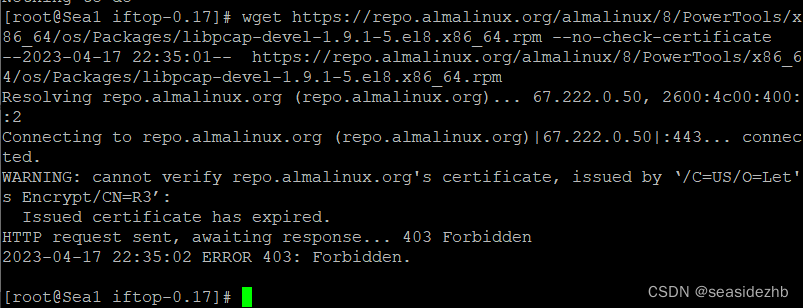
发现报错如下:
WARNING: cannot verify repo.almalinux.org's certificate, issued by ‘/C=US/O=Let's Encrypt/CN=R3’:Issued certificate has expired.
HTTP request sent, awaiting response... 403 Forbidden
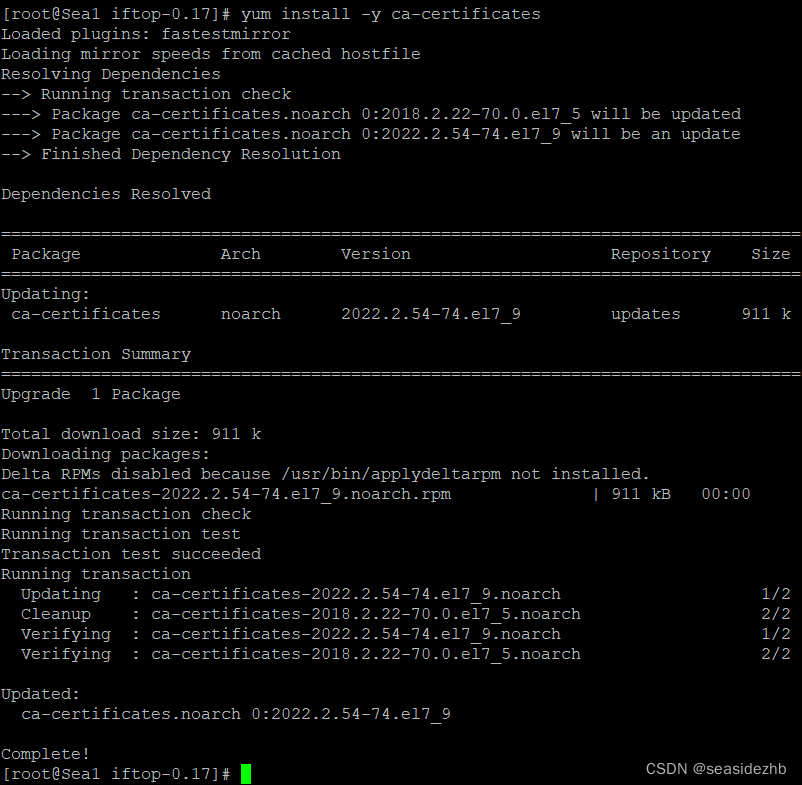
使用yum install -y ca-certificates安装ca-certificates。
执行wget https://repo.almalinux.org/almalinux/8/PowerTools/x86_64/os/Packages/libpcap-devel-1.9.1-5.el8.x86_64.rpm。
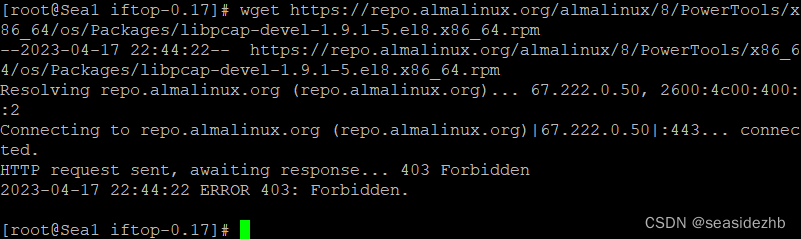
发现报错如下:
HTTP request sent, awaiting response... 403 Forbidden
yum -y install libpcap libpcap-devel直接使用yum源安装libpcap和libpcap-devel。
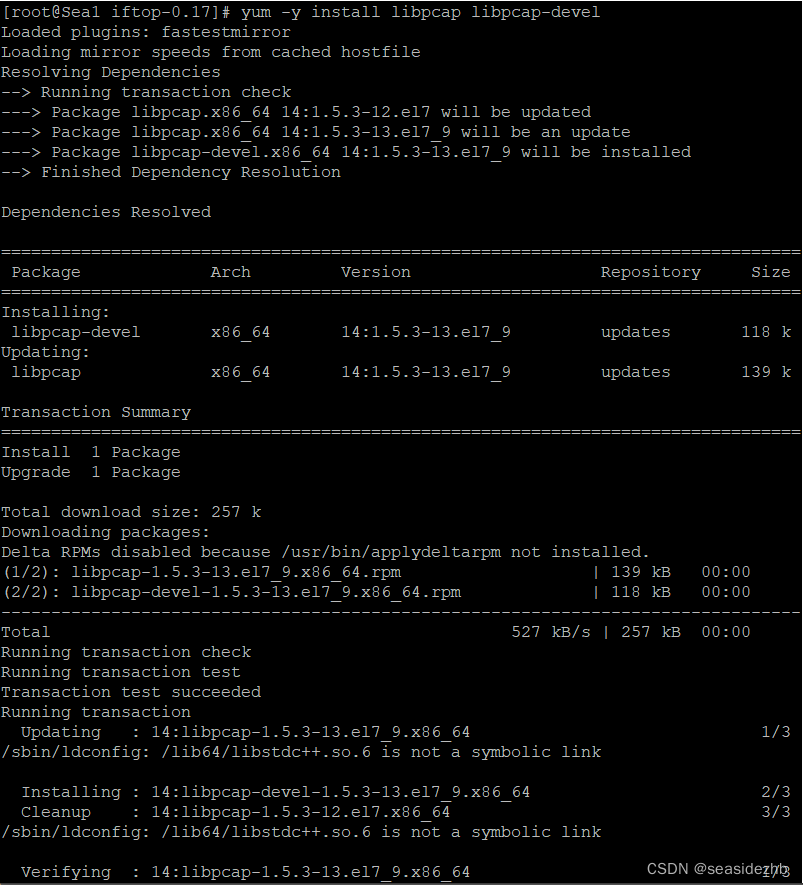
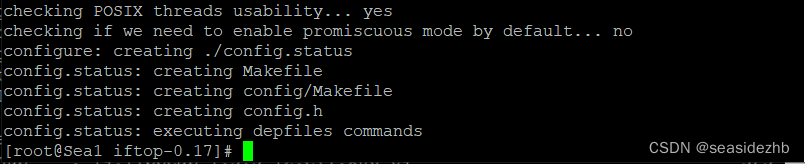
再次执行./configure发现如下,就是成功了。
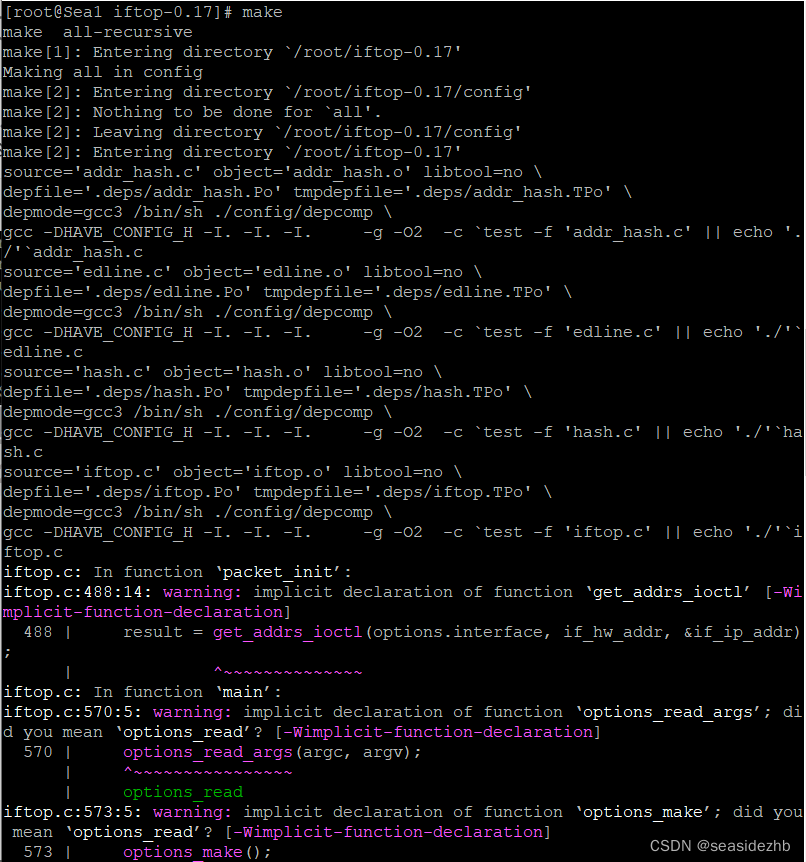
执行make进行编译。
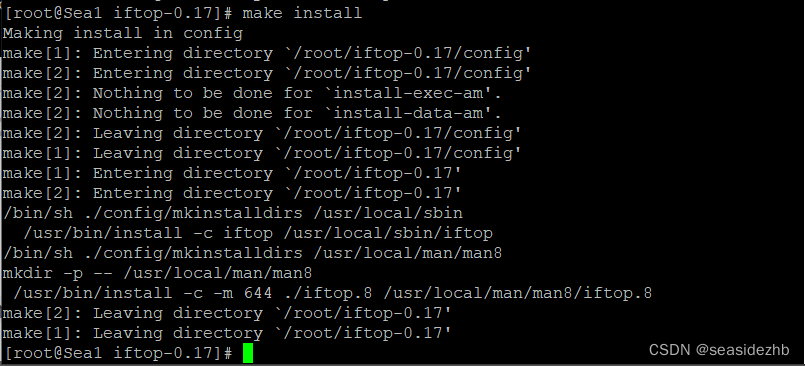
执行make install进行安装。
sudo iftop运行一下看看效果:
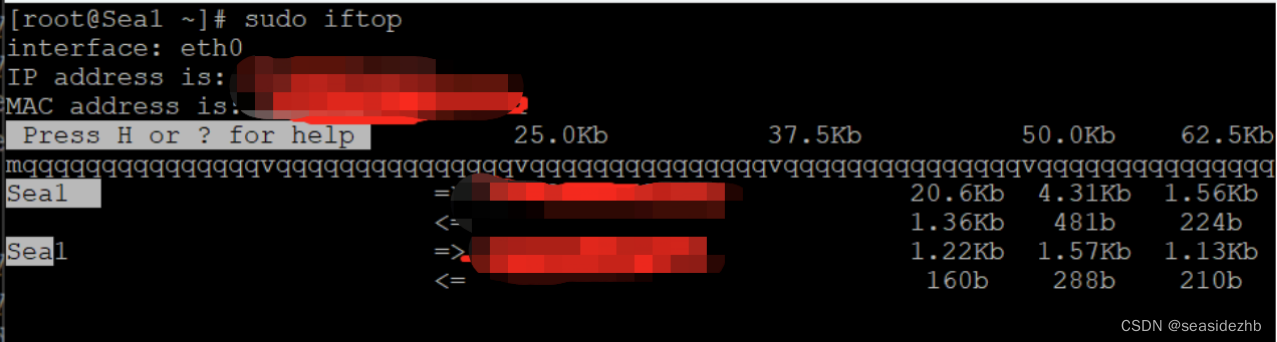
按Ctrl+C,可以退出。
这篇内容受启发于《网络排查案例课》
本文来自互联网用户投稿,文章观点仅代表作者本人,不代表本站立场,不承担相关法律责任。如若转载,请注明出处。 如若内容造成侵权/违法违规/事实不符,请点击【内容举报】进行投诉反馈!