docker部署RSS订阅-开源软件Tiny
原文链接:https://dsx2016.com/?p=1733
公众号:大师兄2016
Tiny文档
git仓库
https://github.com/HenryQW/Awesome-TTRSS
安装方式
https://ttrss.henry.wang/zh/#%E9%80%9A%E8%BF%87-docker-compose-%E9%83%A8%E7%BD%B2
docker-compose部署
https://github.com/HenryQW/Awesome-TTRSS/blob/main/docker-compose.yml
Tiny部署
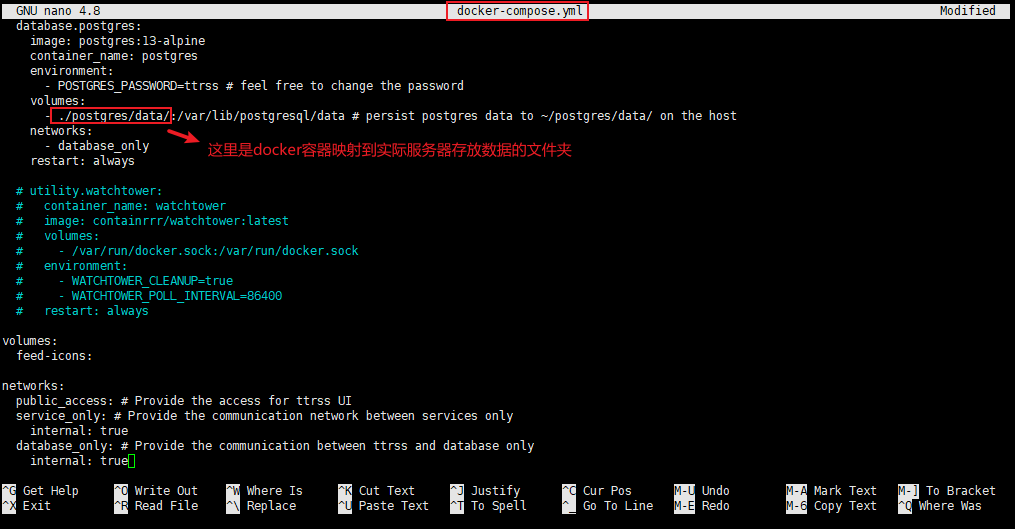
在当前目录创建用于存放数据的文件夹
配置文件有用到,也可以按照自己的配置更改为对应文件夹
mkdir -p ./postgres/data/

编辑docker-compose.yml文件
nano docker-compose.yml
写入代码
version: "3"
services:service.rss:image: wangqiru/ttrss:latestcontainer_name: ttrssports:- 181:80environment:- SELF_URL_PATH=http://localhost:181/ # please change to your own domain- DB_PASS=ttrss # use the same password defined in `database.postgres`- PUID=1000- PGID=1000volumes:- feed-icons:/var/www/feed-icons/networks:- public_access- service_only- database_onlystdin_open: truetty: truerestart: always
service.mercury: # set Mercury Parser API endpoint to `service.mercury:3000` on TTRSS plugin setting pageimage: wangqiru/mercury-parser-api:latestcontainer_name: mercurynetworks:- public_access- service_onlyrestart: always
service.opencc: # set OpenCC API endpoint to `service.opencc:3000` on TTRSS plugin setting pageimage: wangqiru/opencc-api-server:latestcontainer_name: openccenvironment:- NODE_ENV=productionnetworks:- service_onlyrestart: always
database.postgres:image: postgres:13-alpinecontainer_name: postgresenvironment:- POSTGRES_PASSWORD=ttrss # feel free to change the passwordvolumes:- ./postgres/data/:/var/lib/postgresql/data # persist postgres data to ~/postgres/data/ on the hostnetworks:- database_onlyrestart: always
# utility.watchtower:# container_name: watchtower# image: containrrr/watchtower:latest# volumes:# - /var/run/docker.sock:/var/run/docker.sock# environment:# - WATCHTOWER_CLEANUP=true# - WATCHTOWER_POLL_INTERVAL=86400# restart: always
volumes:feed-icons:
networks:public_access: # Provide the access for ttrss UIservice_only: # Provide the communication network between services onlyinternal: truedatabase_only: # Provide the communication between ttrss and database onlyinternal: true
运行
docker-compose up
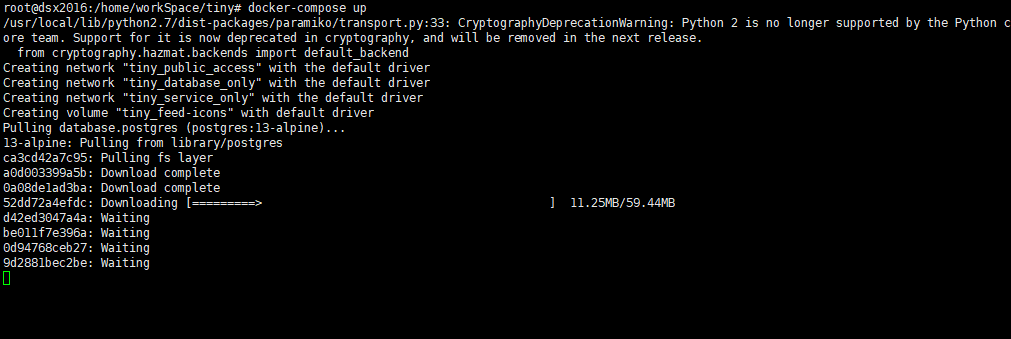
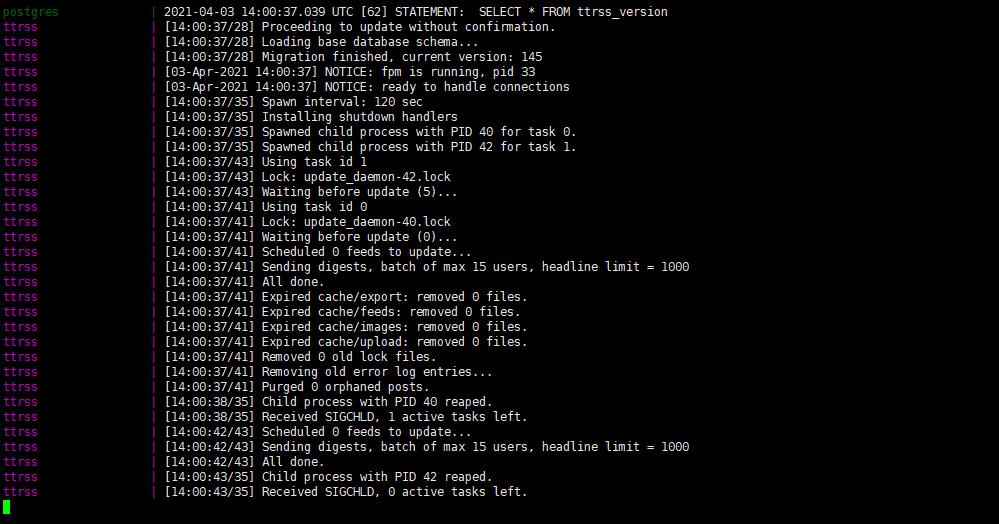
启动成功
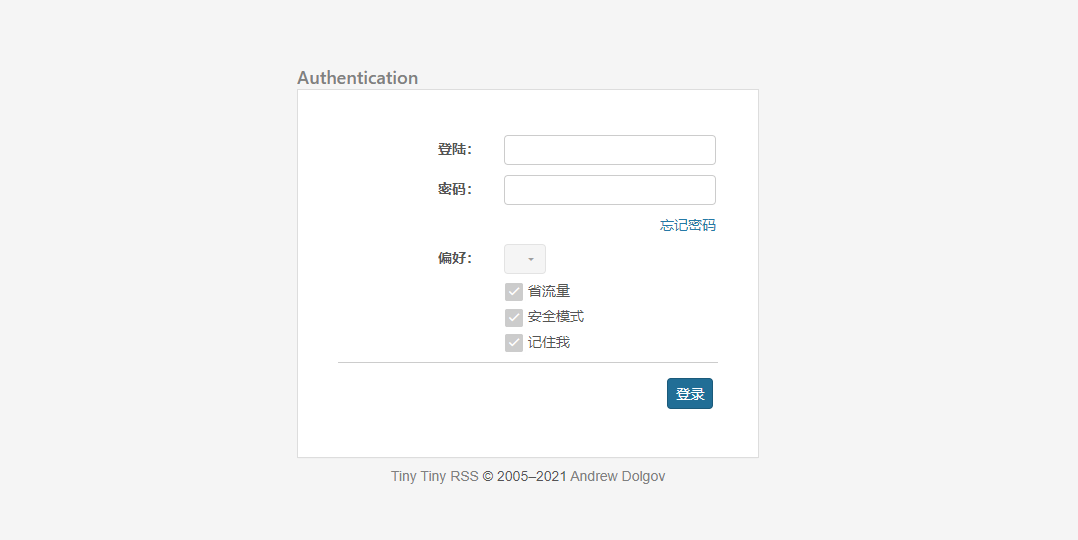
使用IP:端口访问,默认端口为181
会报错访问的ip和配置文件中设置的不一样

修改docker-compose.yml文件中的SELF_URL_PATH
重新启动并设置后台运行
docker-compose up -d

再次访问正常进入登录页面
默认账户admin 默认密码password
登陆后弹出提示
需要修改默认密码
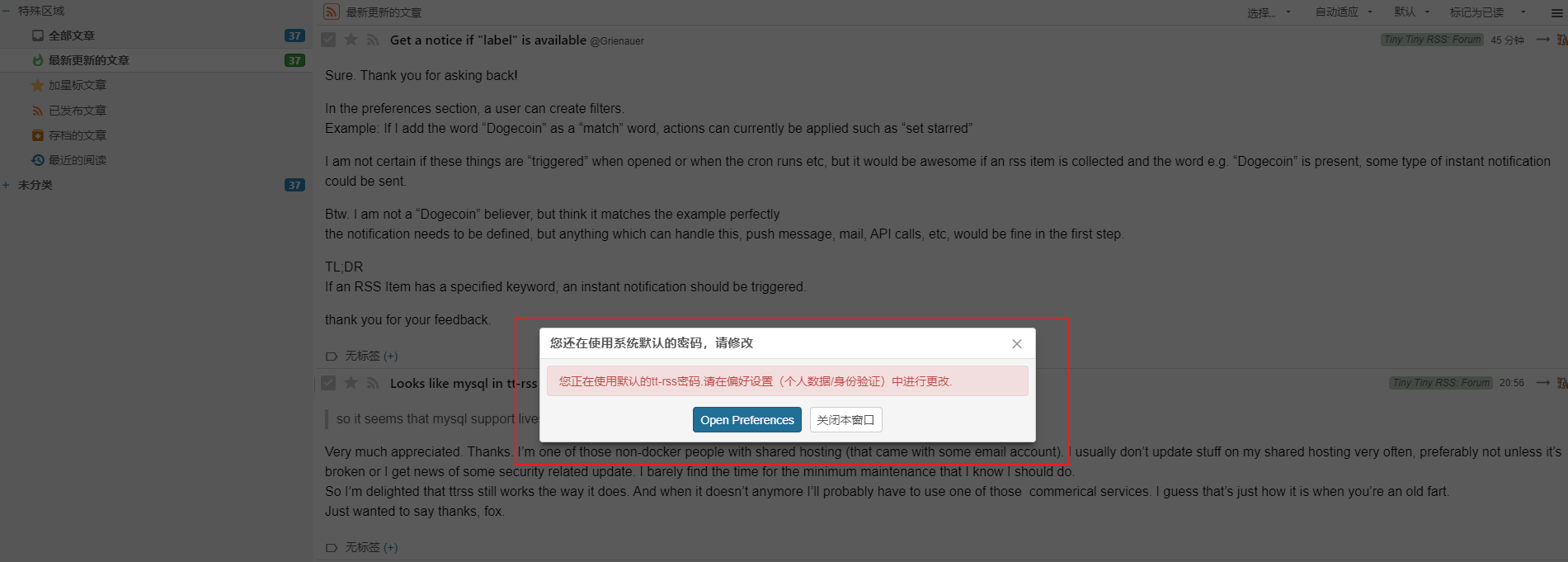
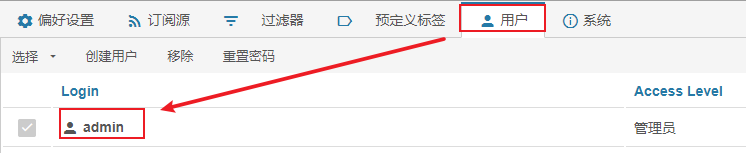
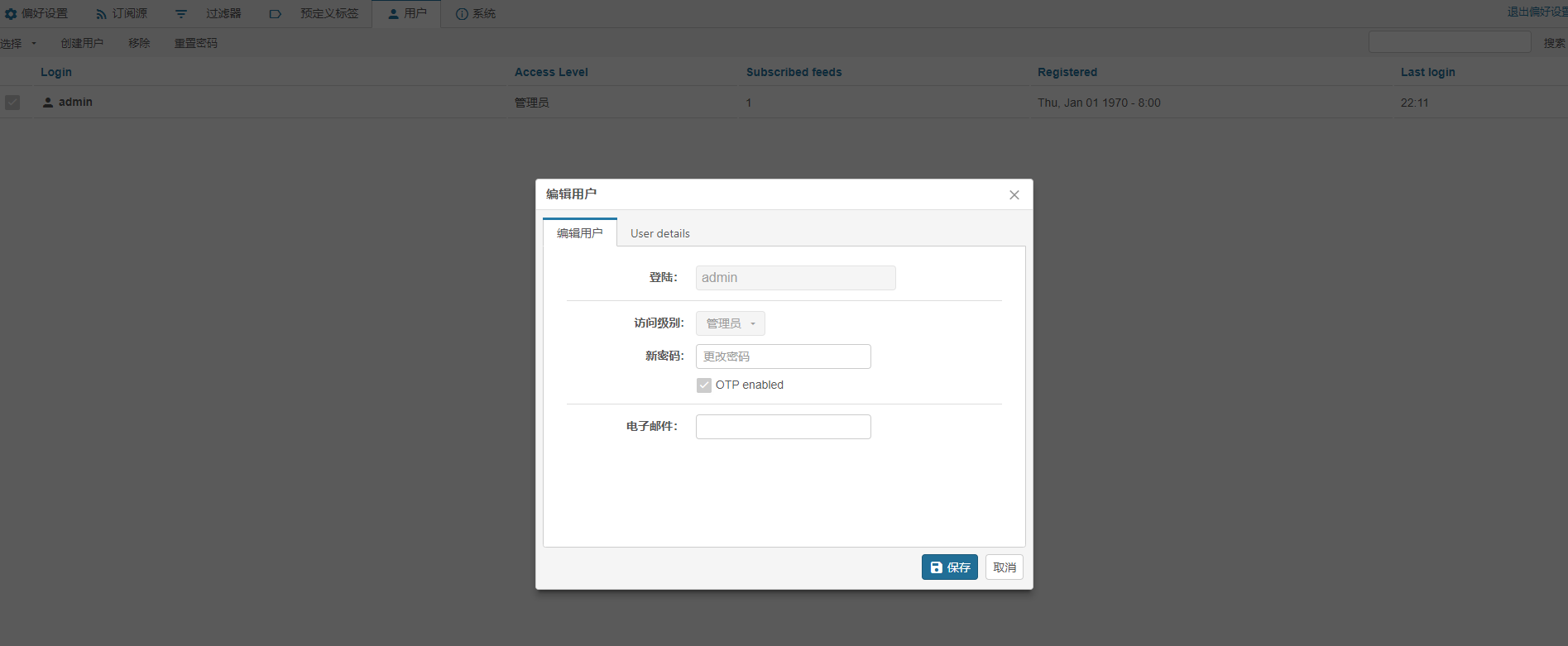
选择用户,点击要修改的账户,如admin
输入新密码即可
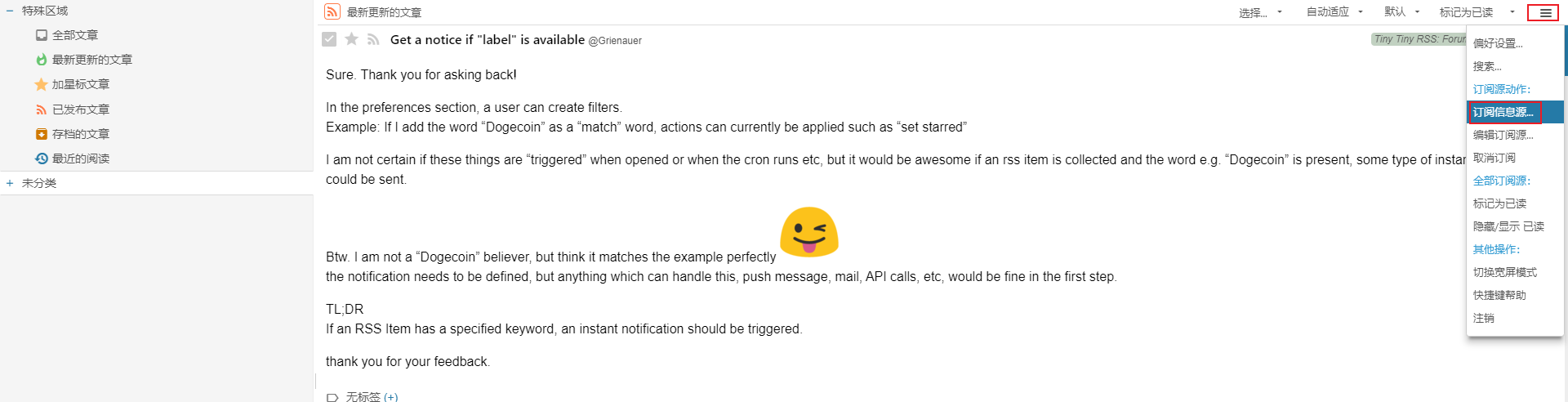
点击右上角,选择订阅信息源
输入对应的rss地址即可订阅
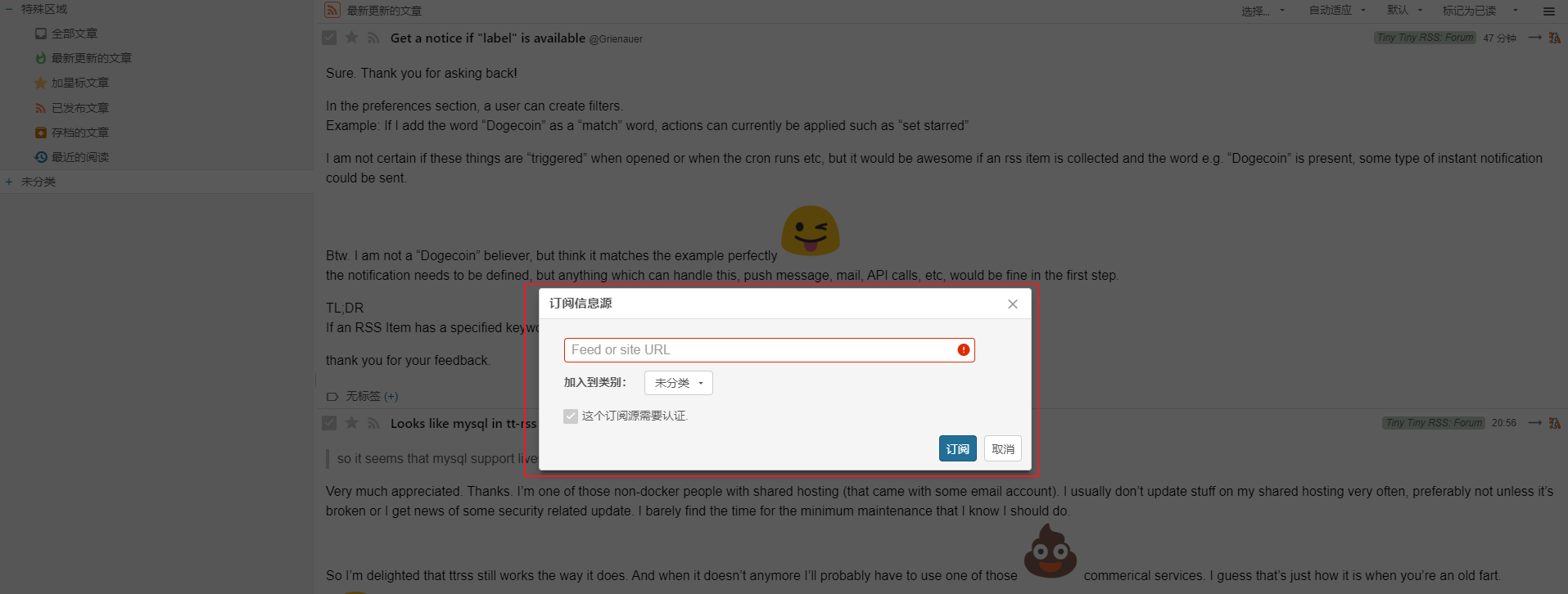
可以看到Tiny支持中文,相对友好
tiny设置nginxhttps访问
nginx.conf文件
在http内
# 定义访问源 (放在sever的上面)
upstream ttrssdev {server 127.0.0.1:181;keepalive 64;
}
# 本地的80端口(http服务)
server {listen 80;# tinyserver_name tiny.xxx.com;
location / {# root /var/www/html/client; #站点目录# index index.html index.htm;# 指向本地的nodejs服务器proxy_pass http://127.0.0.1:181;#设置请求头,并将头信息传递给服务器端proxy_redirect off;proxy_set_header Host $host;proxy_set_header X-Forwarded-Proto $scheme;proxy_set_header X-Forwarded-For $proxy_add_x_forwarded_for;proxy_http_version 1.1;proxy_set_header Upgrade $http_upgrade;proxy_set_header Connection "upgrade";# 强制跳转httpsrewrite ^(.*)$ https://$host$1 permanent;
}
}
# tiny
server {listen 443;# tinyserver_name tiny.xxx.com;ssl on;# root html;# index index.html index.htm;# SSL证书放在了同级目录tiny文件夹下面ssl_certificate cert/tiny/1_tiny.xxx.com_bundle.crt;ssl_certificate_key cert/tiny/2_tiny.xxx.com.key;ssl_session_timeout 5m;ssl_ciphers ECDHE-RSA-AES128-GCM-SHA256:ECDHE:ECDH:AES:HIGH:!NULL:!aNULL:!MD5:!ADH:!RC4;ssl_protocols TLSv1 TLSv1.1 TLSv1.2;ssl_prefer_server_ciphers on;
location / {proxy_redirect off;proxy_pass http://ttrssdev;
proxy_set_header Host $http_host;proxy_set_header X-Real-IP $remote_addr;proxy_set_header X-Forwarded-Ssl on;proxy_set_header X-Forwarded-For $proxy_add_x_forwarded_for;proxy_set_header X-Forwarded-Proto $scheme;proxy_set_header X-Frame-Options SAMEORIGIN;
client_max_body_size 100m;client_body_buffer_size 128k;
proxy_buffer_size 4k;proxy_buffers 4 32k;proxy_busy_buffers_size 64k;proxy_temp_file_write_size 64k;}
}
END.
本文来自互联网用户投稿,文章观点仅代表作者本人,不代表本站立场,不承担相关法律责任。如若转载,请注明出处。 如若内容造成侵权/违法违规/事实不符,请点击【内容举报】进行投诉反馈!