openlayers自定义动画
一. openlayers介绍
OpenLayers 是一个专为Web GIS 客户端开发提供的JavaScript 类库包,用于实现标准格式发布的地图数据访问。OpenLayers 支持多种地图来源,其中包括Google Maps、Yahoo、 Map、微软Virtual Earth 等,同时用户还可以用简单的图片地图作为背景图,与其他的图层在OpenLayers 中进行叠加。在操作方面,OpenLayers 除了可以在浏览器中帮助开发者实现地图浏览的基本效果,比如放大(Zoom In)、缩小(Zoom Out)、平移(Pan)等常用操作之外,还可以进行选取面、选取线、要素选择、图层叠加等不同的操作,甚至可以对已有的OpenLayers 操作和数据支持类型进行扩充,为其赋予更多的功能。
二.自定义动画实现
1.地图移动动画
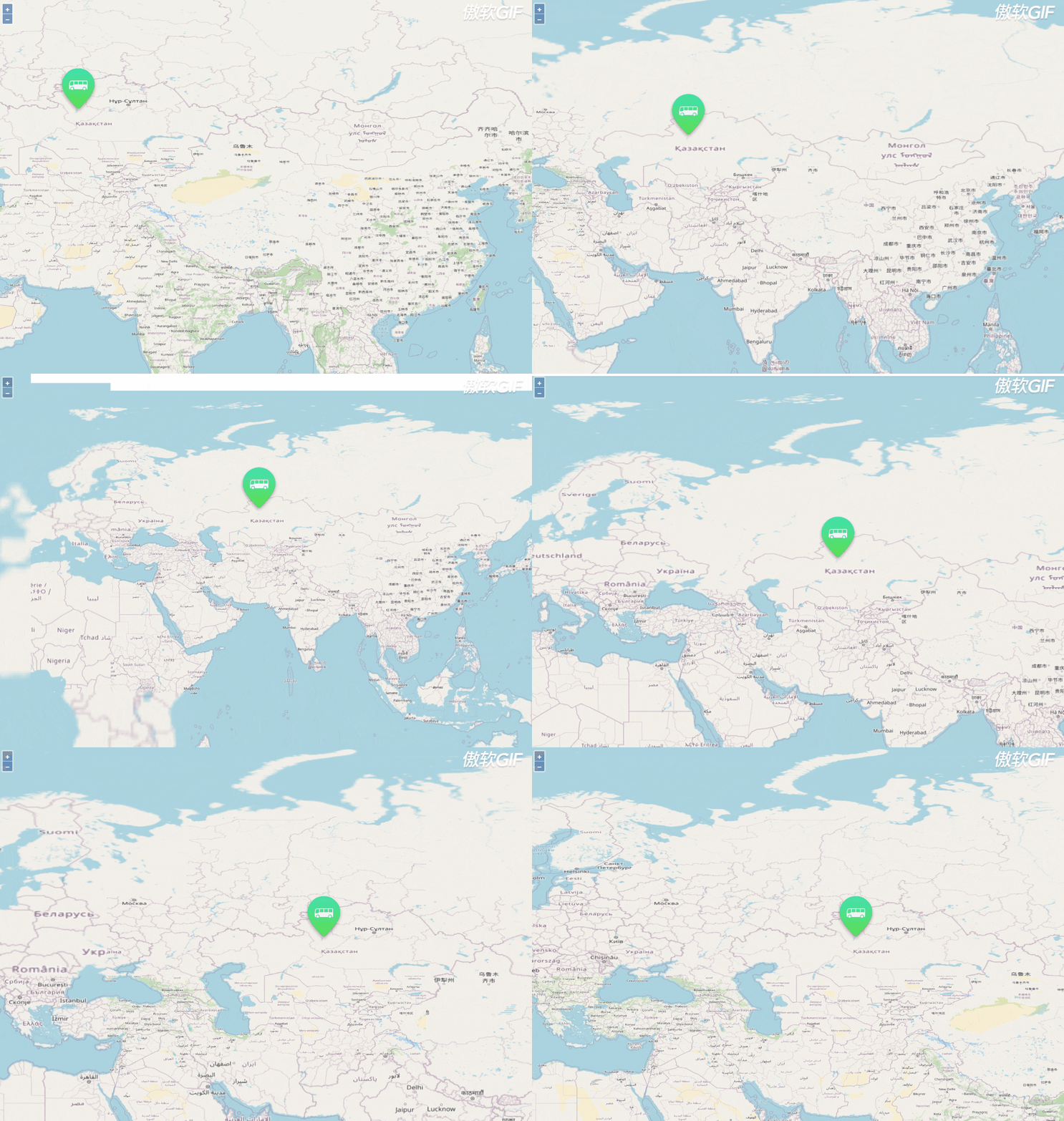
(1)飞行移动
实现:
flyAnimation(location, done) {const duration = 2000;const zoom = this.map.getView().getZoom();let parts = 2;let called = false;function callback(complete) {--parts;if (called) {return;}if (parts === 0 || !complete) {called = true;done(complete);}}this.map.getView().animate({center: location,duration: duration},callback);this.map.getView().animate({zoom: zoom - 1,duration: duration / 2},{zoom: zoom,duration: duration / 2},callback);}
flyAnimation([124,32],  function() {});
效果:
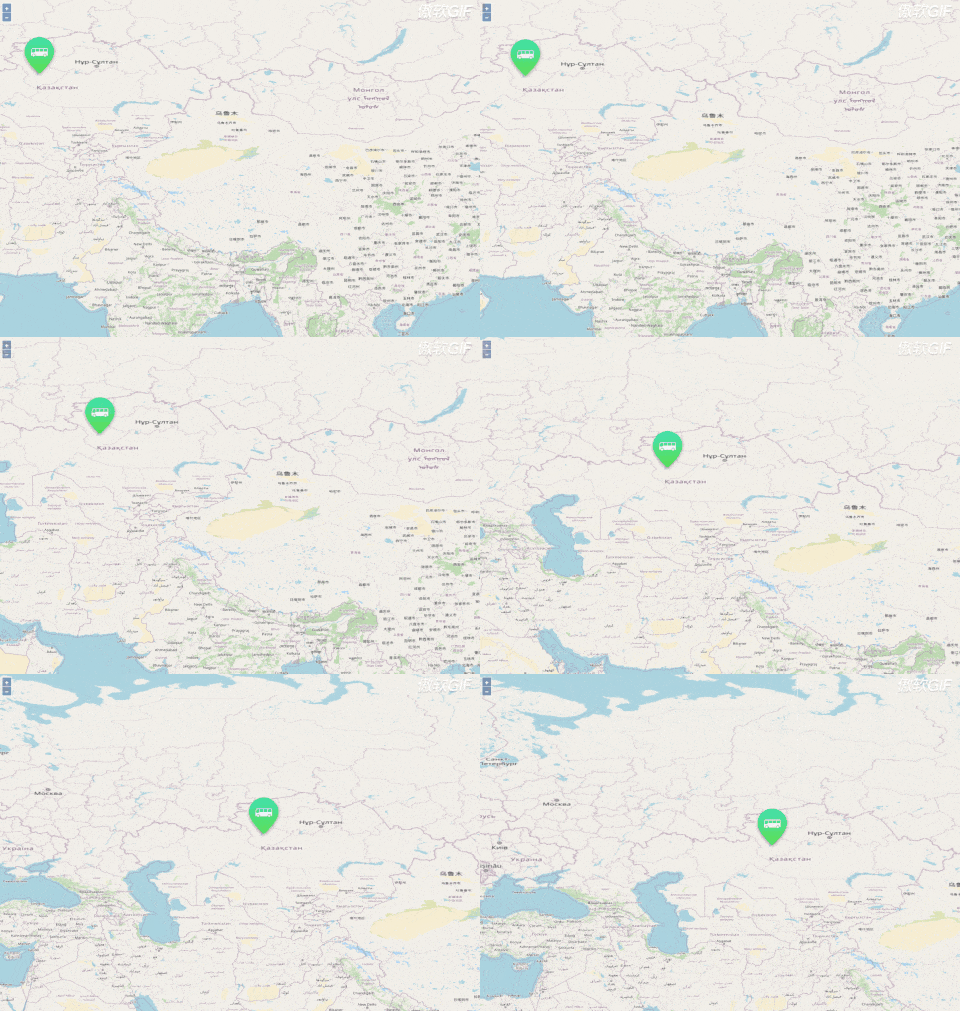
(2)平行移动
实现:
panAnimation (target) {this.map.getView().animate({center: target,duration: 2000,});}
panAnimation([123,32]);
效果:
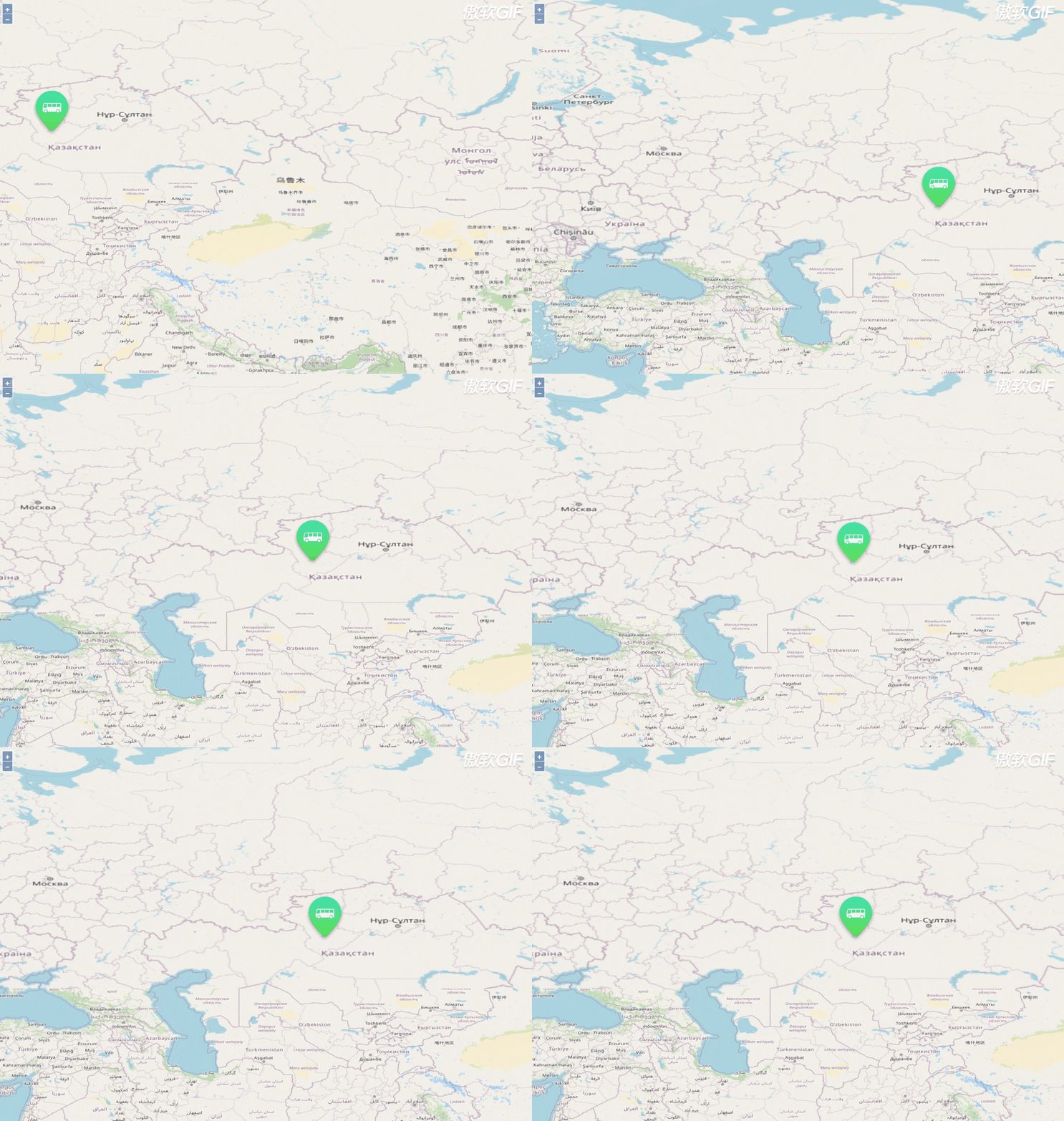
(3)弹跳移动
实现:
elasticAnimation (target) {this.map.getView().animate({center: target,duration: 2000,easing: this.elastic,});}elastic(t) {return (Math.pow(2, -10 * t) * Math.sin(((t - 0.075) * (2 * Math.PI)) / 0.3) + 1);}
elasticAnimation ([123,32]);
效果:
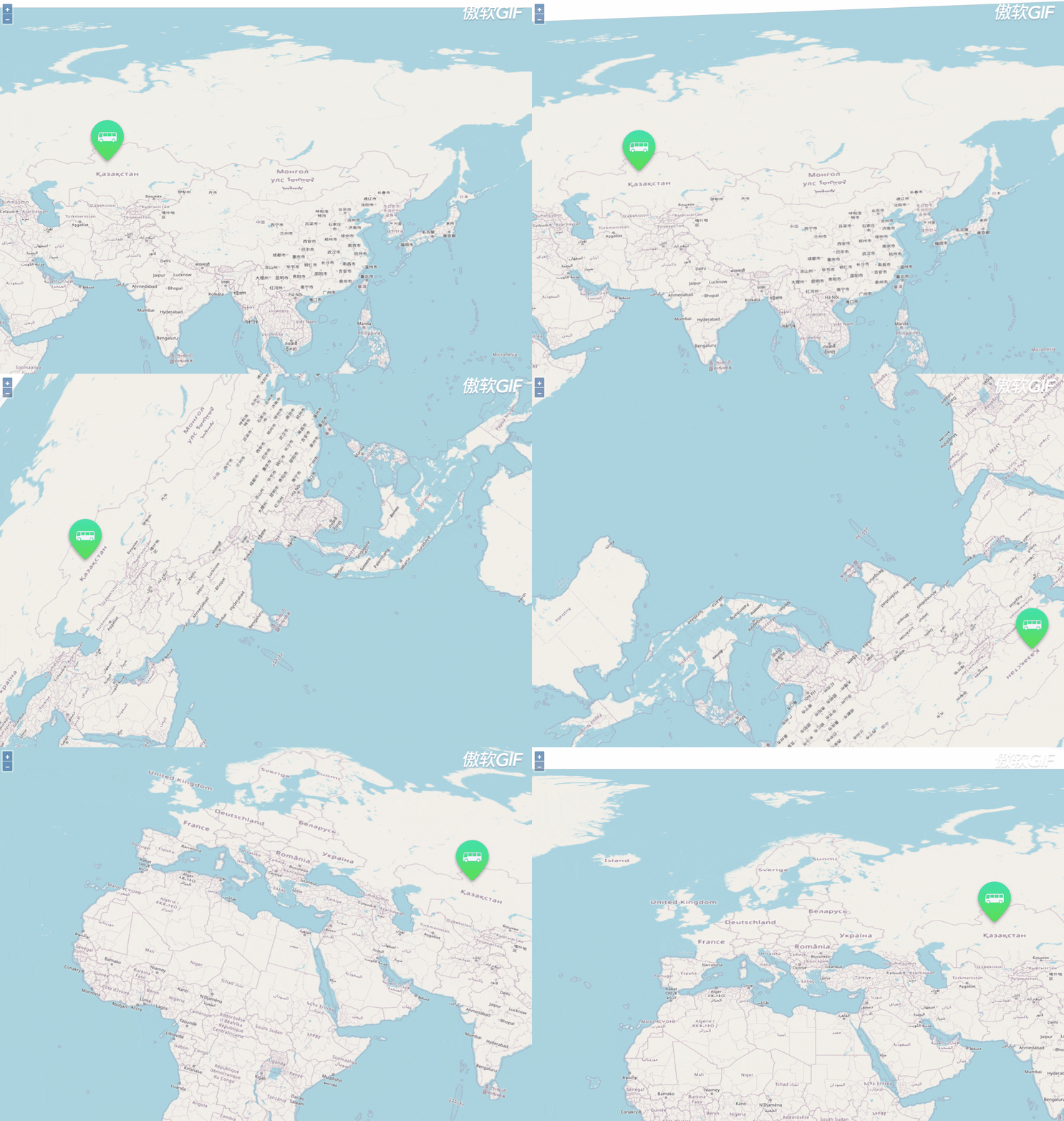
(4)旋转移动
实现:
rotateAnimation (target) {// Rotation animation takes the shortest arc, so animate in two partsvar rotation = this.map.getView().getRotation();this.map.getView().animate({rotation: rotation + Math.PI,anchor: target,easing: easeIn,},{rotation: rotation + 2 * Math.PI,anchor: target,easing: easeOut,});}
rotateAnimation([123,32]);
效果:
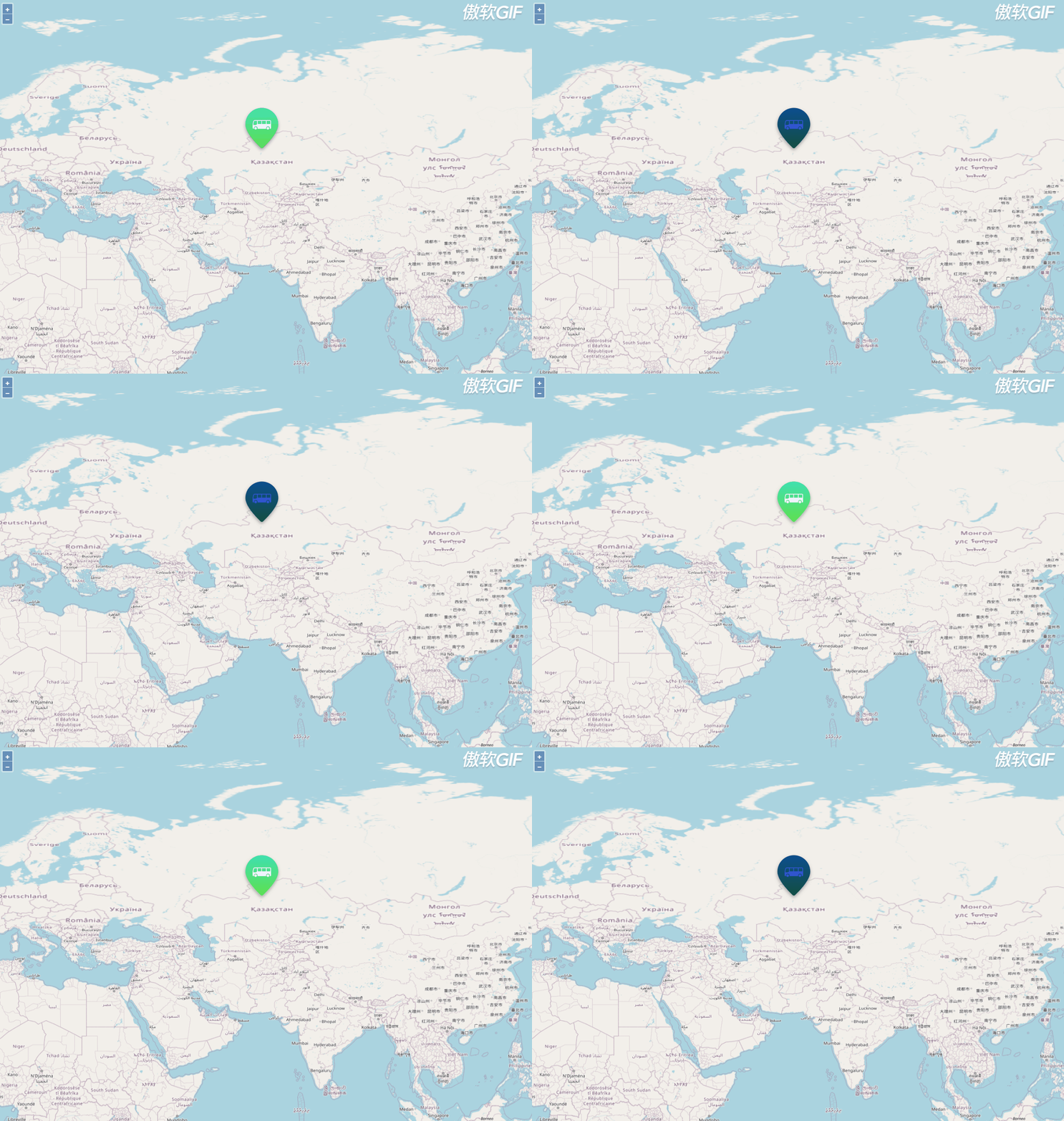
2. 闪烁动画
实现:通过改变rotateAnimation的color属性来实现。
var target = {
close: "True"
coordinate: "[[64.37020810514787,48.992332968236596]]"
creatTime: "2020-12-11 14:18:00"
creatUser: "gw_ych"
data: "{"imageSrc":"http://localhost:3000/assets/img/device/%E5%85%AC%E4%BA%A4%E8%BD%A6.png"}"
equip_nm: "温湿度3"
equip_no: 5
geoId: "4ab08763"
geoType: "Point"
id: 222
topologyId: 23
}
var flyInterval = null;
var flyObj = null;
flyTo(item) {if (item.geoId) {const feature = this.vectorLayer.getSource().getFeatureById(item.geoId); // 通过id获取图标flyObj = feature;const center = getCenter(feature.getGeometry().getExtent());if (flyInterval) {clearInterval(flyInterval);}this.vectorLayer.getSource().changed(); // 改变样式需更新视图let time = 1;flyInterval = setInterval(() => {let activeStyle = null;let oldStyle = null;if (item.geoType === 'Point') {const imageSrc = feature.getStyle().getImage().getSrc();activeStyle = new Style({image: new Icon({anchor: [0.5, 1],src: imageSrc,color: '#3359cf'})});oldStyle = new Style({image: new Icon({anchor: [0.5, 1],src: imageSrc,color: '#ffffff'})});} else if (item.geoType === 'LineString') {activeStyle = this.styleFunction(feature, {strokeColor: '#3359cf',strokeWidth: 8});oldStyle = this.styleFunction(feature, {strokeColor: '#54e06d',strokeWidth: 5});}if (time <= 16) {if (time % 2 === 1) {feature.setStyle(activeStyle);feature.set('isActive', true);time++;} else {feature.setStyle(oldStyle);time++;}} else {clearInterval(this.flyInterval);feature.setStyle(oldStyle);feature.set('isActive', false);}}, 1000 * 0.5);}}
flyTo(target);
效果:
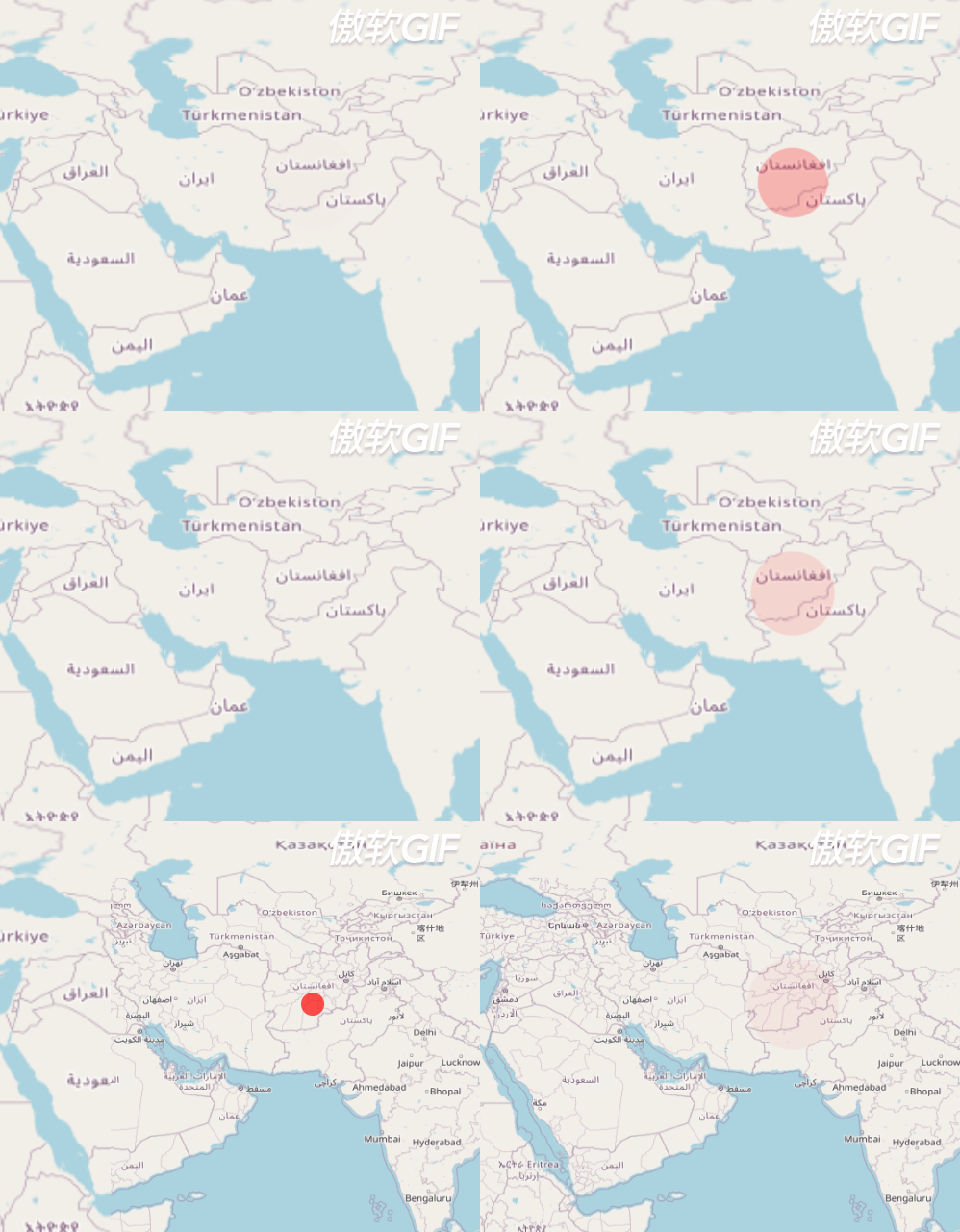
3. 扩散动画
实现:
先为一个div创建css;
.css_animation{height:50px;width:50px;border-radius: 25px;background: rgba(255, 0, 0, 0.9);transform: scale(0);animation: myfirst 3s;animation-iteration-count: infinite;}@keyframes myfirst{to{transform: scale(2);background: rgba(0, 0, 0, 0);}
}
动态创建这个div,并将这个div作为overlay的Element,添加到地图中;
var point_div = document.createElement('div');point_div.className="css_animation";point_overlay = new ol.Overlay({element: point_div,positioning: 'center-center'});
map.addOverlay(point_overlay);
如果需要添加到地图上,只需要设置
point_overlay.setPosition(coordinate);
效果:
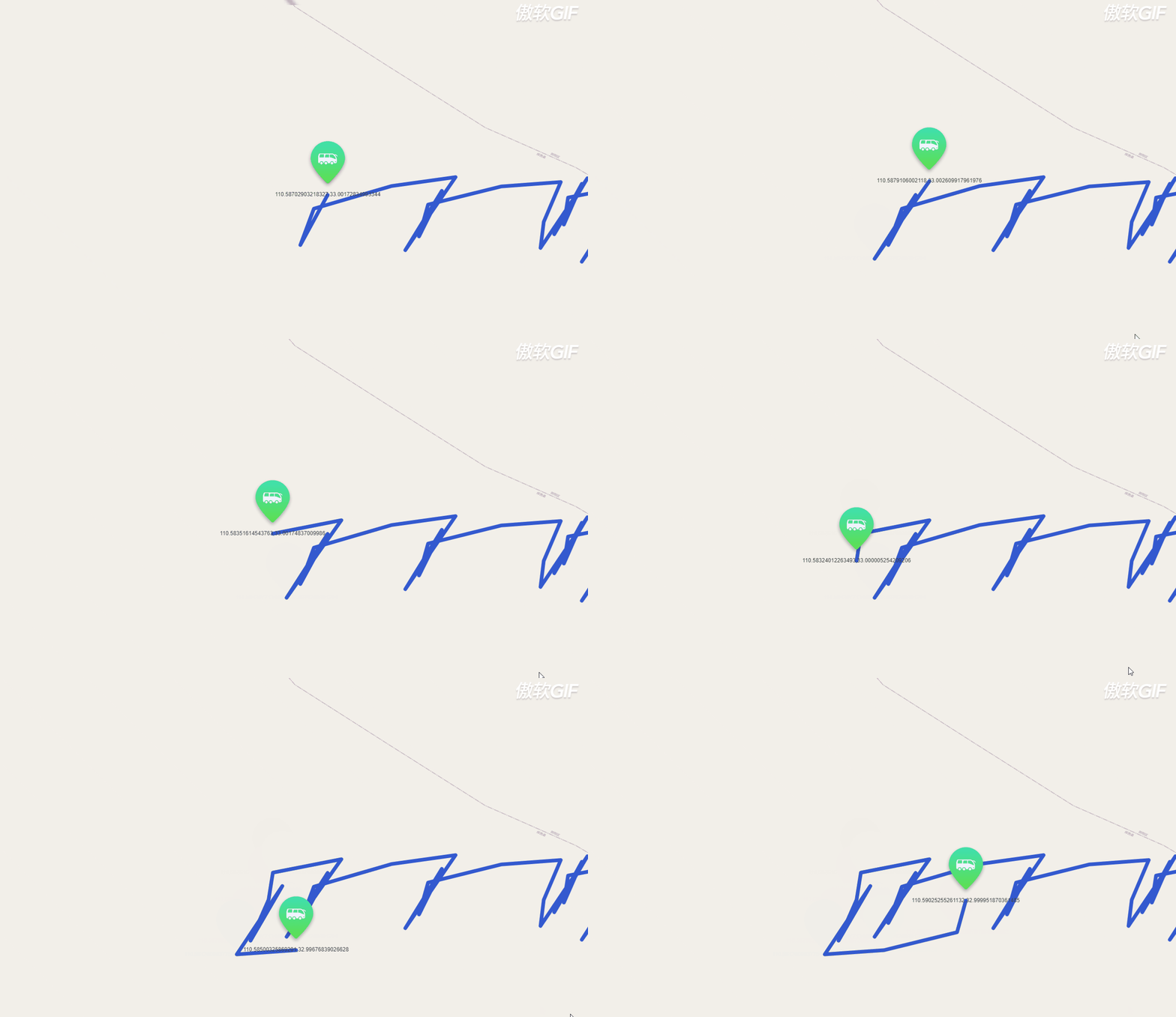
4. 标记轨迹动画
实现:
drawRouteLine(coordinate: any, featureId) {if (featureId) {const feature = this.vectorLayer.getSource().getFeatureById(featureId);if(feature) {this.vectorLayer.getSource().removeFeature(feature);}}const iconFeature = new Feature({geometry: new LineString(coordinate),});iconFeature.setStyle(new Style({stroke: new Stroke({color: '#3359cf',width: 8}),}));iconFeature.setId(featureId);this.draw(iconFeature);}
效果:
刚接触openlayers不久的小萌新,期待大家的批评指导!
本文来自互联网用户投稿,文章观点仅代表作者本人,不代表本站立场,不承担相关法律责任。如若转载,请注明出处。 如若内容造成侵权/违法违规/事实不符,请点击【内容举报】进行投诉反馈!