Linux系统安装Google Chrome
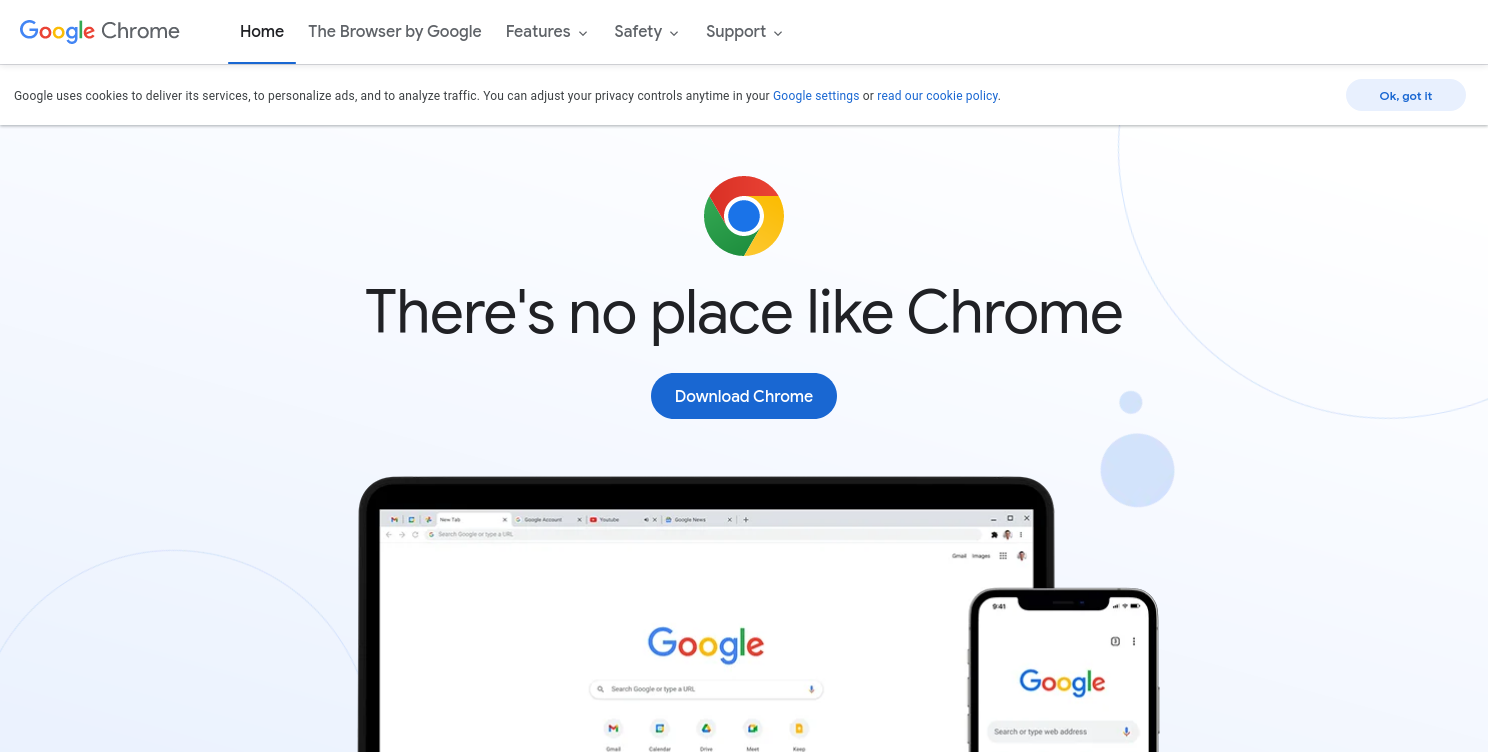
1.进入谷歌浏览器官网
Google Chrome - Download the Fast, Secure Browser from GoogleGet more done with the new Google Chrome. A more simple, secure, and faster web browser than ever, with Google’s smarts built-in. Download now. http://www.google.cn/intl/en_us/chrome/
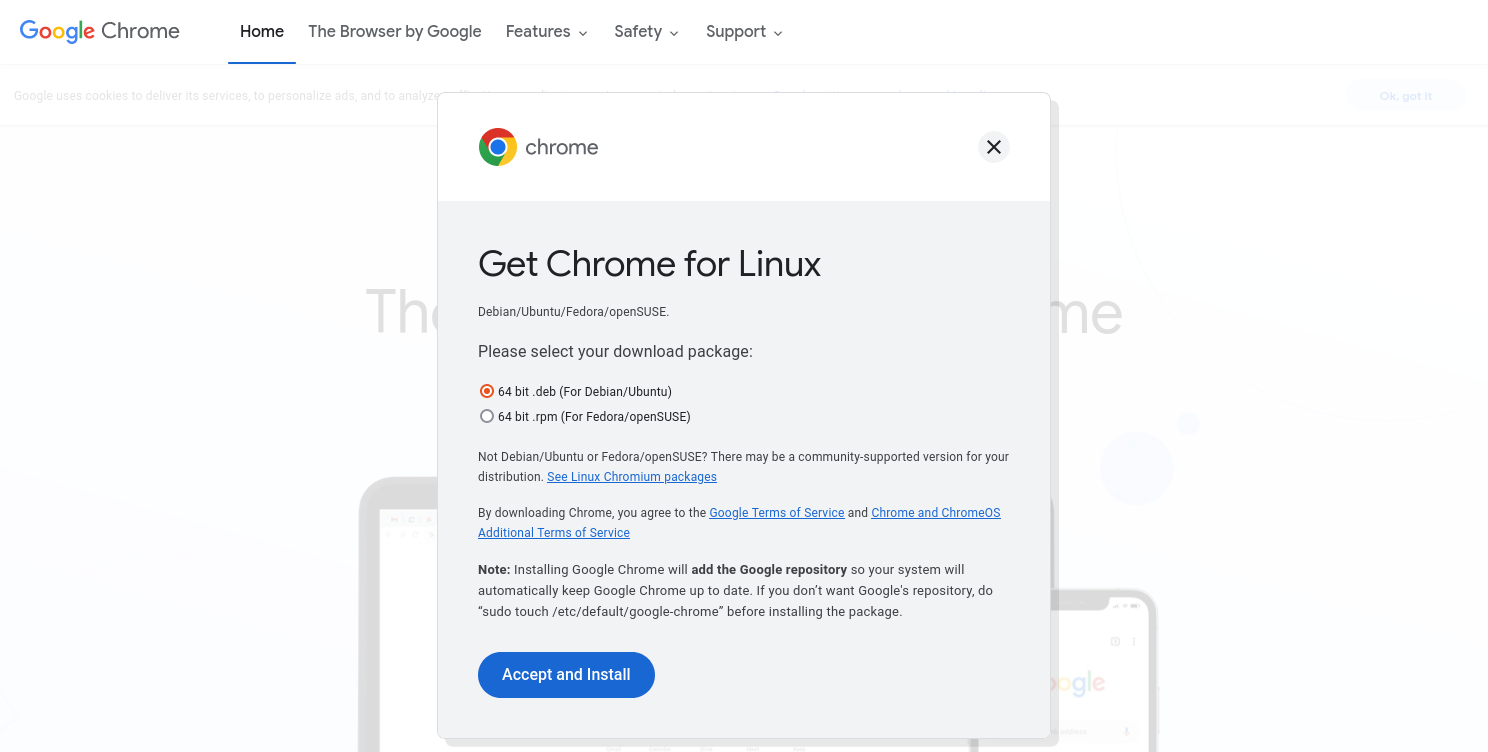
2.根据电脑系统下载安装包
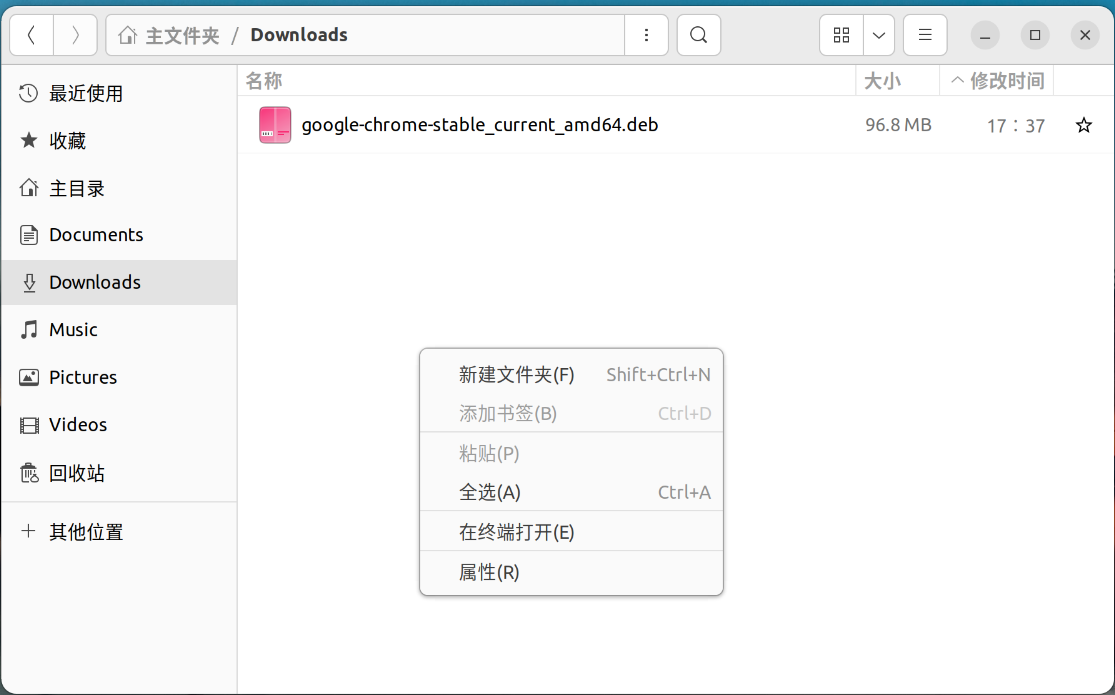
3.找到下载好的安装包,并在其位置打开终端
第一次安装需要运行:
sudo apt install gdebi4.运行安装
sudo gdebi <谷歌安装包名>安装包的名字可以使用Ctrl+C复制,Ctrl+Shift+V粘贴
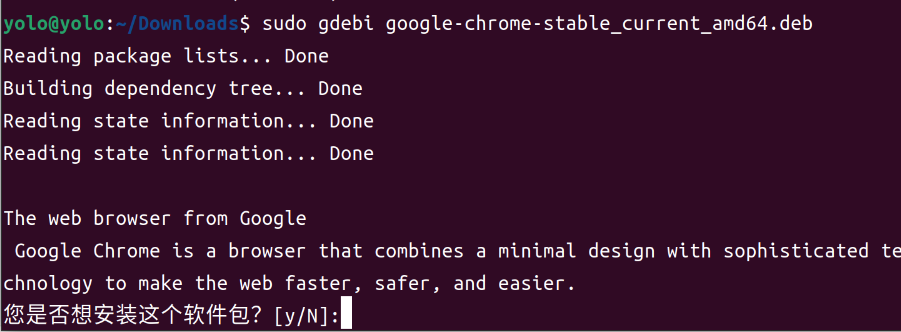
按y执行安装
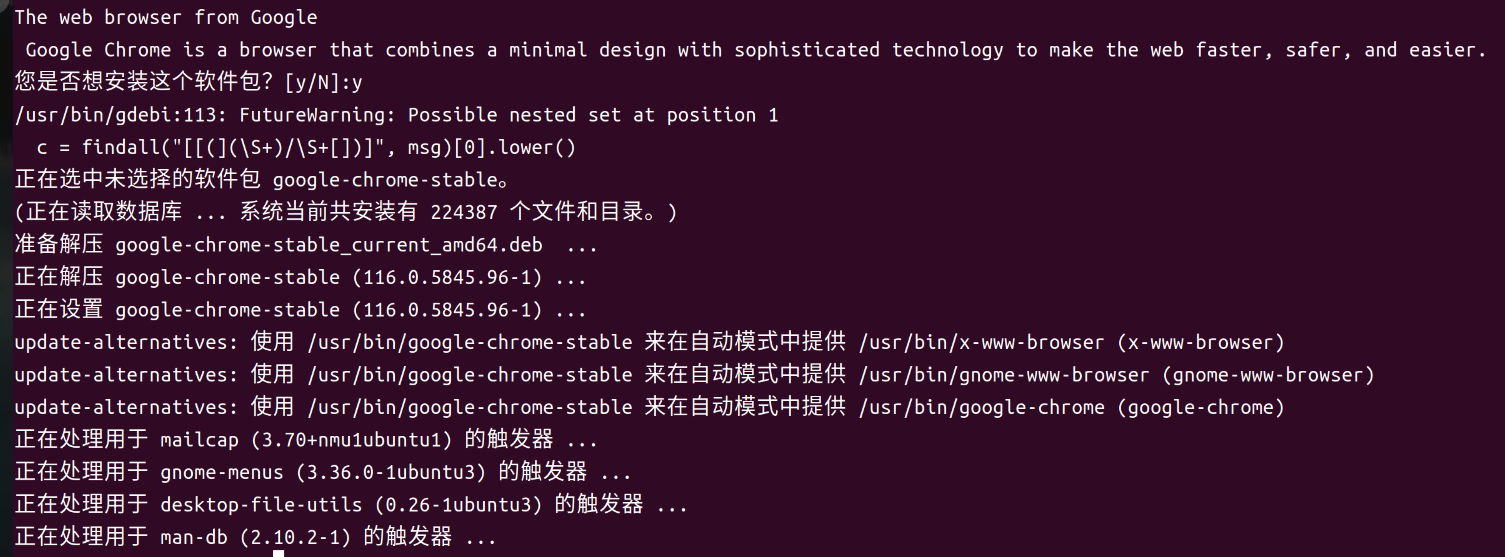
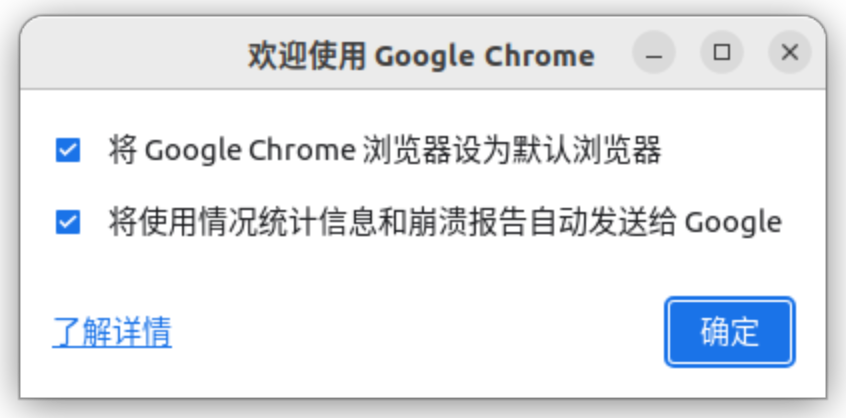
5.安装完成打开

本文来自互联网用户投稿,文章观点仅代表作者本人,不代表本站立场,不承担相关法律责任。如若转载,请注明出处。 如若内容造成侵权/违法违规/事实不符,请点击【内容举报】进行投诉反馈!