ElasticSearch 官网测试数据
一) 准备测试数据
去官网下载测试数据
https://download.elastic.co/demos/kibana/gettingstarted/logs.jsonl.gz
https://download.elastic.co/demos/kibana/gettingstarted/accounts.zip
https://download.elastic.co/demos/kibana/gettingstarted/shakespeare_6.0.json
二) 解压数据到目录
本次操作在虚拟中,我的解压地址是: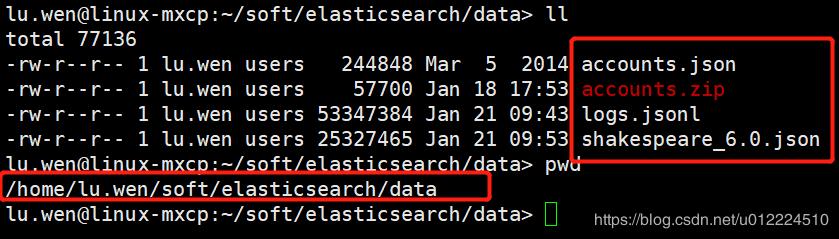
三)数据导入
3.1 打开Kibana的Dev Tools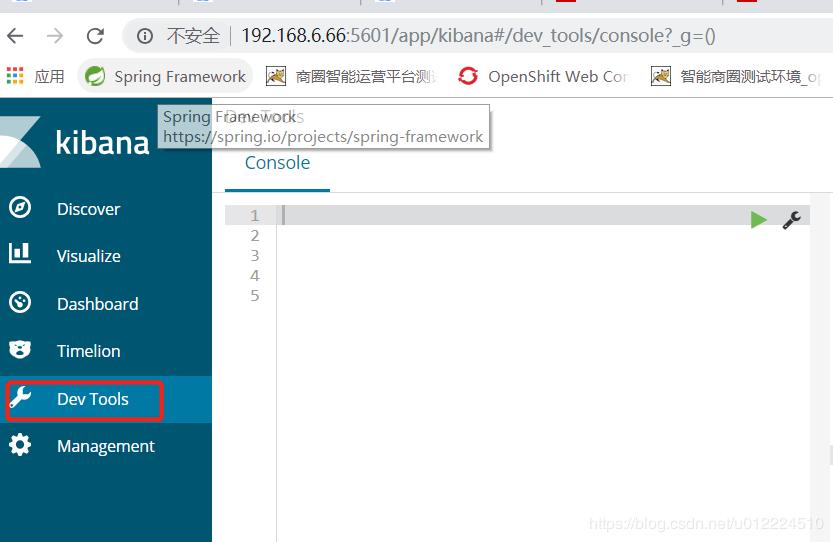
3.2 创建三份测试数据对应的mapping
//莎士比亚的mapping
PUT /shakespeare
{"mappings": {"doc": {"properties": {"speaker": {"type": "keyword"},"play_name": {"type": "keyword"},"line_id": {"type": "integer"},"speech_number": {"type": "integer"}}}}//log的测试数据的mappingPUT /logstash-2019.01.21
{"mappings": {"log": {"properties": {"geo": {"properties": {"coordinates": {"type": "geo_point"}}}}}}
}PUT /logstash-2019.01.20
{"mappings": {"log": {"properties": {"geo": {"properties": {"coordinates": {"type": "geo_point"}}}}}}
}
PUT /logstash-2019.01.22
{"mappings": {"log": {"properties": {"geo": {"properties": {"coordinates": {"type": "geo_point"}}}}}}
}
执行上面的语句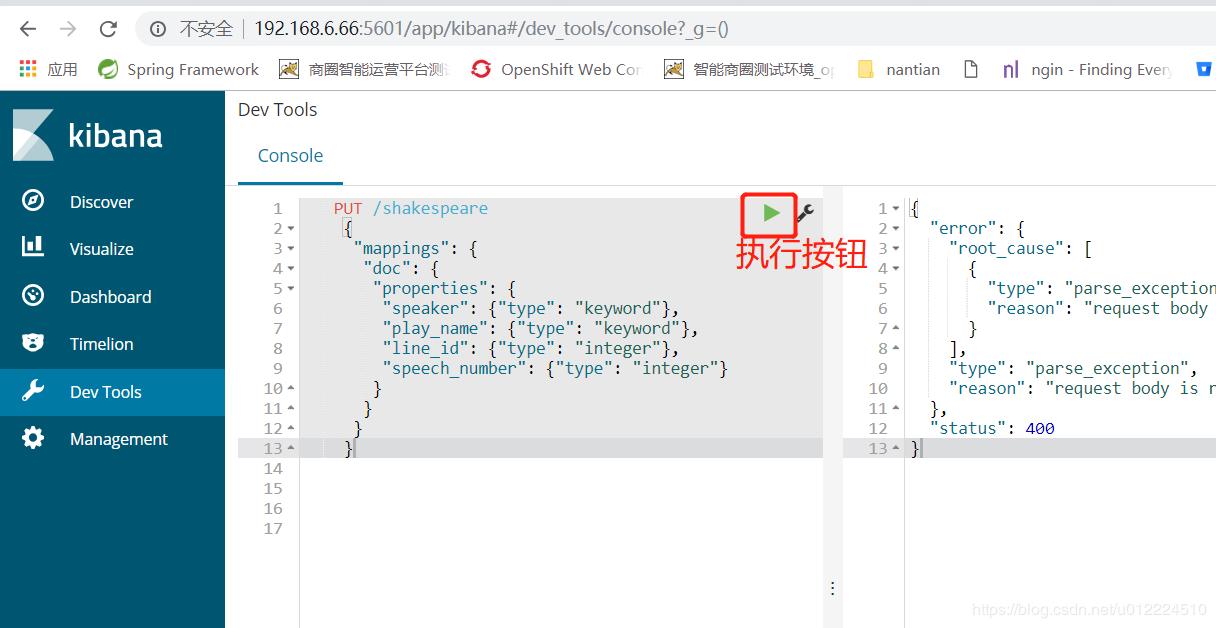
执行结果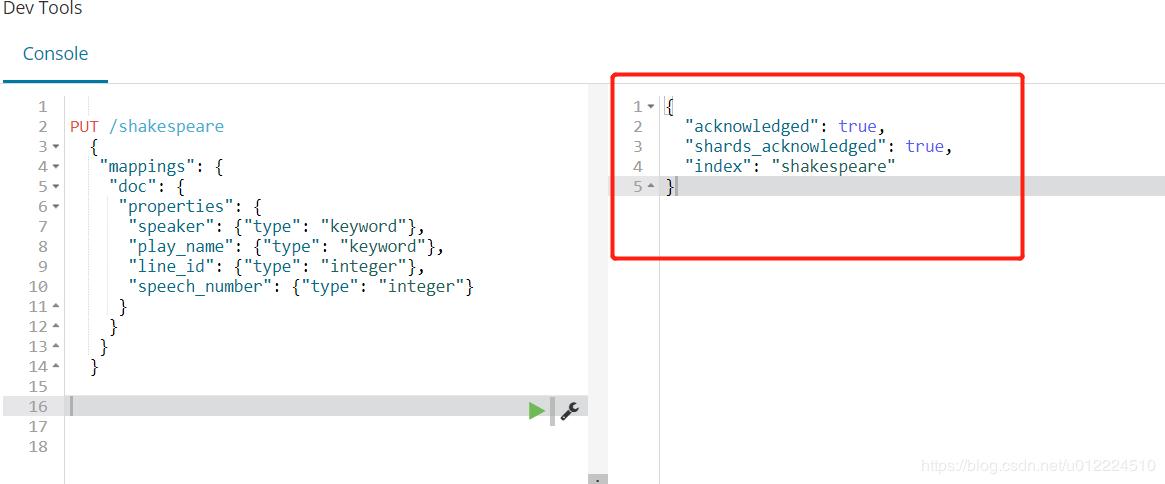
导入数据:
WINDOWS: 在任意地方启动cmd,输入下面命令
linux :进入任意目录
-
(前提是安装了curl)
-
官网给的是单引号,但是单引号在win系统下运行会出错,改成双引号就好了。
-
而且这一句-H "Content-Type: application/x-ndjson"是必须要有的
- curl -H “Content-Type: application/x-ndjson” -XPOST “192.168.6.66:9200/shakespeare/doc/_bulk?pretty” --data-binary @shakespeare_6.0.json
curl -H “Content-Type: application/x-ndjson” -XPOST “192.168.6.66:9200/bank/account/_bulk?pretty” --data-binary @accounts.json
curl -H “Content-Type: application/x-ndjson” -XPOST “192.168.6.66:9200/_bulk?pretty” --data-binary @logs.jsonl
- curl -H “Content-Type: application/x-ndjson” -XPOST “192.168.6.66:9200/shakespeare/doc/_bulk?pretty” --data-binary @shakespeare_6.0.json
本文来自互联网用户投稿,文章观点仅代表作者本人,不代表本站立场,不承担相关法律责任。如若转载,请注明出处。 如若内容造成侵权/违法违规/事实不符,请点击【内容举报】进行投诉反馈!