在Mac上安装docker,并启动docker-oracle
- 在Mac上安装docker,并启动docker
- 部署oracle docker的build file,并创建image
- 部署oracle软件在docker中
- 安装oracle实例在docker中
- 启动,停止docker以及如何连接数据库
一。在Mac上安装docker。
到docker store下载即可。下载地址是:https://store.docker.com/editions/community/docker-ce-desktop-mac。
其实我们还可以看到别的操作系统的版本,如centos版本,aws版本,Ubuntu版本等等,在centos上,可以用wget命令进行下载。在这里我们用到的是mac版本。
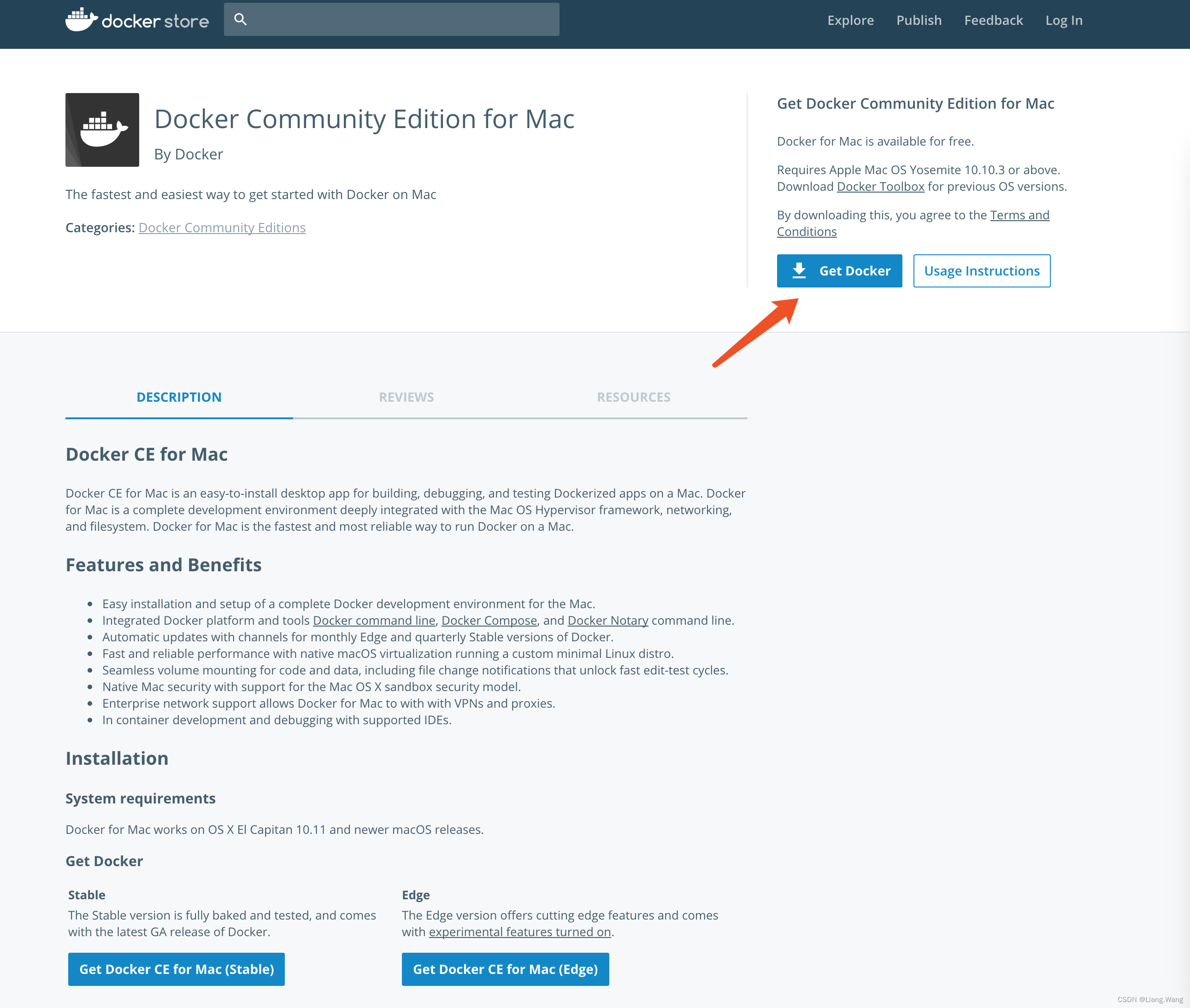
但是一方面这个版本是oracle 12.1版本,不是最新的12.2版本,另一方面数据库是包含在container中,如果删除container,就也一并删除了database,这不是我们所想要的。我们选择将container和database的数据文件分开。
二、部署oracle docker的build file,并创建image
到github下载oracle的build file:docker-images-master.zip,地址是https://github.com/oracle/docker-images,是一个约5M的文件。
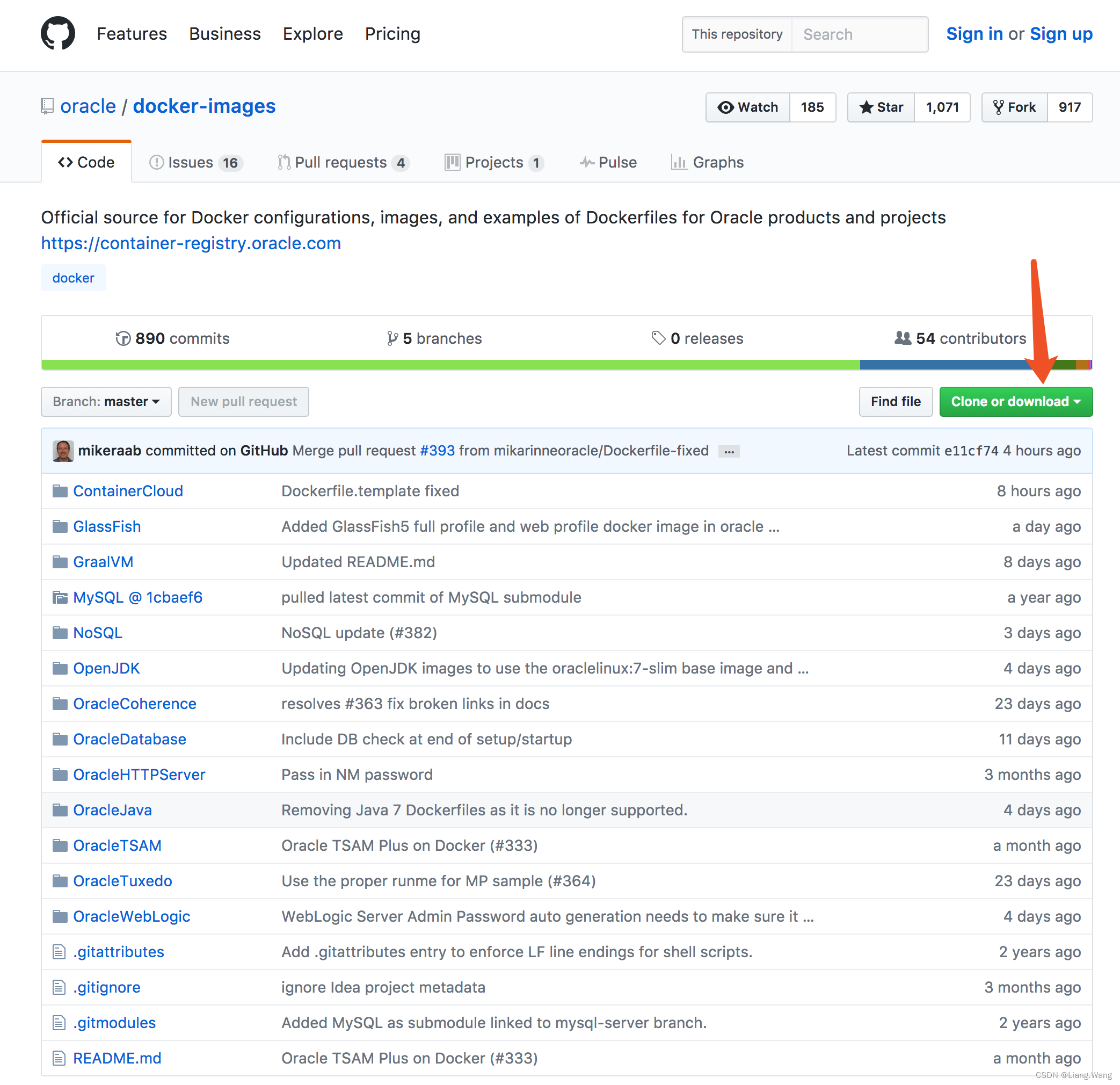
下载完成后,找个目录解压。如我是放在/Users/[username]/iDocker 下。
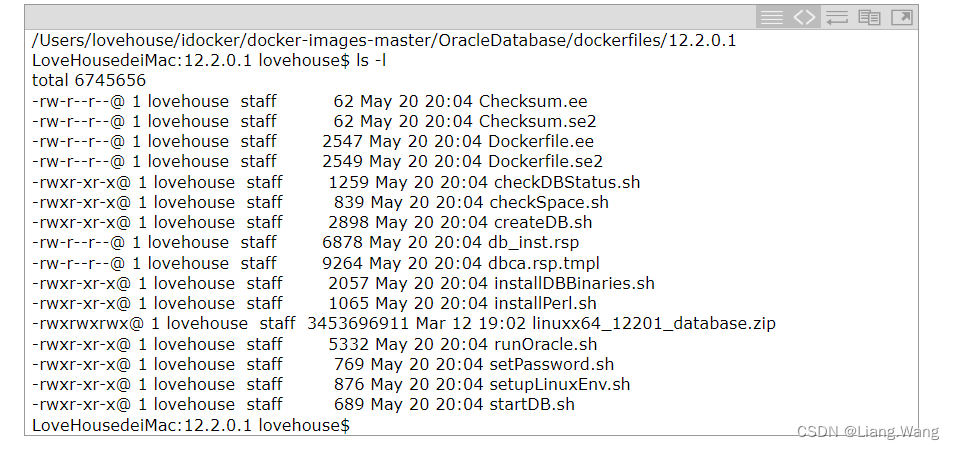
然后到otn下载oracle 12.2的安装介质linuxx64_12201_database.zip。下载地址是:http://www.oracle.com/technetwork/database/enterprise-edition/downloads/index.html,是一个3.2G的文件。
下载完成后,将安装介质放在docker-images-master解压之后的目录下:/Users/[username]/idocker/docker-images-master/OracleDatabase/dockerfiles/12.2.0.1,即:
三、部署oracle软件在docker中
很简单,就一条命令:
./buildDockerImage.sh -v 12.2.0.1 -e
其中Parameters:
-v: version to build
Choose one of: 11.2.0.2 12.1.0.2 12.2.0.1
-e: creates image based on ‘Enterprise Edition’
-s: creates image based on ‘Standard Edition 2’
-x: creates image based on ‘Express Edition’
-i: ignores the MD5 checksums
需要注意的时候,在安装过程中需要联网,因为他会下载oraclelinux:7-slim和yum install pre-install的包。
启动命令
docker run --name oracle -p 1521:1521 -p 5500:5500 -v /Users/[username]/oradata:/opt/oracle/oradata oracle/database:12.2.0.1-ee
其中Parameters:
–name: The name of the container (default: auto generated)
-p: The port mapping of the host port to the container port.
Two ports are exposed: 1521 (Oracle Listener), 5500 (OEM Express)
-e ORACLE_SID: The Oracle Database SID that should be used (default: ORCLCDB)
-e ORACLE_PDB: The Oracle Database PDB name that should be used (default: ORCLPDB1)
-e ORACLE_PWD: The Oracle Database SYS, SYSTEM and PDB_ADMIN password (default: auto generated)
-e ORACLE_CHARACTERSET:
The character set to use when creating the database (default: AL32UTF8)
-v The data volume to use for the database.
Has to be owned by the Unix user “oracle” or set appropriately.
If omitted the database will not be persisted over container recreation.
注意数据文件已经map到/Users/[username]/oradata下。此时就算你删除了container,这些数据文件还是会被保留的。
对应的log如下,注意到了最后,会停在那里,估计run命令最后调用类似docker logs -f oracle这样的命令,会tail -f类似的输出,所以我们可以直接在别的窗口docker stop oracle再docker start oracle。
本文来自互联网用户投稿,文章观点仅代表作者本人,不代表本站立场,不承担相关法律责任。如若转载,请注明出处。 如若内容造成侵权/违法违规/事实不符,请点击【内容举报】进行投诉反馈!