UIButton的类型
文章目录
- 前言
- 不对劲的一个出现
- UIButtonTypeSystem
- 解决方法
- UIButtonTypeCustom
- 其他类型的button
- UIButtonTypeRoundedRect
- UIButtonTypeClose
- UIButtonTypeInfoDark
- UIButtonTypeContactAdd
- UIButtonTypeInfoLight
- UIButtonTypeDetailDisclosure
- 总结
前言
这周在写一个小Demo的时候,发现自己的UIButton的图片怎么也加不上去。即使那种只有单一仙桃的图片加上去了,也总是有种很奇怪的感觉。 纠正后发现,是UIButton的类型的原因 以前没有注意到这块,记录一下这个问题
提示:以下是本篇文章正文内容,下面案例可供参考
不对劲的一个出现
//  ViewController.m
//  UIButton
//
//#import "ViewController.h"@interface ViewController ()@end@implementation ViewController- (void)viewDidLoad {[super viewDidLoad];UIButton* btn = [UIButton buttonWithType:UIButtonTypeSystem];[btn setImage:[UIImage imageNamed:@"shezhi"] forState:UIControlStateNormal];btn.frame = CGRectMake(100, 100, 100, 100);[self.view addSubview:btn];// Do any additional setup after loading the view.
}
@end
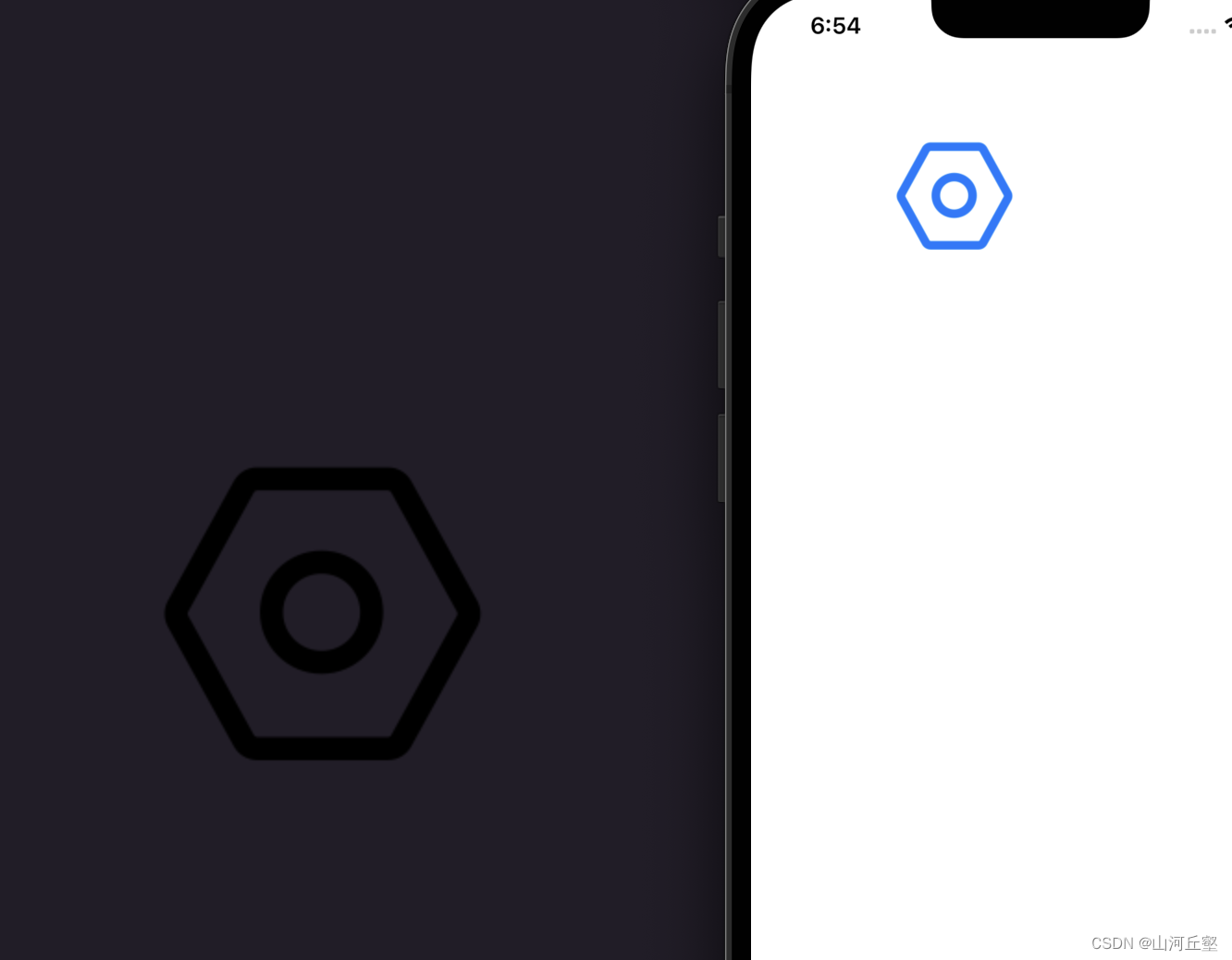
背景的图片是我添加的名为shezhi的一张图片,但是我们的虚拟机上显示的图片却是蓝色的一张图
那如果换一张图片呢?
//  ViewController.m
//  UIButton
//
//  Created by 王璐 on 2022/10/21.
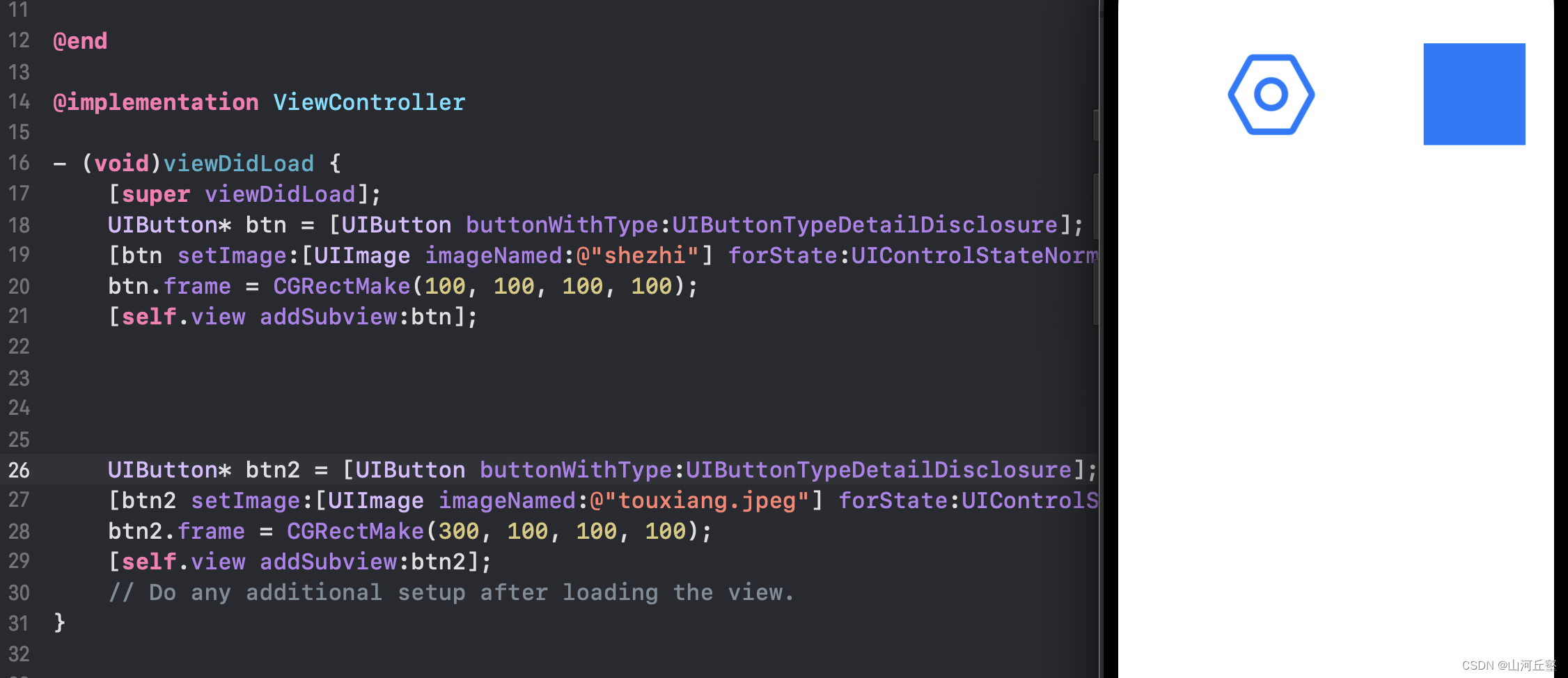
//#import "ViewController.h"@interface ViewController ()@end@implementation ViewController- (void)viewDidLoad {[super viewDidLoad];UIButton* btn = [UIButton buttonWithType:UIButtonTypeSystem];[btn setImage:[UIImage imageNamed:@"shezhi"] forState:UIControlStateNormal];btn.frame = CGRectMake(100, 100, 100, 100);[self.view addSubview:btn];UIButton* btn2 = [UIButton buttonWithType:UIButtonTypeSystem];[btn2 setImage:[UIImage imageNamed:@"touxiang.jpeg"] forState:UIControlStateNormal];btn2.frame = CGRectMake(300, 100, 100, 100);[self.view addSubview:btn2];// Do any additional setup after loading the view.
}@end
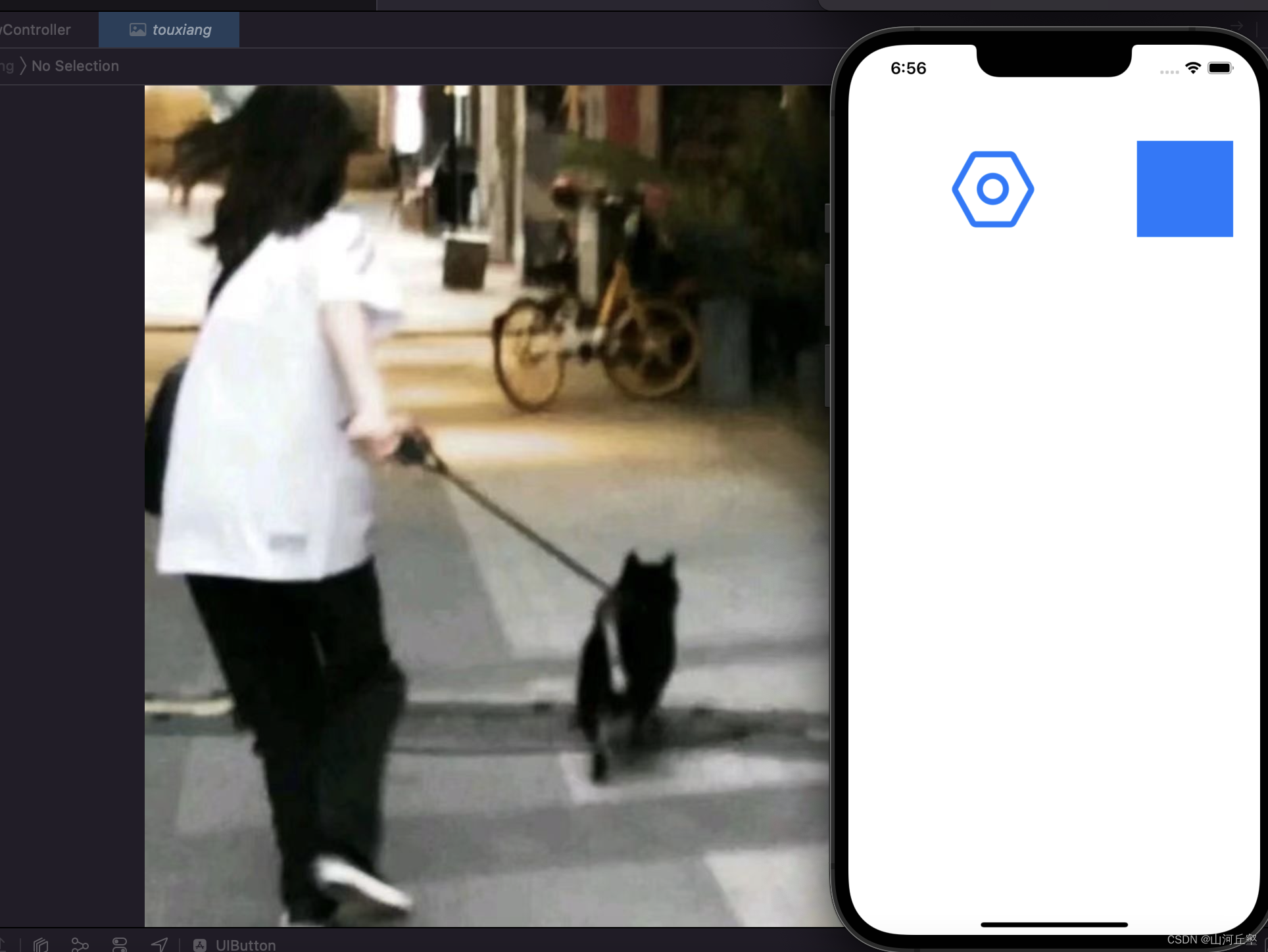
这次更离谱了,甚至连轮廓都没有了。
UIButtonTypeSystem
系统样式
解决方法
//  ViewController.m
//  UIButton
//
//#import "ViewController.h"@interface ViewController ()@end@implementation ViewController- (void)viewDidLoad {[super viewDidLoad];UIButton* btn = [UIButton buttonWithType:UIButtonTypeCustom];[btn setImage:[UIImage imageNamed:@"shezhi"] forState:UIControlStateNormal];btn.frame = CGRectMake(100, 100, 100, 100);[self.view addSubview:btn];UIButton* btn2 = [UIButton buttonWithType:UIButtonTypeCustom];[btn2 setImage:[UIImage imageNamed:@"touxiang.jpeg"] forState:UIControlStateNormal];btn2.frame = CGRectMake(300, 100, 100, 100);[self.view addSubview:btn2];// Do any additional setup after loading the view.
}@end
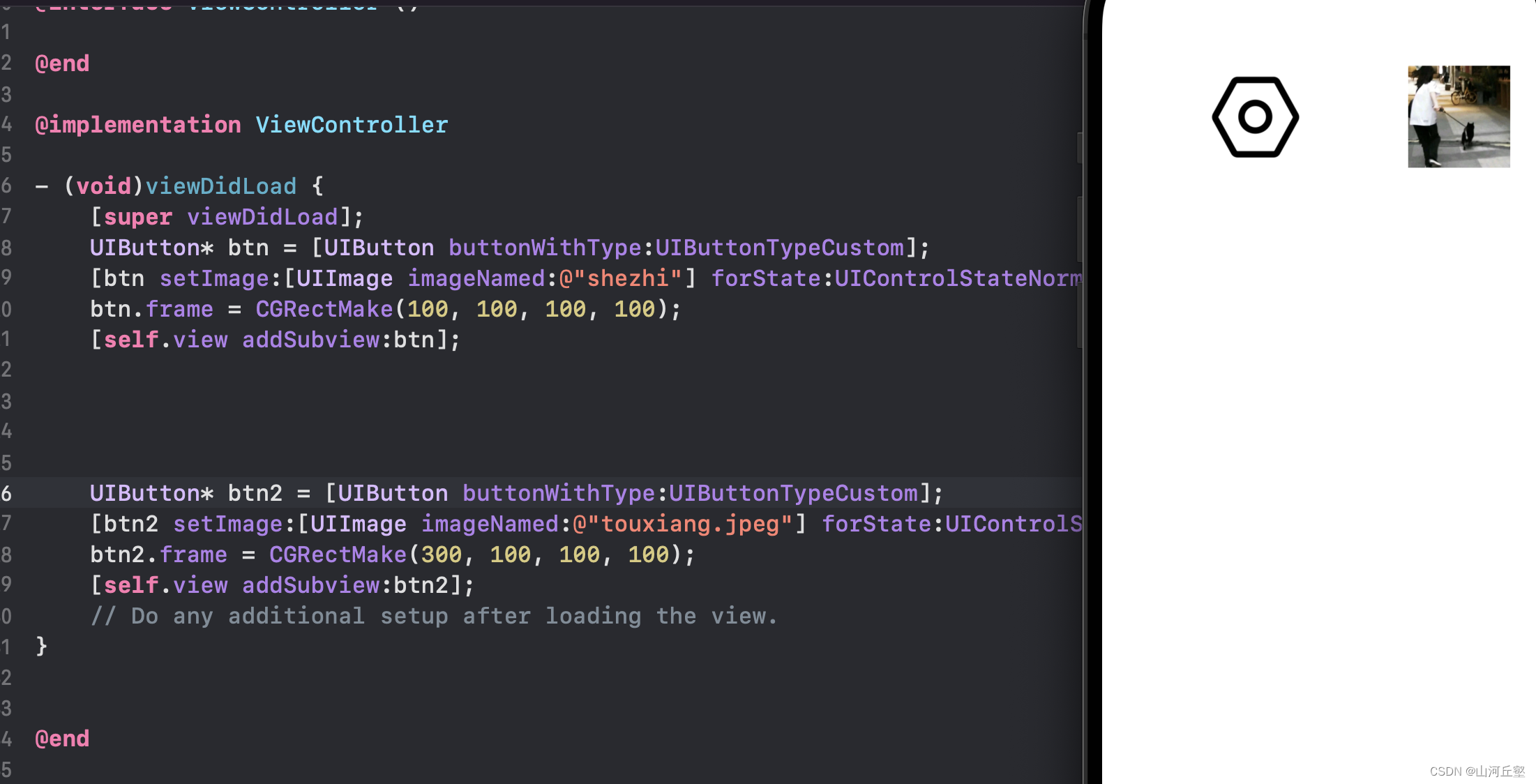
这是创建结果
UIButtonTypeCustom
自定义类型,无样式
其他类型的button
UIButtonTypeRoundedRect
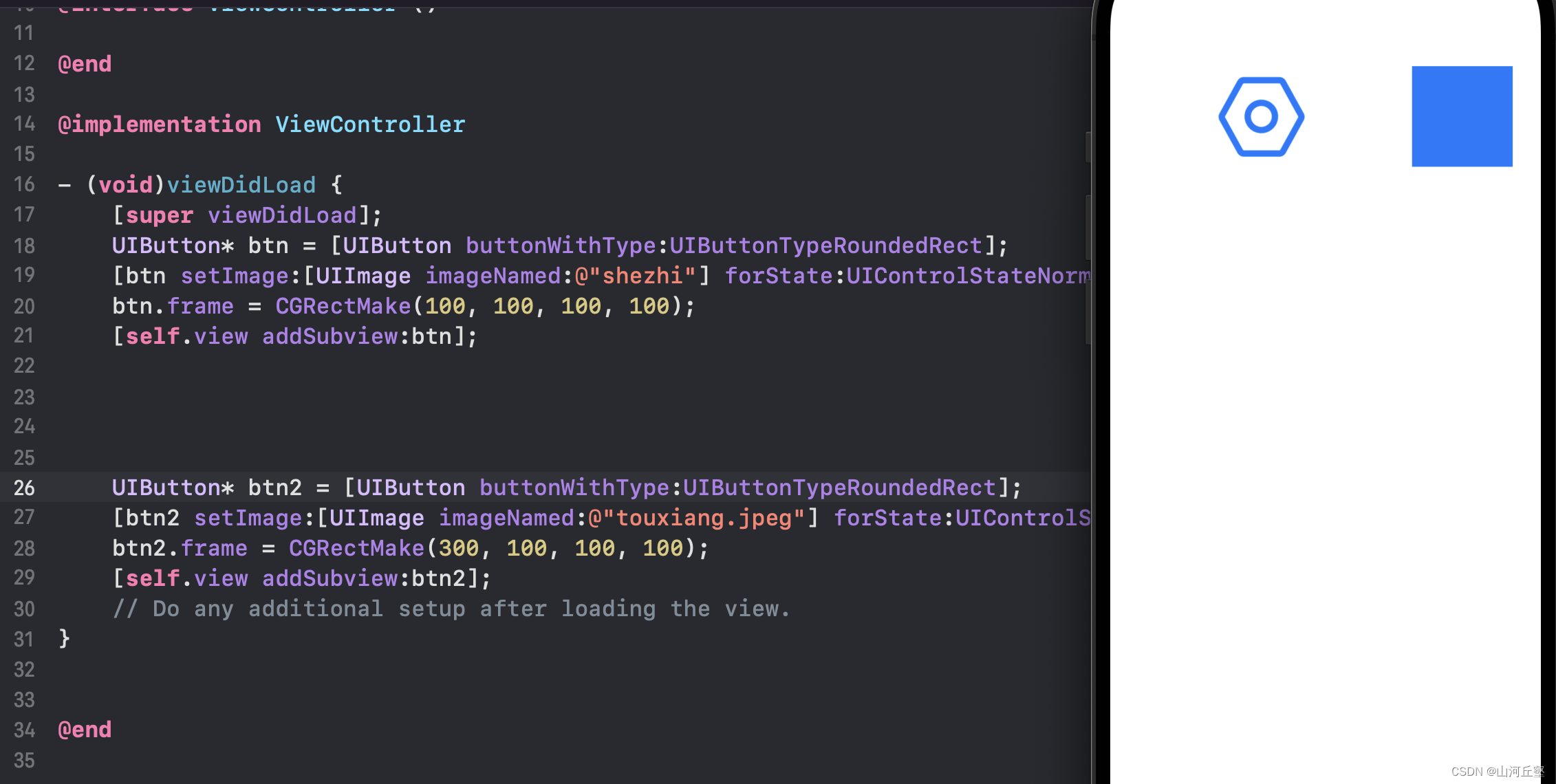
圆角类型
当UIButton是UIButtonTypeSystem类型时,改变UIButton的frame,系统会有一个动画改变效果,不想要这个效果,将类型改为UIButtonTypeCustom
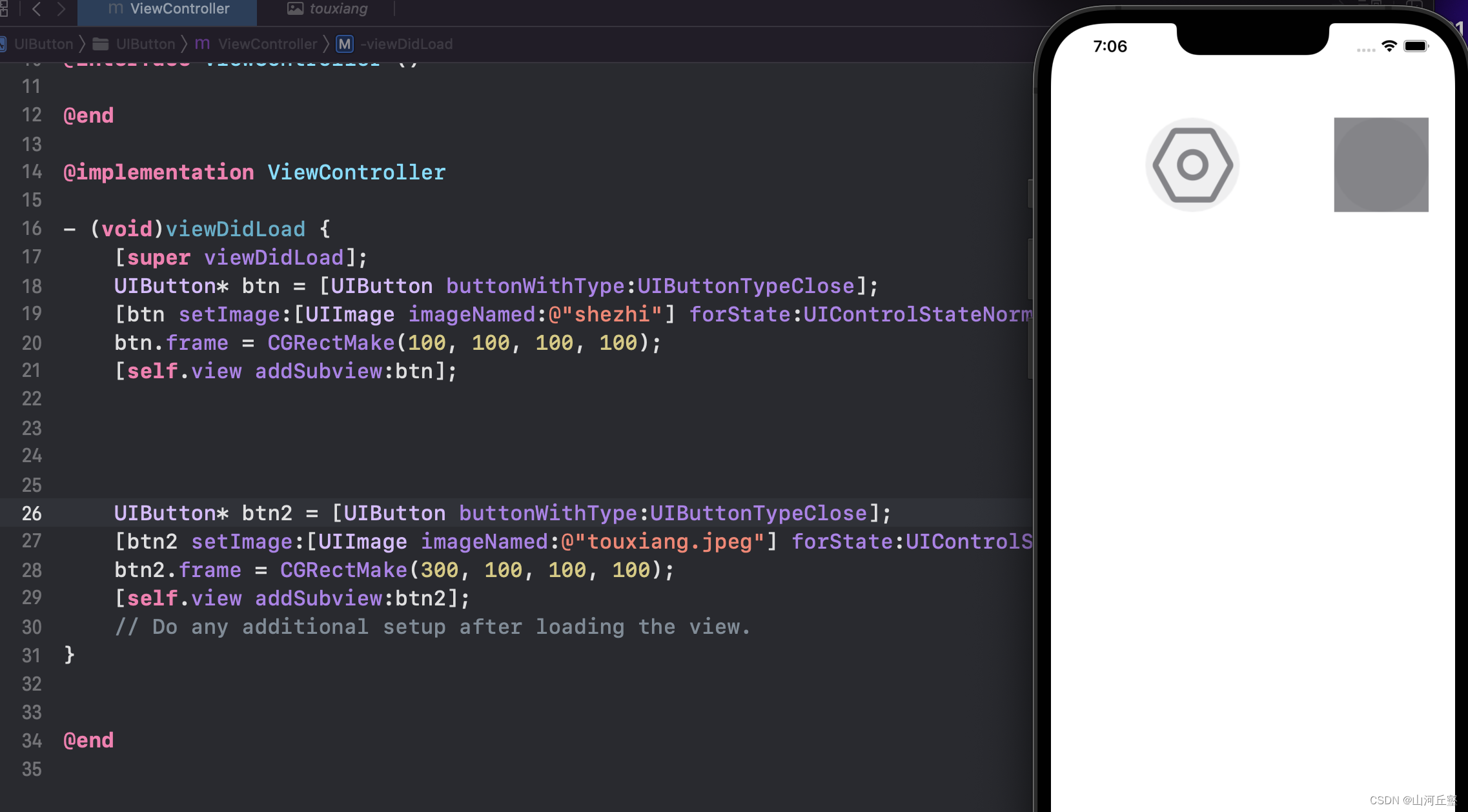
UIButtonTypeClose
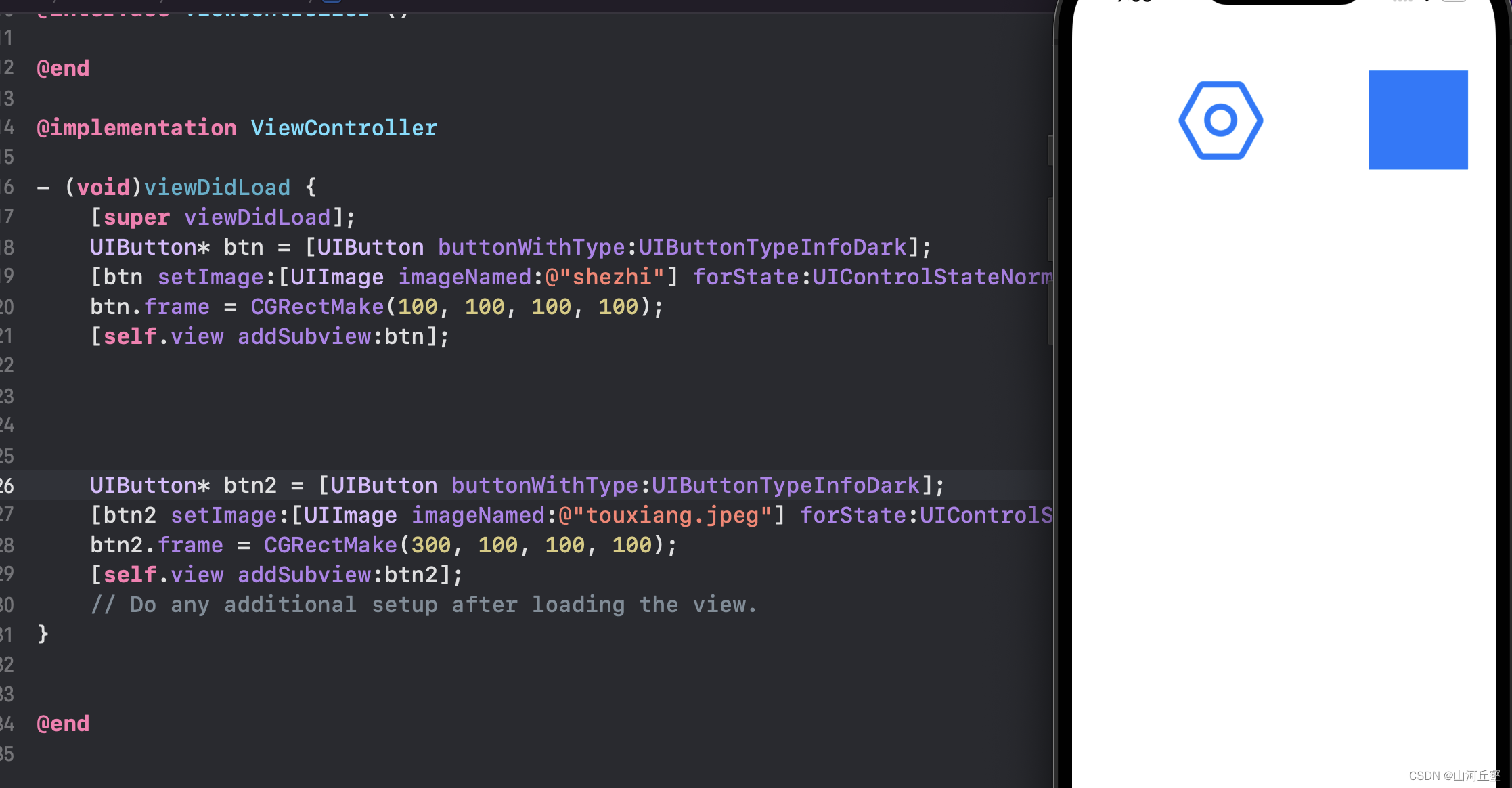
UIButtonTypeInfoDark
图片为i字母(info)暗的信息类型
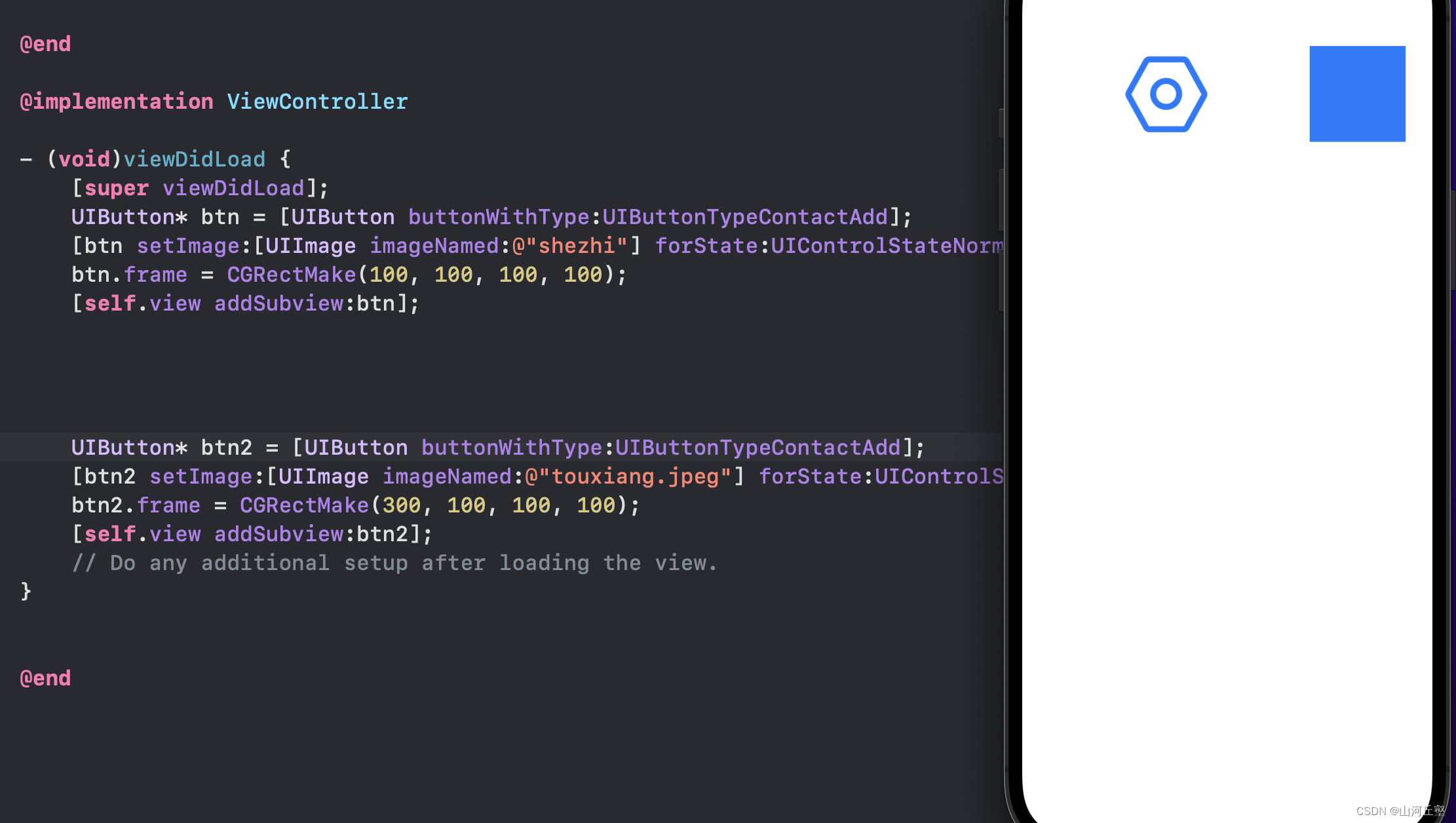
UIButtonTypeContactAdd
加号(+)按钮类型
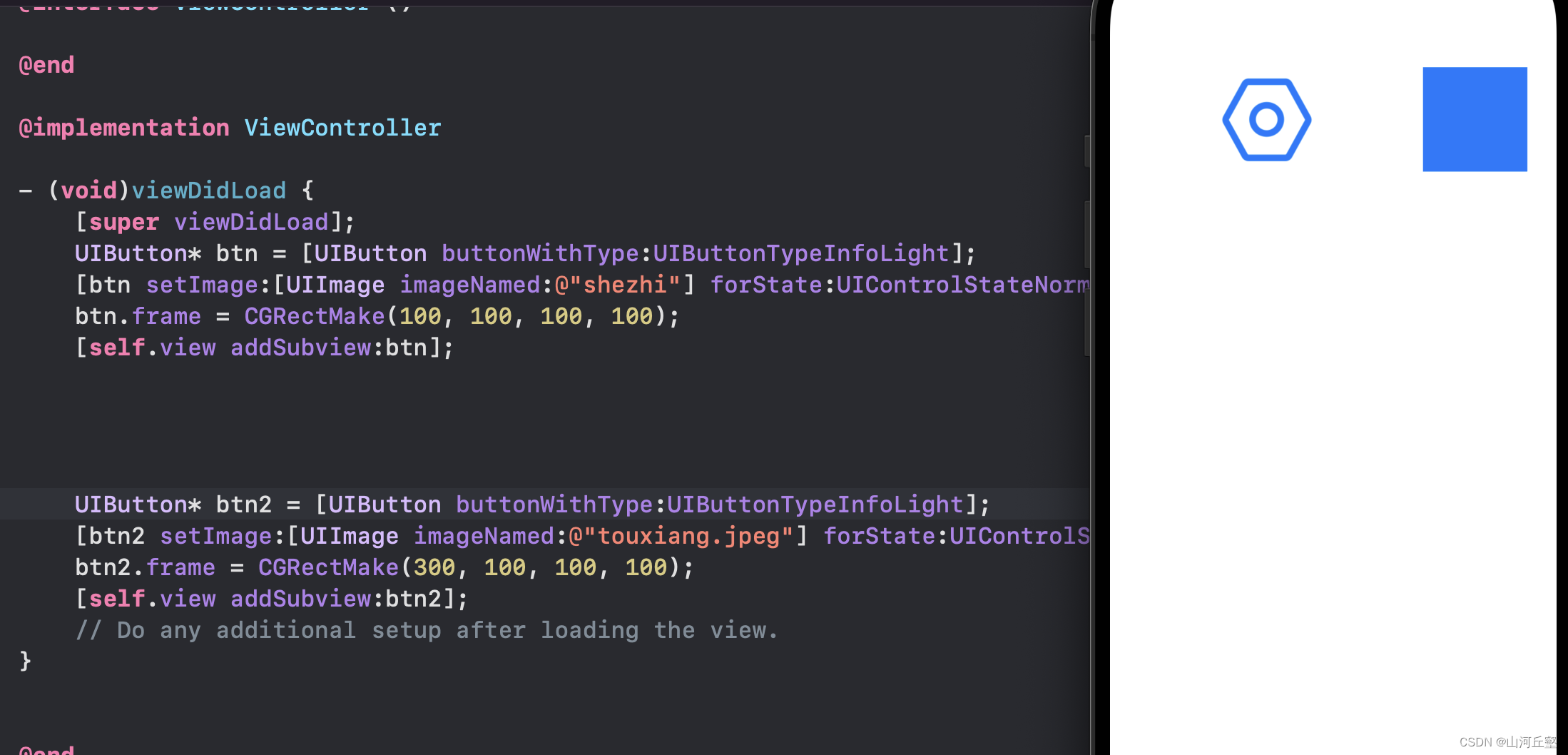
UIButtonTypeInfoLight
图片为i字母(info)亮的信息类型
UIButtonTypeDetailDisclosure
细节详情样式
总结
因为button类型的不清楚,在这块卡了好久好久。后来才发现是因为这个。
以后在学习的过程中应该更注意一些细节。
本文来自互联网用户投稿,文章观点仅代表作者本人,不代表本站立场,不承担相关法律责任。如若转载,请注明出处。 如若内容造成侵权/违法违规/事实不符,请点击【内容举报】进行投诉反馈!