C++读取文件夹下文件及文件夹路径
本文使用namespace fs = std::filesystem;需要使用C++17版本
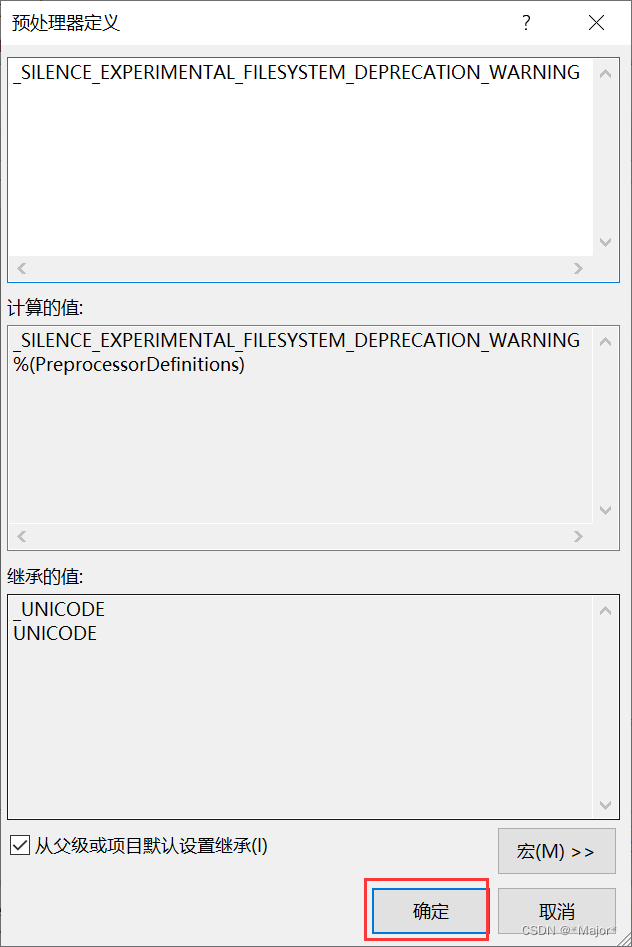
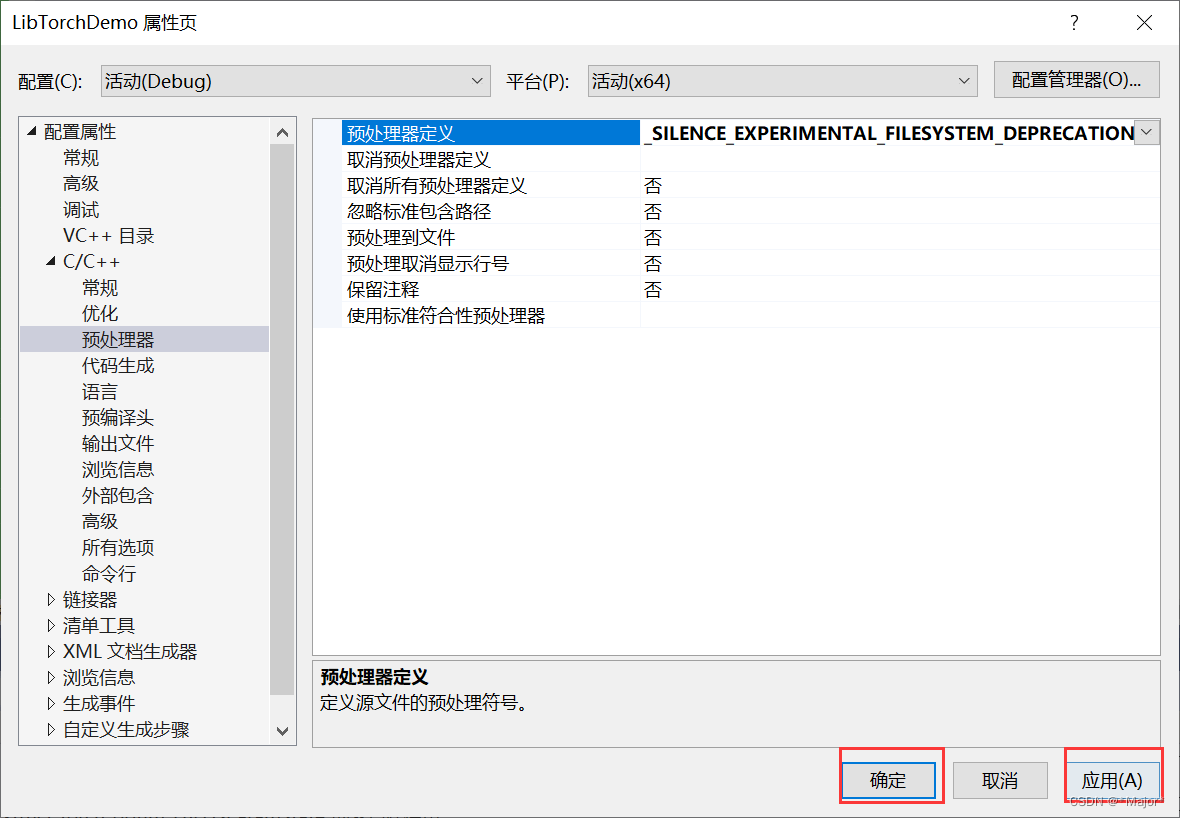
如果要坚持使用c++14,则加入预处理中宏定义:_SILENCE_EXPERIMENTAL_FILESYSTEM_DEPRECATION_WARNING

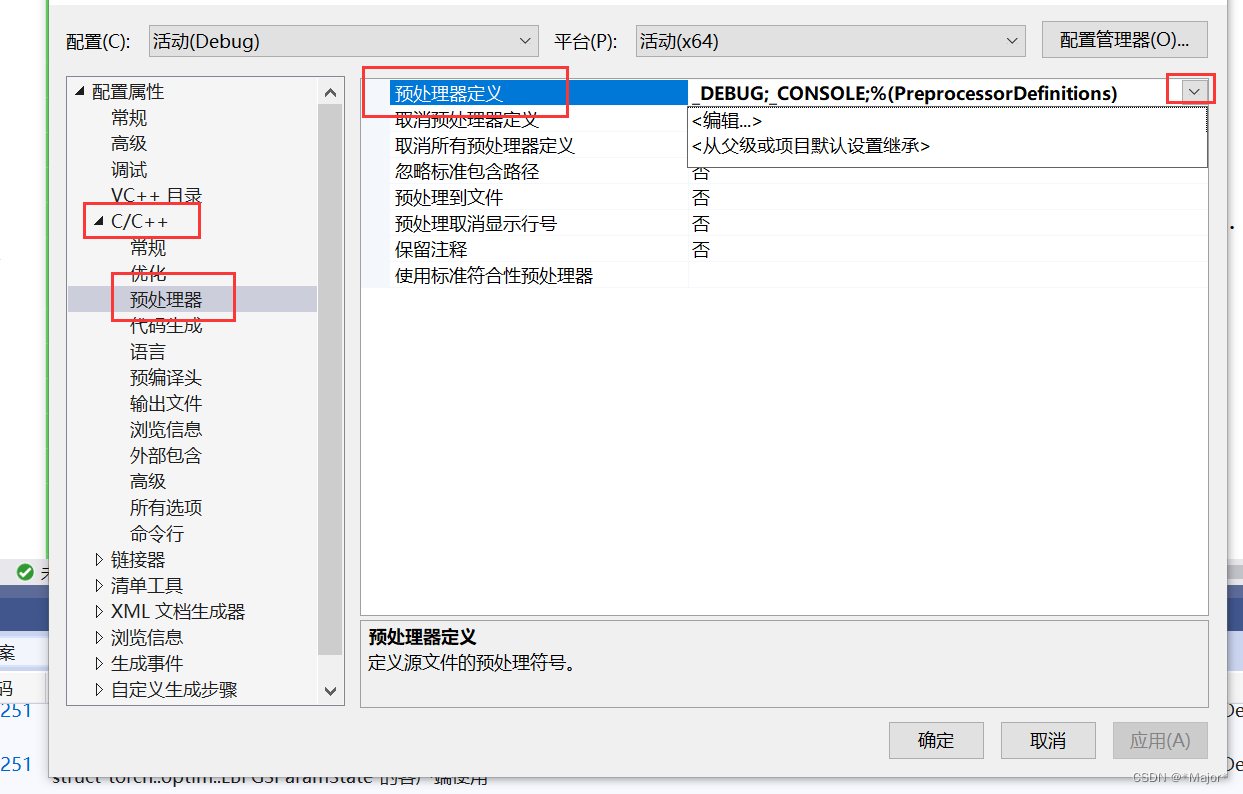
_SILENCE_EXPERIMENTAL_FILESYSTEM_DEPRECATION_WARNING
#include
#includenamespace fs = std::filesystem;
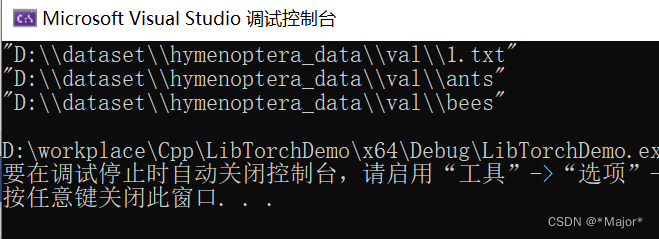
using namespace std;int main() {for (const auto& entry : fs::directory_iterator("D:\\dataset\\hymenoptera_data\\val"))std::cout << entry.path() << std::endl;}
Path操作
fs::path currentPath = fs::current_path();
std::cout << "root_name = " << currentPath.root_name() << std::endl;
std::cout << "root_directory = " << currentPath.root_directory() << std::endl;
std::cout << "root_path = " << currentPath.root_path() << std::endl;
std::cout << "relative_path = " << currentPath.relative_path() << std::endl;
std::cout << "parent_path = " << currentPath.parent_path() << std::endl;
std::cout << "filename = " << currentPath.filename() << std::endl;
std::cout << "stem = " << currentPath.stem() << std::endl;
std::cout << "extension = " << currentPath.extension() << std::endl;
std::cout << "extension = " << makefilePath.extension() << std::endl;
std::cout << "empty = " << currentPath.empty() << std::endl;
std::cout << "has_root_path = " << currentPath.has_root_path() << std::endl;
std::cout << "has_root_name = " << currentPath.has_root_name() << std::endl;
std::cout << "has_root_directory = " << currentPath.has_root_directory() << std::endl;
std::cout << "has_relative_path = " << currentPath.has_relative_path() << std::endl;
std::cout << "has_parent_path = " << currentPath.has_parent_path() << std::endl;
std::cout << "has_filename = " << currentPath.has_filename() << std::endl;
std::cout << "has_stem = " << currentPath.has_stem() << std::endl;
std::cout << "has_extension = " << currentPath.has_extension() << std::endl;
std::cout << "is_absolute = " << currentPath.is_absolute() << std::endl;
std::cout << "is_relative = " << currentPath.is_relative() << std::endl;
示例:
#include
#include
#includenamespace fs = std::filesystem;
using namespace std;void printList(const list<pair<string, int>>& list1) {for (list<pair<string, int>>::const_iterator it = list1.begin(); it != list1.end(); it++) {cout << it->first << " " << it->second << endl;}cout << endl;
}list<pair<string, int>> get_imgs_labels(const std::string& data_dir, map<string, int> dict_label)
{list<pair<string, int>> data_info;for (map<string, int>::iterator it = dict_label.begin(); it != dict_label.end(); it++){for (const auto& file_path : fs::directory_iterator(data_dir)){if (file_path.path().filename() == it->first) {for (const auto& img_path : fs::directory_iterator(data_dir + "\\" + it->first)){data_info.push_back(pair<string, int>(img_path.path().string(), it->second));}}}}return data_info;
}int main(){map<string, int> dict_label;dict_label.insert(pair<string, int>("ants", 0));dict_label.insert(pair<string, int>("bees", 1));auto a= get_imgs_labels("D:\\dataset\\hymenoptera_data\\val", dict_label);printList(a);int a1111;cin >> a1111 ;
}

本文来自互联网用户投稿,文章观点仅代表作者本人,不代表本站立场,不承担相关法律责任。如若转载,请注明出处。 如若内容造成侵权/违法违规/事实不符,请点击【内容举报】进行投诉反馈!
