使用Youtube官方提供的API获取频道信息及视频数据信息
Youtube API的使用
1、如何使用Youtube API
(1) 能登录谷歌云控制平台(需要谷歌邮箱账号)
Google Cloud Console: https://console.developers.google.com/apis/api/youtube.googleapis.com
(2) 在Google Cloud Console中启动Youtube相关的API服务
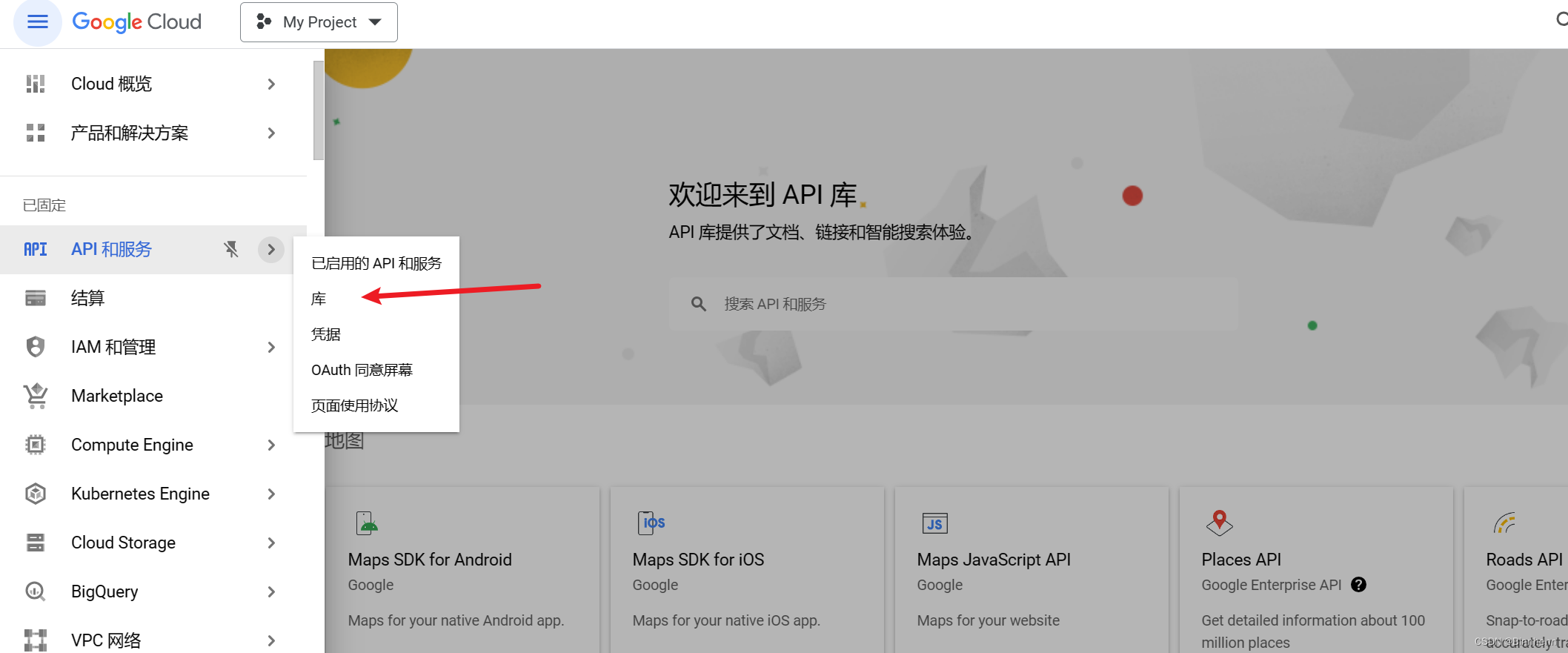
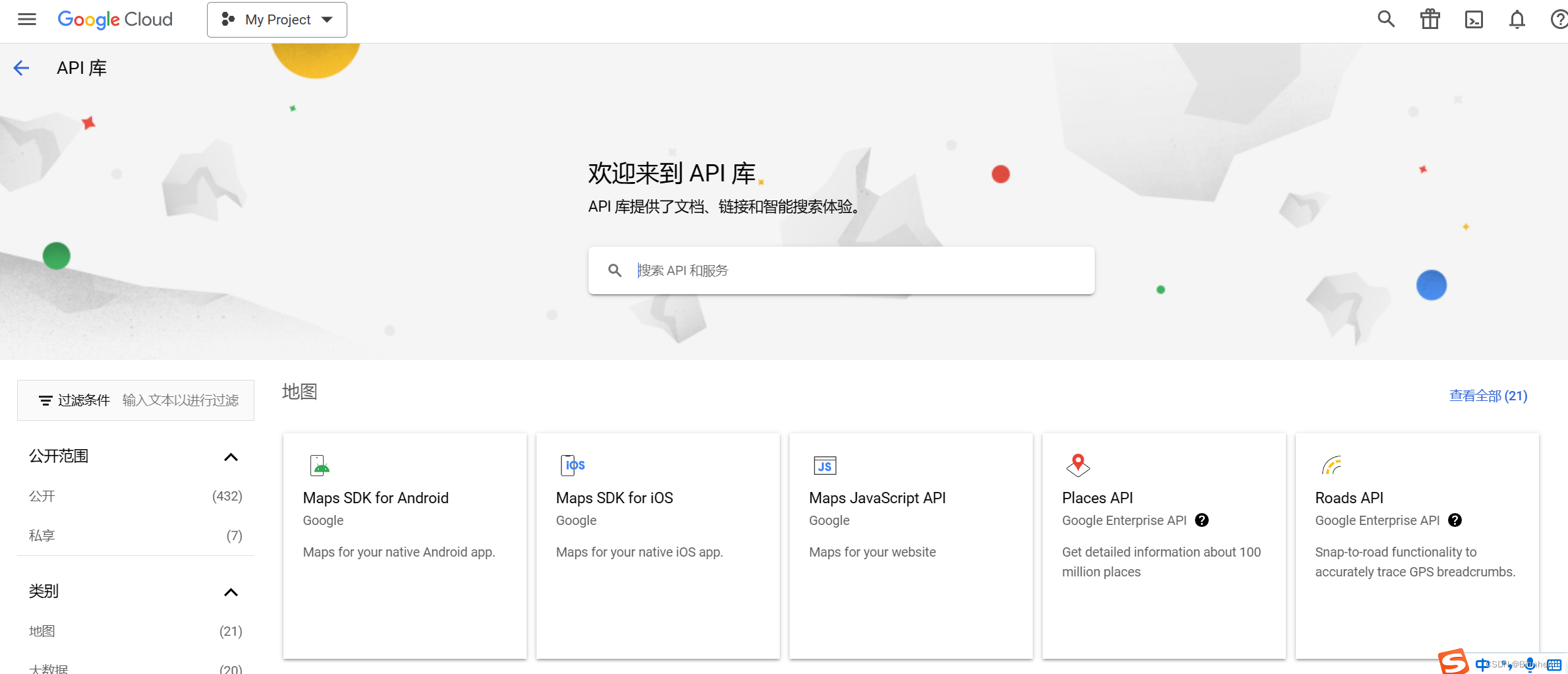
把这三个都启用:
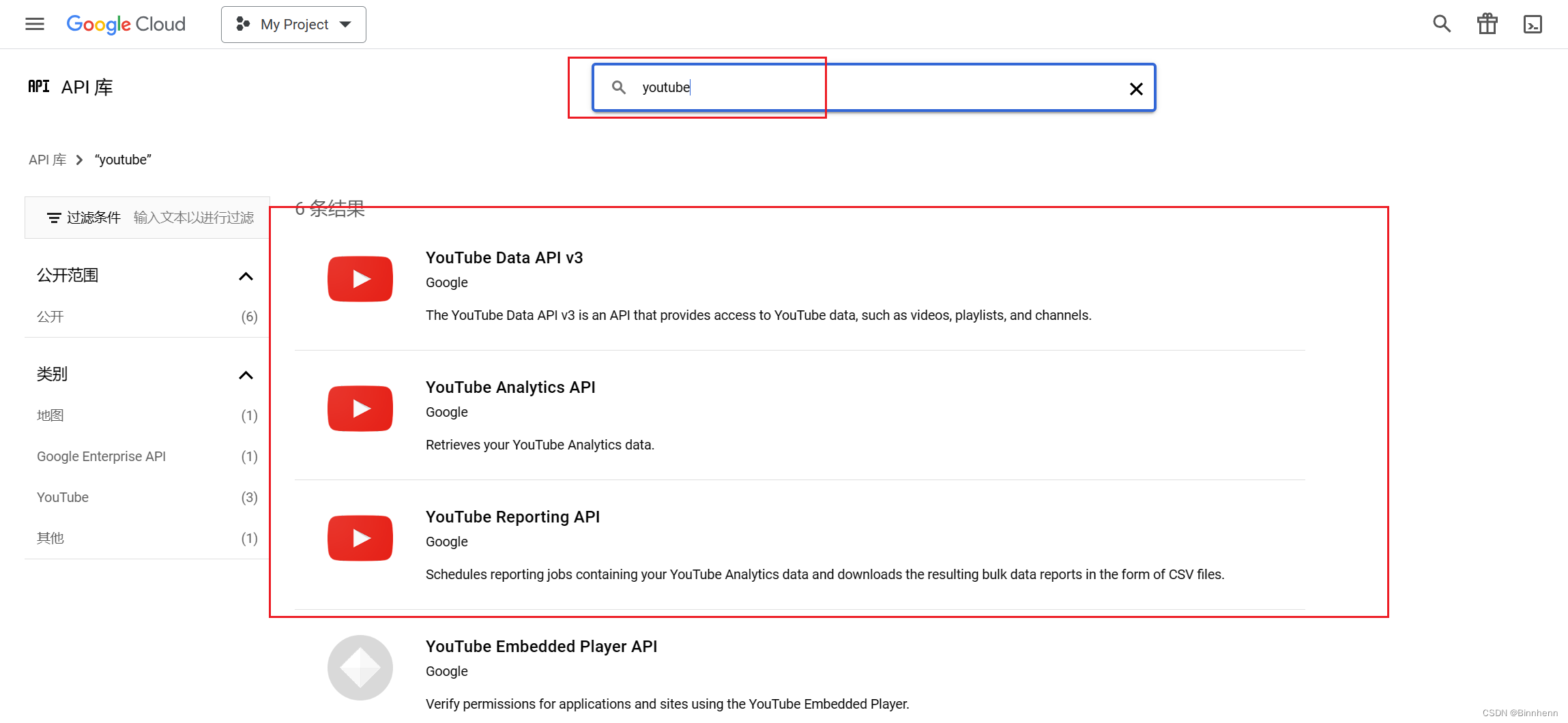
按照顺序创建API秘钥用于发起请求时的权限验证,每个API Key的配额每天是1w,同一个账号的API Key应该是共享配额的(就我使用过程好像是这样)。
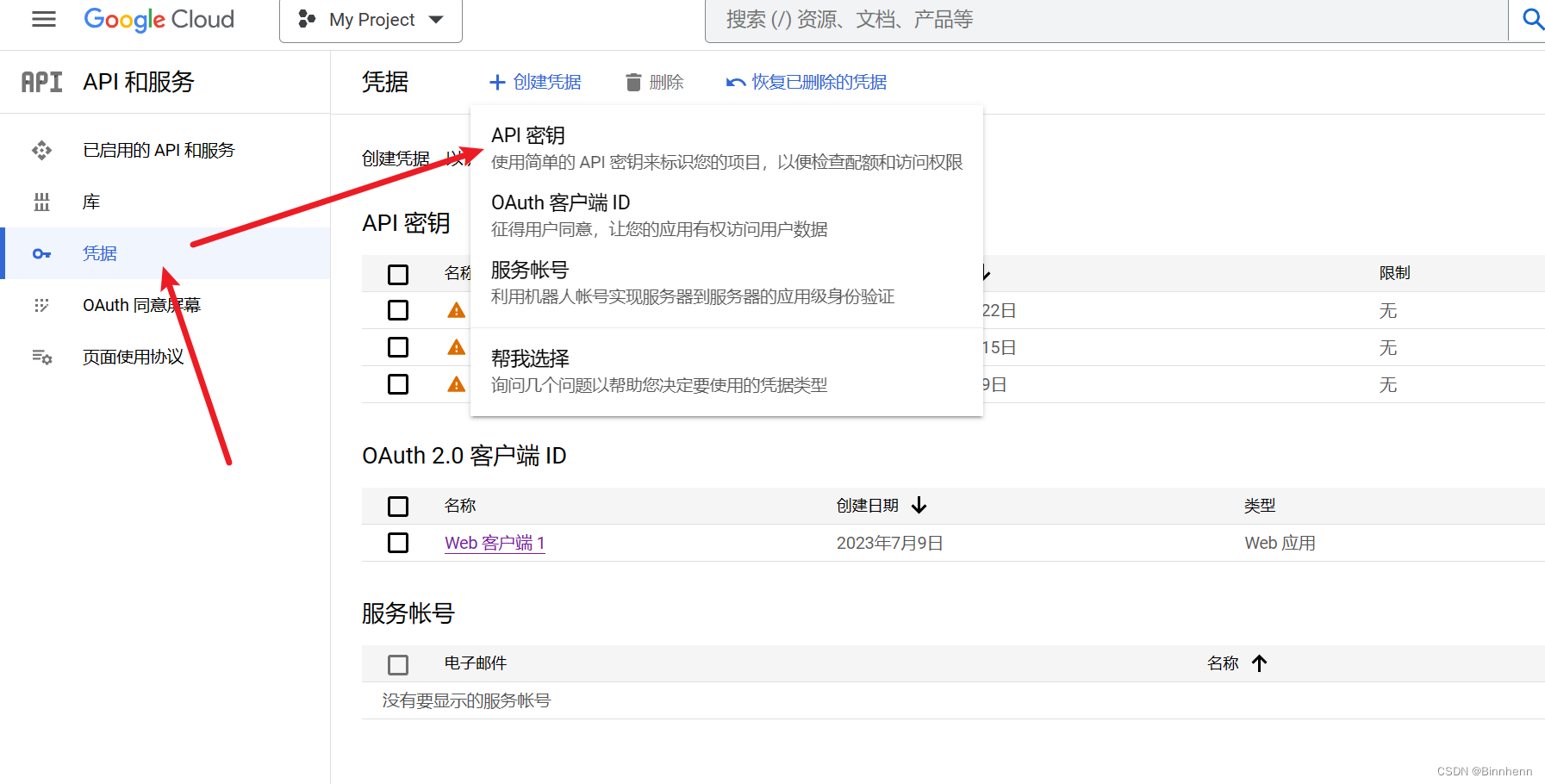
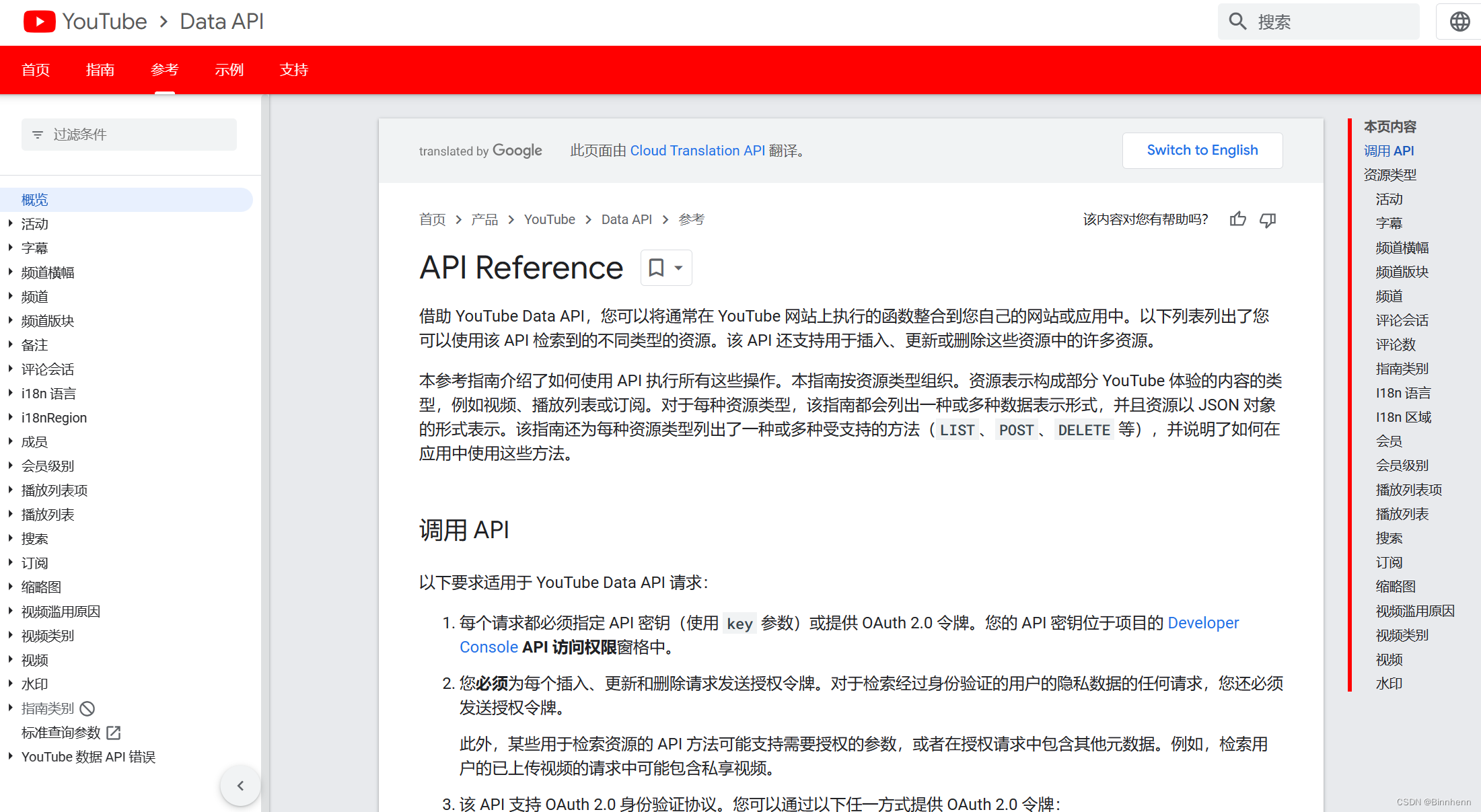
(3) 官方API文档
https://developers.google.com/youtube/v3/
官方API文档里面包含了常用的业务模型,我主要使用了Channel、Videos、Search进行操作。
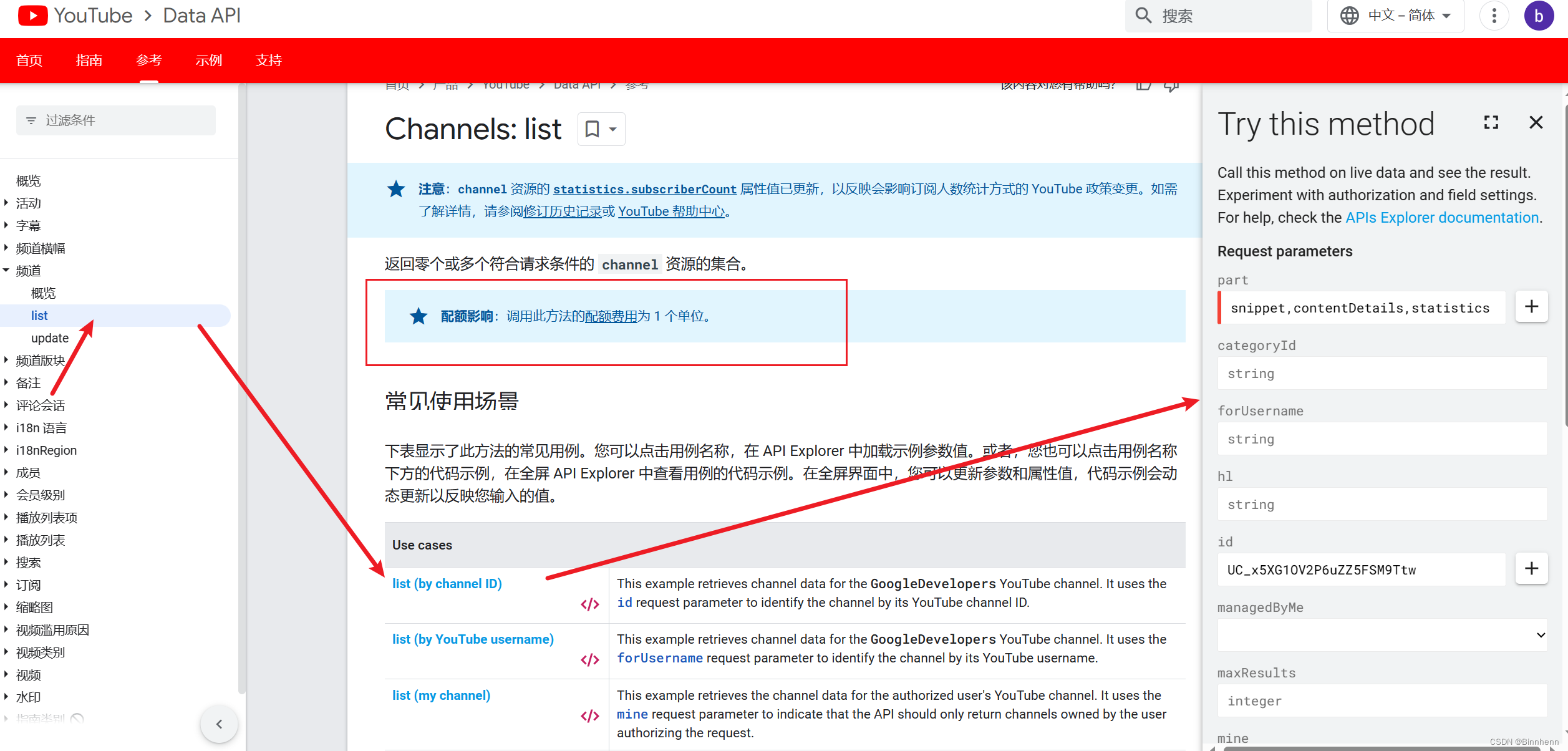
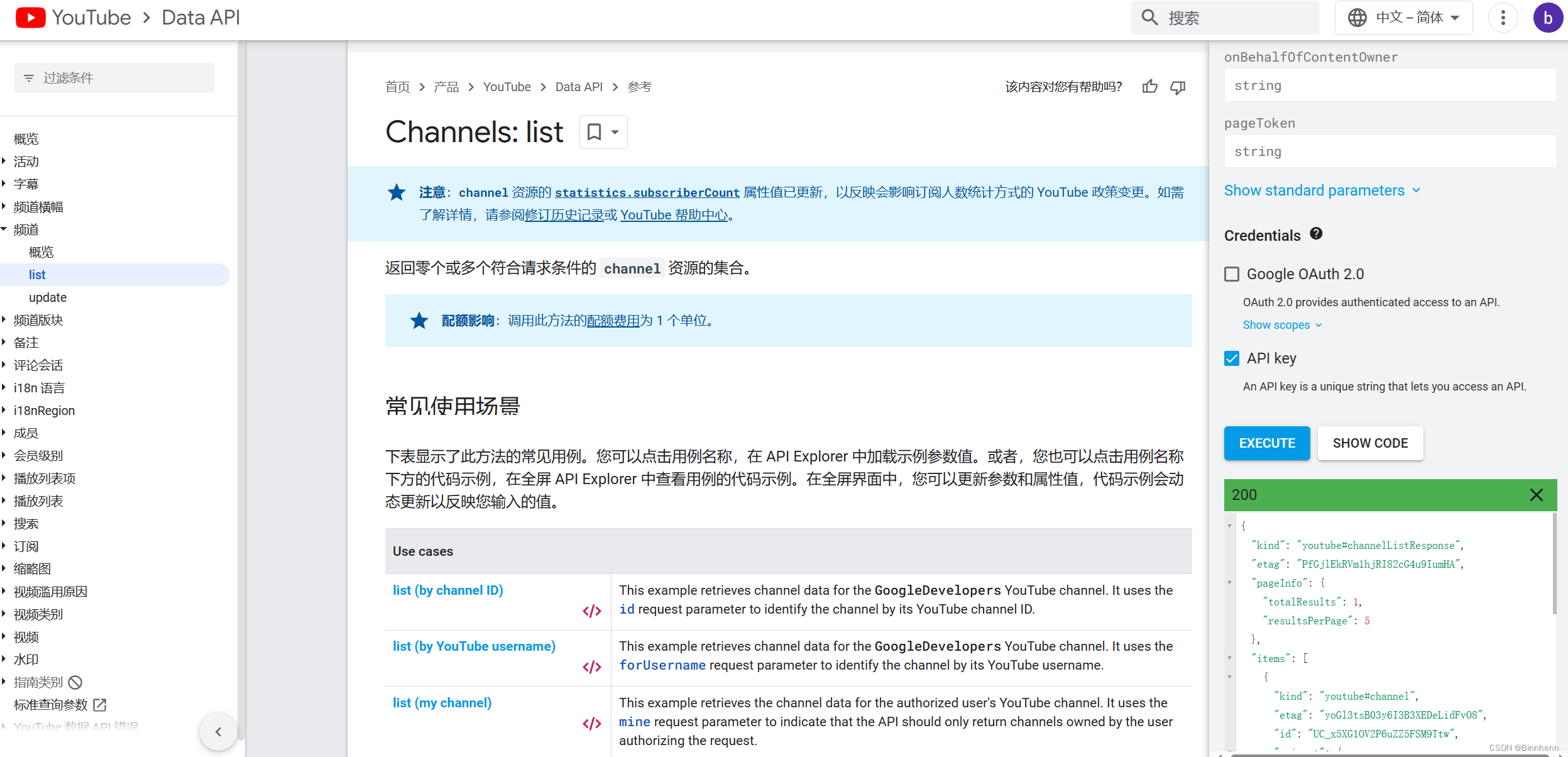
API文档里面给出了各种方法演示实例,不同的方法消耗的配额不同,例如下图是根据频道Id查询频道的信息,执行这个方法后返回的结果如图(记得去掉勾选OAuth 2.0),在这个里面测试应该是不消耗自己的API Key配额的。
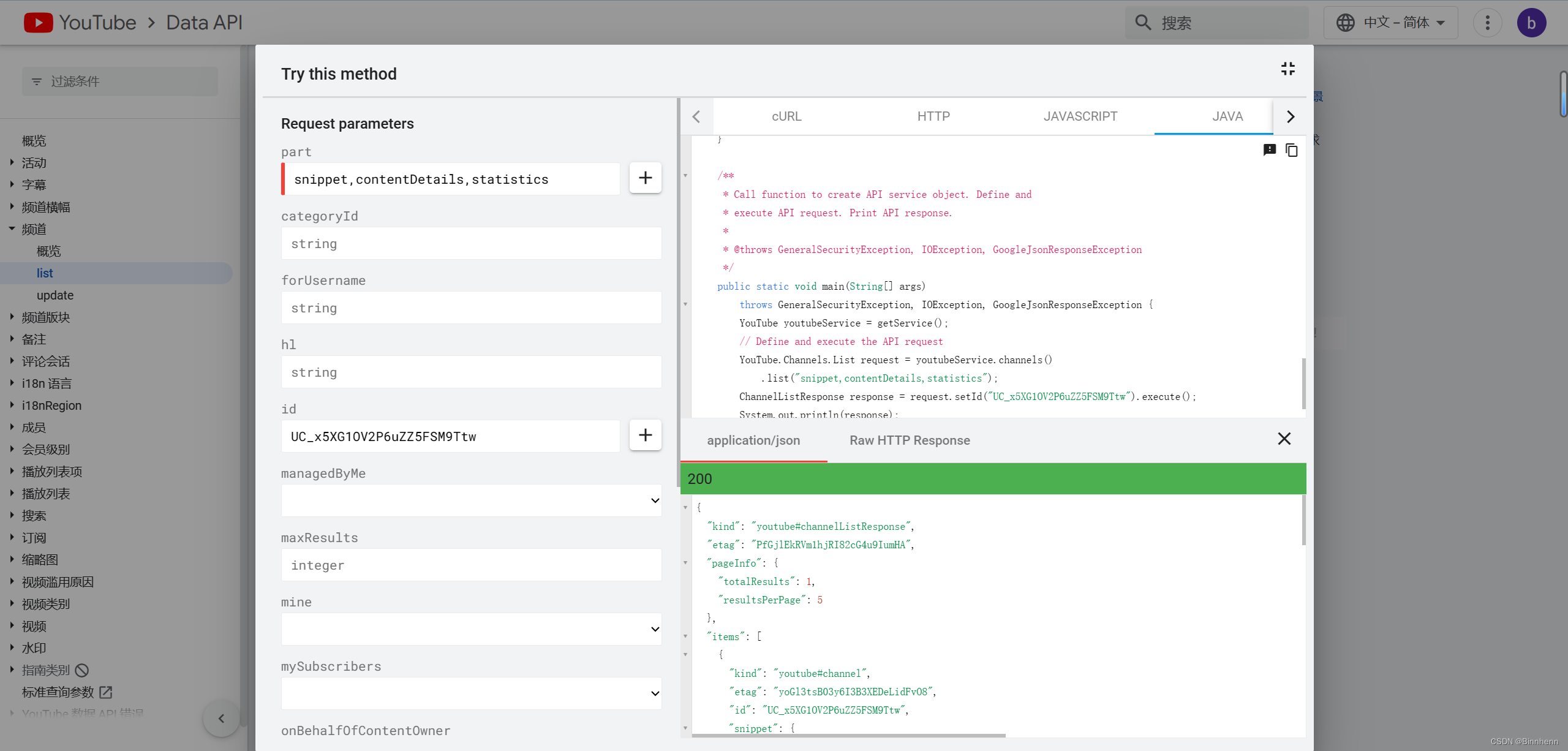
然后SHOW CODE里面还提供了代码:
2、在JAVA项目中使用API
(1) 使用Maven导入Jar包
有些包可能用不到,这里我全导进来了
<dependencies><!-- https://mvnrepository.com/artifact/com.google.api-client/google-api-client --><dependency><groupId>com.google.api-client</groupId><artifactId>google-api-client</artifactId><version>1.32.1</version></dependency><!-- https://mvnrepository.com/artifact/com.google.apis/google-api-services-youtube --><dependency><groupId>com.google.apis</groupId><artifactId>google-api-services-youtube</artifactId><version>v3-rev206-1.25.0</version></dependency><!-- https://mvnrepository.com/artifact/com.google.api-client/google-api-client-jackson2 --><dependency><groupId>com.google.api-client</groupId><artifactId>google-api-client-jackson2</artifactId><version>1.20.0</version></dependency><!-- https://mvnrepository.com/artifact/com.google.api-client/google-api-client-extensions --><dependency><groupId>com.google.api-client</groupId><artifactId>google-api-client-extensions</artifactId><version>1.6.0-beta</version></dependency><!-- https://mvnrepository.com/artifact/com.google.api-client/google-api-client-extensions --><dependency><groupId>com.google.api-client</groupId><artifactId>google-api-client-extensions</artifactId><version>1.6.0-beta</version></dependency><!-- https://mvnrepository.com/artifact/com.google.oauth-client/google-oauth-client-jetty --><dependency><groupId>com.google.oauth-client</groupId><artifactId>google-oauth-client-jetty</artifactId><version>1.34.1</version></dependency><!-- YouTube Data V3 support --><dependency><groupId>com.google.apis</groupId><artifactId>google-api-services-youtube</artifactId><version>v3-rev182-1.22.0</version></dependency><!-- https://mvnrepository.com/artifact/com.google.apis/google-api-services-youtubeAnalytics --><dependency><groupId>com.google.apis</groupId><artifactId>google-api-services-youtubeAnalytics</artifactId><version>v2-rev238-1.25.0</version></dependency><!-- Required for any code that makes calls to the YouTube Reporting API --><dependency><groupId>com.google.apis</groupId><artifactId>google-api-services-youtubereporting</artifactId><version>v1-rev10-1.22.0</version></dependency></dependencies>
然后确保代理开启,其中host表示设置的代理ip,port表示代理使用的端口
static String proxyHost = "127.0.0.1";static String proxyPort = "7890";System.setProperty("http.proxyHost", proxyHost);System.setProperty("http.proxyPort", proxyPort);// 对https也开启代理System.setProperty("https.proxyHost", proxyHost);System.setProperty("https.proxyPort", proxyPort);
(2) 代码示例
下面的例子是根据视频id获取视频的统计数据信息
/*** FINISHED* 视频api,调用此方法的配额费用为 1 个单位* 根据视频id爬取视频的statistics数据*/private static Statistics crawlerVideoStatisticsByVideoId(String videoId) throws IOException {enableProxy();YouTube youtubeVideo = new YouTube.Builder(Auth.HTTP_TRANSPORT, Auth.JSON_FACTORY, request -> {}).setApplicationName("youtube-cmdline-search-sample").build();YouTube.Videos.List request = youtubeVideo.videos().list("statistics");request.setFields("items(statistics)");request.setKey(apiKey);request.setId(videoId);VideoListResponse response;while (true) {try {response = request.execute();break;} catch (GoogleJsonResponseException e) {if (403 == e.getDetails().getCode()) {// 配额用尽,使用下一个
//                    LogUtil.error("youtube api 配额用尽,尝试替换api key");String newAPIKey = getANewAPIKey();if (newAPIKey != null) {request.setKey(newAPIKey);}System.err.println("youtube api 配额用尽,尝试替换api key");} else {throw new RuntimeException("youtube api 其它异常,结束任务");}} catch (IOException e) {e.printStackTrace();}}List<Video> videoList = response.getItems();if (videoList != null) {for (Video video : videoList) {VideoStatistics statistics = video.getStatistics();return new Statistics(statistics.getViewCount(),statistics.getLikeCount(),statistics.getCommentCount());}}return null;}
3、总结
简单介绍了如何使用Youtube API以及在JAVA中调用API,这也是我第一次接触这方面的内容,所以写得比较简单,只是作为一个学习记录,下面这个博客内容写得更加详细全面,给了我很大帮助,在此十分感谢。
https://blog.csdn.net/zzz_zjz/article/details/105006921
本文来自互联网用户投稿,文章观点仅代表作者本人,不代表本站立场,不承担相关法律责任。如若转载,请注明出处。 如若内容造成侵权/违法违规/事实不符,请点击【内容举报】进行投诉反馈!