用vue实现teb切换
teb切换
效果如下:
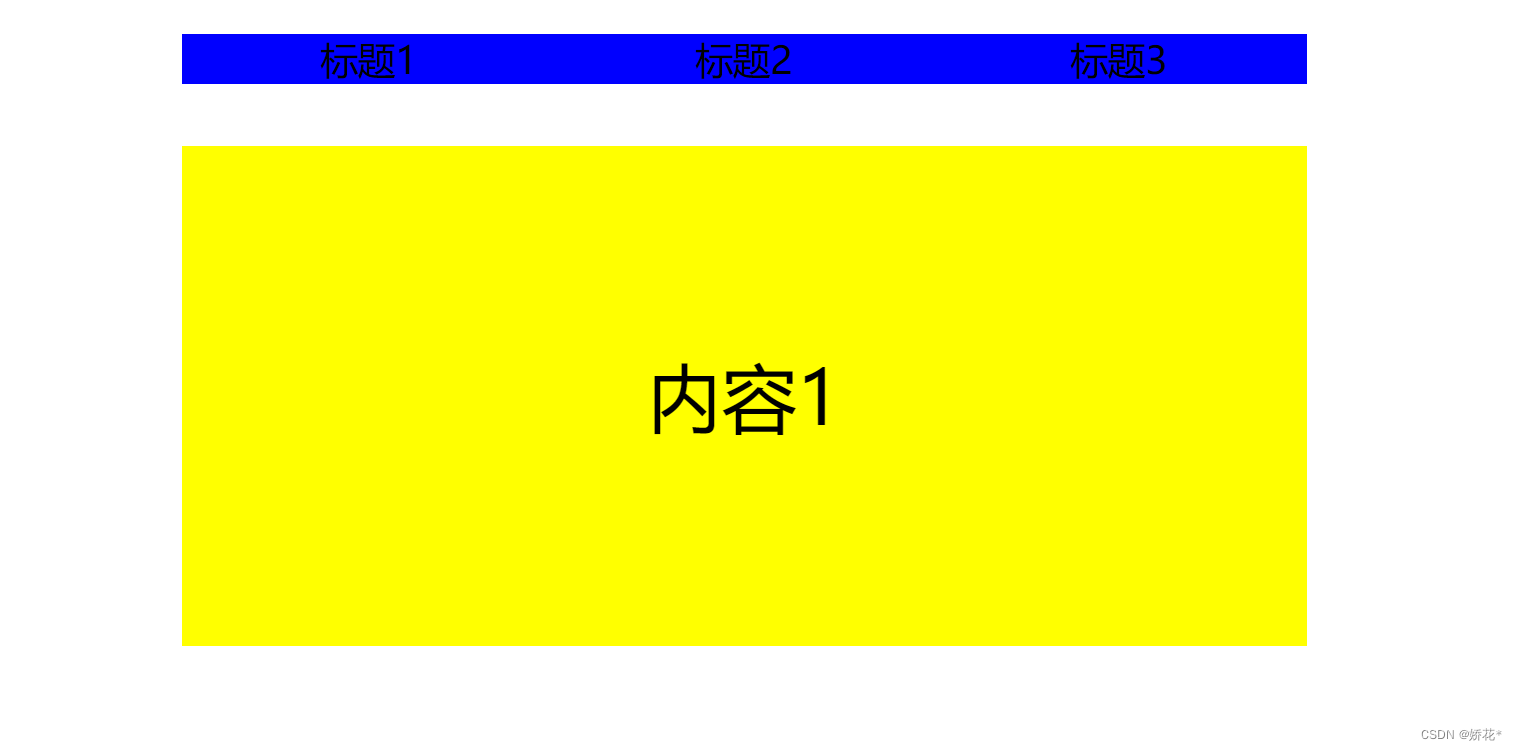
代码如下:
DOCTYPE html>
<html lang="en"><head><meta charset="UTF-8"><meta http-equiv="X-UA-Compatible" content="IE=edge"><meta name="viewport" content="width=device-width, initial-scale=1.0"><title>Documenttitle><script src="./vue-2.4.0.js">script><style>* {margin: 0;padding: 0;}ul {list-style: none;}#title {overflow: hidden;width: 900px;margin: 50px auto;background-color: blue;}#title li {width: 300px;height: 40px;float: left;text-align: center;line-height: 40px;font-size: 30px;}#content {width: 900px;margin: auto;}#content li {width: 900px;height: 400px;font-size: 60px;text-align: center;line-height: 400px;}#content li:first-child {background-color: yellow;}#content li:last-child {background-color: orangered;/* display: none; */}#content li:nth-child(2) {background-color: green;/* display: none; */}.select {background-color: red;}style>
head><body><div id="app"><ul id="title"><li v-for="(item,index) in 3" :key="item.id" @click="change(index)":class="index1==index?'background2':'background'">标题{{index+1}}li>ul><ul id="content"><li v-for="(item,index) in 3" :key="item.id" :class="index1==index?'box':''"v-show="index1==index?'flag':''">内容{{index+1}}li>ul>div>
body>
<script>let vm = new Vue({el: '#app',data: {index1: 0,flag: true},methods: {change(index) {this.index1 = indexconsole.log(index);}}})
script>html>
本文来自互联网用户投稿,文章观点仅代表作者本人,不代表本站立场,不承担相关法律责任。如若转载,请注明出处。 如若内容造成侵权/违法违规/事实不符,请点击【内容举报】进行投诉反馈!