Vue实战(三):实现树形表格
Vue实战(三):实现树形表格
一、实现过程
1、布局
<template><div><el-row><el-col :span="24"><span style="text-align: center">实现树形表格span>el-col>el-row><hr /><el-row><el-col :span="24"><el-table:data="dataList"borderwidth="100%":header-cell-style="{ 'text-align': 'center' }":tree-props="{ children: 'children', hasChildren: 'hasChildren' }":row-key="(record) => record.id"><el-table-columnlabel="菜单ID"prop="id"align="center">el-table-column><el-table-column label="上级菜单ID" align="center"><template slot-scope="scope">{{ scope.row.parent_id == null ? "-" : scope.row.parent_id }}template>el-table-column><el-table-columnlabel="菜单名称"prop="name"align="center">el-table-column>el-table>el-col>el-row>div>
template>
2、转换为结构树数据
//获取结构树getTrees(list, parent_id = 0) {let parentObj = {};list.forEach((o) => {parentObj[o.id] = o;});if (!parent_id) {return list.filter((o) => !parentObj[o.parent_id]).map((o) => ((o.children = this.getTrees(list, o.id)), o));} else {return list.filter((o) => o.parent_id == parent_id).map((o) => ((o.children = this.getTrees(list, o.id)), o));}},
3、初始化
//初始化数据getData() {var data = [{ id: 1, name: "一级菜单1" },{ id: 2, parent_id: 1, name: "二级菜单1-1" },{ id: 3, parent_id: 1, name: "二级菜单1-2" },{ id: 4, name: "二级菜单2" },{ id: 5, parent_id: 4, name: "二级菜单2-1" },{ id: 6, parent_id: 4, name: "二级菜单2-2" },];this.dataList = this.getTrees(data);console.log(this.dataList);},
二、实现效果
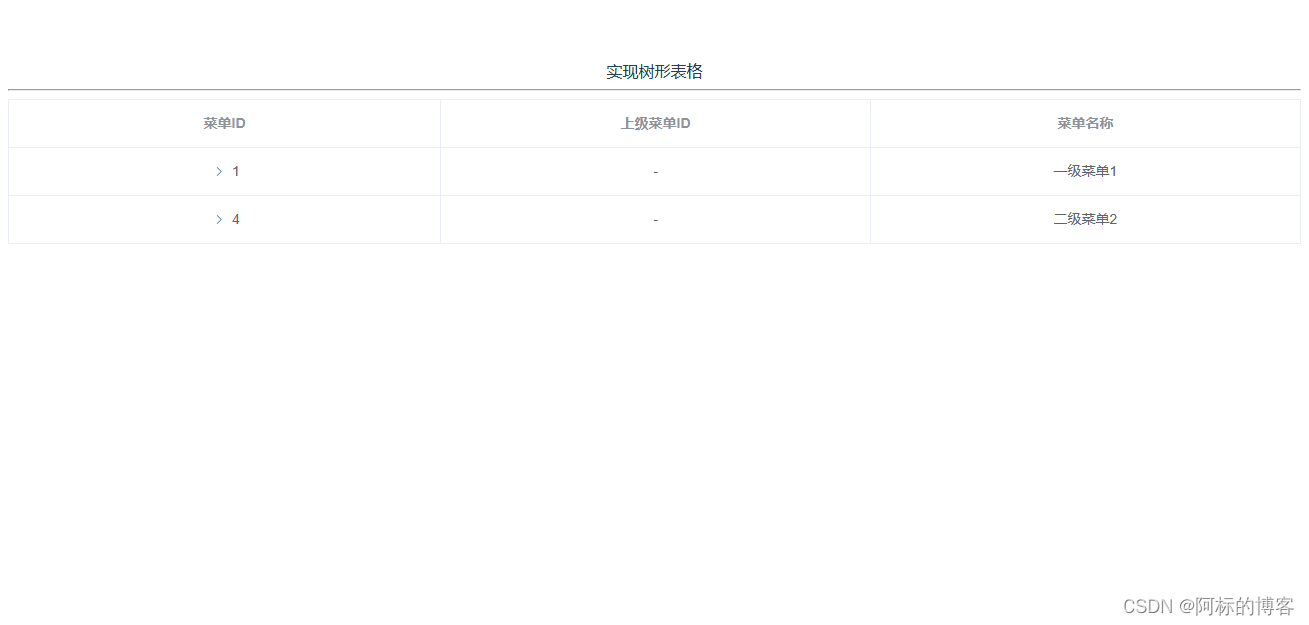
折叠效果:
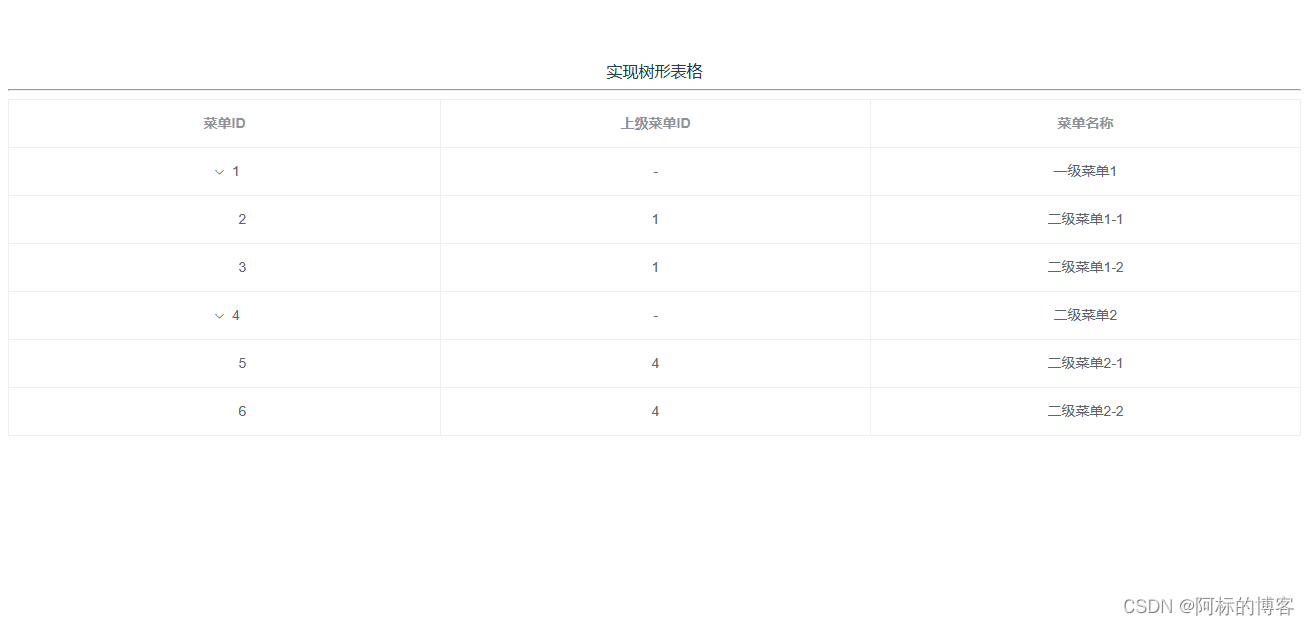
展开效果:
本文来自互联网用户投稿,文章观点仅代表作者本人,不代表本站立场,不承担相关法律责任。如若转载,请注明出处。 如若内容造成侵权/违法违规/事实不符,请点击【内容举报】进行投诉反馈!