Ubuntu系统搭建socks5代理 Danted SOCKS Proxy
本教程介绍如何在Ubuntu系统中搭建Dated Socks5 代理服务器
- 更新系统
apt update
- 安装 danted软件
apt install dante-server
- 修改该danted软件的配置文件
vi /etc/danted.conf
修改后的内容为下:
logoutput: syslog
user.privileged: root
user.unprivileged: nobody# The listening network interface or address.
internal: 0.0.0.0 port=10808# The proxying network interface or address.
external: eth0# socks-rules determine what is proxied through the external interface.
socksmethod: username none #有none关健字则支持匿名用户使用代理,不做认证# client-rules determine who can connect to the internal interface.
clientmethod: noneclient pass {from: 0.0.0.0/0 to: 0.0.0.0/0
}socks pass {from: 0.0.0.0/0 to: 0.0.0.0/0
}
- 打开防火墙,开放刚刚的端口
ufw allow 10808
- 启动该软件
#重启一下服务
systemctl restart danted.service
- 查看软件的状态和目前计算机开放的端口
systemctl status danted.service
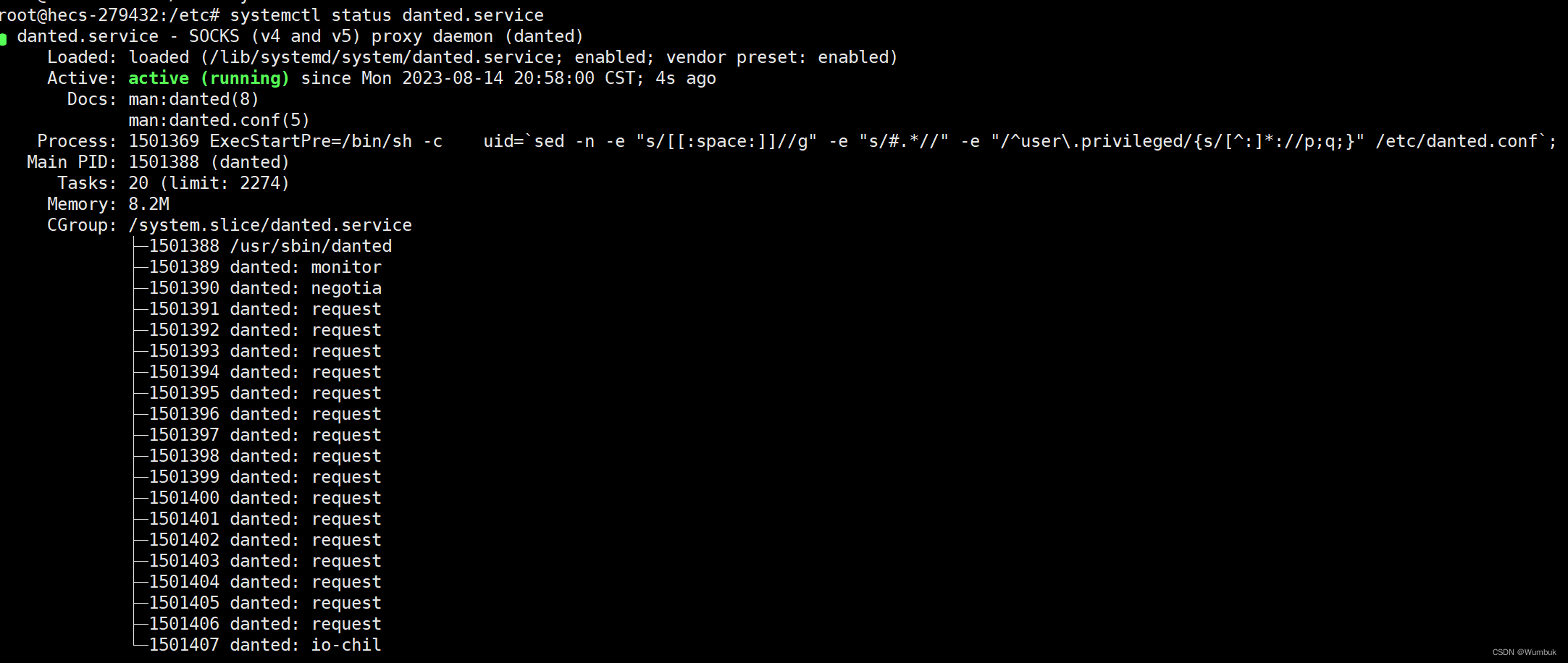
netstat -tunlp

7. 然后为我们的s5创建一个用户,禁用登陆,只为连接用
useradd -r -s /bin/false ivpsr
#修改密码
passwd ivpsr
本文来自互联网用户投稿,文章观点仅代表作者本人,不代表本站立场,不承担相关法律责任。如若转载,请注明出处。 如若内容造成侵权/违法违规/事实不符,请点击【内容举报】进行投诉反馈!