QGraphicsView 实例1飞舞的蝴蝶
通过一个能够上下飞舞的蝴蝶的例子来介绍如何自定义QGraphicsItem,以及如何使用定时器来实现QGraphicsItem动画效果
butterfly.h
#ifndef BUTTERFLY_H
#define BUTTERFLY_H#include
#include
#include
#include
#include
class Butterfly : public QObject,public QGraphicsItem  //多继承
{Q_OBJECT
public:explicit Butterfly(QObject *parent = nullptr);signals:public:void timerEvent(QTimerEvent *);//定时器实现动画的原理就是在定时器的timerEvent中对QGraphicsItem进行重绘QRectF boundingRect() const;//为图元限定区域范围,所有集成自QGraphicsItem的自定义图元都必须实现此函数protected:void paint(QPainter *painter, const QStyleOptionGraphicsItem *option, QWidget *widget ) ;//重绘函数private:bool up;                 //用于标志蝴蝶翅膀的位置,以便于实现动态效果QPixmap pix_up;          //用于表示两幅蝴蝶的照片QPixmap pix_down;qreal angle;};#endif // BUTTERFLY_H
.cpp
#include "butterfly.h"
#include const static double PI=3.14;Butterfly::Butterfly(QObject *parent) : QObject(parent)
{up=true;     //给标志蝴蝶翅膀位置的变量赋初值pix_up.load("C:/QTexercise/build-Butterfly-Desktop_Qt_5_12_9_MSVC2017_32bit-Release/release/image/up.jpg");    //加载图片pix_down.load("C:/QTexercise/build-Butterfly-Desktop_Qt_5_12_9_MSVC2017_32bit-Release/release/image/down.jpg");startTimer(500);        //500ms间隔
}QRectF Butterfly::boundingRect() const
{qreal adjuct=2;return QRectF(-pix_up.width()/2-adjuct,-pix_up.height()/2-adjuct,pix_up.width()+adjuct*2,pix_up.height()+adjuct*2);}void Butterfly::paint(QPainter *painter, const QStyleOptionGraphicsItem *option, QWidget *widget)
{if(up){painter->drawPixmap(boundingRect().topLeft(),pix_up);up=!up;}else{painter->drawPixmap(boundingRect().topLeft(),pix_down);up=!up;}
}void Butterfly::timerEvent(QTimerEvent *)
{//边界控制//限定蝴蝶飞舞的右边界qreal edgex=scene()->sceneRect().right()+boundingRect().width()/2;//限定蝴蝶飞舞的上边界qreal edgextop=scene()->sceneRect().top()+boundingRect().height()/2;//限定蝴蝶飞舞的下边界qreal edgexbottom=scene()->sceneRect().bottom()+boundingRect().height()/2;if(pos().x()>=edgex)   //若超过的右边界,则水平移回左边界面处setPos(scene()->sceneRect().left(),pos().y());if(pos().x()>=edgextop)   //若超过的上边界,则水平移回下边界面处setPos(pos().x(),scene()->sceneRect().bottom());if(pos().x()>=edgexbottom)   //若超过的上边界,则水平移回下边界面处setPos(pos().x(),scene()->sceneRect().top());angle+=(qrand()%10)/20.0;qreal dx=fabs(sin(angle*PI)*10.0);qreal dy=(qrand()%20)-10.0;setPos(mapToParent(dx,dy));
}
main.cpp
#include "mainwindow.h"
#include "butterfly.h"
#include
#include
int main(int argc, char *argv[])
{QApplication a(argc, argv);QGraphicsScene *scene=new QGraphicsScene;scene->setSceneRect(QRectF(-200,-200,400,400));Butterfly *butterfly=new Butterfly;butterfly->setPos(-100,0);  //设置蝴蝶的初始位置scene->addItem(butterfly);QGraphicsView *view=new QGraphicsView;view->setScene(scene);view->resize(400,400);view->show();// MainWindow w;//w.show();return a.exec();
}
结果:
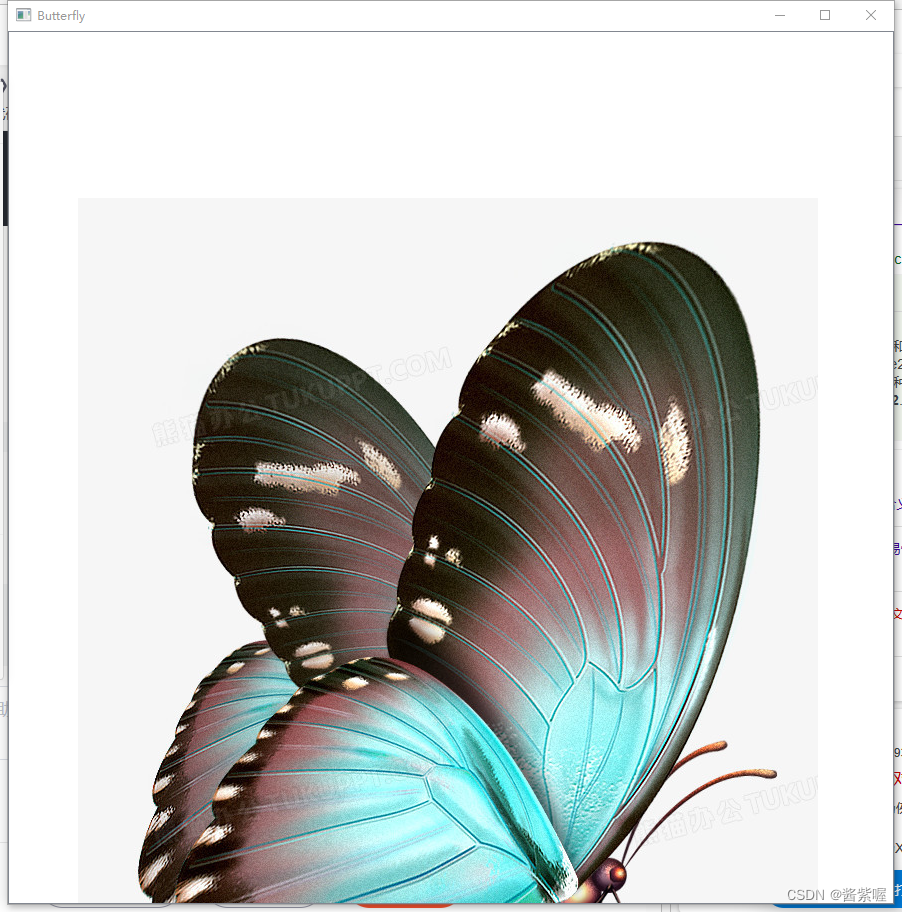
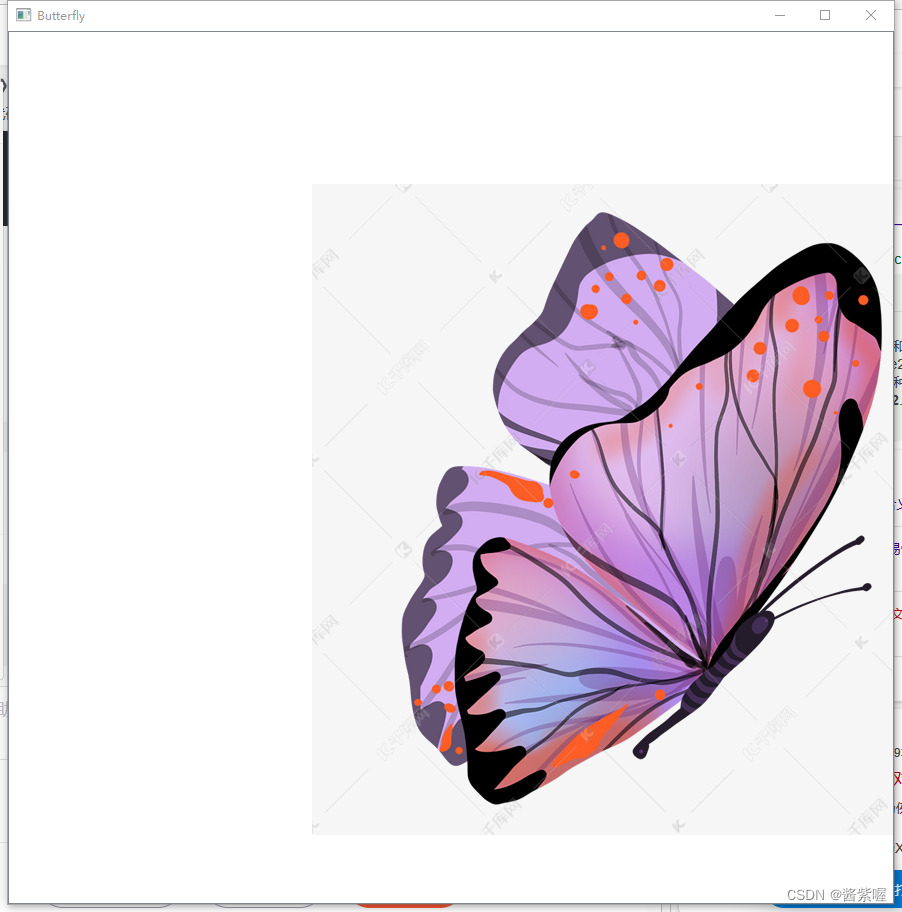
这里我用两只蝴蝶代表了飞舞的变化过程
本文来自互联网用户投稿,文章观点仅代表作者本人,不代表本站立场,不承担相关法律责任。如若转载,请注明出处。 如若内容造成侵权/违法违规/事实不符,请点击【内容举报】进行投诉反馈!